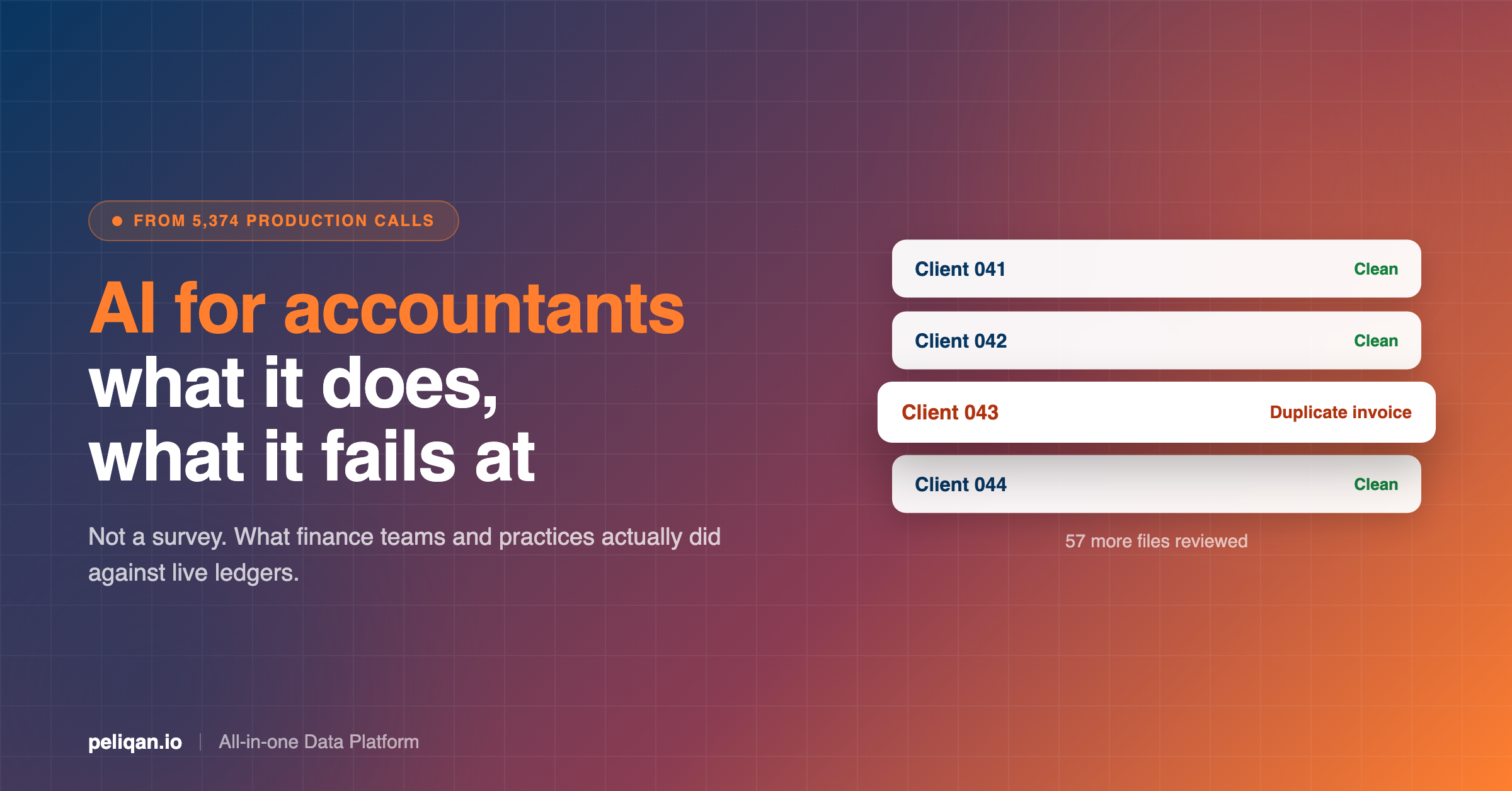





Most writing about AI for accountants is survey data and vendor promises. This one is built from more than 5,000 production tool calls made by real finance teams and accounting firms against real ledgers over two weeks, which means it can say what AI is genuinely used for, and what it still fails at.
Ask an industry body what accountants use AI for and you get a survey. Ask a software vendor and you get a roadmap. Both are useful and neither tells you what happened when a controller actually pointed an AI assistant at a live general ledger on a Tuesday afternoon.
We can answer that, because we log it. Between 3 and 18 August 2026, AI assistants connected to accounting and ERP systems through our platform made more than 5,000 tool calls that carried a stated purpose. Exact Online, Yuki, Twinfield, Silverfin, Octopus, AdminPulse, Billit, Odoo. Real client books, real month-ends, real year-end files.
What follows is what that data shows. Including the parts that did not work, which is the half nobody publishes.
The one-line summary
Accountants are not using AI to do the bookkeeping. They are using it to interrogate books that are already done: finding the discrepancy, assembling the reporting pack, and running the same review across every client file at once.
What accountants are actually using AI for
Five jobs account for the overwhelming majority of the calls. They are ranked here by a blend of how many calls they drew and how many separate organisations did them, because one enthusiastic customer can distort a count badly.
1. Management reporting and month-end packs
The single biggest category, and the most widely shared one. Roughly 40% of all Exact Online calls were people asking for a monthly P&L, budget versus actual, EBITDA, a liquidity forecast or a consolidated dashboard across divisions.
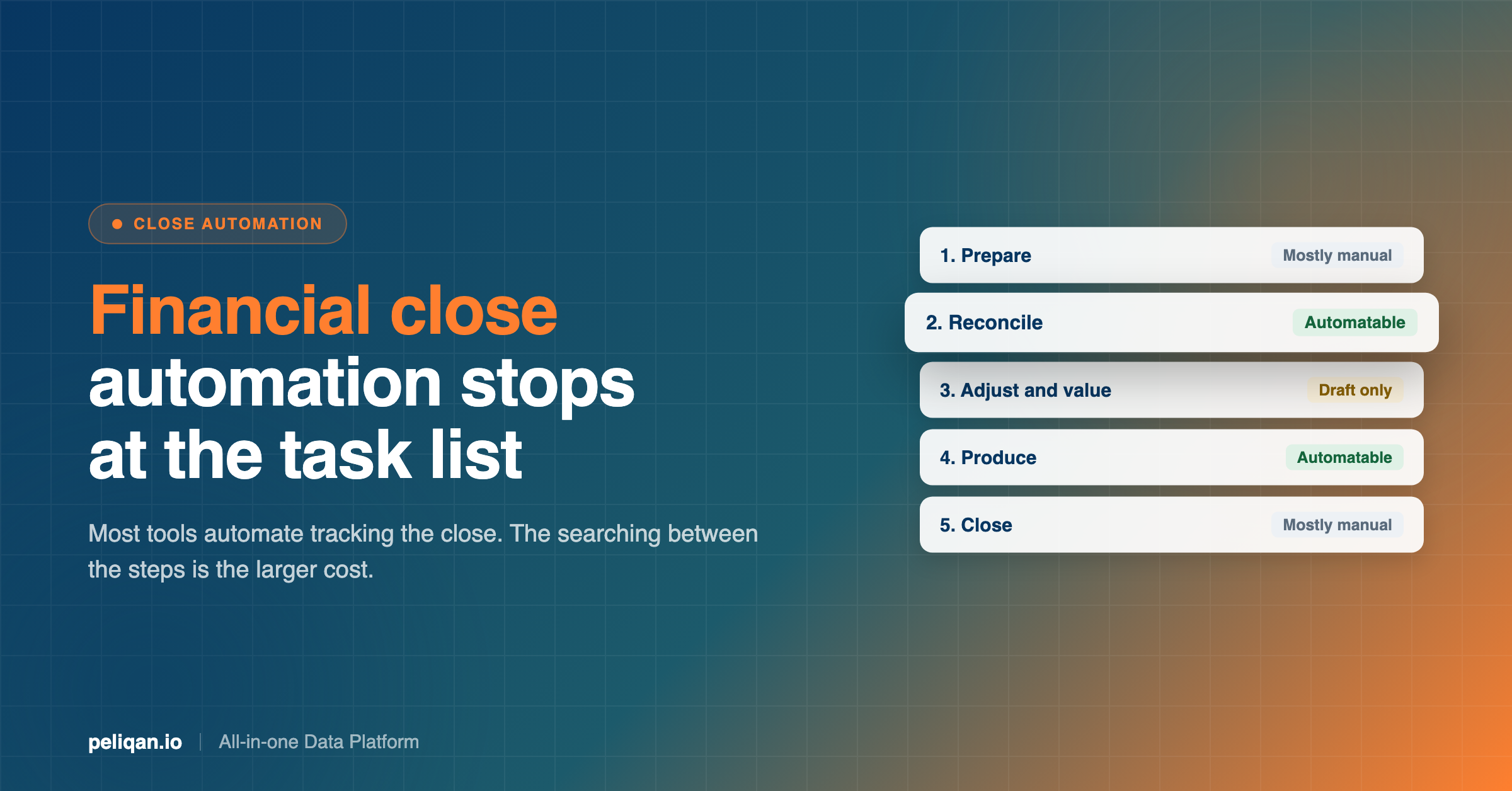
What makes this interesting is not the reporting, which accountants have always done. It is what it replaces. In every case the previous process was an export: someone pulled a CSV out of the accounting system, dropped it into a spreadsheet, and rebuilt the same view they had built the month before. The AI version skips the export entirely and answers from the data directly, which is the pattern behind the month-end close work generally.
The same shape shows up in Yuki, where month-end P&L requests replaced manually uploaded Excel exports, and in Twinfield, where firms built consolidated P&L views across multiple administrations with the general ledger categorised the way they report rather than the way the system stores it.
2. Reconciliation and error hunting
The second biggest category, and the most repeated job across every system in the dataset, not just accounting ones.
The pattern is always the same. Something does not tie. A report total is a few hundred euros off, a purchase invoice looks like it was booked twice, an external billing system disagrees with the ledger. Rather than binary-searching a spreadsheet, the accountant describes the discrepancy and the AI iterates until it isolates the exact entry.
It accounted for about 20% of Exact Online calls, and it was one of the most widely shared patterns in the dataset. It also appears in Yuki as purchase invoices diffed against an external project-margin workbook, and in Billit as webshop orders matched against sales invoices down to the cent. The bank reconciliation version of this is the most common variant.
[IMAGE: ai-for-accountants-capability-map.png – Two-column map of what AI does reliably against accounting data versus what it does not do reliably yet, with the observed error rates for generic API access]
3. Running the same review across every client file
This one is specific to practices rather than in-house finance teams, and it was the heaviest single workload in the entire dataset. It was not confined to one practice either.
The job is the year-end review, run per dossier: draft entries checked, bank reconciliation performed against attached statements, period closure verified, duplicate detection swept across the full purchase journal, closing invoices drafted from the prior year’s history.
The leverage is obvious once you see it. A review that takes twenty minutes per client is a week of work across sixty clients, and almost all of that time is spent on files where nothing is wrong. Running it as a batch and getting back only the exceptions changes the economics of the review rather than just speeding it up.
Firms working in Belgian accountancy software are doing the same thing against Octopus and Silverfin.
The same year-end readiness signals appear in Silverfin data too: unmapped accounts, fiscal year ends, and dossier linkage across systems.
One firm went further and built what amounts to a year-end closing cockpit, joining Silverfin, Exact Online, AdminPulse and a company register into a single view. That is not a feature anyone shipped. It is what happens when the underlying data is reachable from one place.
4. Open invoice follow-up
Roughly 9% of Exact Online calls, spread across organisations rather than concentrated in one. Aged receivables and payables, matching customers to open invoices and instalment plans, and the specific question of whether a supplier invoice was ever received and whether it was ever paid.
This is unglamorous and it is where the money is. The reason it works well is that the question is genuinely hard to answer by clicking: it usually spans an invoice list, a payment record and a customer record, and the answer is a join rather than a lookup.
5. Cost analysis and classification
Smaller in volume, notable in specificity. Personnel cost broken down including vehicles and meal vouchers. Employee versus freelancer splits. Operating expenses as a month-by-category matrix. General ledger classification against the Dutch RGS scheme.
That last detail matters more than it looks. The questions in this dataset were asked in Dutch, French, German, Italian and Spanish, and they used local accounting vocabulary with no clean English equivalent. Accountants are not translating their work into an AI-friendly dialect. They are asking in the terms they already use.
6. The same job, running unattended
The newest pattern in the data, and the one that changes what the work looks like rather than just how fast it goes. Several organisations moved from asking a question to scheduling it.
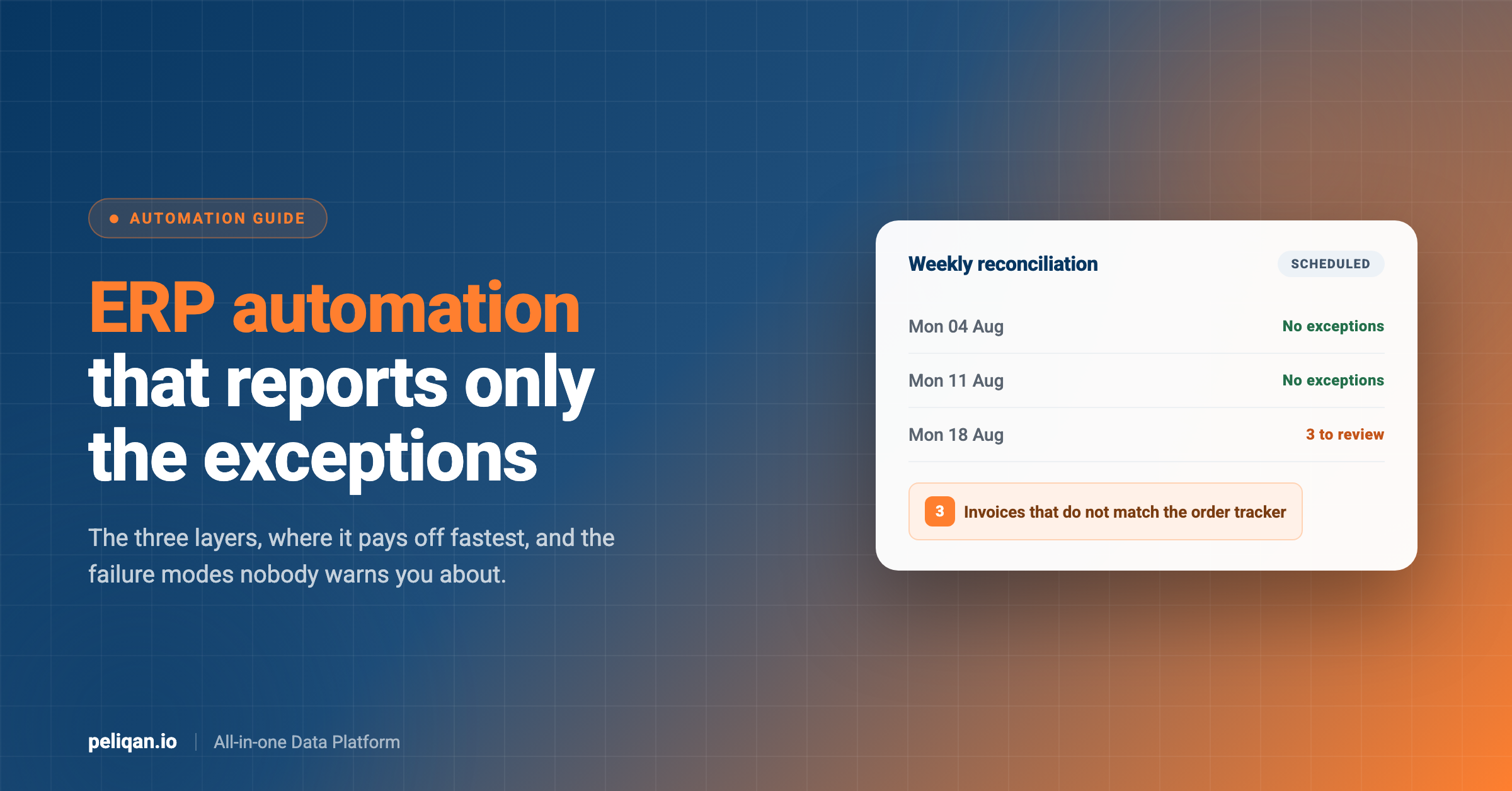
A daily digest of everything booked in Twinfield, categorised, with supplier names resolved and any first-time supplier flagged for attention. A weekly reconciliation between an ERP and a tracker that runs unattended with zero errors. A weekly margin dashboard rebuilt from webshop orders matched against invoices.
The most developed example ran a daily collections routine end to end: find the failed direct debits sitting unreconciled on the bank statement, identify the debtor, open a collection task, draft the escalating reminder, log the registered letter, and assemble the file if it went further. Every outbound message waited for a human to approve it.
Nobody sold these firms a scheduling feature. They built the workflow interactively, confirmed it produced the right answer, and then put it on a timer. That progression, from question to routine to unattended job, is the clearest signal in the dataset of what this becomes once the data underneath is dependable.
What AI does not do well for accountants yet
Every article on this subject stops before this section. It is the more useful half.
Writing back to the ledger is not reliable
Reading accounting data works well. Writing to it does not work uniformly, and the variation is per operation rather than per system, which makes it genuinely hard to predict.
On the systems in this dataset, creating entries in Exact Online repeatedly failed on division routing and date handling. Elsewhere, write support was inconsistent even within a single connector: one object would accept a create reliably while a closely related operation failed almost every time. Where writes did work well, as in Odoo, they worked very well.
The practical implication is not “do not use writes”. It is that writeback support is a claim to verify operation by operation against your own system before you build a process on it. Treat any blanket assurance that an AI tool can write to your accounting system as untested until you have tested it.
Generic API access produces confident nonsense
The clearest technical finding in the dataset. Where a tool gave the model a generic “call this endpoint” capability and let it work out the request shape, error rates ran at 44%, 64%, 89% and in one case 100%. Purpose-built operations against the same systems, where the request shape was known in advance, worked reliably.
For an accountant evaluating a tool, this is the most useful thing to know. Ask whether the AI is given named operations that map to real accounting jobs, or a general-purpose hook into the vendor’s API. The second sounds more powerful and behaves considerably worse.
Freshness has to be checked, not assumed
Seven of ten organisations working from synced data checked how current that data was before trusting an answer. They were right to. An answer drawn from a copy that stopped updating eleven days ago looks exactly like an answer drawn from this morning’s data.
This is a solvable problem, with freshness monitoring and alerting, but it is not solved by default, and the failure is silent rather than loud.
It cannot replace the judgment call
Nothing in the dataset shows AI deciding whether a cost is deductible, whether a provision is adequate or whether a treatment is defensible. What it shows is AI removing the search: finding the entry, assembling the evidence, and presenting it to someone qualified to decide.
That distinction is worth holding onto when a vendor describes an autonomous accounting agent. What is actually working in production is a very fast, very thorough junior who never gets bored of checking sixty files, and who still hands everything to you.
The pattern underneath all of it
One structural fact explains most of what works and most of what does not: for the majority of systems, between 55% and 96% of these calls were SQL against a synced copy of the accounting data, not live calls to the accounting system’s API.
That is the opposite of how most people assume this works, and it is the reason it works at all.
An AI assistant calling your accounting system’s API directly hits that system’s rate limits, inherits its payload quirks, and cannot join anything to anything else. An assistant querying a synced copy in a data warehouse writes SQL against named tables, does not consume your API quota, and can answer a question spanning your ledger, your CRM and your invoicing system in one go.
Almost every use case above depends on that. Cross-client year-end reviews need many administrations queryable at once. Reconciliation needs two systems side by side. Consolidated reporting needs divisions joined. None of that is possible one API call at a time, which is also why API rate limits stop being the constraint they usually are.
What to ask a vendor before you buy
- Where do reads come from? A synced copy or live API calls. This determines almost everything else.
- Which specific writes work? Not whether writes are supported. Which operations, verified in your own file.
- Named operations or a generic API hook? The generic version fails far more often.
- How do I see data freshness? If nothing surfaces it, every answer carries hidden risk.
- Can one person be scoped to one client? Critical for a practice, and frequently absent.
- Is every query logged? You will need this the first time a number is disputed.
What separates firms where this works from firms where it stalls
The dataset contains both, and the difference is not the AI tool.
The data is reachable from one place
Firms getting value had their systems syncing into somewhere queryable. Firms that stalled were trying to reach each client’s system individually and hitting limits, timeouts and inconsistent shapes. Getting the systems connected is the unglamorous prerequisite.
Somebody modelled the joins once
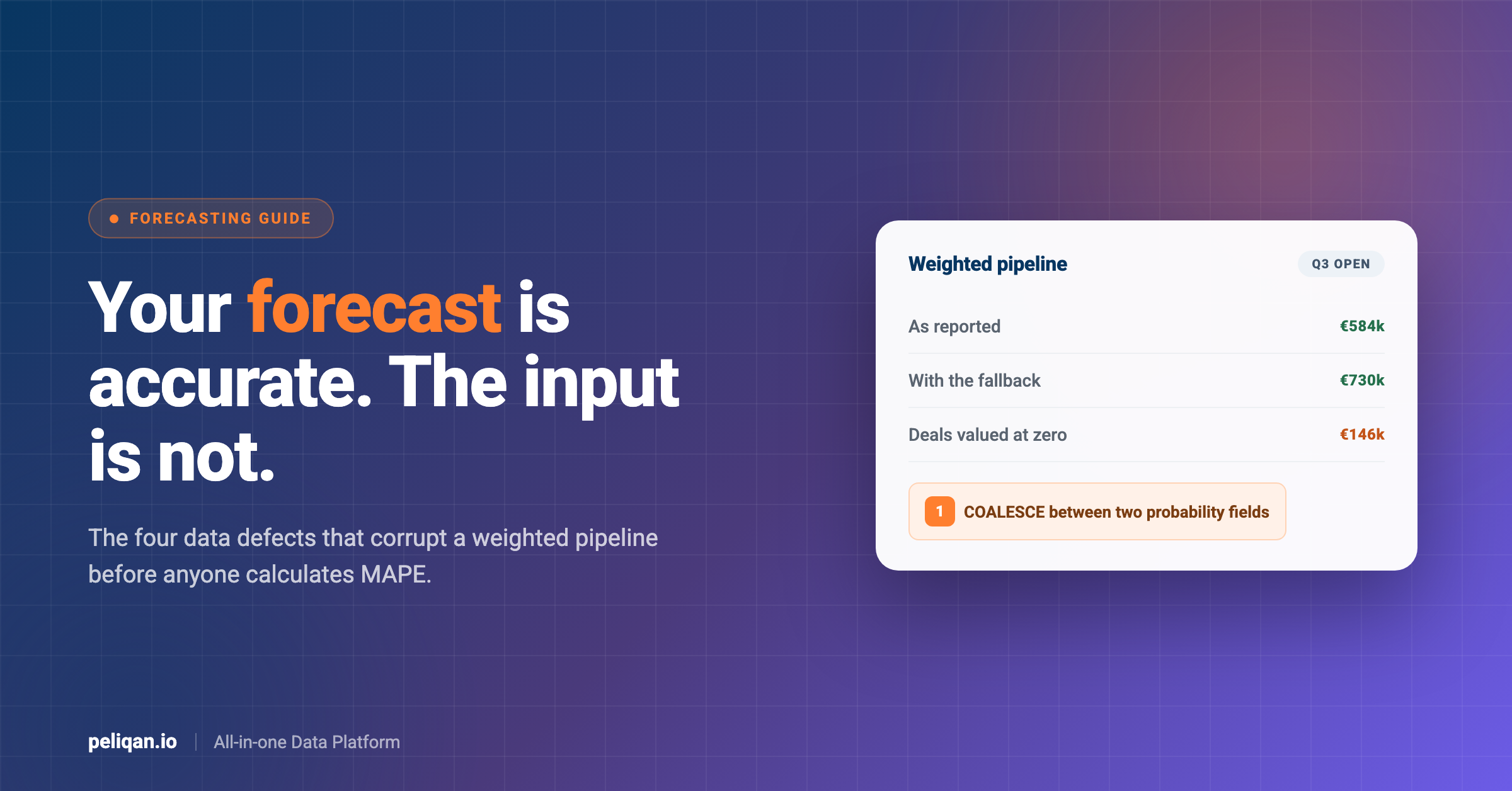
The strongest workflows ran against views somebody had already built, joining the tables that matter and applying the classification the firm actually reports on. Asking a model to rediscover how your ledger keys to your invoicing system on every question produces confident inconsistency. Building it once with SQL transformations removes that.
Access is scoped per client from the start
For a practice this is not optional. A staff member asking about a client’s payables should see that client, not the book of business. Scoping access is far easier to set up before people start using the system than to retrofit afterwards.
A human approves anything that writes
Dozens of the intents in this dataset name an approver explicitly before a write happens. This was not imposed by the software. Firms arrived at it themselves, quickly, and it is the pattern that makes the whole thing defensible when someone asks who authorised a change.
They started with one job
Every successful pattern started narrow: one recurring report, one reconciliation, one review checklist. The failures were broad connections made in the hope that value would emerge.
Real-world example: multi-client reporting
Practices managing reporting across many separate client environments face the same problem in a harder form, and solve it the same way: unify first, then let people ask questions of the result. That approach is covered in more depth in the guide to multi-client reporting.
How to start
Based on what the firms in this dataset actually did, rather than a maturity model.
Pick the report you rebuild every month. Not the most impressive use case, the most repetitive one. If someone exports the same CSV on the third working day, that is the one.
Sync that system, not all of them. One connection, one set of tables. Breadth can wait until the first thing works.
Model the view once. Build the joined, classified view that matches how you report. This is the step people skip and the step that determines whether answers are consistent.
Ask the question you already know the answer to. Run it against last month, where you have the verified numbers. This is how you find out whether the setup is trustworthy before you rely on it.
Then widen, one job at a time. Reconciliation next, then the review checklist. Every firm in this dataset that got somewhere did it in this order.
Where Peliqan fits
Peliqan syncs data from 300+ connectors, including Exact Online, Yuki, Twinfield, Silverfin, Octopus, AdminPulse and Odoo, into a built-in data warehouse. That synced copy is what everything above depends on.
On top of it, the MCP server lets people ask questions in plain language from Claude or ChatGPT. For accounting sources those questions run as SQL against the data warehouse copy, so they do not consume your accounting system’s API quota, and a question can span several client administrations or several systems at once.
Permissions are managed through Groups at the schema level, AI queries and writeback actions are logged, and the platform is SOC 2 Type II certified, ISO 27001:2022 certified, GDPR compliant and EU-hosted. Historical change tracking uses SCD Type 2, so prior-period comparisons are answerable rather than lost.
Practical starting points already written up: connecting Exact Online to Claude, the same for Yuki, and, if you are weighing how an assistant should reach your data at all, the comparison of CLI and MCP.
The takeaway
Accountants are not handing their judgment to AI, and the production data does not show them trying. They are handing over the search: finding the entry that does not tie, assembling the pack, running the same review sixty times.
The firms getting value share one thing, and it is not their choice of AI tool. Their data is in one place, modelled once, scoped properly and monitored for freshness. The AI is the easy part, and it is the part everyone focuses on.
If you want to test this on your own books, book a demo and bring a reconciliation you already solved by hand. Comparing the two is a faster evaluation than any trial.