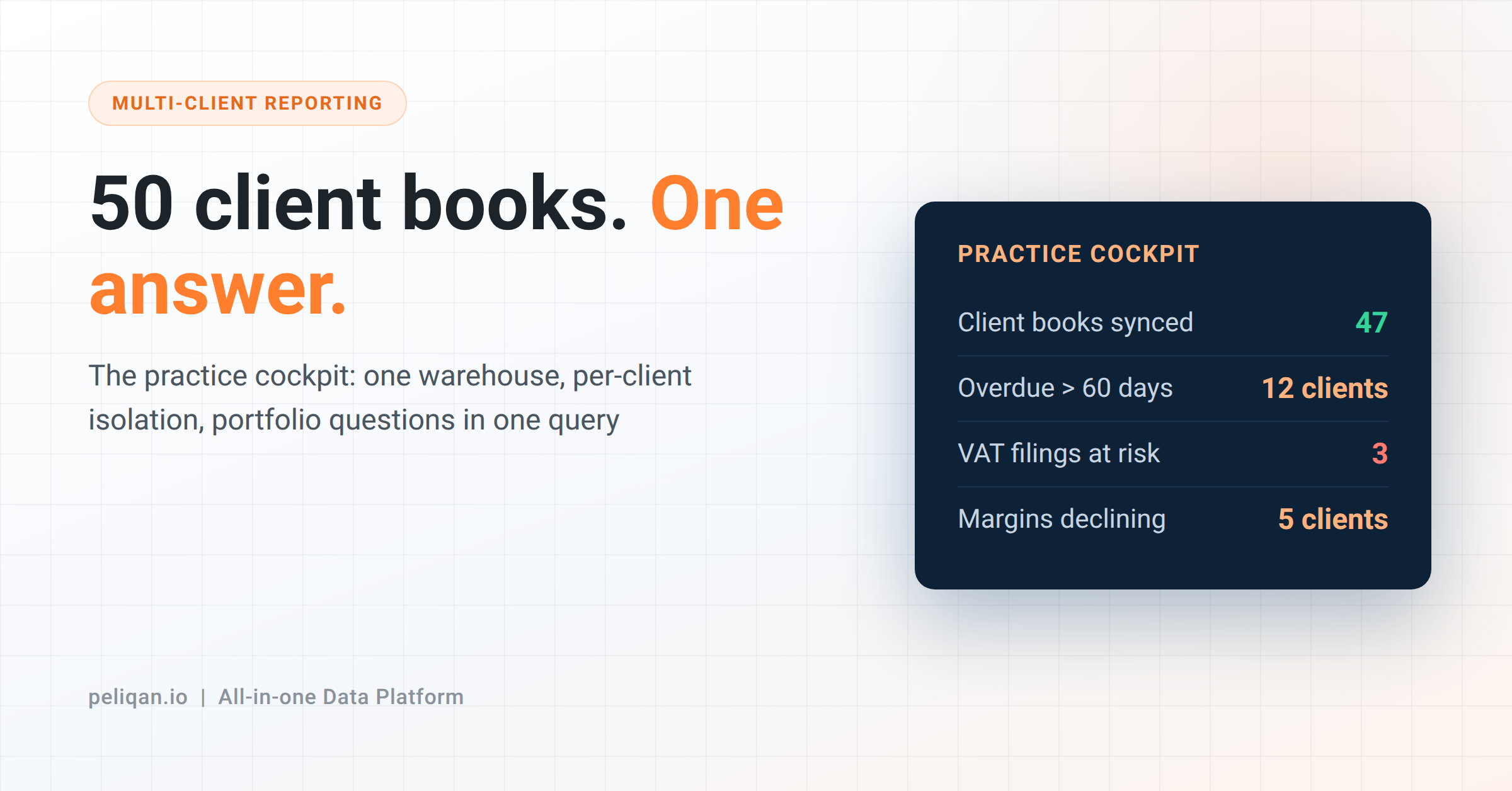





Multi-client reporting is how accounting and ERP practices answer one question across every client book at once – overdue receivables, VAT filings at risk, declining margins – without logging into fifty systems. This post covers the pattern: one warehouse, per-client isolation, cross-client queries, and AI on top.
Every practice knows this Monday morning. A partner asks a simple question – “which of our clients have receivables running past 60 days?” – and the honest answer is: give us two days.
Not because the data is missing. It sits in fifty client books, each behind its own login, and the accounting tools those books live in are single-tenant by design. They answer questions about one client brilliantly and about the portfolio not at all.
So the portfolio view gets rebuilt by hand: exports, a master spreadsheet, a junior’s afternoon. By the time it’s assembled, it’s stale. The questions that would actually run the practice – which clients are drifting, where the filing risks are, who needs a call this week – go unasked because asking costs too much.
There is a well-worn pattern for multi-client reporting that fixes this, and it is less exotic than it sounds.
The pattern: one warehouse, fifty isolated books
The setup has three parts, and the order matters.
First, every client book syncs into one warehouse – each client landing in its own schema, on its own schedule. The books stay untouched; the warehouse holds a queryable copy.
Second, isolation is enforced at the data layer. Permissions decide who sees which client’s schema, so the junior working three accounts sees three accounts, while a partner query can span all fifty. Isolation and aggregation stop being opposites.
Third, cross-client questions become one SQL query instead of fifty logins. “Receivables past 60 days, by client, sorted by amount” runs across the whole portfolio in seconds, on data as fresh as the sync schedule you chose.
What one query replaces
Concrete portfolio questions this unlocks – each one currently a manual project in most practices:
- Collections: every client’s overdue receivables, ranked, with the debtor names – the Monday list, generated instead of assembled.
- Filing risk: vouchers missing VAT codes across all books before submission deadlines, not after.
- Client health: which clients show declining margins or shrinking cash positions this quarter – the early-warning view partners want and never get.
- Practice operations: unbilled hours against fixed-fee clients, or which books are behind on bank reconciliation.
None of these are clever. That’s the point – they are ordinary questions that fifty logins made expensive.
The AI layer on top
Once multi-client reporting runs from one governed warehouse, AI stops being a demo and becomes a practice tool: the same questions, asked in plain language over MCP, answered from the live warehouse.
Peliqan’s PowerOffice MCP page shows the Nordic version of this: an accounting firm asking Claude to surface clients with payroll-tax exposure or overdue receivables, one query covering every client in the portfolio.
The Odoo MCP does the same for partners running many client databases – one workspace, several Odoo databases, cross-database questions.
Two honesty notes here. Isolation must carry through to the AI layer – the agent an employee uses should see exactly the client schemas that employee may see, which is why permissions belong in the data layer, not in the prompt. And answer quality depends on the same foundations as ever – if “margin” means something different per client, define it once first; the agent-ready data checklist applies to practices too.
The part that stays work
The warehouse doesn’t harmonize your clients’ charts of accounts. Fifty books built by fifty bookkeepers over fifteen years will disagree about account structures, and cross-client comparisons need a mapping layer – a transformation you build once per ledger type, then reuse. Plan a few days for it per source system, not zero.
And client data consolidation is something to be transparent with clients about – most practices cover it in their engagement terms, and the per-client isolation above is what makes that conversation easy.
From cockpit to client product
Once the portfolio warehouse exists, some practices turn it outward: client-facing dashboards and portals on top of the same data, offered under the practice’s own brand. That is the white-label route – the cockpit becomes something clients pay for, not just an internal efficiency.
CIC Hospitality is the scale reference for the underlying pattern: board reporting automated across 50+ data sources, saving 40+ hours a month – a multi-entity group rather than a practice, but the same consolidation mechanics. More on the case studies page.
How to start without boiling the ocean
The failed version of a multi-client reporting project starts with all fifty clients and a six-month plan. The working version starts small:
- Pick five clients on your most common ledger – Exact Online, Odoo, Yuki, PowerOffice, whichever dominates your book.
- Pick three portfolio questions you’d act on weekly. Collections is usually the first.
- Sync, build the three queries, use them for a month. Then add clients – the marginal cost of client six through fifty is close to zero, because the queries already exist.
Where Peliqan fits
This pattern is what Peliqan’s finance consultants setup is built around: client books syncing into a built-in warehouse, per-client isolation through role-based permissions, cross-client SQL, MCP for the AI layer, and white-label options when the cockpit becomes a client product.
The client books come in through 300+ connectors, so the pattern covers whichever ledgers your portfolio runs on.
Odoo partners and ERP consultants get the same fan-out for implementation portfolios – one workspace, many client environments, per-tenant isolation with cross-tenant questions.
What it doesn’t remove: the chart-of-accounts mapping is still your expertise, applied once. That is fair division of labor – the platform does the plumbing, the practice does the accounting.
If you run a practice and want to see multi-client reporting on your own books, book a demo with two real client files: connect both, run the receivables query across them, and time it against your current Monday. That comparison is the business case.