Peliqan

Peliqan academy

Master the modern data stack and Peliqan platform through our video academy. Learn how to become data-driven with our bite-sized videos.

From foundational data concepts to hands-on platform tutorials, learn how to build ETL pipelines, create low-code data apps, and unlock the full potential of your data infrastructure.

Introduction to Peliqan

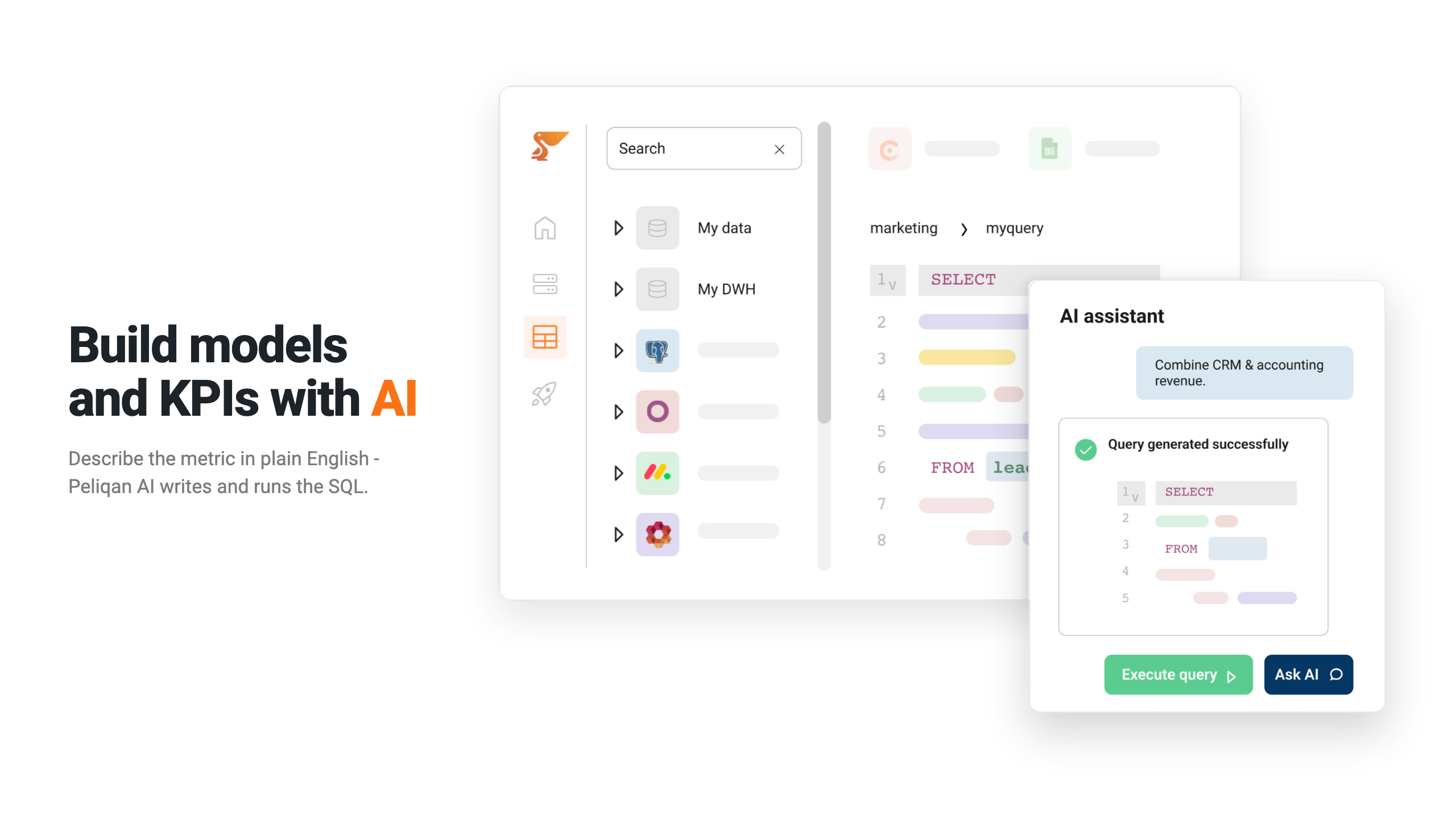
Learn the basics of Peliqan, an all-in-one data platform with three main components for connecting data, exploring it with SQL, and building custom data apps using low-code Python.

Introduction to data apps

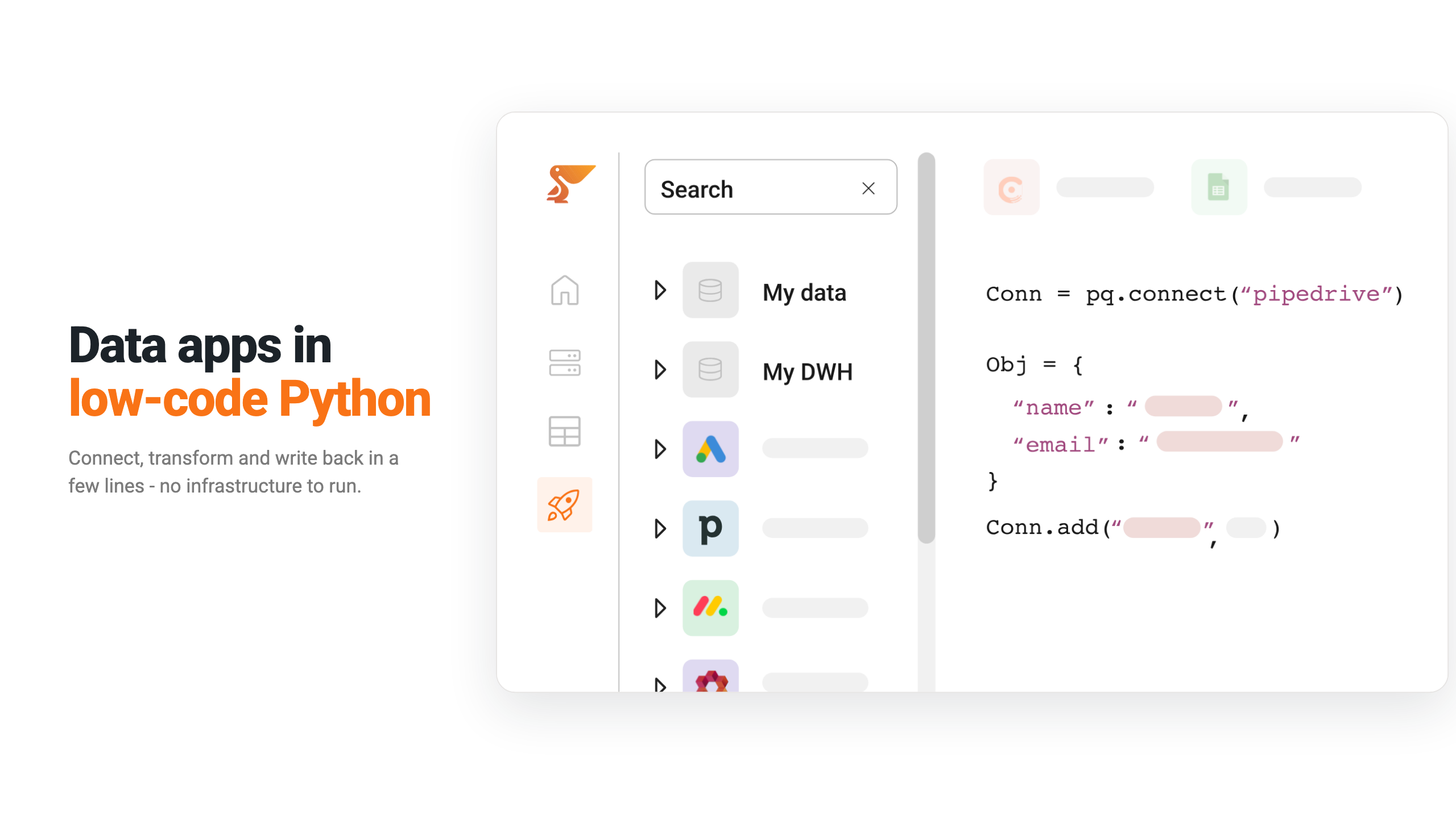
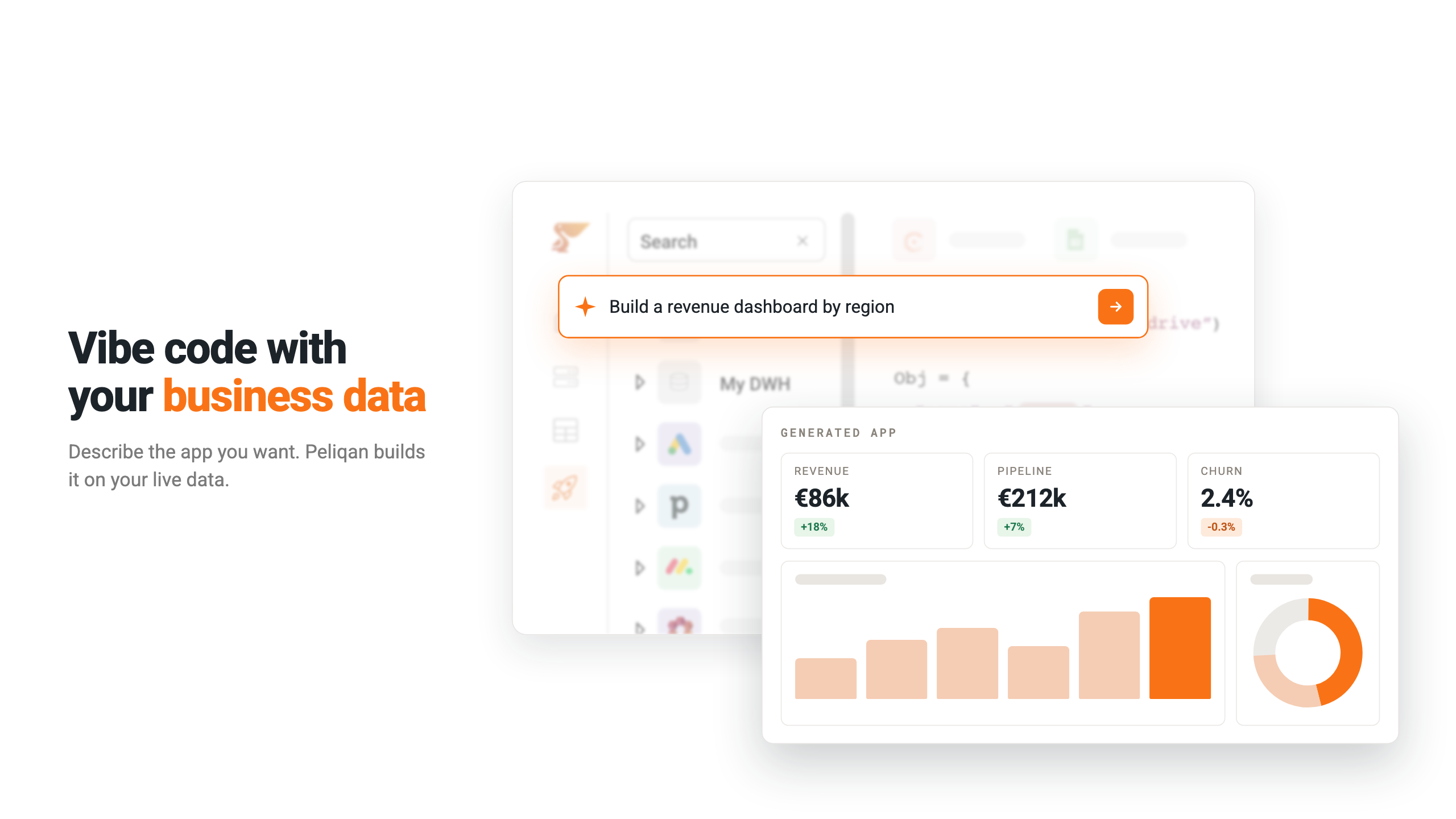
Learn about low-code Python Data Apps, covering their use cases for automation, custom data pipelines, and API endpoints, as well as features like Streamlit UI, scheduling, versioning, and built-in dwh functions.

Introduction to ELT pipelines

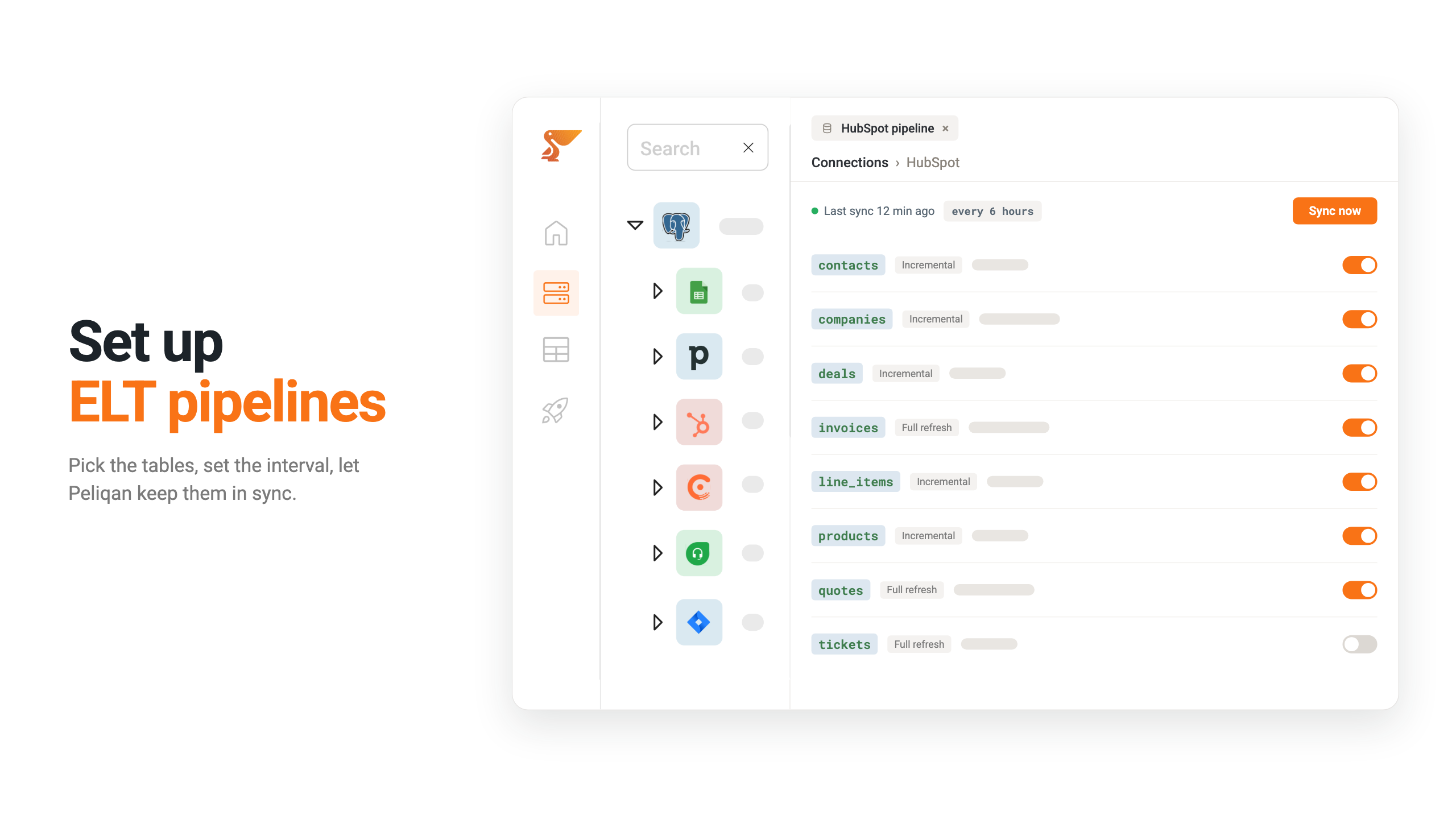
Explore how Peliqan’s ELT pipelines automatically sync data from over 250 sources into your data warehouse with features like incremental fetching, customizable schedules, and rate-limit handling.

Introduction to data lineage

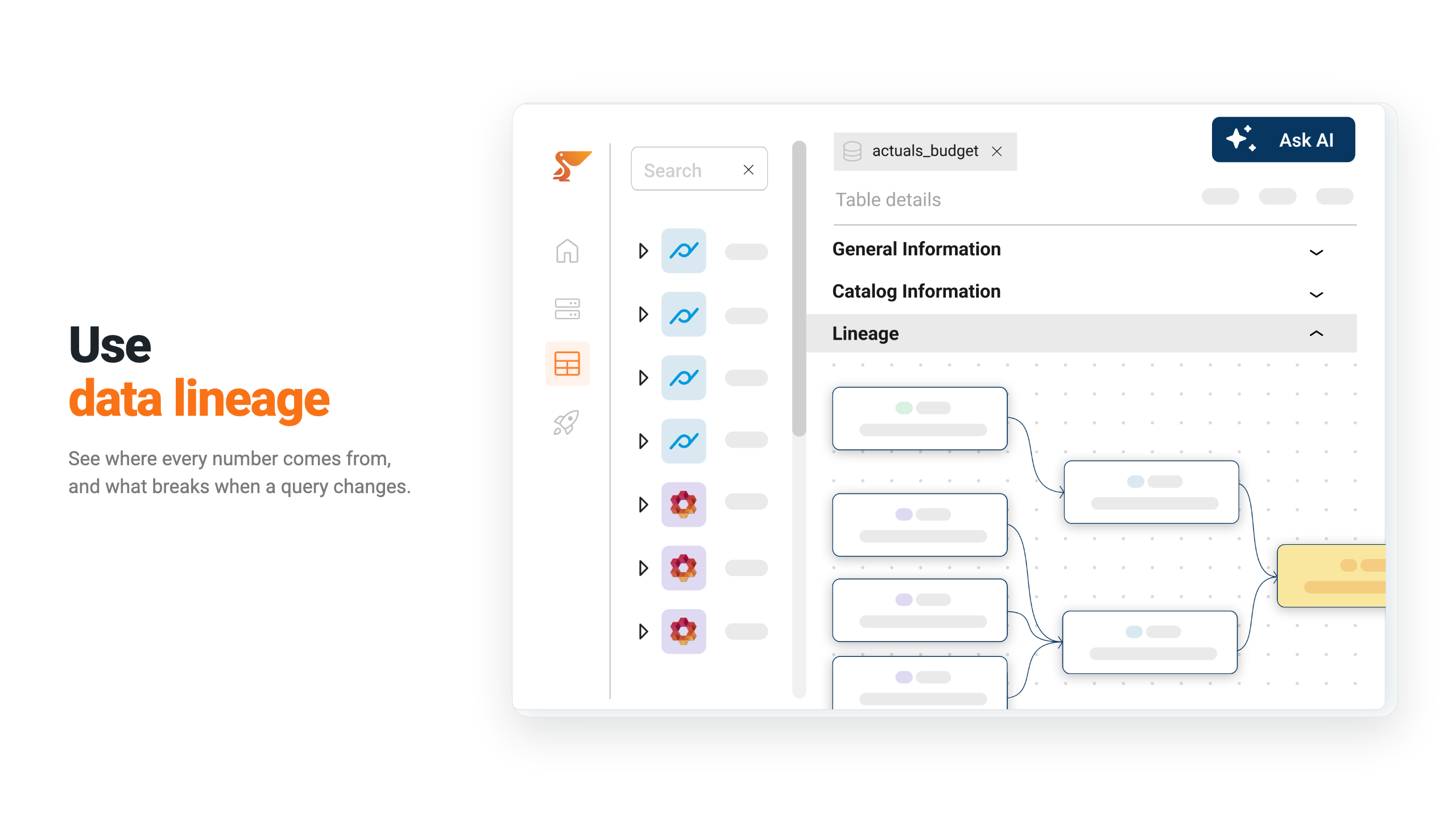
Explore how Peliqan’s data lineage feature tracks the provenance of data through connected queries and shows the impact of changes on downstream queries.

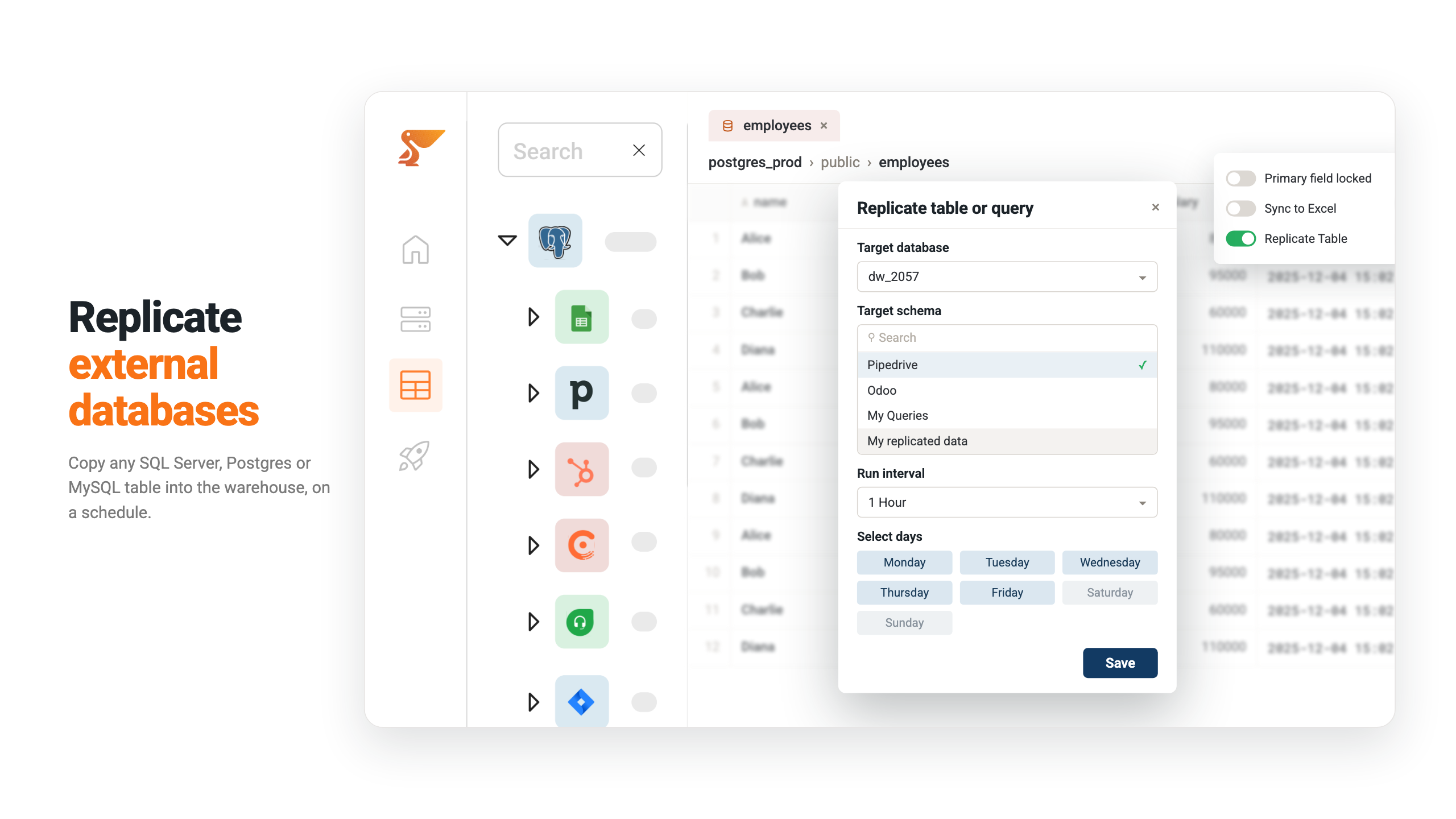
External DBs replicate & materialize

Learn how to connect external databases and activate replication to sync data from external tables or internal queries into the Peliqan data warehouse.

Why Odoo partners trust Peliqan

Learn why top Odoo Partners trust Peliqan to combine data from Odoo with data from webshops, marketplaces, payment gateways, accounting software, and more.

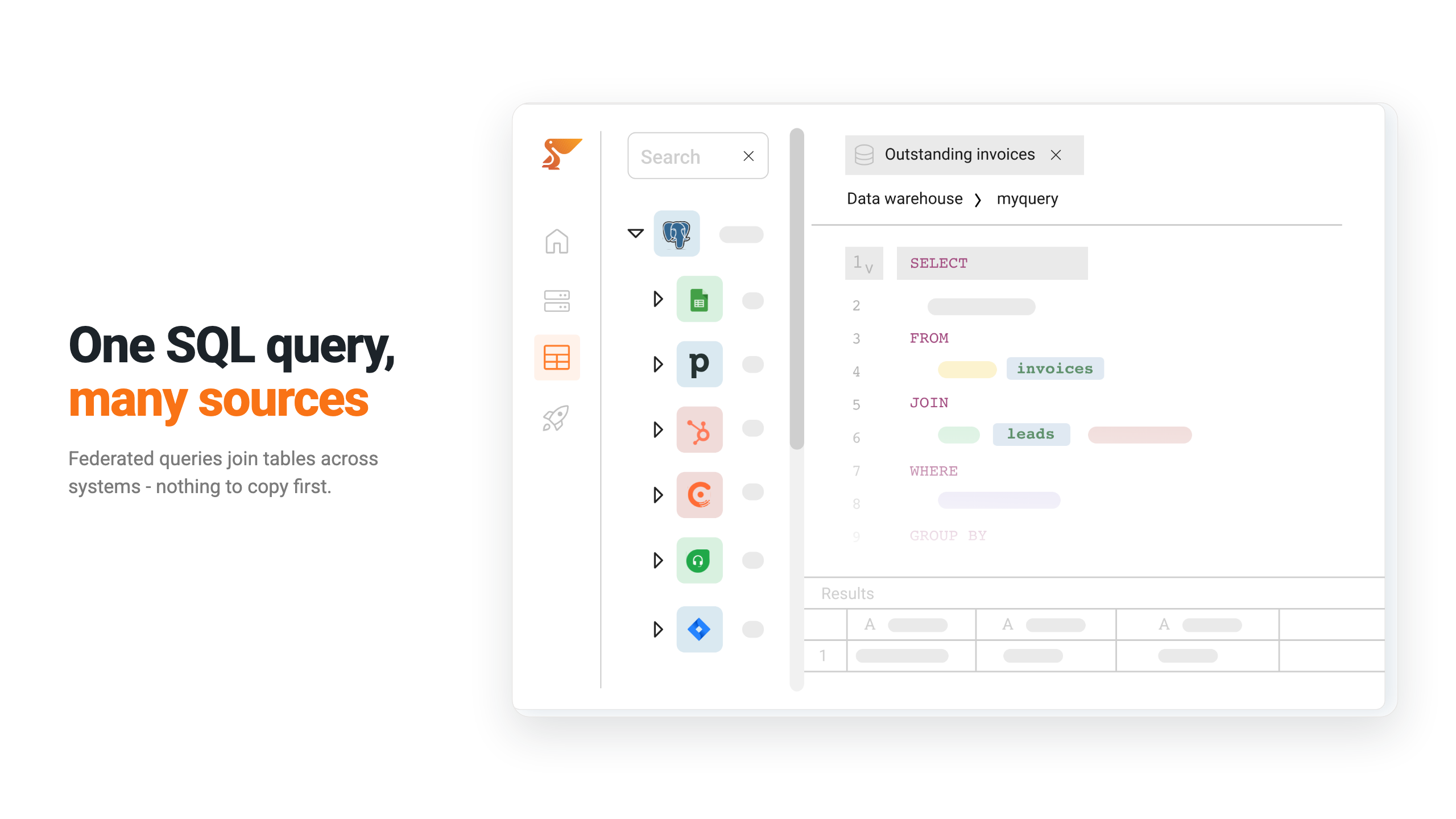
Query across multiple data sources

Learn how Peliqan’s federated query engine powered by Trino lets you seamlessly combine data from databases, APIs, and SaaS applications using standard SQL.

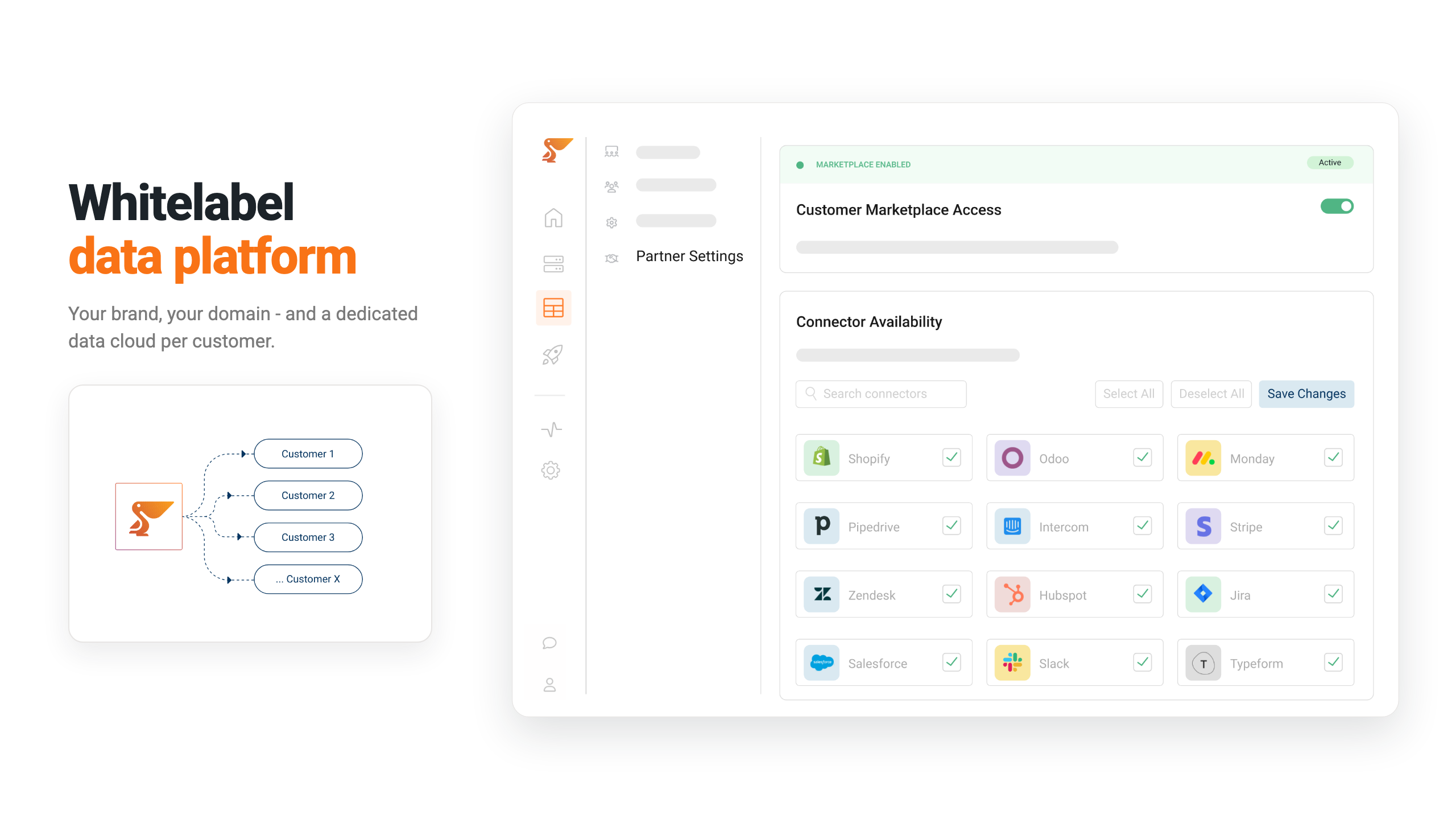
Customer data platform setup made easy

Learn how to quickly configure and deploy Peliqan’s data platform for your customers, connecting multiple data sources to deliver unified analytics and insights in minutes.

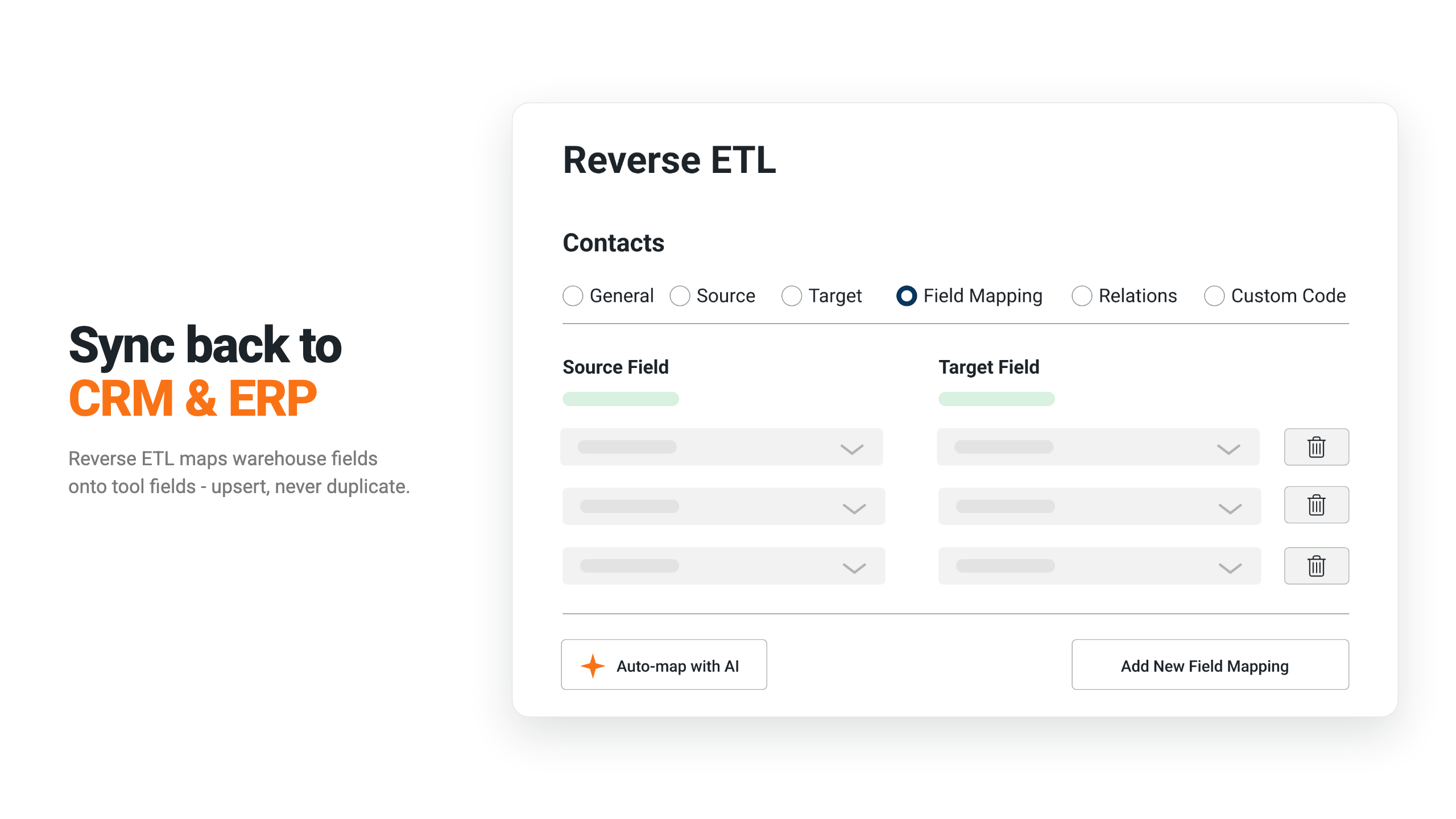
Reverse ETL demo

Learn how to use Peliqan’s Reverse ETL to automatically sync companies & contacts from any CRM to ERP system. This video explains data connection, field mapping, foreign key setup, and scheduling an hourly incremental sync.

Odoo to Power BI

Learn how to connect Odoo to PowerBI using Peliqan’s built-in data warehouse. Discover the simple, three-step process: add the connection, transform your data with SQL, and link your BI tool.

MEWS to Power BI

Learn how to connect MEWS to PowerBI using Peliqan’s built-in data warehouse. Discover the simple, three-step process: add the connection, transform your data with SQL, and link your BI tool.

PowerOffice to Power BI

Learn how to connect PowerOffice to PowerBI using Peliqan’s built-in data warehouse. Discover the simple, three-step process: add the connection, transform your data with SQL, and link your BI tool.

Exact Online to Power BI

Learn how to connect Exact Online to PowerBI using Peliqan’s built-in data warehouse. Discover the simple, three-step process: add the connection, transform your data with SQL, and link your BI tool.

AFAS to Power BI

Learn how to connect AFAS to PowerBI using Peliqan’s built-in data warehouse. Discover the simple, three-step process: add the connection, transform your data with SQL, and link your BI tool.

Teamleader to Power BI

Learn how to connect Teamleader to PowerBI using Peliqan’s built-in data warehouse. Discover the simple, three-step process: add the connection, transform your data with SQL, and link your BI tool.

Unicota to Power BI

Learn how to connect Unicota to PowerBI using Peliqan’s built-in data warehouse. Discover the simple, three-step process: add the connection, transform your data with SQL, and link your BI tool.

Cin 7 Omni to Power BI

Learn how to connect Cin 7 Omni to PowerBI using Peliqan’s built-in data warehouse. Discover the simple, three-step process: add the connection, transform your data with SQL, and link your BI tool.

Admin Pulse to Power BI

Learn how to connect Admin Pulse to PowerBI using Peliqan’s built-in data warehouse. Discover the simple, three-step process: add the connection, transform your data with SQL, and link your BI tool.

Visma to Power BI

Learn how to connect Visma to PowerBI using Peliqan’s built-in data warehouse. Discover the simple, three-step process: add the connection, transform your data with SQL, and link your BI tool.

Yuki to Power BI

Learn how to connect Yuki to PowerBI using Peliqan’s built-in data warehouse. Discover the simple, three-step process: add the connection, transform your data with SQL, and link your BI tool.

Modern data stack

Learn about the Modern Data Stack, a combination of technologies and tools used to store, process, and analyze data to gain valuable insights.

Components of a modern data stack

This video discusses the components of a modern data stack, outlining three implementation approaches: using a cloud provider, combining different tools, or utilizing an all-in-one platform.

Introduction to a data warehouse

Learn about data warehouses, their role in the modern data stack, how they differ from traditional databases, and specific features like those found in Snowflake.

Introduction to a data lake

Learn about data lakes, an alternative to data warehouses, designed to store structured and unstructured data at any scale and optimized for big data processing and analytics.

Introduction to reverse ETL

This video introduces Reverse ETL, explaining how it allows data to flow from a data warehouse back into business applications, contrasting with traditional ETL which only moves data into the warehouse.

Syncing CRM to ERP with advanced features

This video demonstrates how to set up Peliqan’s reverse ETL to automatically sync data, such as companies and contacts, from a CRM into an ERP using features like custom queries, field mapping and incremental sync scheduling and scheduled syncs.

Custom reports

Build custom reports with a low-code script, based on ERP data and distribute them as Excel files or PDF documents.

Writeback to your ERP

Use low-code Python to write updates into your ERP, for example update sales order in Odoo based on eCommerce transactions.

Combine ERP data and analyze in your BI tool

Reconcile data, for example ERP sales orders and transactions from payment gateways (Stripe, Paypal, Klarna etc). Next, visualize the results in Peliqan or your own BI tool.

Ready to get instant access to all your company data ?