




Your firm runs on AdminPulse. Time entries go in, invoices go out, client files stay organized, and AML checks happen on schedule. But when the partners ask “which clients are actually profitable?” or “what’s our realization rate by service line this quarter?” – you end up exporting CSVs, building pivot tables in Excel, and spending half a Friday stitching numbers together. AdminPulse’s built-in reports cover the basics. They do not cover the cross-dimensional analytics that drive real practice growth.
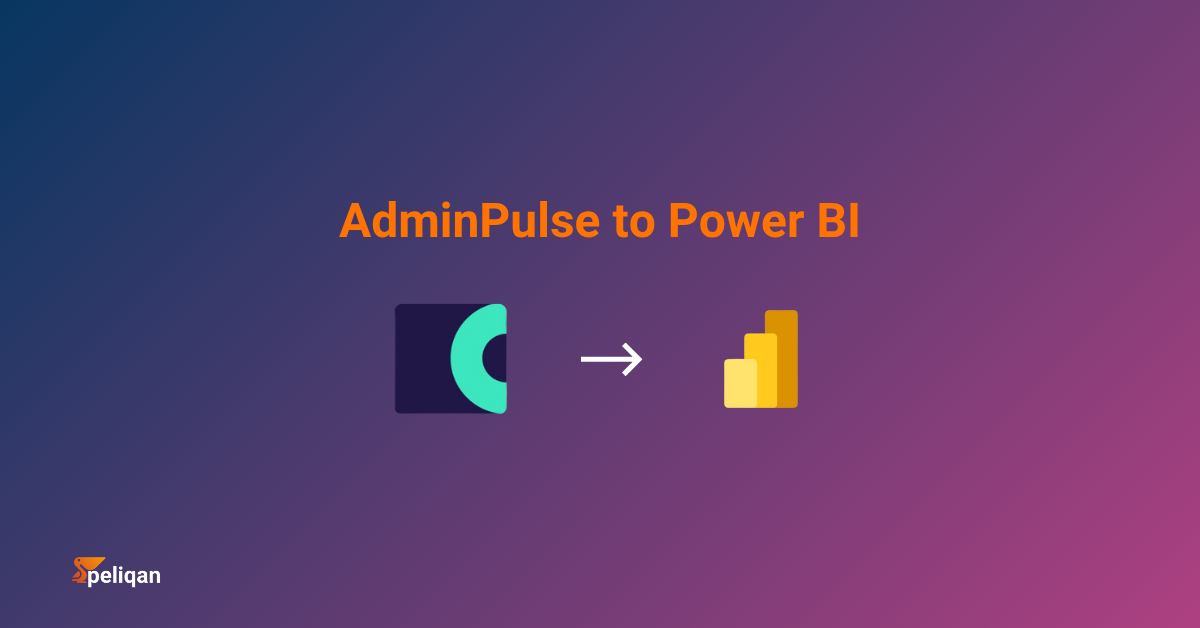
This guide walks through five practical ways to get your AdminPulse data into BI tools like Power BI and Tableau – or feed it to AI agents – so your firm can stop guessing and start measuring what matters.
What is AdminPulse
AdminPulse is a cloud-based practice management platform built specifically for accounting firms, bookkeepers, and auditors. Originally developed by Syneton (founded 2001 in Bornem, Belgium), it combines CRM, time tracking, invoicing, document management, and compliance tools in a single platform.
The product was acquired by Visma in 2021 and rebranded from Admin-IS/Admin-Consult to AdminPulse in 2023, joining the broader Visma Belgium ecosystem alongside Yuki and other cloud tools.
AdminPulse at a glance
AdminPulse handles the operational side of running an accounting practice well. Where it falls short is analytics. The platform’s built-in reports cover time summaries, invoice totals, and basic client overviews – enough for day-to-day operations, but not enough to answer strategic questions about profitability, capacity, or growth. That gap is why firms increasingly look to connect AdminPulse to external BI tools or AI agents.
Why AdminPulse reporting hits a ceiling
AdminPulse was designed as an operational tool, not an analytics platform. The reporting it provides is functional for tracking individual time entries and generating invoices, but it was never built to deliver the kind of multi-dimensional analysis that growing firms need.
Where AdminPulse reporting falls short
These are not flaws – they reflect AdminPulse’s design focus on practice operations rather than analytics. But for firms that want to move from reactive reporting to proactive decision-making, the data needs to leave AdminPulse and land somewhere built for analysis.
The cost of flying blind on practice KPIs
When your firm cannot easily measure what matters, the consequences compound silently. You do not lose money in one dramatic event – you leak it slowly across hundreds of client engagements, unbilled hours, and misallocated capacity.
The financial impact of poor practice analytics
For a Belgian accounting firm with 15 staff and €1.5 million in annual revenue, improving realization from 75% to 85% represents €150,000 in recovered revenue – without adding a single new client. The data to make that happen already sits inside AdminPulse. The challenge is getting it out and into a format that drives action.
5 ways to integrate AdminPulse with BI and AI tools
There are multiple paths from AdminPulse data to actionable dashboards and AI-powered insights. The right choice depends on your firm’s size, technical capacity, and how many other data sources you need to combine alongside AdminPulse.
1. Manual CSV exports
AdminPulse lets you export time registrations, client lists, and invoice data as CSV files. Download them, open in Excel or Power BI Desktop, and build your analysis manually.
This is how most firms start – and it works for a one-time analysis or annual partner review. It breaks down the moment you need weekly or monthly dashboards, because each export cycle requires manual login, navigation, download, cleanup, and file replacement. A firm tracking 6-8 KPIs across multiple dimensions easily spends 4-6 hours per month on this process, time that could be spent on higher-value work.
Best for: One-off analyses, annual reviews, or firms with fewer than 5 staff and simple reporting needs.
2. Direct API connection via Power BI or Power Query
The AdminPulse API is well-documented with endpoints for relations (clients), registrations (time entries), invoices, tasks, documents, and employees. You can call it directly from Power BI using the Web connector and custom M code, authenticating via OAuth or API key.
The technical barrier is moderate. You need someone comfortable with OAuth flows, JSON pagination, and Power Query’s M language. The 480-call-per-minute rate limit is generous for small firms, but a practice with 500+ clients and years of historical data will hit throttling during full refreshes. Cross-entity joins – like connecting time entries to client profitability to invoice status – require multiple sequential API calls that Power Query handles poorly at scale.
Best for: Small firms (under 200 clients) with a technically minded partner or IT contact, needing only AdminPulse data in Power BI.
3. Zapier or Make.com workflows
AdminPulse connects to automation platforms like Zapier and Make.com, which can trigger actions when events occur – a new registration is added, an invoice is created, a task status changes. You can route this data to Google Sheets, Airtable, or a database, then connect your BI tool to that destination.
This approach works well for event-driven workflows (like sending a Slack notification when a task is overdue) but poorly for analytics. Common data integration patterns require historical batches, not real-time streams. If you need to analyze two years of time registrations by service line, Zapier cannot backfill that data. You get new events going forward, but not the historical dataset your dashboards need.
Best for: Operational automations (notifications, status updates, CRM syncing) rather than BI and analytics use cases.
4. Custom Python scripts
For firms with access to a developer, Python scripts using the requests library can authenticate against the AdminPulse API, paginate through all endpoints, handle rate limiting with retry logic, and load data into a database or data warehouse. Libraries like pandas handle transformation, and you can schedule scripts with cron jobs or a cloud function.
This gives you full control over what data you extract, how you transform it, and where it lands. The tradeoff is maintenance. API changes, schema updates, and rate-limit adjustments require developer intervention. Most custom integrations take 20-40 hours to build and 3-5 hours per month to maintain – a significant investment for a firm that would rather spend those hours on client work.
Best for: Firms with developer resources, complex transformation requirements, or highly specific data pipeline needs.
5. Data integration platform with built-in warehouse
The warehouse-first approach uses a data integration platform with a pre-built AdminPulse connector. The platform handles OAuth authentication, API pagination, rate limiting, and incremental syncs automatically. Your AdminPulse data lands in a managed data warehouse as proper relational tables – relations, registrations, invoices, tasks, employees – ready for SQL queries and BI connections.
The key advantage over Method 2 is that your AdminPulse data lives alongside every other source your firm uses. Running Exact Online for accounting? Connect that too. Using Yuki for a subset of clients? Same warehouse. Need CodaBox bank statement data for reconciliation dashboards? One more connector. Every source becomes joinable in a single SQL query, with no Power Query gymnastics.
For the AI angle, a warehouse gives AI agents and large language models a structured data layer to query. Instead of building custom API integrations for every AI tool, you point them at the warehouse – and they can answer natural-language questions like “which clients have declining margins quarter-over-quarter?” using standard SQL under the hood.
Best for: Growing firms with multiple data sources (AdminPulse + Exact Online + Yuki + CodaBox), need for cross-platform analytics, and a preference for SQL-based analysis over manual exports.
Comparing all five methods
| Method | Setup time | Refresh frequency | Cross-source joins | Maintenance | Cost range |
|---|---|---|---|---|---|
| CSV export | Minutes | Manual only | None | 4-6 hrs/month | Free (labor cost) |
| Direct API via Power BI | 8-16 hours | Scheduled (fragile) | Limited | 3-5 hrs/month | Free (dev time) |
| Zapier / Make.com | 1-3 hours | Real-time (events only) | Minimal | Low | €20-€100/mo |
| Custom Python scripts | 20-40 hours | Custom schedule | Full flexibility | 3-5 hrs/month | €100-€500/mo |
| Integration platform + warehouse | Under 1 hour | Every 5-60 min | Unlimited sources | Minimal | From €199/mo |
What AdminPulse data tables matter most for BI
The AdminPulse API exposes several resource endpoints through its developer documentation. Not all of them are equally useful for BI dashboards. Below are the tables that drive the most valuable practice analytics, along with what you can build with each one.
| AdminPulse entity | Key fields | BI dashboard use case |
|---|---|---|
| Relations (clients) | Client name, type, segment, risk level, AML status, UBO status | Client profitability analysis, segmentation, compliance coverage overview |
| Registrations (time entries) | Employee, client, task type, hours, billable flag, date, description | Utilization rate, billable vs. non-billable split, time-per-client trending |
| Invoices | Client, amount, date, payment status, linked registrations | Realization rate, revenue forecasting, debtor aging, WIP tracking |
| Tasks | Task type, client, status, deadline, assigned employee, priority | Deadline compliance, workload distribution, bottleneck identification |
| Employees | Name, role, hourly rate, capacity, team | Revenue per employee, capacity planning, team performance comparison |
| Documents | Client, document type, upload date, status | Document completion tracking, client onboarding progress |
The real power emerges when you join these tables. Connecting Registrations to Relations to Invoices in a single query lets you calculate true client profitability: total hours worked multiplied by internal cost rate versus total invoiced amount. That calculation is impossible inside AdminPulse’s native reporting but trivial in SQL once the data sits in a data warehouse.
KPIs every accounting firm should build from AdminPulse data
Having data in a dashboard is not the same as having the right metrics. These six KPIs represent the core analytics that drive practice profitability – and every one of them can be calculated from AdminPulse data once it lands in a BI tool.
The six practice KPIs that matter most
The critical insight is that none of these KPIs can be pulled from a single AdminPulse table. Realization requires joining registrations to invoices to payments. Client profitability requires joining registrations to employee cost rates to invoice amounts. Utilization requires daily snapshots of time entries against capacity. This is exactly why practice analytics needs a proper data warehouse layer – not more CSV exports.
Which integration method is right for your firm
Decision framework – picking your AdminPulse integration approach
How Peliqan handles AdminPulse integration
Peliqan is a data integration and activation platform with a pre-built AdminPulse connector that follows the warehouse-first approach described in Method 5. Here is how the pipeline works for accounting firms.
Peliqan’s AdminPulse integration pipeline
The practical benefit for accounting firms is consolidation. Instead of AdminPulse for practice management, Exact Online for accounting, CodaBox for bank data, and Excel for analytics – you get one data layer that connects everything. The partner who wants a client profitability report sees a single dashboard that combines time data, accounting data, and payment data without anyone touching a spreadsheet.
Peliqan also supports reverse ETL, meaning you can push calculated metrics back into AdminPulse or other systems. Calculated a client risk score based on declining margins and increasing time overruns? Sync that score back so it appears in the client file where your team actually works.
With data quality monitoring, you can set up automated alerts – like a notification when a client’s WIP exceeds 60 days or when an employee’s utilization drops below 50% for two consecutive weeks. These checks run on schedule and push to Slack or email, turning passive dashboards into active management tools.
Peliqan’s alerting capabilities mean your partners get notified about problems as they emerge – not weeks later during a manual review.
Pricing starts at $199 per month with the built-in warehouse included – a transparent, low-code platform approach. For an accounting firm already paying €163 or more per month for AdminPulse, adding a full analytics and AI layer for a similar monthly cost is a fraction of what custom development or a BI consultancy would charge.
Conclusion
AdminPulse is the right tool for running an accounting practice day-to-day. It is not the right tool for analyzing that practice’s performance at a strategic level. The reporting gap is not a flaw – it is a reflection of AdminPulse’s operational focus – but it leaves firms without the analytics they need to improve profitability and plan capacity.
The data that answers your most important questions – which clients are profitable, which service lines are growing, where capacity is being wasted – already exists inside AdminPulse. The challenge is getting it out and into a transformation layer built for analysis.
Start by identifying the 2-3 KPIs that would most impact your firm’s decisions. For most practices, that is realization rate, utilization rate, and client profitability. Then pick the integration method that matches your technical capacity. For firms using AdminPulse alongside Exact Online, Yuki, or other Belgian accounting tools, a data integration platform with pre-built connectors and a managed warehouse delivers the fastest path from raw data to partner-ready dashboards.
The firms that will thrive in the next decade are not the ones working the hardest. They are the ones with connected BI tools that show exactly where their time, money, and capacity are going – and make decisions accordingly.