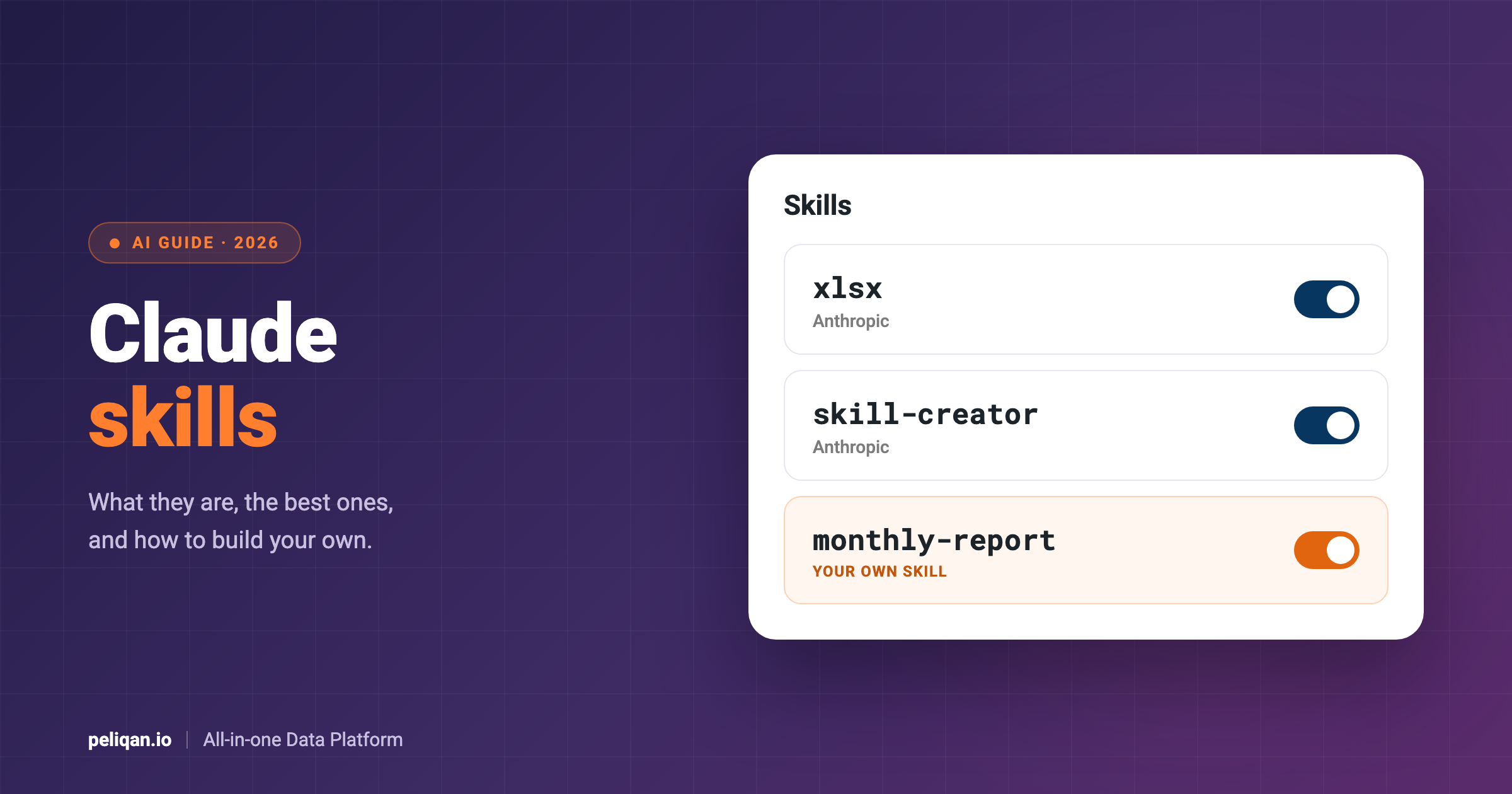





Claude skills are folders of instructions that teach Claude how to do a specific task the same way every time. For example, a skill can hold your report format, your brand rules or your team’s checklist for a code review. This guide explains what skills are, which ones are worth turning on, how they work in Claude Code, and how to build your own.
The short answer
A Claude skill is a folder with a file called SKILL.md. At the top of that file, a short description tells Claude when to use the skill. Below it, plain instructions then tell Claude what to do. A skill can also bundle scripts, templates and reference files.
Claude does not read every skill in full all the time. Instead, it first sees only the name and description of each skill. Then, when your request matches a description, it loads the full instructions and follows them. As a result, you can keep many skills switched on without filling up the conversation.
Skills work in the Claude apps on the Free, Pro, Max, Team and Enterprise plans, as long as code execution is on. They also work in Claude Code, and in beta on the Claude API. Moreover, the format is an open standard, so the same skill can work in other AI tools that support it.
What is a Claude skill?
Anthropic describes skills as folders of instructions, scripts and resources that Claude loads when it needs them. In other words, a skill is a reusable procedure. You write down once how a task should go, and Claude follows that procedure whenever the task comes up.
Skills load in three stages, which the Agent Skills standard calls discovery, activation and execution. First, Claude reads only the name and description of each available skill. Next, when a task matches, it reads the full SKILL.md file. Finally, it follows the instructions and opens any bundled scripts or files it needs. So a long skill costs almost nothing until Claude actually uses it.
There are four kinds of skills in Claude today. First, Anthropic skills come built in and handle Word, Excel, PowerPoint and PDF files. Claude uses them on its own when a task calls for one. Second, custom skills are the ones you or your company write. Third, owners on Team and Enterprise plans can provision skills for everyone in the organization. Finally, partner skills from companies such as Notion, Figma and Atlassian sit in Claude’s Skills Directory, and each one works together with that partner’s connector.
Skills compared with Projects, instructions and CLAUDE.md
Besides skills, Claude already has several ways to take in context. So it helps to see where skills fit before you write one. Above all, they differ in when each one loads.
In short, use custom instructions for how you like to work, and Projects for background on one topic. Then use a skill when you keep pasting the same steps or checklist into the chat. The Claude Code docs give a similar rule: when a section of CLAUDE.md grows into a procedure rather than a fact, move it into a skill.
Claude skills vs MCP connectors
Skills and MCP connectors solve different problems, so you often need both. MCP (Model Context Protocol) connects Claude to outside apps and data, such as your CRM or accounting package. A skill, by contrast, holds the know-how: which steps to follow, which rules to apply and what the result should look like. Anthropic puts it simply: connectors give Claude access to tools, while skills teach Claude how to use those tools well.
For instance, take a monthly sales report. A connector lets Claude read deals from the CRM and invoices from the accounting package. However, it does not tell Claude that your company counts revenue from paid invoices, not won deals. In contrast, a skill does. Together, they give you a report with live numbers and your own definitions. Our guide to the best Claude connectors covers the connector side in more detail.
The best Claude skills by job
In general, the best skills are the ones that match work you repeat. Still, a few are worth turning on for almost everyone. The table below lists well-known skills from Anthropic, the community and software vendors, grouped by the job they do.
Where to get these skills
Anthropic’s document skills come built in, so you only need code execution turned on to use them. For the others, start from the official sources:
- Anthropic’s example skills: the anthropics/skills repository, which also works as a Claude Code plugin marketplace.
- Turning skills on in the Claude apps: Anthropic’s guide to using skills in Claude.
- Superpowers: the obra/superpowers repository, with install steps for Claude Code and other tools.
- Peliqan skills: the Peliqan-io/skills repository.
Before you install a community skill, read its files. A skill can run code, so treat it like any other software you add to your computer. The section on plans and safety below explains what to check.
Claude Code skills
Claude Code uses the same SKILL.md format, with a few extras for developers. You can call any skill directly by typing a slash and its name, such as /deploy. Alternatively, Claude loads it on its own when your request matches the description. Anthropic’s Claude Code skills docs cover every option.
In Claude Code, the place where you save a skill decides where it works. A personal skill in ~/.claude/skills/ works in all your projects on that computer. A project skill in .claude/skills/ works inside that repository, and once you commit it, your whole team gets it. Plugins can also ship skills, and companies can push skills to every machine through managed settings. In addition, if you sign in to Claude Code with your claude.ai account, the skills you turned on there load in your terminal too.
~/.claude/skills/
  summarize-changes/
    SKILL.md

your-repo/.claude/skills/
  deploy/
    SKILL.md
    scripts/deploy.sh
Slash commands and bundled skills
Custom slash commands are now part of skills. A file at .claude/commands/deploy.md and a skill at .claude/skills/deploy/SKILL.md both create /deploy, and old command files keep working. However, skills add a folder for supporting files and more settings at the top of the file. For example, the setting disable-model-invocation: true stops Claude from starting a skill on its own. That makes sense for anything with side effects, such as a deploy.
Claude Code also ships with bundled skills. These include /code-review, /debug, /batch, /loop, /claude-api and /doctor, which checks your setup. To add more, you can install skills as plugins. For instance, Anthropic’s document skills install with two commands:
/plugin marketplace add anthropics/skills
/plugin install document-skills@anthropic-agent-skills
Skills often pair with an MCP server in Claude Code too. For example, our walkthrough of data pipelines in Claude Code shows how to connect one and work with live data from the terminal.
How to build your own Claude skill
You do not need to code to write a skill, because most skills are plain Markdown. Here is the process, with a revenue summary as the example.
1. Pick a task you keep explaining
Good candidates are tasks with fixed rules, such as a weekly report, a review checklist or your house style. In fact, if you have pasted the same instructions into Claude three times, you have found a skill.
2. Write a clear description
The description is the most important line, because Claude uses it to decide when to load the skill. So say what the skill does, and include the words people use when they need it. In the Claude apps, the name can be up to 64 characters and the description up to 200.
3. Write short, direct instructions
State the rules and steps rather than the reasons behind them. Also add an example of a good result. If the skill needs a script or a long reference document, put it in its own file in the skill folder.
---
name: monthly-revenue-summary
description: Writes the monthly revenue summary for management. Use when someone asks for last month's revenue, the monthly report or a revenue update.
---

# Monthly revenue summary

1. Revenue means paid invoices excluding VAT. Never use won deals from the CRM.
2. Compare last month with the month before and with the same month last year.
3. List the five largest customers and any customer whose revenue fell by more than 20%.
4. Start with five short bullet points, then add a table with the numbers.
5. If a number is missing, say so. Never estimate it.
4. Install it
In Claude Code, save the folder in ~/.claude/skills/ or in your project’s .claude/skills/. In the Claude apps, zip the folder first. Then go to Customize, Skills, click +, choose Create skill and upload the zip.
5. Test it and improve it
Ask for the task in your own words and check that Claude picks the skill. If it does not, add the words you used to the description. On the other hand, if Claude uses it too often, make the description narrower. Anthropic’s skill-creator can also test a skill and suggest a better description.
Keep in mind that a revenue skill like this one only works if Claude can reach the right data. That is where a connector comes in, as the last section explains.
Are Claude skills free?
Yes. Skills are available on the Free, Pro, Max, Team and Enterprise plans. However, there is one requirement: code execution must be on. On Free, Pro and Max, you turn it on under Settings, Capabilities, Code execution and file creation. Team plans have skills on by default. For Enterprise plans, an owner first turns on both code execution and skills in the organization settings.
Developers can also use skills through the Claude API. There, skills are in beta and run with the code execution tool.
Safety matters more than price, though. A skill can include scripts that run code, so a bad skill could misuse your files or tools. For that reason, Anthropic advises you to install skills only from sources you trust. So read the files before you turn on a skill from someone else, and look closely at any scripts and dependencies. Also, never put API keys or passwords inside a skill. On the Enterprise plan, companies can turn on skill scanning, which checks uploaded skills for malicious content. Our guide to MCP security covers the same risks for connectors.
Claude skills on your business data with Peliqan
A skill tells Claude how to do a task, but business tasks also need business data. For example, the revenue skill above needs invoices from accounting and customers from the CRM, matched to each other. Without that data, even a well-written skill has nothing reliable to work on.
Peliqan’s MCP server gives Claude that data. Specifically, Peliqan connects to 300+ apps and databases, syncs them into a data warehouse and lets Claude ask questions there. Each question runs as SQL on the synced data, so Claude can join the CRM, accounting and other sources in one answer. Peliqan can also write changes back to the source apps. Writeback is on by default, and you can switch it off per connection.
Peliqan skills for Claude
Peliqan also publishes its own skills, now in beta. In fact, they package the patterns the Peliqan team uses in production. Better still, one plugin installs all of them together with the Peliqan MCP server. In the Claude app, you add the GitHub repository as a plugin marketplace and install the peliqan plugin. In Claude Code, it takes two commands:
/plugin marketplace add Peliqan-io/skills
/plugin install peliqan@peliqan
The plugin includes these skills:
- peliqan-sync builds a sync between two systems, then tests, deploys and checks it.
- peliqan-dashboard builds a dashboard, for example by rebuilding an existing Power BI, Tableau, Looker, Qlik or Excel report. It checks every number on real records first.
- peliqan-audit reviews a sync or dashboard before go-live and returns a pass, warn or fail scorecard. It only reads.
- peliqan-support finds the root cause when something breaks and proposes a fix.
- peliqan-connection-health checks that every connection runs and that its data is right, across sub-accounts too.
You do not need to remember the skill names. Instead, you describe what you need, such as “rebuild this Power BI report” or “the pipeline failed last night”. Claude then picks the right skill. Also, the skills ask for your go-ahead before anything writes to your Peliqan account.
Conclusion
Claude skills turn the instructions you keep repeating into a procedure Claude follows by itself. They are simple to write, they load only when needed, and they work across the Claude apps, Claude Code and the API. So start with Anthropic’s document skills and skill-creator. Then write one skill for the task you explain most often.
After that, connect the data. Skills give Claude the method, while connectors and an MCP server give it the facts. Put the two together, and Claude produces work that follows your rules and uses your real numbers.