




Reverse ETL sends modelled warehouse data back out into the tools people work in. Drawn properly it is not a one-way pipe, it is a loop, and the loop is what makes it worth doing.
The loop, in two halves
- 1Data out – reverse ETL. Warehouse fields are mapped to tool fields, deduplicated and upserted on an external ID so records update rather than multiply. Runs on a schedule, or is triggered by an event.
- 2Data in – ELT. The activity that follows, opens, clicks, deals, tickets and spend, is pulled back into the warehouse and rejoins the very same model it came from.
Why the loop is the point
A metric computed once in the warehouse is the same metric the sales rep sees in the CRM. Because the result of acting on it lands back in the table it came from, you can measure whether acting on it worked. In short, without the return leg you have an export; with it you have a feedback loop.
What teams actually sync
- Product usage and health scores into the CRM, so sales sees them without asking
- Computed audience segments into marketing automation and ad platforms
- Account context into the support desk, so tickets arrive with history attached
- Billing and entitlement state wherever it needs to be enforced
Upsert keys are where this goes wrong
The common failure is not the sync, it is the key. Matching on email creates duplicates the moment somebody changes address, so map on a stable external ID and keep that mapping in the warehouse. Consequently the first sync should be run against a sandbox, not production.
How Peliqan does it
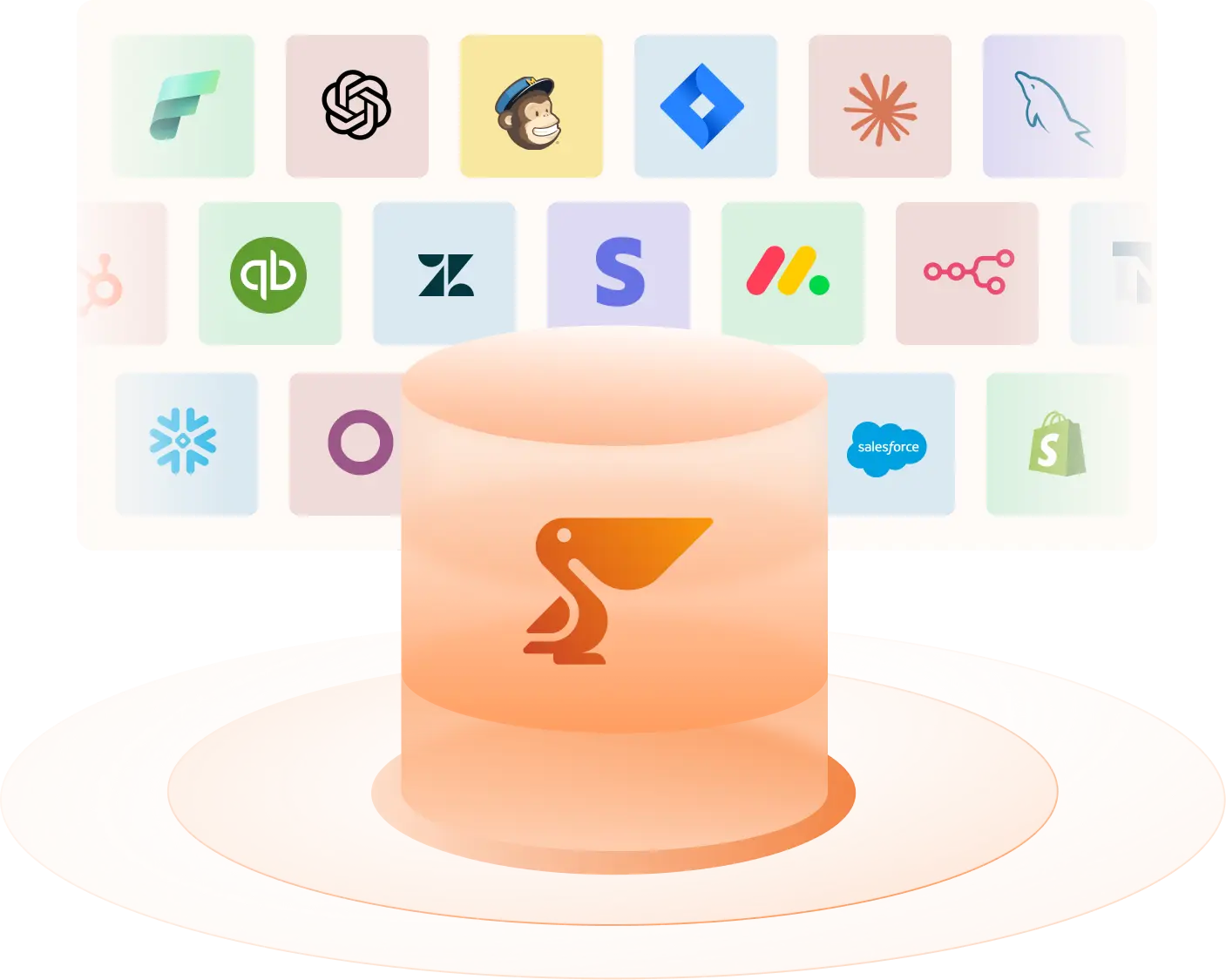
Peliqan reads from the warehouse and writes back to 300+ destinations, using the same connector and the same stored credentials as the inbound pipeline. As a result the outbound mapping lives next to the model that produced the data, rather than in a separate tool. There is more in our guide to reverse ETL.
Use this diagram wherever you like
The diagram is free to use, including commercially, as long as there is a visible link back to this page. Download the PNG for slides and documents, or the SVG if you want to edit the labels. No email required. You can browse the rest of the set in the Peliqan diagram library.
Ready to build this on your own data? Get started with Peliqan.