

An agentic workflow is a business process where an AI model handles some of the steps and decisions. It works with the tools and data you give it. It sits between fixed automation and a fully autonomous AI agent. This guide explains how the three differ and which patterns most agentic workflows use. It also covers practical examples by team and how to build one on your own business data.
The short answer
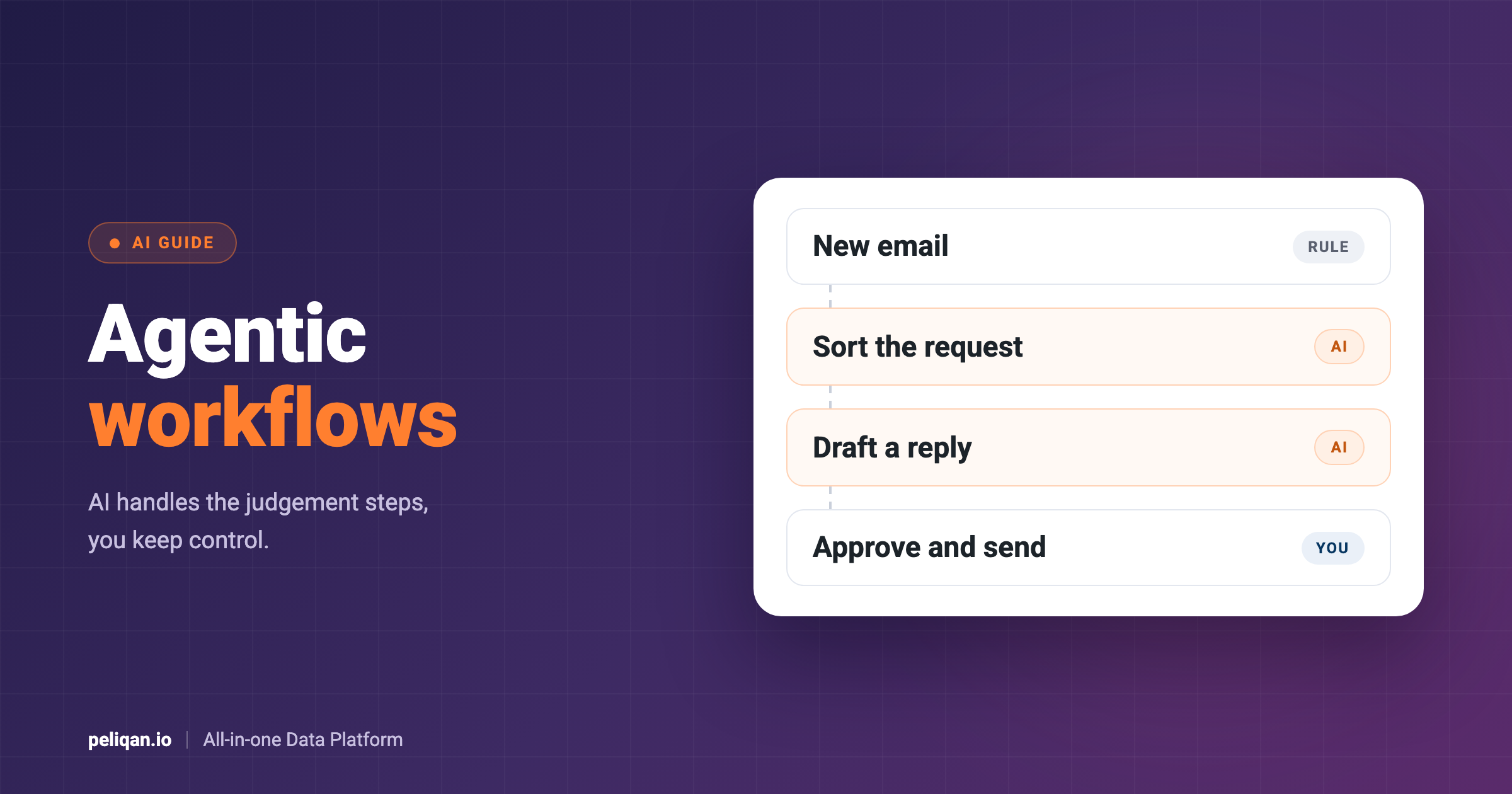
An agentic workflow is a set sequence of steps in which an AI model does part of the work. You design the overall process, and the model handles the parts that need judgement. For example, it can read an email and decide what kind of request it is. Then it looks up the customer and drafts a reply for a person to approve.
That makes it different from classic automation, where every step follows a fixed rule. It also differs from an autonomous agent, which plans the whole task by itself. Anthropic draws the same line in its guide to building effective agents: workflows follow predefined paths, while agents direct their own process.
For most well-defined business tasks, a workflow is the safer choice. It is easier to test, its costs are more predictable, and you still decide what the AI may do. Anthropic’s guide gives similar advice: start with the simplest setup that works, and add autonomy only when you need it.
Automation vs agentic workflows vs AI agents
The three approaches differ mainly in who decides the next step. The table below compares them on the points that matter in a business setting.
In practice, the line is not sharp. Many real systems combine all three. A fixed trigger starts the process, an AI model handles the unclear part, and a rule checks the result before anything changes.
Not to be confused with GitHub Agentic Workflows
If you searched for this term as a developer, you may have meant GitHub Agentic Workflows. That is a GitHub product that runs AI coding agents, such as Copilot, Claude or Codex, inside GitHub Actions. There, they triage issues, investigate failed runs and open pull requests. This guide covers the general idea, which applies to any business process.
Five common agentic workflow patterns
Most agentic workflows use a few standard patterns. The five below come from Anthropic’s guide, while the business examples are illustrations of how each one could look in a company.
Add a human approval step
One more step belongs in almost every business workflow: human approval. Before the workflow sends an email, changes a record or books an invoice, a person reviews and confirms. Many AI apps support this already. For example, Claude and ChatGPT usually ask before they run a tool that changes data, unless someone turned that check off.
Agentic workflow examples by team
The patterns above become clearer with real tasks. The examples below are common starting points, because each one repeats often and mixes fixed rules with some judgement.
Finance
Finance teams spend hours matching invoices, payments and orders across systems. An agentic workflow can pull open invoices from accounting and payments from the bank, then match the clear cases by rule. For the unclear ones, the AI suggests a match and a person confirms it. At month end, a similar workflow can flag unusual entries and explain each one in plain words.
Sales
In sales, a common workflow starts with a new lead. The AI reads the form or email, looks up the company and checks the CRM for existing contacts. Then it routes the lead to the right person and drafts a first follow-up for that person to review.
Support
Support teams use routing to triage tickets. The AI tags each ticket by topic and urgency, looks up the customer’s orders or contract, and suggests a reply based on your help articles. Simple questions can get an answer quickly, while complex ones go to a person with a short summary.
Operations
Operations teams often react to exceptions, such as late deliveries or low stock. A workflow can check stock and order data on a schedule, flag the exceptions and draft the purchase order or customer update. A person then approves before anything goes out.
How to build an agentic workflow
Start with one process that people already do by hand, with clear inputs and outputs. Write down each step and mark the ones that need judgement, because only those need the AI. Everything else can stay as fixed rules, which are cheaper and easier to check.
Next, pick your tools. Developers often use agent frameworks such as LangGraph or CrewAI, and our comparison of LangChain and LangGraph explains when each one fits. No-code teams often use n8n, which has AI agent nodes and many ready-made app integrations.
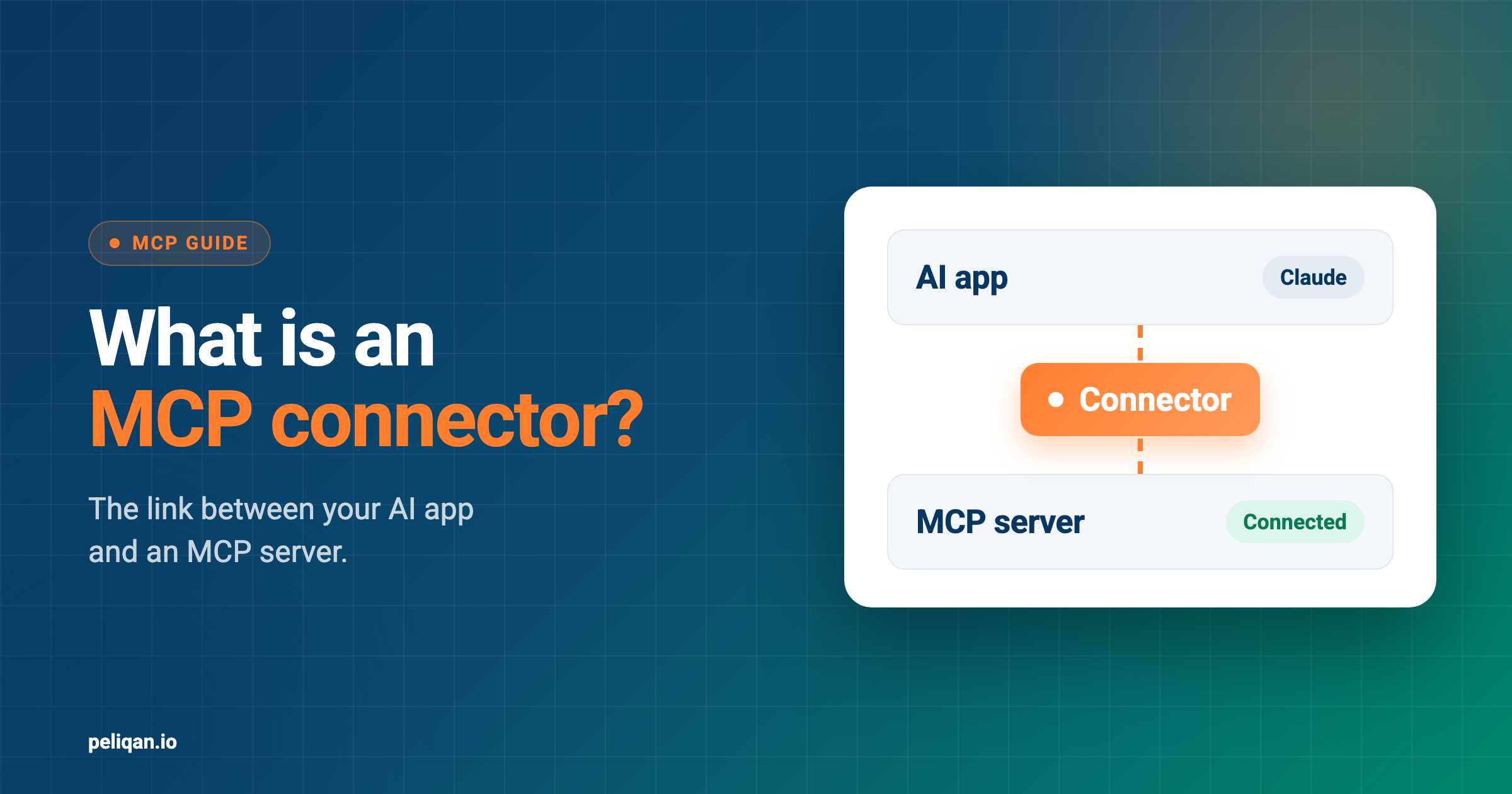
For tasks that start in a chat, Claude or ChatGPT with MCP connectors can run the workflow too. Each connector gives the AI tools such as “search orders” or “create task”. Our guide to MCP connectors explains how they work.
Finally, test the workflow on real but low-risk cases. Measure how often the AI gets each step right, and keep the approval step until those numbers are good. Then widen the scope one step at a time.
What makes agentic workflows work on business data
In a business setting, three things decide whether an agentic workflow works: data, actions and guardrails. The AI model matters too, but these three usually make the difference.
First, the AI needs current and complete data from every app involved. When each app connects on its own, the AI has to join CRM, accounting and support data by itself, which is slow and error-prone. A central data warehouse with all sources synced lets it ask one question across apps instead. Our post on a single source of truth explains why that matters.
Second, the workflow must be able to act, for example by creating a task, updating a deal or drafting an invoice. Give it only the actions its process needs, and nothing more.
Third, keep guardrails in place. Ask for approval before anything that sends, books or deletes. Keep a record of what the workflow did, so you can review it later. Also start with read-only access, and add write actions one by one.
Agentic workflows on Peliqan
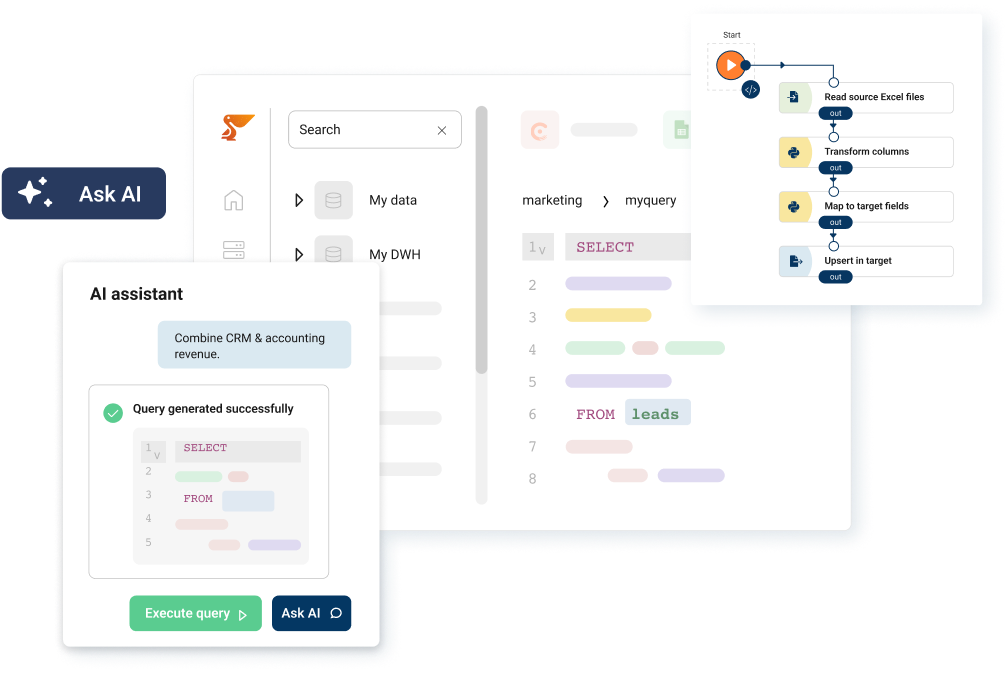
Peliqan covers the data and actions part of an agentic workflow. It connects to your business apps, syncs them into a data warehouse and lets AI tools query and update them.
With n8n, you add the Peliqan node to your workflow. It is a verified node, built by Peliqan and verified by n8n. Through it, an n8n AI agent can turn questions into SQL on your synced data and take actions in your apps through writeback. Peliqan’s guide to building AI agents with n8n also includes a ready-made agent template. That template adds RAG search over your internal knowledge, with a vector store such as Supabase.
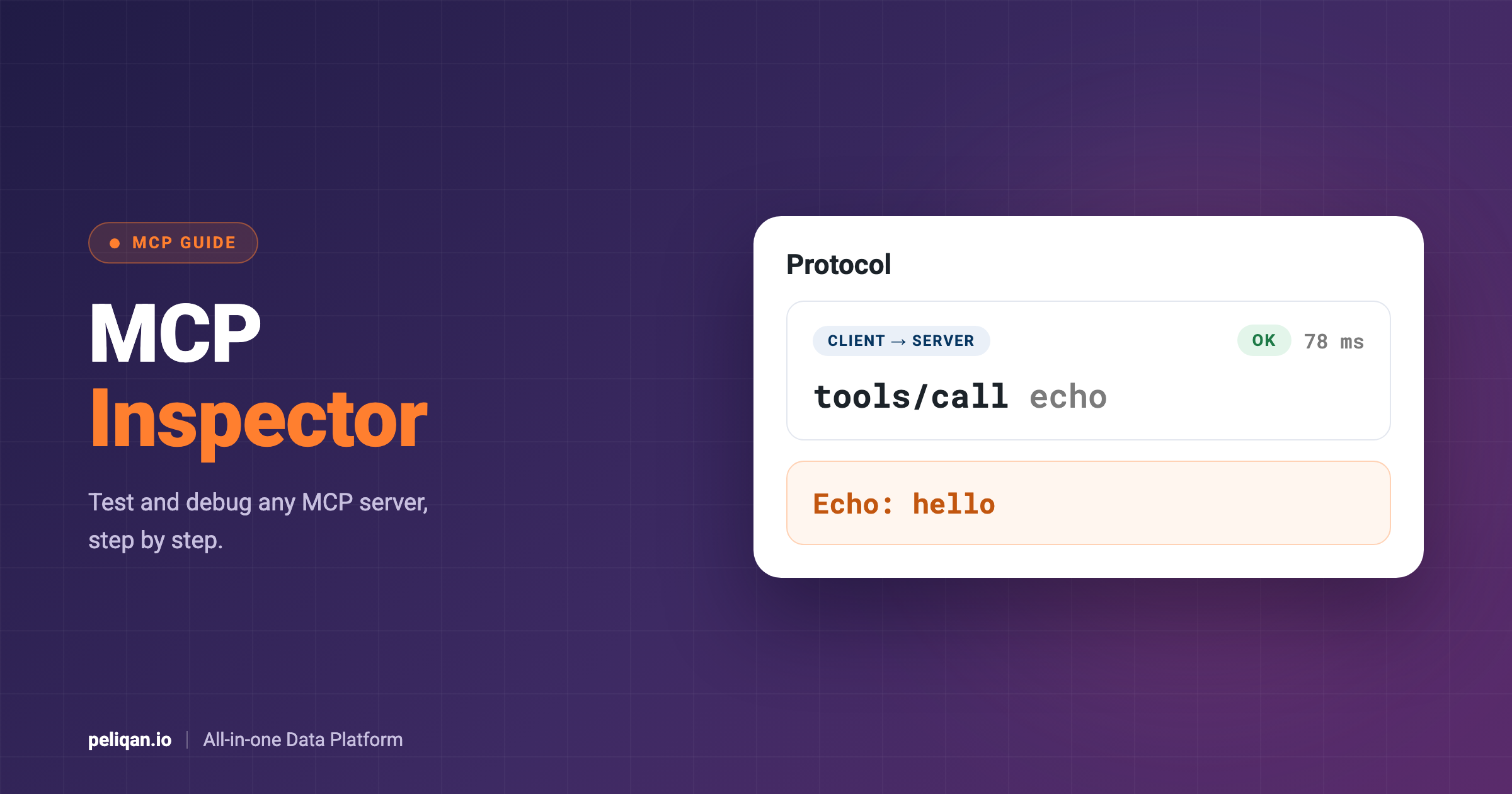
In Claude or ChatGPT, the Peliqan MCP server plays the same role. Each question runs as SQL on the synced data, so the AI can combine CRM, accounting and other sources in one answer. For your own business logic, you can also build a custom MCP server on Peliqan with Python tools. For example, one tool could check an order against your pricing rules.
Each Peliqan connection has an Enable writeback setting, which you choose when you create the connection. A connection without writeback can read data but cannot change anything in that app, so it suits workflows that should only read. Add the approval step itself in your AI app or n8n workflow, before any write.
When not to use an agentic workflow
An agentic workflow is not always the right tool. If every case follows the same rules, plain automation is cheaper, faster and easier to audit.
Likewise, if a step must give the same answer every time, such as a tax calculation, keep it in code. The AI can still explain the result in plain words. Finally, every AI call adds cost and waiting time, which adds up quickly in high-volume tasks.
Conclusion
An agentic workflow puts AI where it helps most: the steps that need judgement, inside a process you still control. So start with one task and a simple pattern such as routing or prompt chaining. Keep a person in the loop for anything that changes your data.
Once the AI has reliable access to your business data, the same approach carries over to the next process. Over time, you build a set of small workflows that each save time, instead of one large agent that is hard to trust.