



Connect Visma to Power BI in minutes with Peliqan. In this tutorial, you use the Visma Power BI connector to load live Visma (Visma.net) data – general ledger, accounts receivable, accounts payable, invoices and projects – into Power BI for reporting and dashboards, so you skip manual exports and API work.
How to connect Visma to Power BI
- 1First, connect Visma in Peliqan. Sign up, then authenticate your Visma account through the Visma connector. Peliqan handles authentication, rate limits and incremental refresh for you.
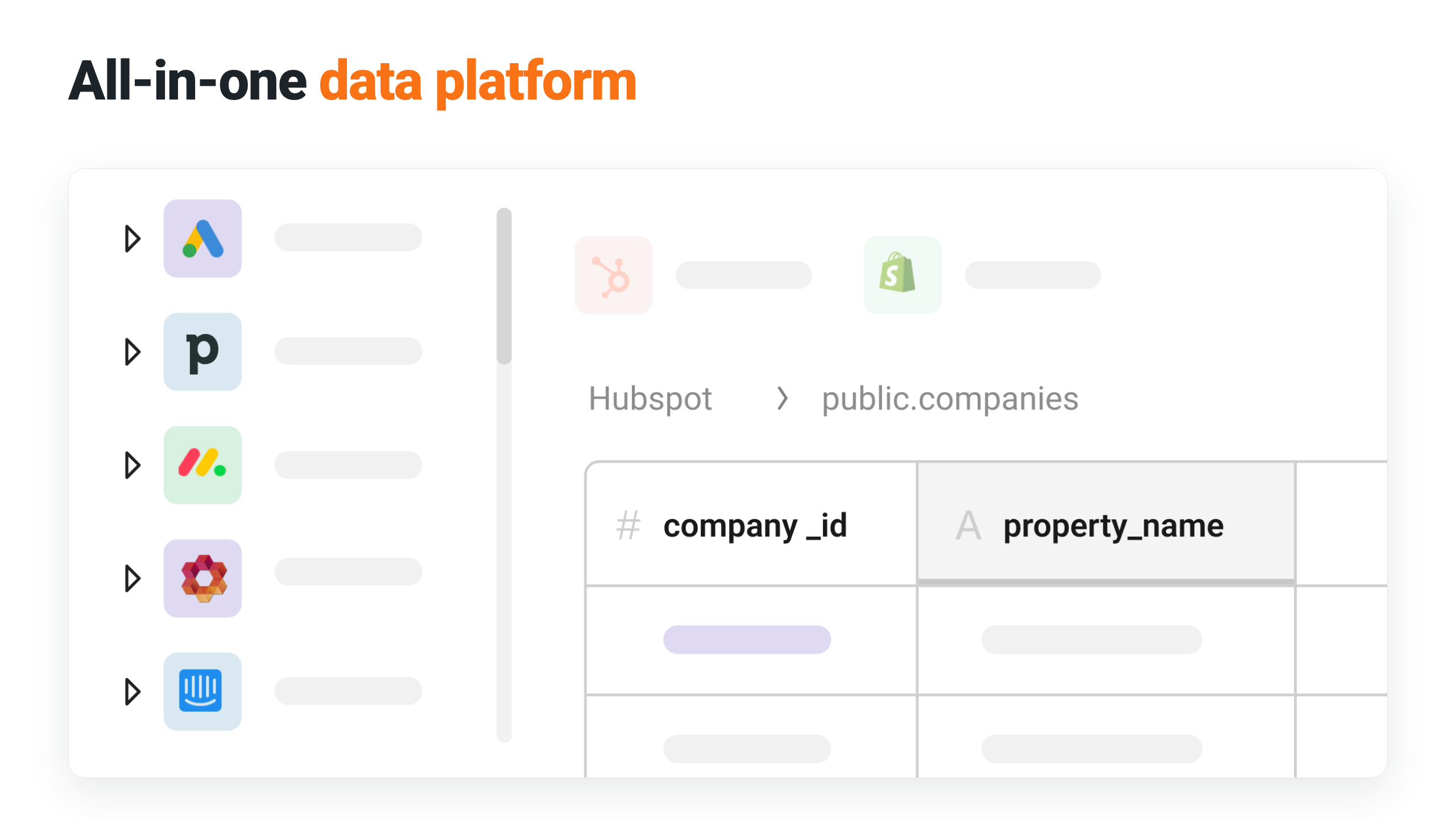
- 2Next, Peliqan syncs your data. Peliqan loads your Visma data into its built-in cloud data warehouse and exposes it as clean SQL tables and views.
- 3Finally, connect Power BI. Point Power BI Desktop or Power BI Service at the PostgreSQL endpoint Peliqan provides, then import or use DirectQuery to build your reports.
What you can build in Power BI with Visma data
- Finance and P&L dashboards
- AR and AP aging
- Project reporting
- Revenue analysis
- Combine Visma with CRM, HR or operational data in one Power BI model
Live dashboards and automatic refresh
Peliqan keeps your Visma data current on a schedule, so reports in Power BI Service refresh automatically without manual exports. Moreover, every report – from finance and P&L dashboards to revenue analysis – runs on the same governed warehouse, so you work from one consistent source of truth. To see how Peliqan feeds any BI tool, visit the Peliqan for BI & reporting page.
No code or native connector needed
Visma does not ship a native Power BI connector. Instead, Peliqan provides a managed Visma-to-Power BI connector that handles the API, sync and data modelling, so you write and maintain no integration code. It works with Power BI Desktop, Power BI Service and Power BI Pro or Premium. You can also connect Tableau, Looker or Metabase to the same Power BI connector.
Ready to connect Visma to Power BI? Get started with Peliqan.