

Connect any business app to Claude, ChatGPT, Cursor or any MCP-compatible AI assistant with the Peliqan MCP server. This tutorial covers creating a free account, adding your first connections, and pointing your AI at them so it can work with live business data.
How to connect your apps to Claude
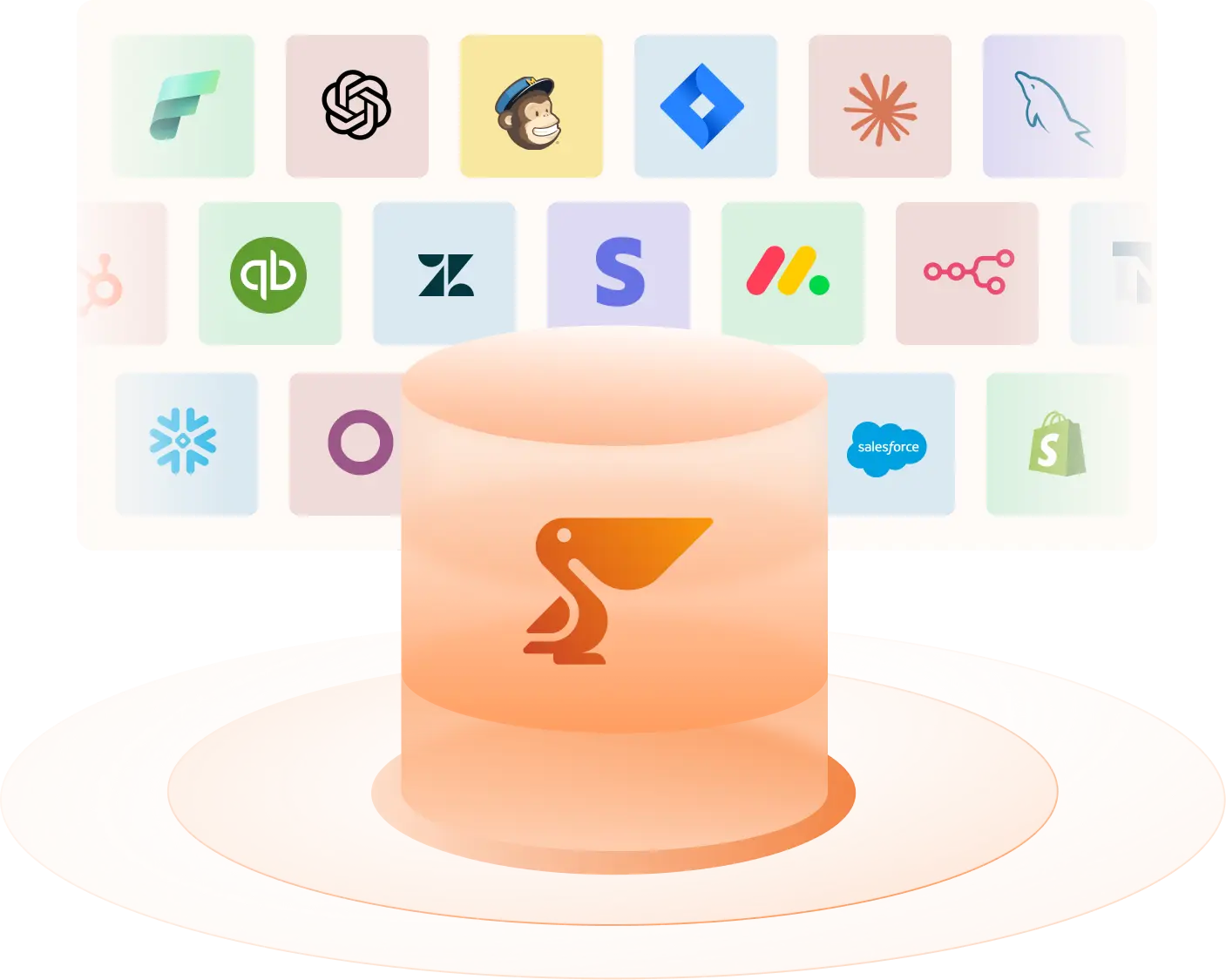
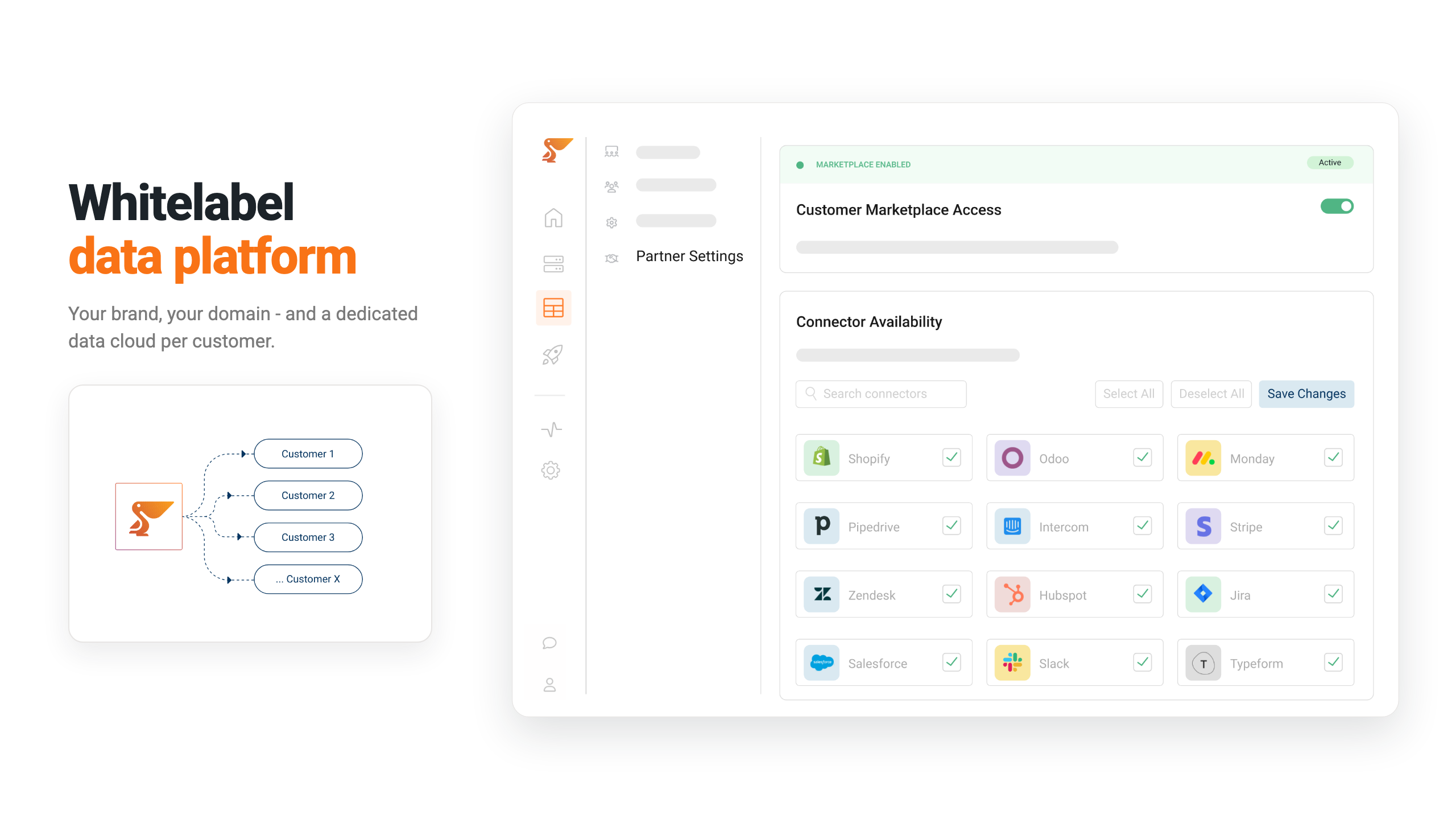
- 1Add your connections in Peliqan. Connect a source such as Shopify, HubSpot, Salesforce, Stripe or QuickBooks. Peliqan creates the pipeline automatically and your data shows up as queryable tables, ready for AI.
- 2Add Peliqan to your AI client. In Claude, go to Settings, then Connectors, then Add custom connector. Paste
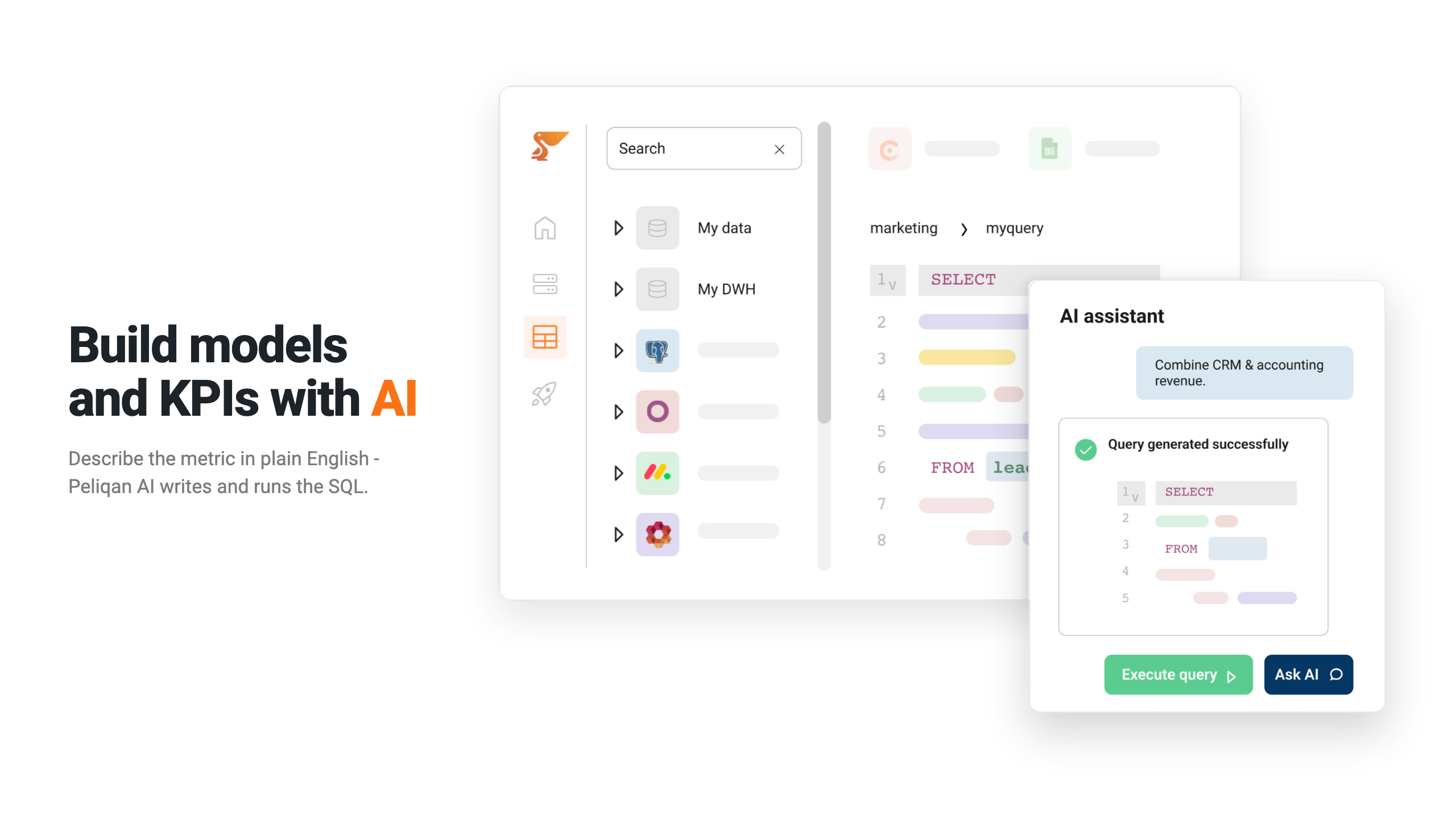
https://mcp.eu.peliqan.io/mcpas the URL – orhttps://mcp.us.peliqan.io/mcpin the US region – then add it, log in and approve. There is nothing to configure inside Peliqan itself, the URL is all your AI needs. - 3Ask questions across every source. One question can span your tools at once: a customer’s Shopify orders, their HubSpot deals and their Stripe payments in a single answer.
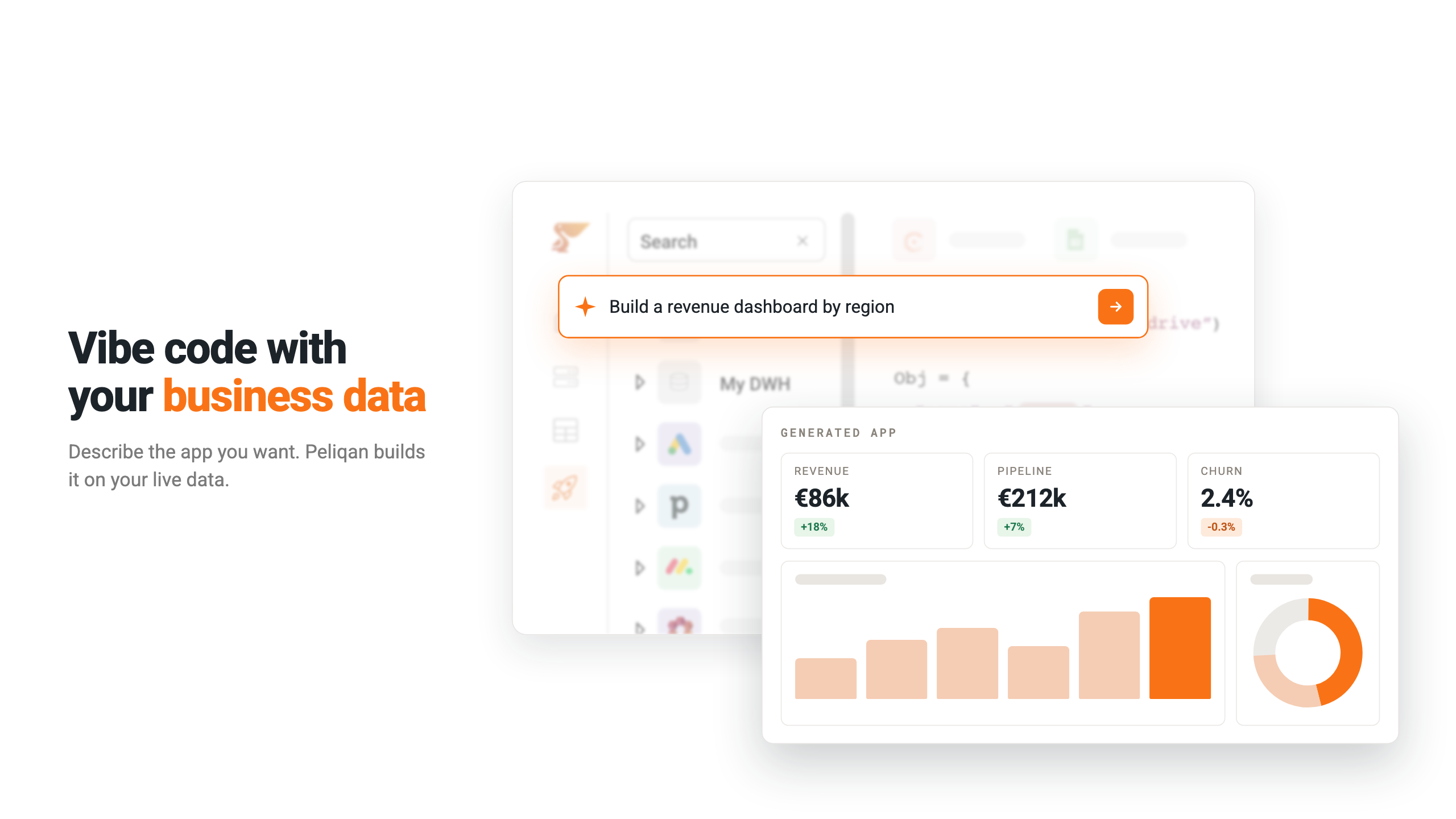
- 4Have your AI build the dashboard. Ask for a consolidated view and Claude writes the queries, designs the visualisation and publishes it as an interactive data app in Peliqan – a shareable link that stays current.
What you can do with Peliqan MCP
- Connect Shopify, HubSpot, Salesforce, Stripe, QuickBooks and many more, then query them from your AI
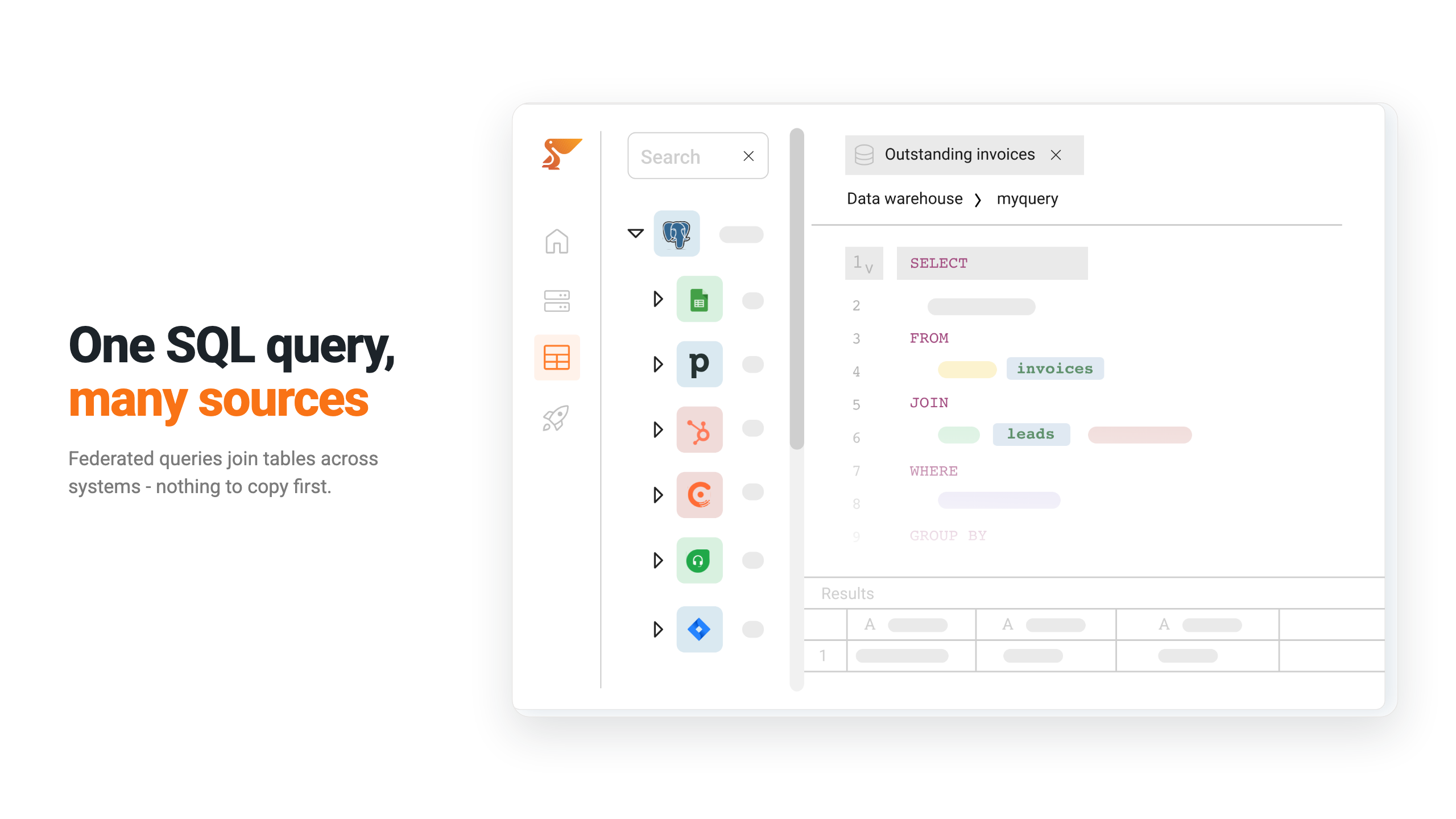
- Ask one question that spans several business systems and get a single answer
- Let your AI publish an interactive dashboard as a link your team can open
- Keep the connector login in Peliqan rather than in your AI client
Works with Claude, ChatGPT, Cursor and more
Model Context Protocol is the open standard for connecting AI assistants to live data and tools. The Peliqan MCP server is a hosted, MCP-compliant endpoint, so you install nothing and maintain nothing: the help centre documents setup for ChatGPT, Claude, Claude in an organization account, Claude Code, Microsoft Copilot and Copilot in VS Code, plus any other MCP client. Browse all Peliqan connectors to see what your AI can reach.
Ready to connect your apps to AI? Get started with Peliqan.