

Not every source should be copied. This tutorial covers connecting an external database such as SQL Server, querying it live from Peliqan, and then choosing what to replicate into the data warehouse and what to leave where it is.
How to connect and replicate an external database
- 1Add a database connection. Alongside business applications, the connector list includes SQL Server, Fabric and many other databases. Unlike a SaaS connection, a database connection does not start syncing – Peliqan just establishes the connection. On-premise databases can be reached through a VPN.
- 2Query it live. In the Explore section your database appears next to the built-in data warehouse. Each time you open a table or run a query, Peliqan makes a real-time connection and fetches the data straight from the source.
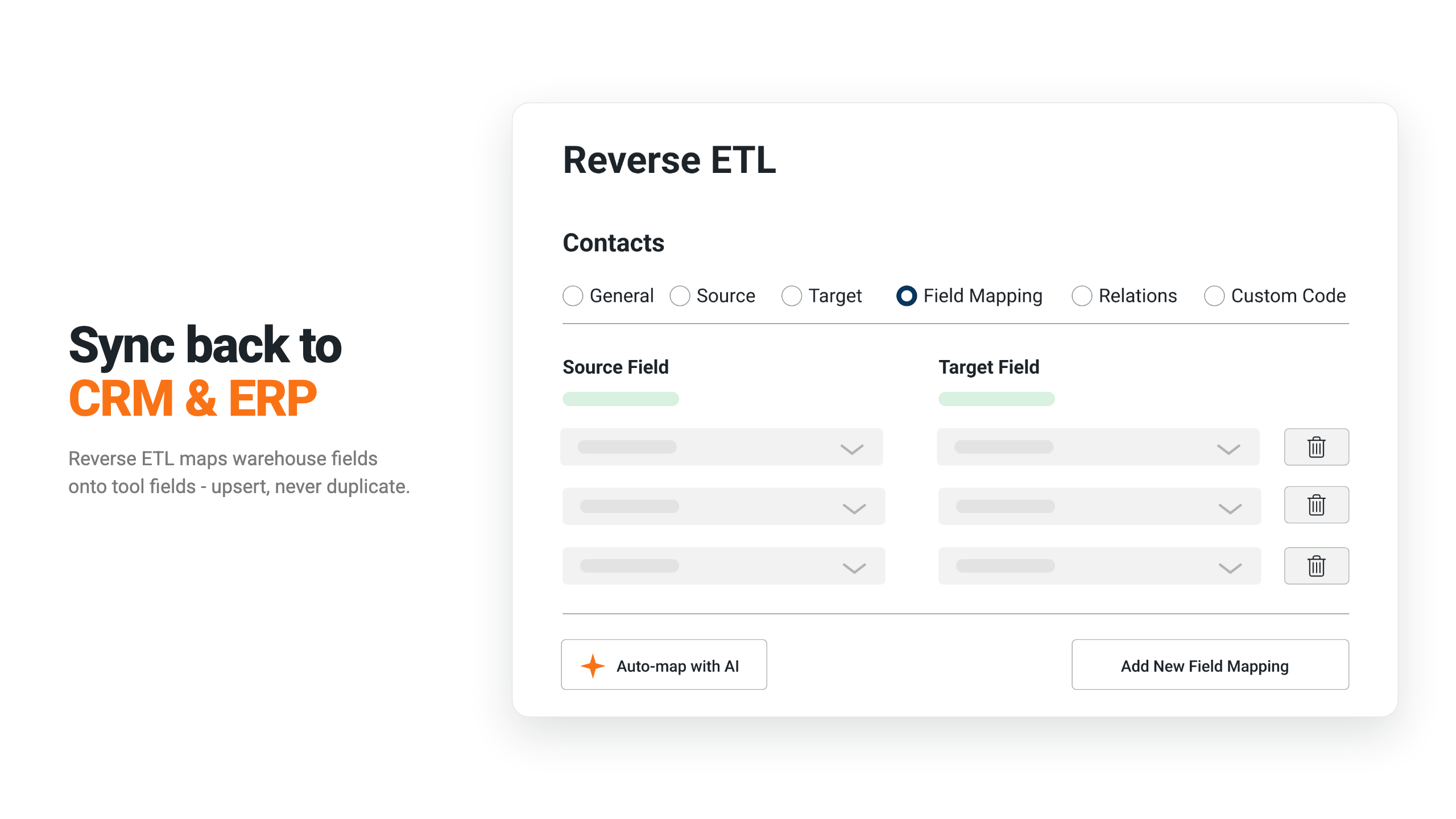
- 3Replicate a table when you need it in the warehouse. Choose Replicate table, pick the target schema, adjust the target table name if you like, and set the run interval – every 24 hours, for example – including which days to skip. Peliqan then keeps that table up to date.
- 4Switch on incremental replication. If the table has a timestamp that tracks the last update per record, configure it and replication runs incrementally, which is faster.
- 5Materialize a query the same way. A Peliqan query is ephemeral by default. In its settings you can create it as a view, so BI tools like Power BI see it, or enable replication to materialize it as a physical table on a schedule.
What you can do with external databases
- Query SQL Server, Fabric and other databases live, without copying anything first
- Replicate only the tables you actually need into the data warehouse, on your own schedule
- Run incremental replication when the source has a last-updated timestamp
- Turn a query into a view for your BI tool, or materialize it as a physical table
Live queries and replicated tables
A database connection is queried live: each time you open a table or run a query, Peliqan fetches the data from the source. Activating replication copies that table into the data warehouse on the interval you set instead. Replicated tables are easy to spot in the warehouse, where the icon marks them as physical tables rather than queries or views. See the full connector list for the databases you can connect.
Have a database to connect? Get started with Peliqan.