
Peliqan

One-click data pipelines for Power Office to Trino

Easily sync data from Power Office to Trino, explore your data with the rich Data Explorer and transform your Power Office data with SQL.

Power Office
Trino

Power Office to Trino, end to end


Power Office

Power Office is a finance and payments platform holding data on invoices, transactions, payments and balances. Getting that data out for consolidated reporting, or joining it with sales and operations data, usually means manual exports or custom API work. Peliqan provides a managed Power Office connector that syncs finance data into your warehouse for cash flow analysis, revenue reporting and multi-entity consolidation.


Trino

Trino is a distributed SQL query engine that reads data where it already lives, federating a single query across warehouses, databases and object storage. It holds no storage of its own, so the quality of a Trino query depends entirely on how well the underlying tables are structured. Peliqan lands business application data into clean, consistently modelled tables that Trino can query directly, with managed connectors handling incremental syncs and schema changes.

Common Power Office to Trino use cases
Centralizing Power Office data for analytics
Joining Power Office with other operational systems
Building a single source of truth in Trino
Real-time reporting on Power Office activity
AI and ML on Power Office historical data
Reverse ETL from Trino back into Power Office

Instant ELT pipeline & data warehouse loading

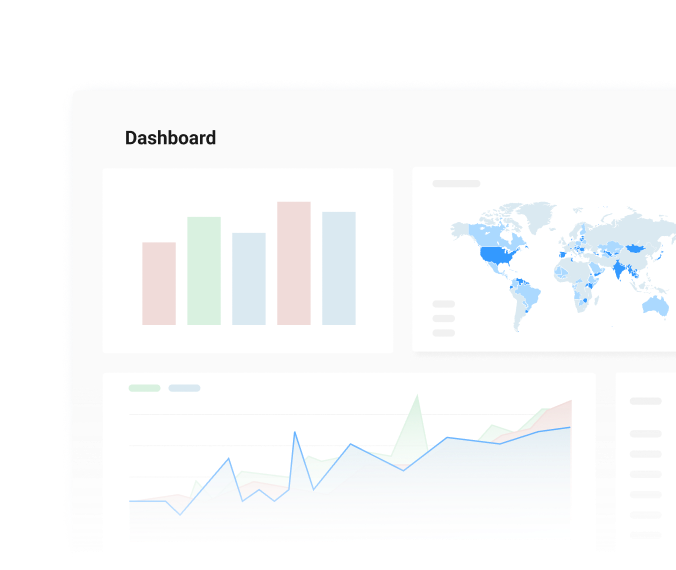
Peliqan brings ETL pipelines, data transformations and reverse ETL together in one integrated platform. Connect your favorite BI tool and activate your data with SQL and low-code Python.

Built-in Data Warehouse

Direct-to-warehouse sync

Sync Power Office data into Trino in a few clicks. Want another target? Point the same pipeline at Peliqan’s built-in warehouse or any database you run.

One-Click BI Integration

One-click pipeline setup

Set up a production-ready ELT pipeline in just minutes. Power Office data lands in Trino with schema detection, incremental syncs from every 15 minutes.

AI-Powered SQL Analytics

AI-driven data management

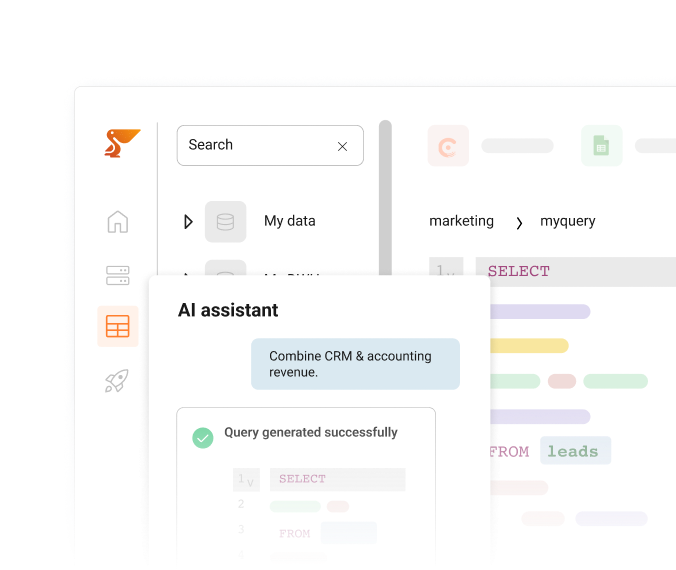
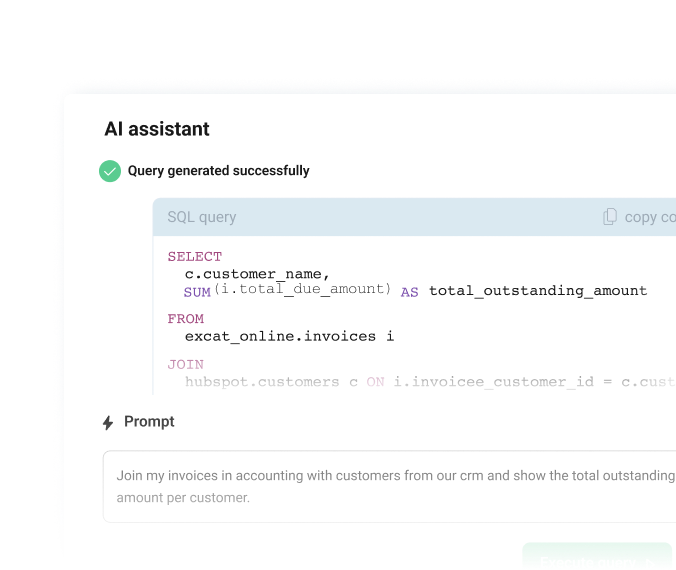
Transform Power Office data in Trino using SQL or low-code Python. Describe the logic in plain English, let AI draft it, then clean, validate and enrich.

RAG & AI Agents

Multi-source integration

Combine Power Office with any of Peliqan’s 300+ connectors inside Trino. Build unified data sets for analytics, reporting and AI in one place, not five tools.

Python Data Apps

Python & SQL processing

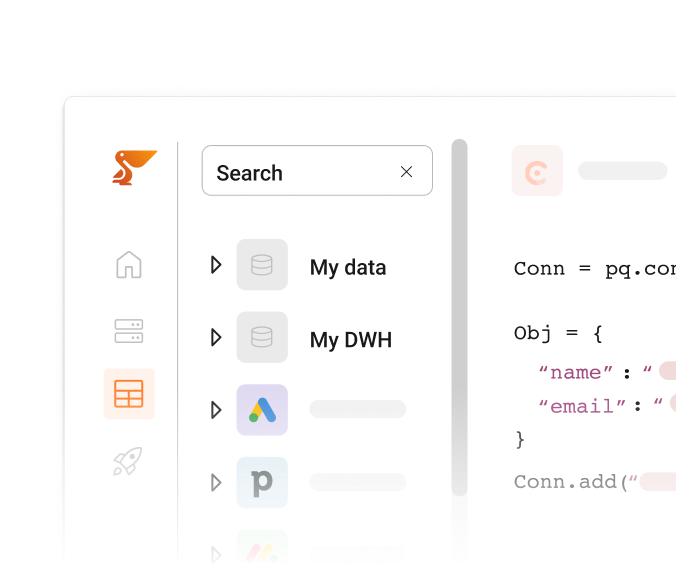
Write your own Python or SQL when you need control. Schedule scripts, enforce business rules and publish Streamlit data apps on Power Office data in Trino.

Data Sync & Activation

Reverse ETL & orchestration

Push enriched Trino data back into the apps your teams use, then run the whole flow on a schedule with built-in orchestration, dependencies and alerts.

How to connect Power Office and Trino

1. Connect in 30 Seconds

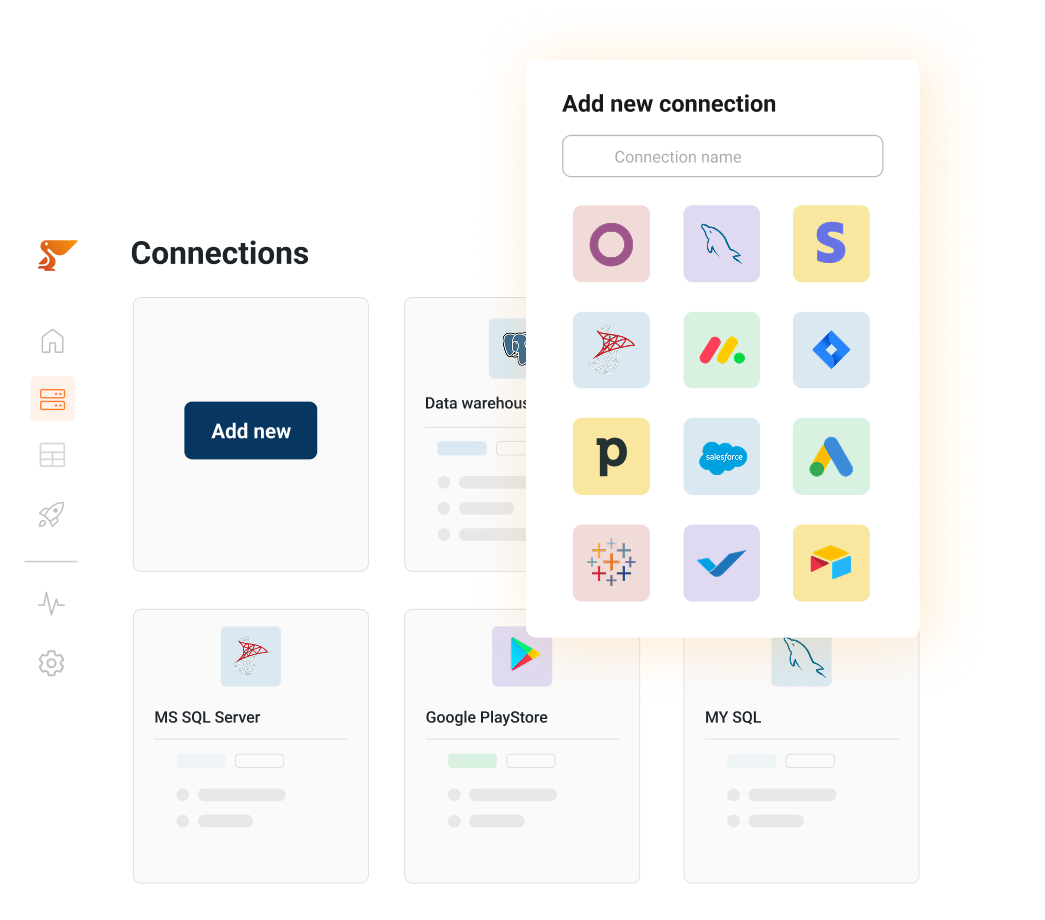
Authenticate your source (Power Office)
via OAuth or API key – no complex setup.

Your data appears in the Peliqan data warehouse with automatic schema detection and optimization for analytics.

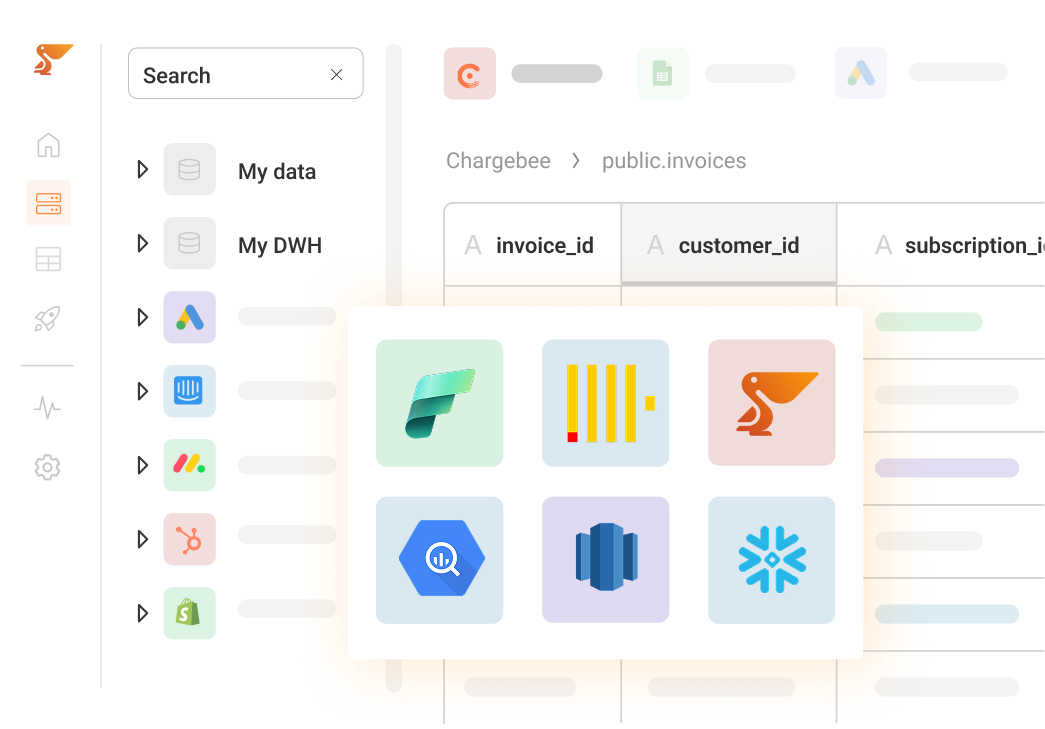
Or bring your own data warehouse (Snowflake, Redshift, Bigquery, Clickhouse, Fabric).

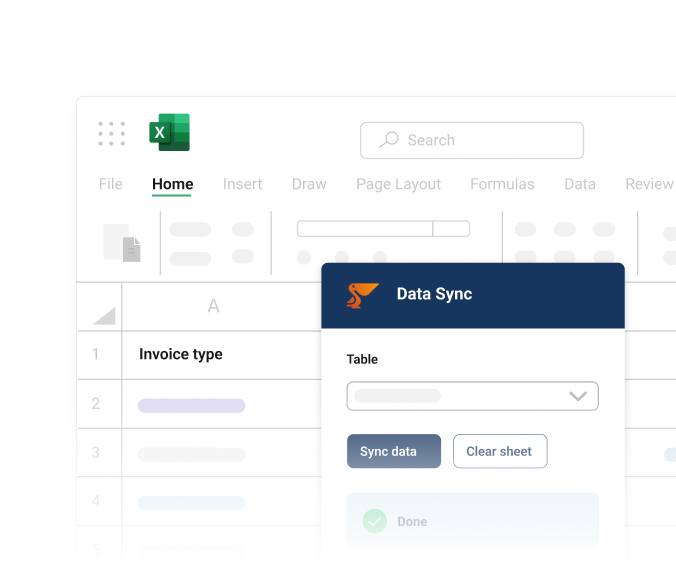
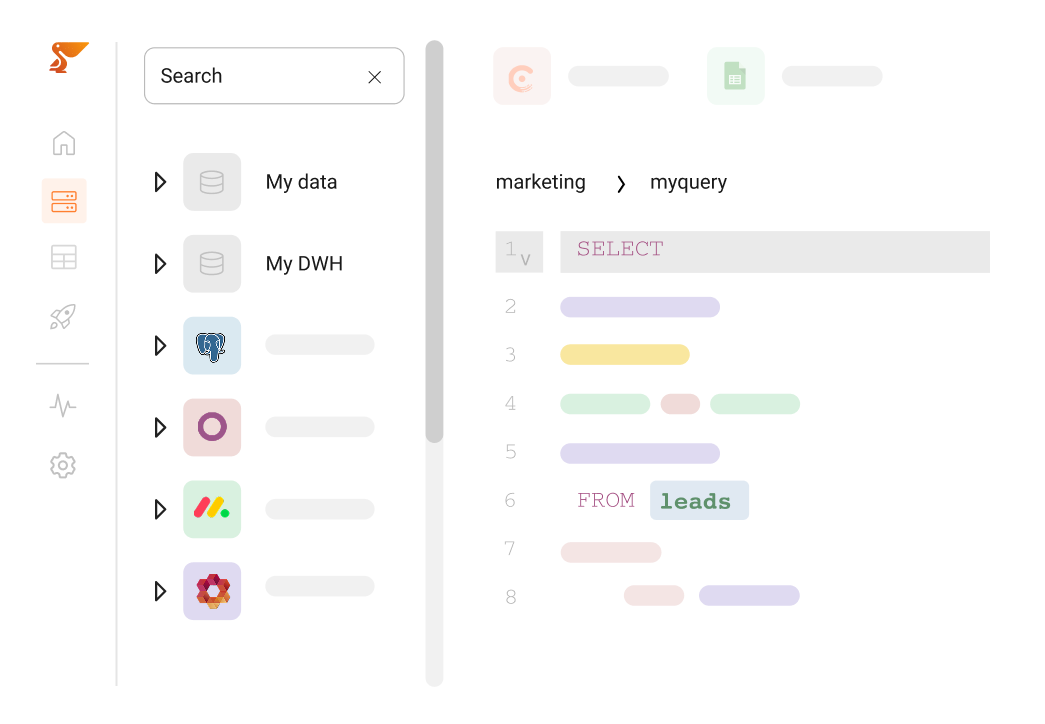
Use SQL, natural language queries, or the Peliqan data explorer and analyze your unified data.

Connect your favorite BI tool to the Peliqan data warehouse, build Python apps, and sync insights back to your business applications.

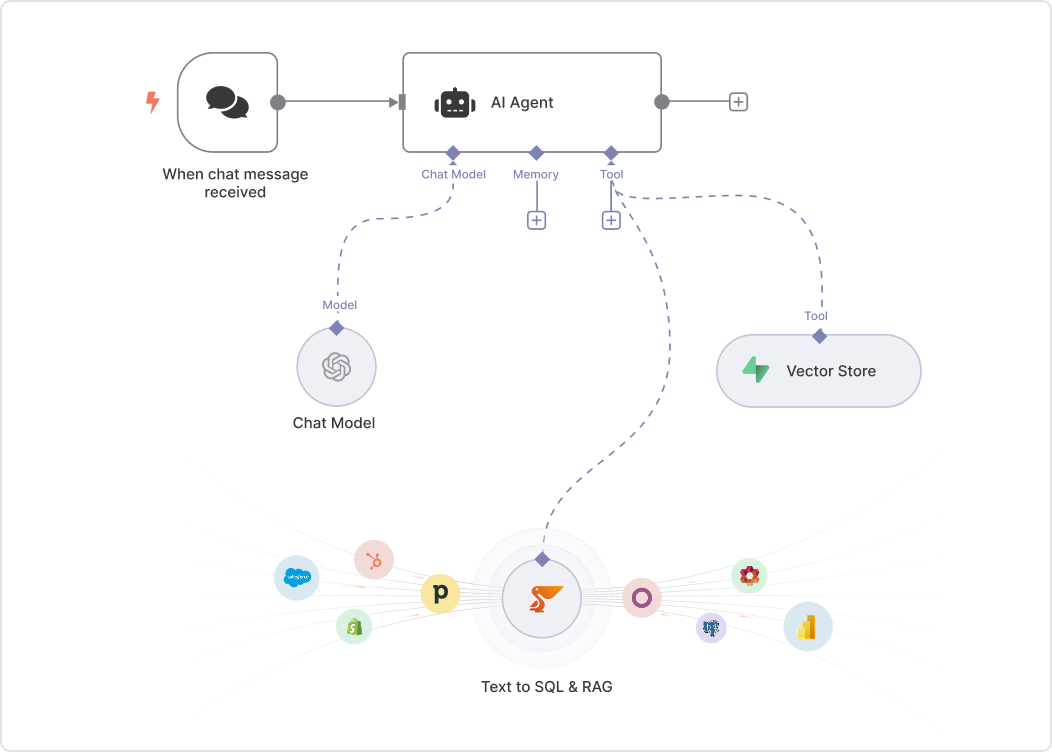
Turn on AI Agents (RAG and text-to-SQL) to answer business queries, generate SQL, or trigger downstream actions (e.g., create a CRM task).

Connect in 30 Seconds

Data Flows Automatically

Query & Analyze

Activate Insights

Beyond simple sync

A cloud data platform designed for the systems and workflows modern data and business teams use every day.

Incremental pipelines

Efficiently sync only new & changed records from Power Office to Trino using incremental loading strategies.

Schema evolution management

Automatically handle schema changes in Power Office – new fields, renamed columns, and type changes are detected and propagated to Trino.

Data quality & validation

Built-in data quality checks ensure clean data in Trino. Set validation rules, detect anomalies, and get alerts for data quality issues.

Enterprise orchestration

Schedule complex workflows, dependencies, and multi-step pipelines. Use built-in orchestration capabilities.

Warehouse-native optimization

Loads are tuned to Trino using its native bulk-load path for optimal query performance.

Developer platform

REST APIs, Python SDK and a custom connector framework for advanced data engineering workflows.

What Peliqan syncs from Power Office

Peliqan loads your Power Office data into Trino as analytics-ready tables you can query with SQL. Schema changes are handled automatically.

ProductProductgroupCustomerDepartmentEmployeeProjectProjectactivityGeneralledgeraccountSupplierVatcodeOutgoinginvoiceRecurringinvoicemore →
Sync frequencyFrom every 15 minutes
MethodIncremental, new and changed records

See all Power Office tables and columns →

Technical Specifications

Peliqan provides a high-performance ELT engine optimized for modern cloud data warehouses.
Load, transform and orchestrate data reliably with warehouse-native speed and security.

Supported Data Types

Supported Data Types

Performance & scale

Performance & scale

Security features

Security features

More destinations for Power Office

Send data out

Sync your Power Office data into these databases and warehouses.

Power Office

Postgres

Postgres

Power Office

MS SQL Server

MS SQL Server

Power Office

Elastic Search

Elastic Search

Power Office

MongoDB

MongoDB

Power Office

MySQL

MySQL

Power Office

Qdrant

Qdrant

More sources for Trino

Bring data in

Sync data from these business apps into Trino tables.

Trino

Fixform

Fixform

Trino

Open Asset

Open Asset

Trino

SFTP

SFTP

Trino

Superagent

Superagent

Trino

Weather API

Weather API

Trino

GeoCode API

GeoCode API

SaaS Data Cockpit

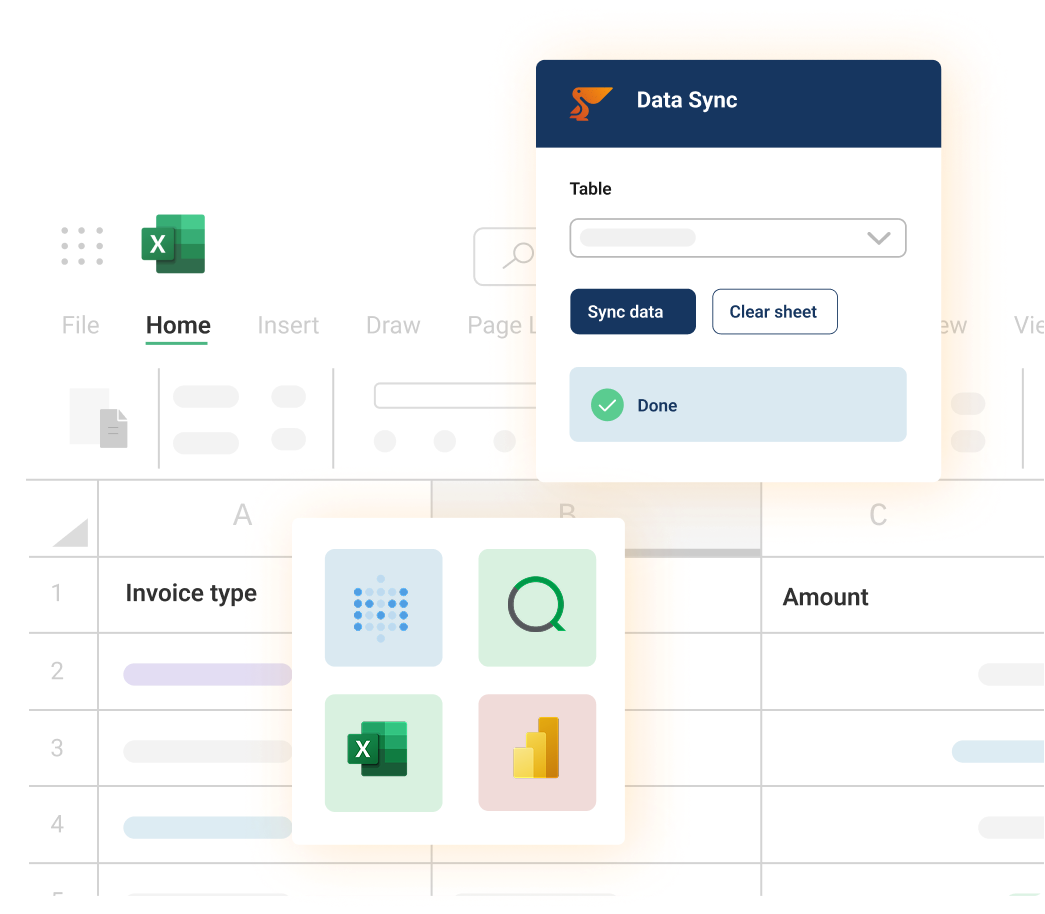
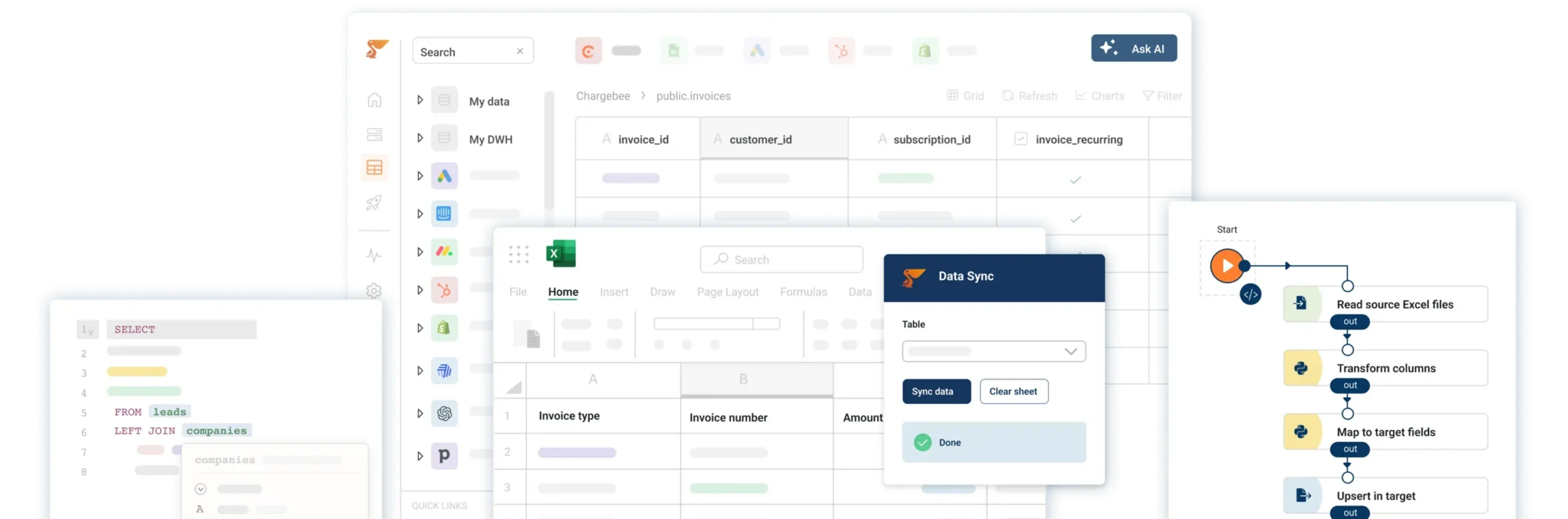
Connect your apps, then work with the data in a spreadsheet, in SQL, or in plain English. No pipelines to maintain.

Built with enterprise-grade security and compliance.

SOC 2 Type II
GDPR-compliant
HIPAA compliant
ISO 27001

G2 Badges 2026

Frequently asked questions

Yes, you can connect multiple instances of Power Office and unify the data, or you can customize field mappings for each connection.

You control the sync frequency: as often as every 15 minutes on the Pro plan, or hourly, daily and custom schedules. Some source systems set their own limits – Exact Online, for example, defaults to every 6 hours.

Yes. Transform data with SQL or low-code Python before or after it lands in the warehouse. You can clean fields, join across sources and reshape tables without touching the source system.

Peliqan handles enterprise-scale data volumes. Our distributed architecture processes millions of records efficiently with automatic scaling based on your needs.

Our team builds custom connectors, typically within 2 weeks. You can also build your own pipelines with low-code Python.

Ready to run Power Office reports on live data in Trino?

Connect Power Office to Trino in minutes, and build the reports and dashboards your team actually needs.