




The Peliqan summer release is here. We rebuilt the Peliqan interface from the ground up: a cleaner, modern design, an AI assistant that understands what you are working on, big performance gains on large datasets, instant account switching, a smoother Data App login, and – yes, finally – dark mode. Here is a tour of everything that is new.
When the summer release reaches your account, a short “What’s New” tour will walk you through each update the first time you log in. This post covers the same seven updates in a bit more detail, in the order that matters most for daily work. Deeper dives into individual features will follow in the coming weeks.
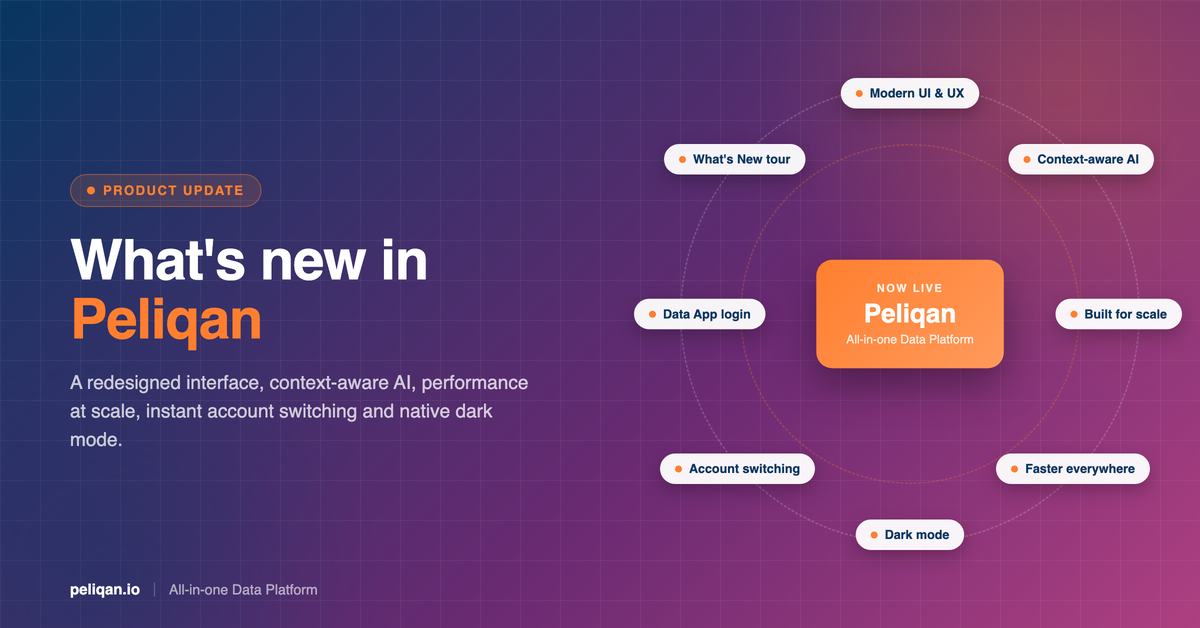
What’s new in the Peliqan summer release at a glance
- Modern UI and UX: a refreshed design that is cleaner, more intuitive, and optimized for productivity
- AI that knows what you are working on: Peliqan AI sees the data app or query you have open and writes code straight into it
- Built for scale: tables stay smooth and responsive, even with thousands of rows or columns
- Faster everywhere: faster page loads and smoother interactions across the application
- Instant account switching: move between Peliqan accounts with a single click, without signing out
- Improved Data App login: a seamless authentication experience using your Peliqan account
- Dark mode: full native dark mode support across the application
A completely redesigned interface
The most visible change in the summer release is the interface itself. Every screen has been redesigned with a cleaner layout, more consistent navigation, and less visual noise. Project notes, tables, queries, and data apps now follow the same interaction patterns, so once you learn one part of the platform, the rest feels familiar.

The goal was not a fresh coat of paint. The redesign restructures how you move through your workspace: connecting data sources, browsing your warehouse, and opening data apps all take fewer clicks than before. Everything you use daily sits one level closer to the surface.
AI that knows what you are working on
Peliqan AI is now context-aware. It sees which data app or query you have open, understands the tables behind it, and writes code straight into your editor – no copy-pasting between a chat window and your work.
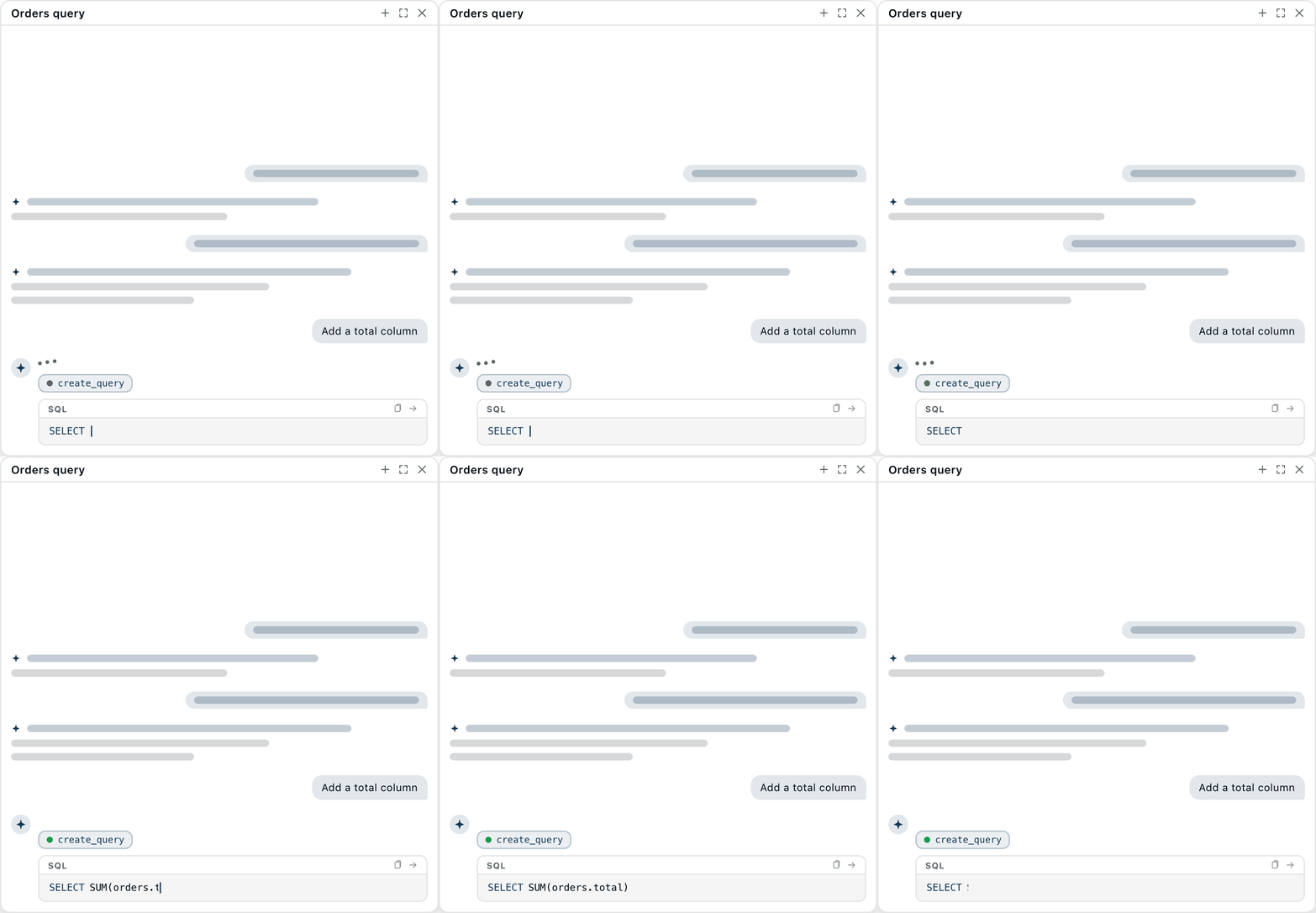
Ask it to “add total order value” while an orders query is open, and it writes the SQL in place. Because the assistant works against your live schema, its suggestions use your actual table and column names rather than generic examples. It is the same foundation that powers AI agents in Peliqan: the AI layer and the data layer share one context.
This ties into a direction we have been building toward all year. Peliqan already exposes your connected data to AI tools like Claude and ChatGPT through the Model Context Protocol. The summer release brings that same context-awareness into the Peliqan editor itself.
Built for scale
Tables now remain smooth and responsive even with thousands of rows or columns. Scrolling, selecting, filtering, and editing large tables no longer degrade as your data grows – a 10,000-row table feels the same as a 100-row one.
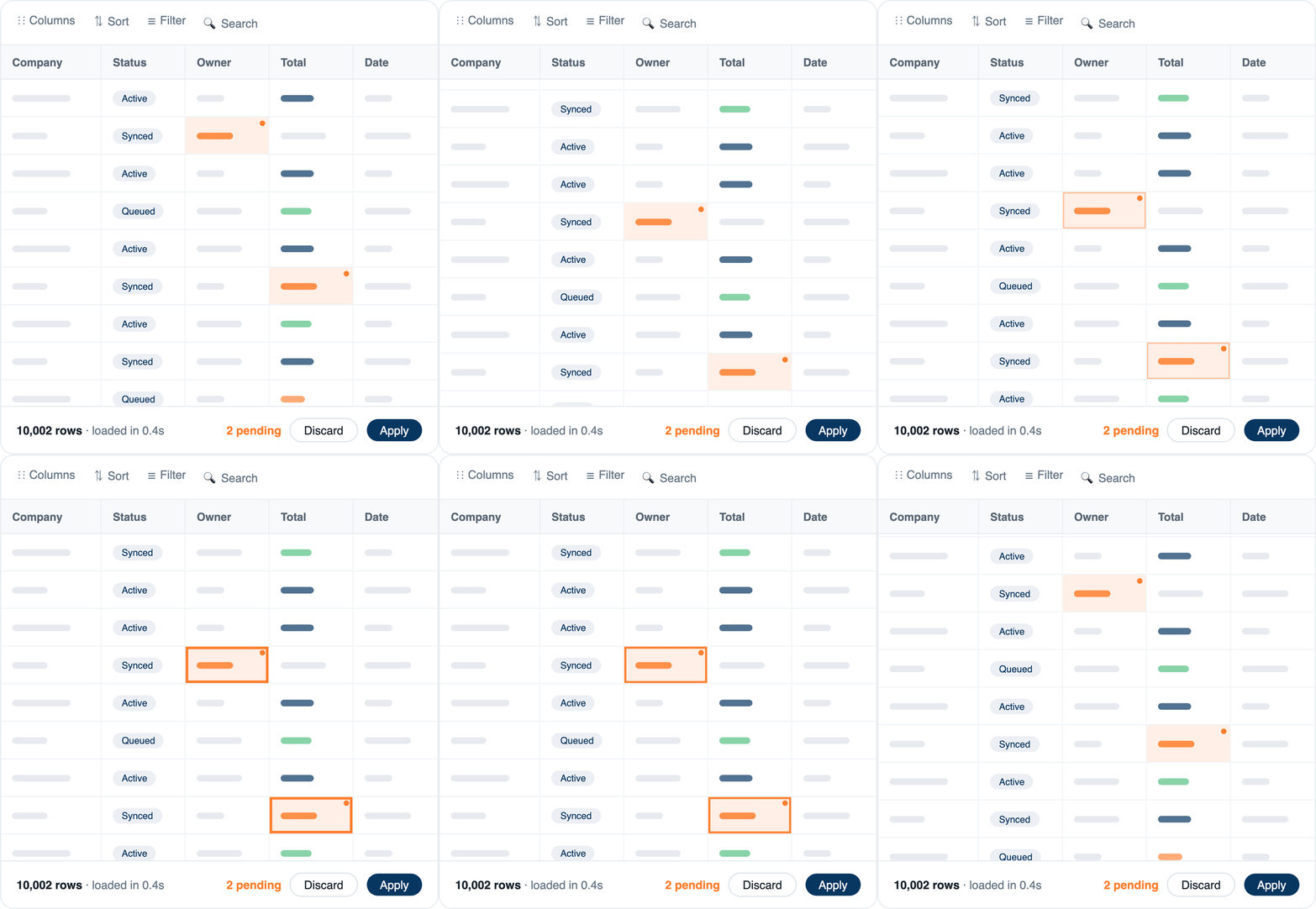
Edits at scale are safer too: pending changes are tracked visibly in the table footer, and you apply or discard them explicitly. For teams that materialize large tables in the built-in warehouse and work in the spreadsheet UI daily, this is the update you will feel most.
Faster everywhere
Beyond the table engine, the summer release brings significant performance improvements across the application: reduced page load times, smoother transitions between modules, and more responsive interactions throughout. Heavy screens like the query editor and data transformations benefit the most, but the difference is noticeable everywhere.
Instant account switching
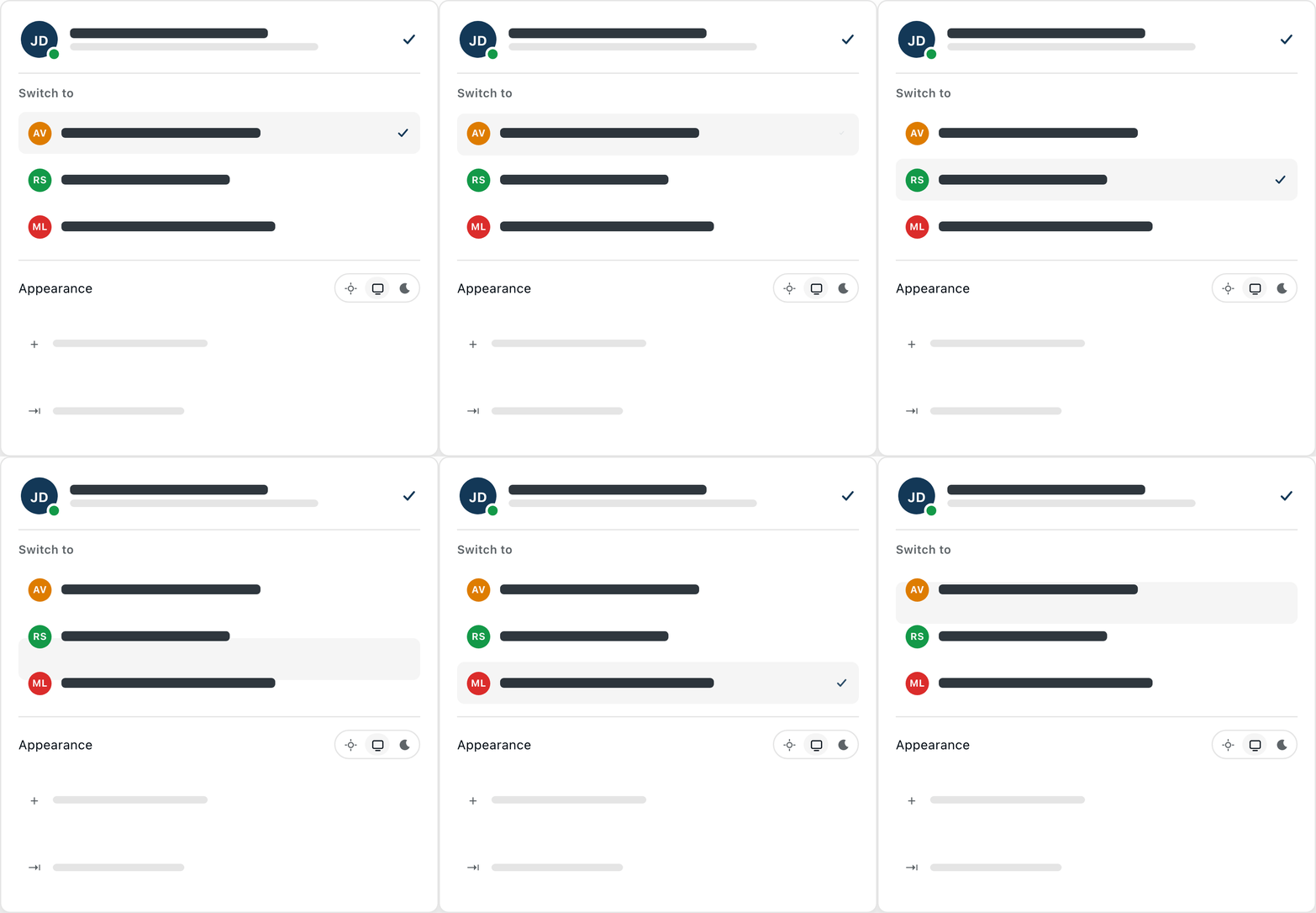
If you work across multiple Peliqan accounts, the summer release removes the sign-out-sign-in dance entirely. A new account switcher lets you move between accounts with a single click, keeping your session active in each.
Especially important for partners
Implementation partners and agencies running multiple customer accounts feel this one immediately: jumping between client environments is now instant. This is how partners like OdooExperts manage reporting across many client environments without friction.
Combined with white-label options, this makes Peliqan a meaningfully better home base for consultancies and SaaS teams that operate Peliqan on behalf of their customers.
Improved Data App login
Data apps you publish and share – dashboards, writeback tools, internal utilities – now offer a smoother authentication experience. Users sign in to a published data app with their Peliqan account in one seamless step, instead of a clunky separate login flow.
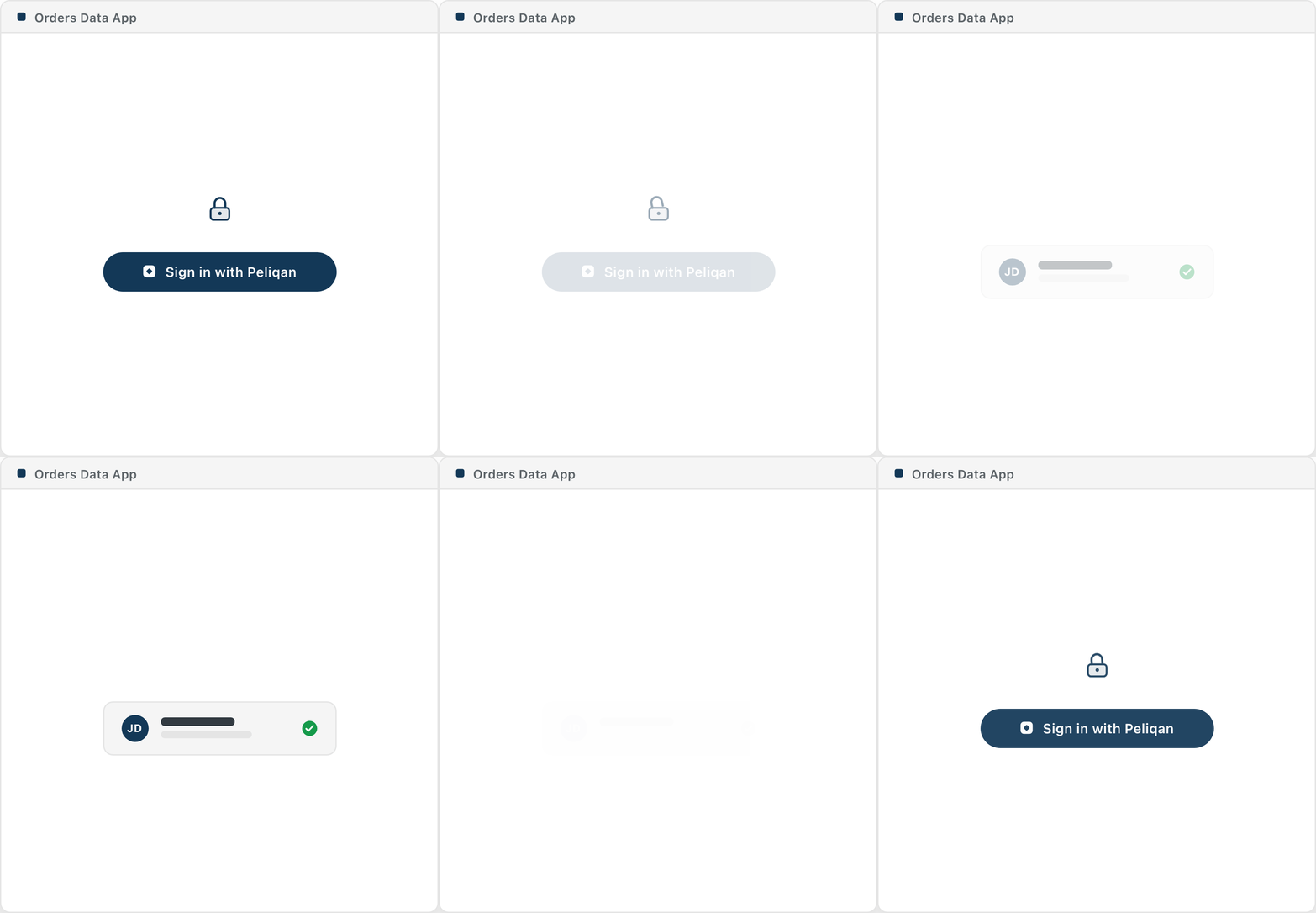
If you build low-code data apps for colleagues or customers, the people using them get a login experience that matches the rest of the platform, while access still respects the permissions you have configured.
And finally, the most requested feature: dark mode
We heard you. In every feedback call, every survey, and more support tickets than we can count: the Peliqan summer release ships with full native dark mode across the entire application.
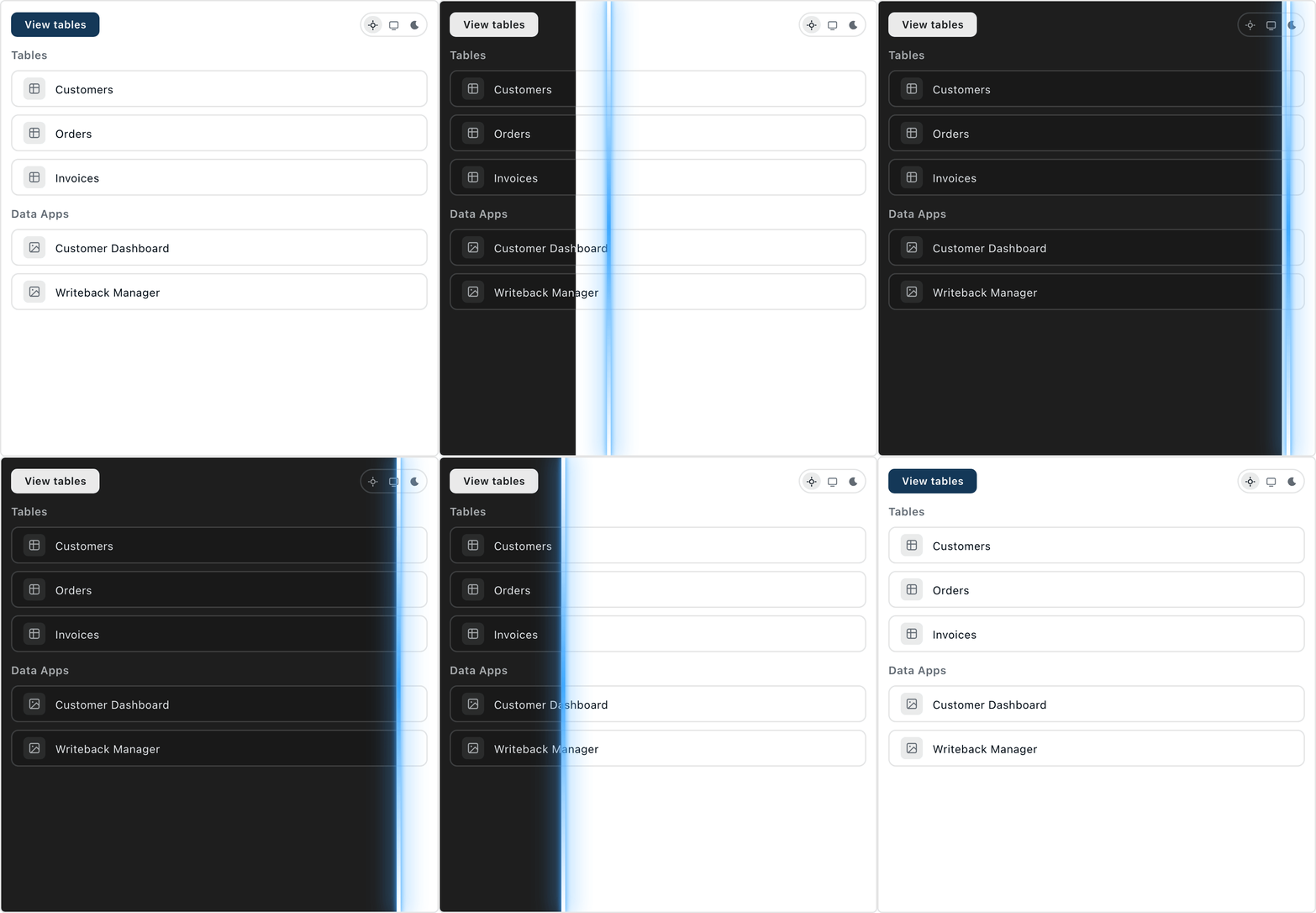
Choose light, dark, or follow your system preference from the appearance setting in your account menu. Every module has been restyled for dark mode natively – no inverted-color hacks, no unreadable charts. Your eyes can thank us during those late-night pipeline runs.
How to get the Peliqan summer release
There is nothing to install and nothing to migrate. The summer release is a new interface on the same platform: all your existing connections, pipelines, queries, transformations, and data apps keep working exactly as before. When the summer release is enabled on your account, you will see the What’s New tour on your next login.
Good to know
- No action needed: the summer release arrives automatically on your account – your data and configurations are untouched
- Same platform underneath: connectors, warehouse, APIs, and schedules are unchanged
- Feedback welcome: spotted something off, or have an idea? Tell us through the in-app feedback option – the interface will keep improving in the coming releases
A faster, cleaner Peliqan for everyone
The summer release is the largest interface release in Peliqan’s history, and it sets the foundation for what is coming next: deeper AI assistance, richer orchestration, and more. We will cover several of these updates in dedicated posts over the coming weeks.
New to Peliqan? It is the all-in-one data platform with 300+ connectors, a built-in data warehouse, low-code Python and SQL, and AI that works directly on your data. Book a demo to see the summer release in action.