Why does an AI assistant give different answers to the same question?
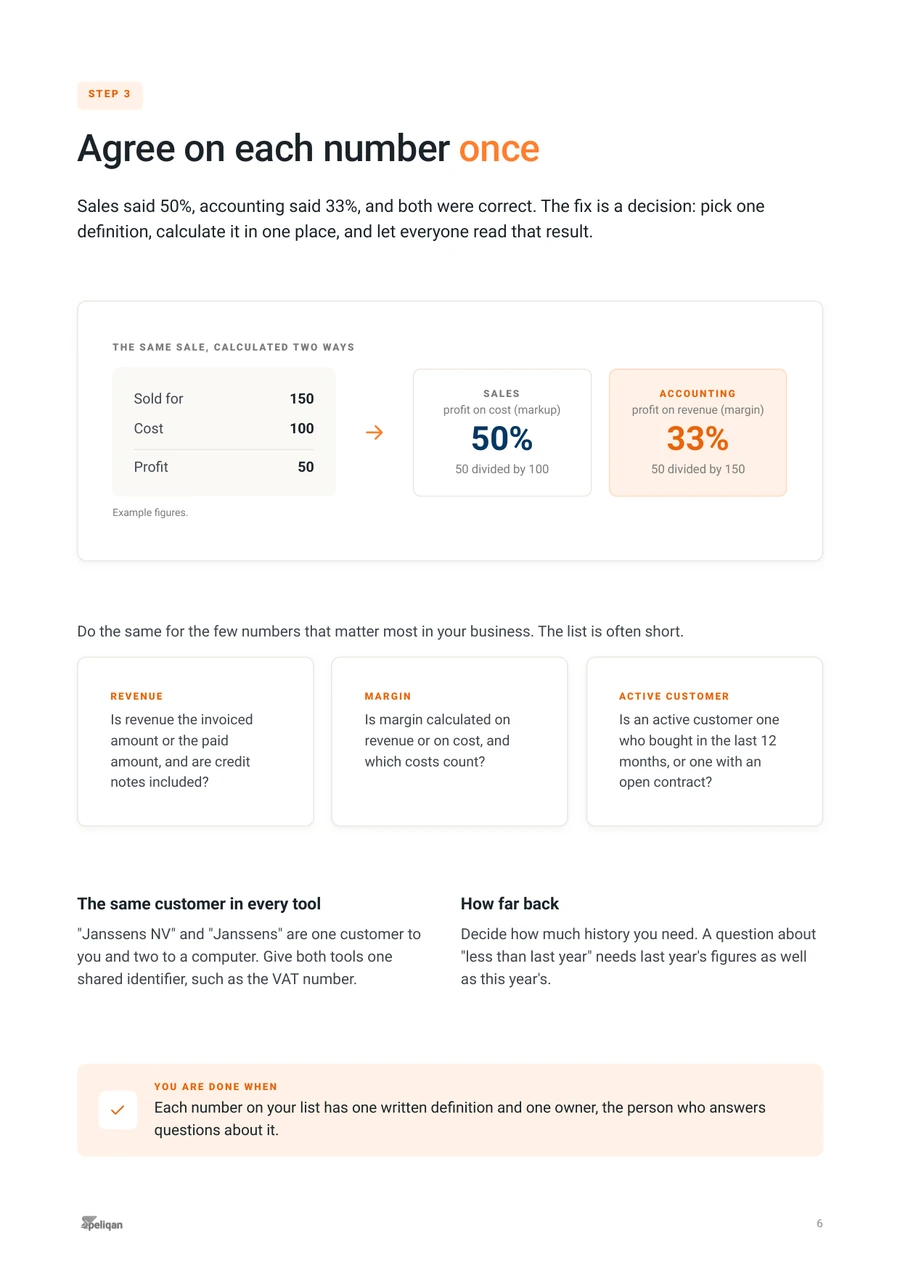
It answers from what it can see. If it reads one tool at a time, if two teams define margin differently, or if the data comes from an old export, the answer changes. Agreeing on definitions and giving it one place to read fixes most of it.
Is my tool's own AI connector enough?
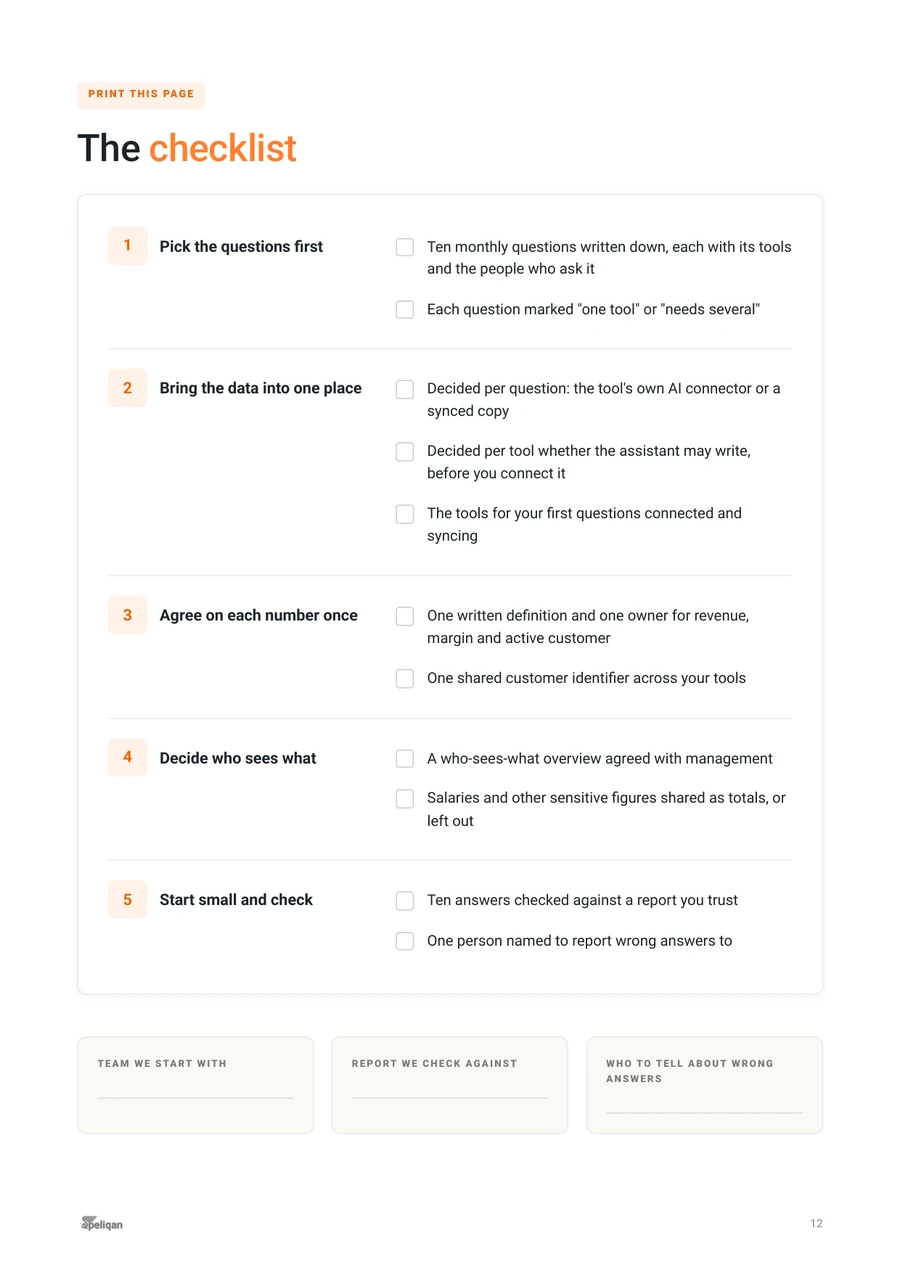
Often, yes. If your questions stay inside one tool and everyone may see the same data, start there. You need more once a question crosses tools or needs years of history.
What is a data warehouse, and do I need one?
It is a database that holds a synced copy of the data from your tools. You need one when questions combine tools, go back years, or depend on one agreed number.
How do I keep colleagues from seeing figures they should not?
Set access in the data, per group, before people start asking. Do not rely on the assistant to hold things back: if a group’s tables do not contain margins, nobody in that group can get them.
Can the assistant change data in our tools?
Many AI connectors can create, change and delete records, and some assistants can skip the approval step. Decide per tool whether writing is allowed, before you connect it.
Where should we start?
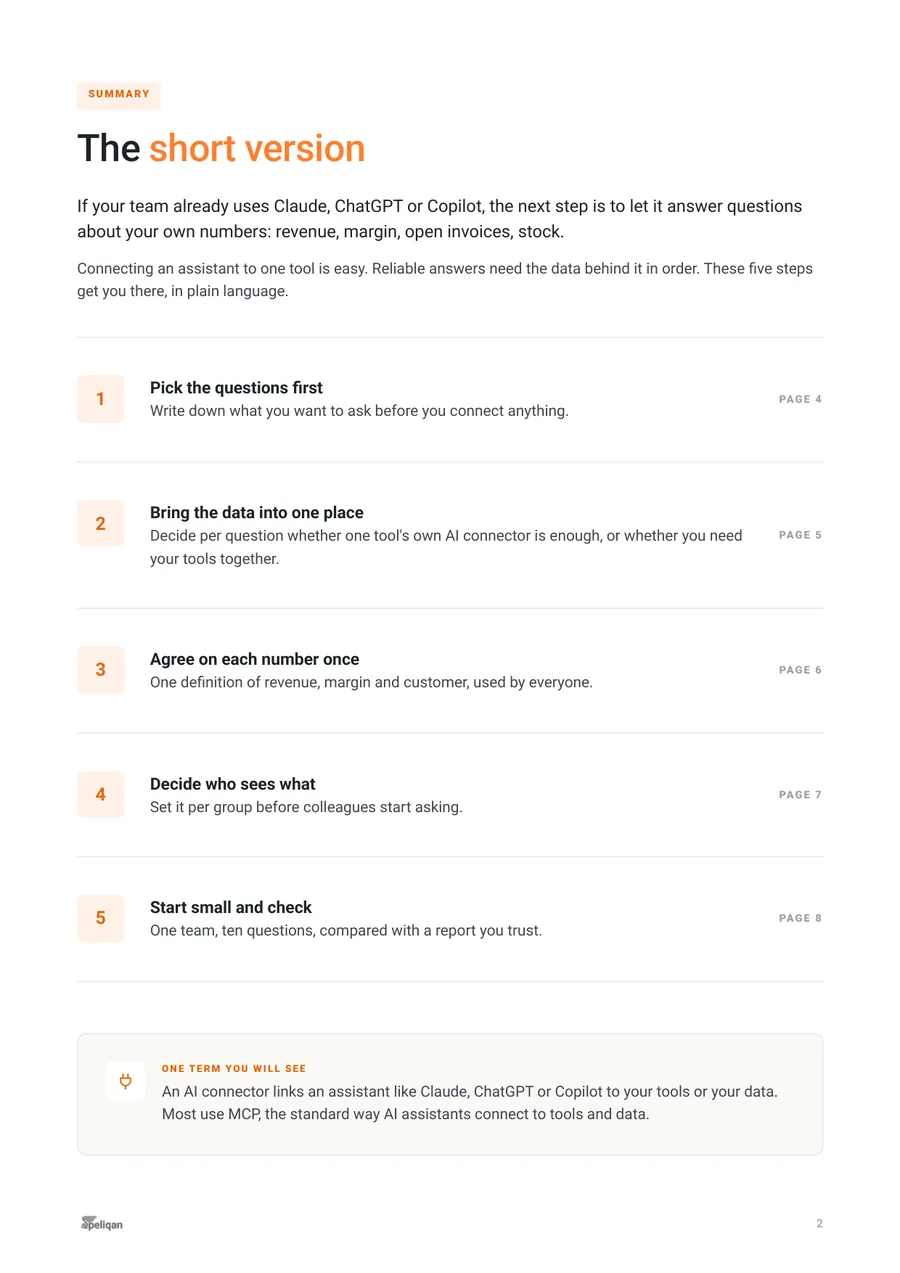
With one team and the ten questions it asks every month. Check each answer against a report you already trust, and only widen once they match.