Peliqan

Activate your Lightyear data for BI & AI

Instantly connect Lightyear, use any BI tool. Combine SQL and low-code Python to integrate, automate and activate your data.

Lightyear logo
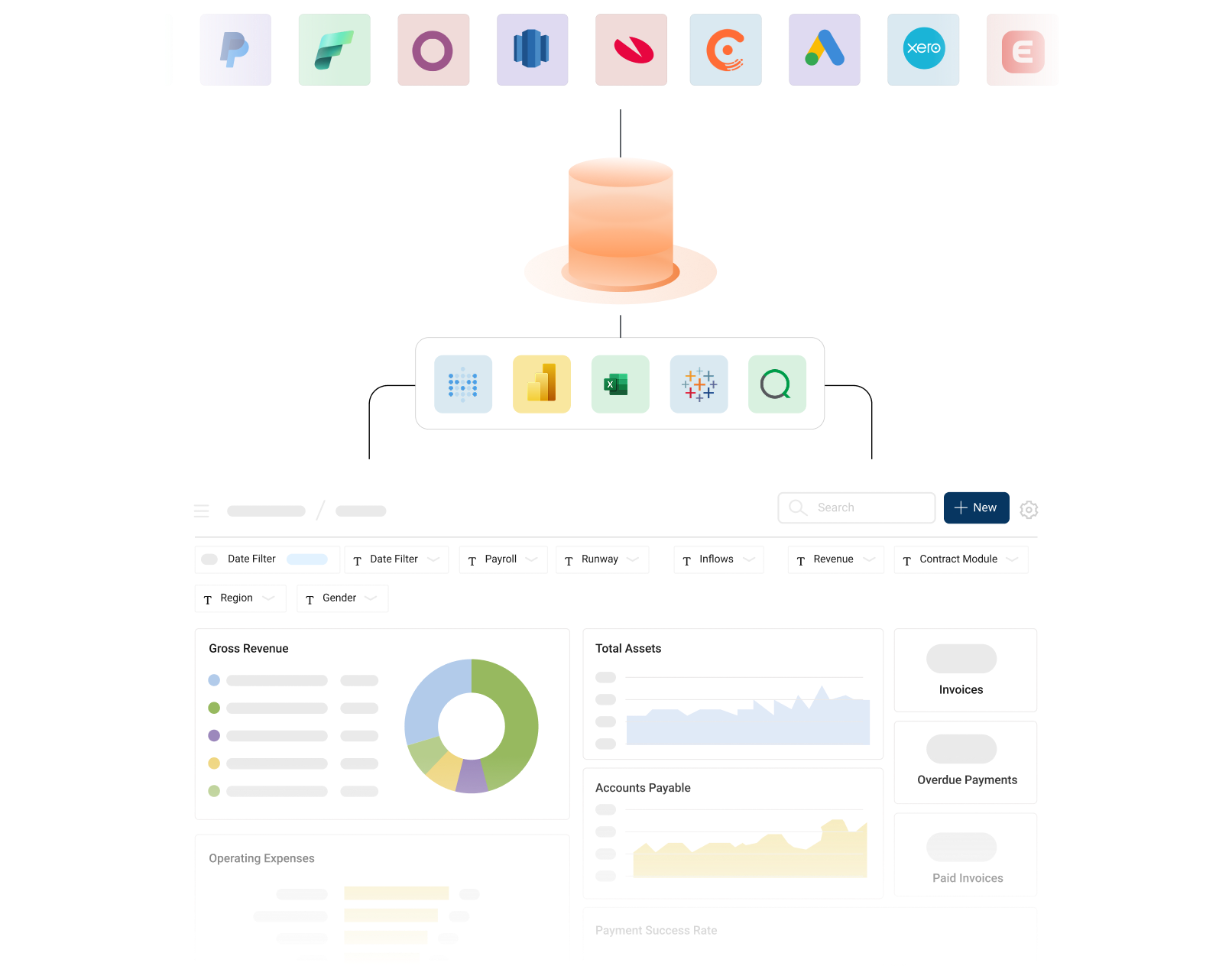
BI
Metabase
Excel
Tableau
Power BI
Qlik
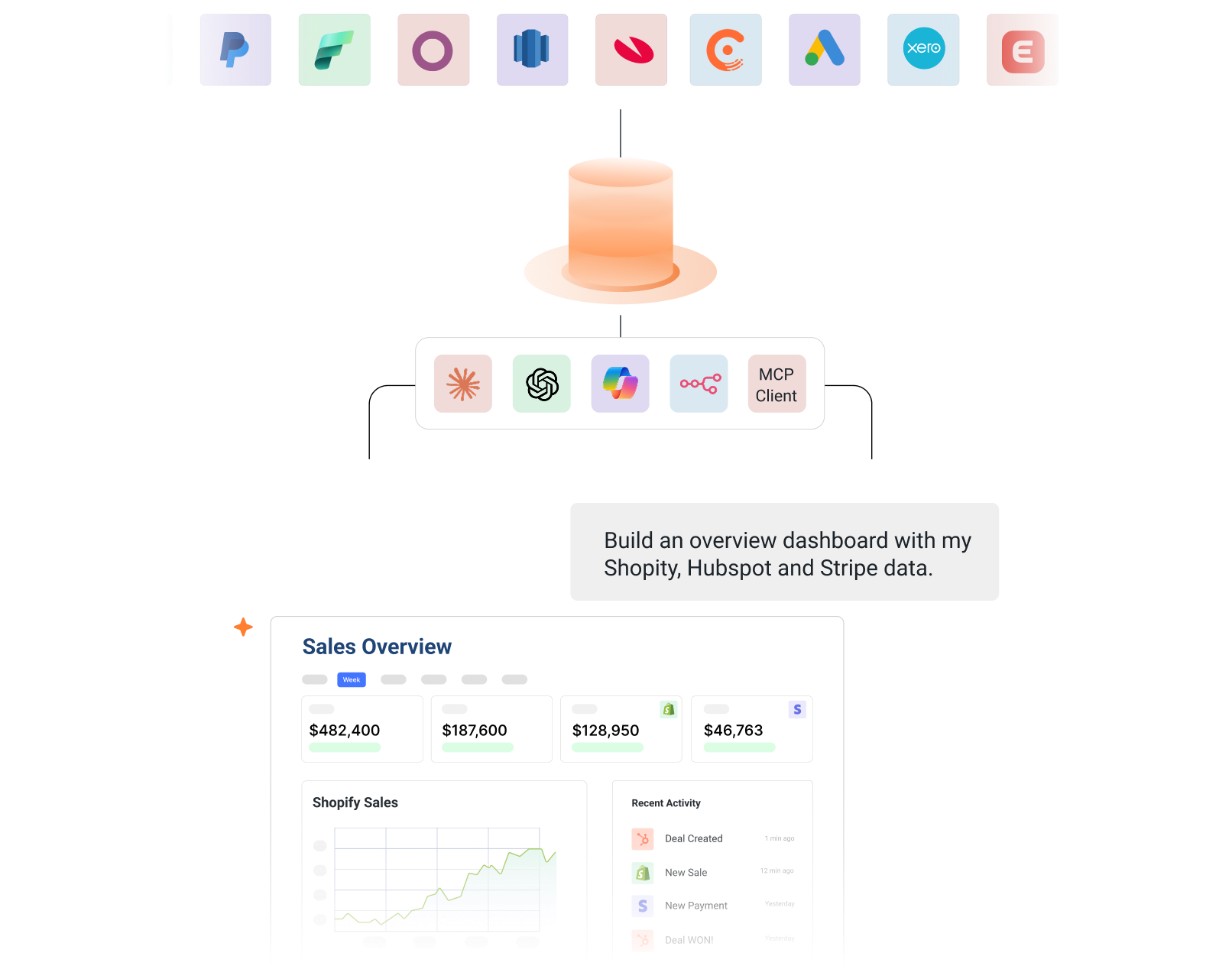
AI
Claude
ChatGPT
n8n
MCP
Client
Copilot

Lightyear data, ready for analytics and AI

What this connector does, and why teams sync it to a warehouse

About this connector

What is Lightyear?


Lightyear is a finance and payments platform holding data on invoices, transactions, payments and balances. Getting that data out for consolidated reporting, or joining it with sales and operations data, usually means manual exports or custom API work. Peliqan provides a managed Lightyear connector that syncs finance data into your warehouse for cash flow analysis, revenue reporting and multi-entity consolidation.

Why sync to a warehouse

Get more from Lightyear data


  • Centralize Lightyear data alongside CRM, ERP, and product systems
  • Cross-source analytics and dashboards in one warehouse
  • AI agents and Text-to-SQL on live Lightyear data via MCP
  • Automated incremental syncs, no manual exports or scripts
  • Real-time sync with no manual exports or scripts

From raw data to actionable insights in minutes

Peliqan brings ETL pipelines, data transformations and reverse ETL together in one integrated platform. Connect your favorite BI tool and activate your data with SQL and low-code Python.

Trusted by data-driven companies

Logo 1
Logo 2
Logo 3
Logo 4
Logo 4
Logo 4
Logo 4
Logo 4
Logo 4
Logo 4
Logo 4
Logo 4

AI

BI

Instant data warehouse for Lightyear

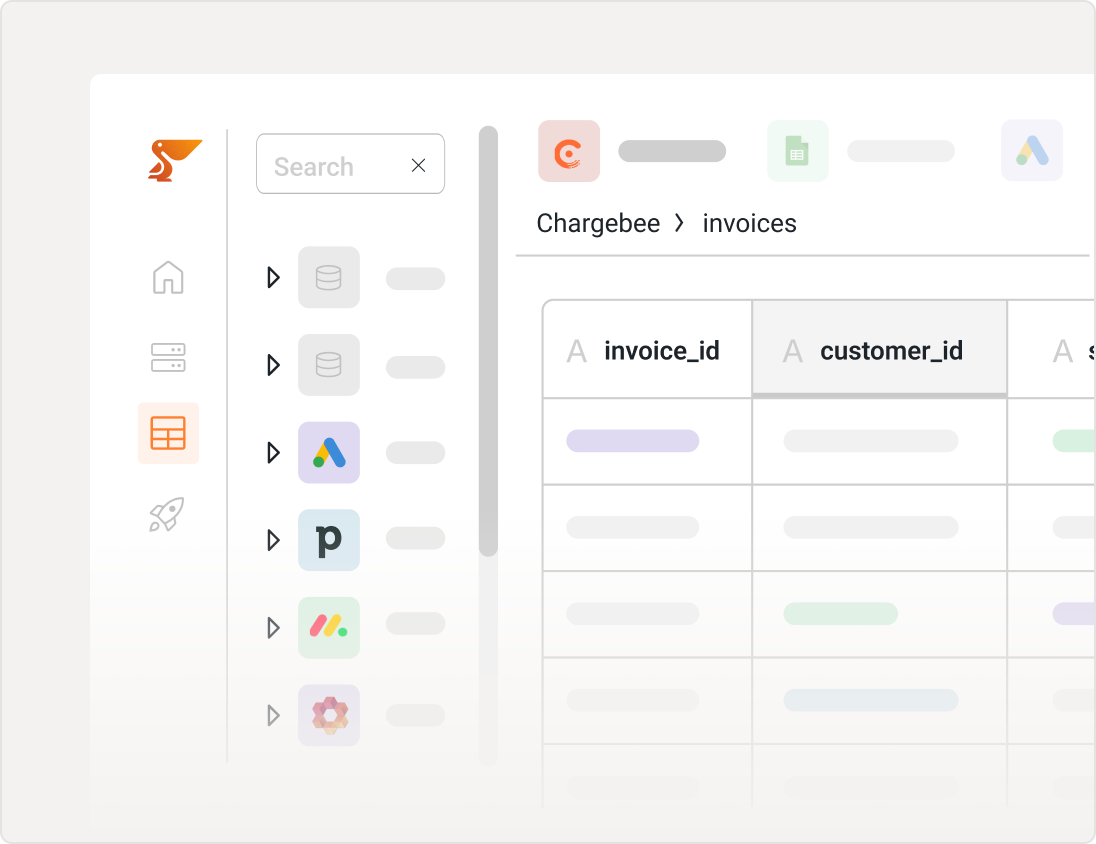
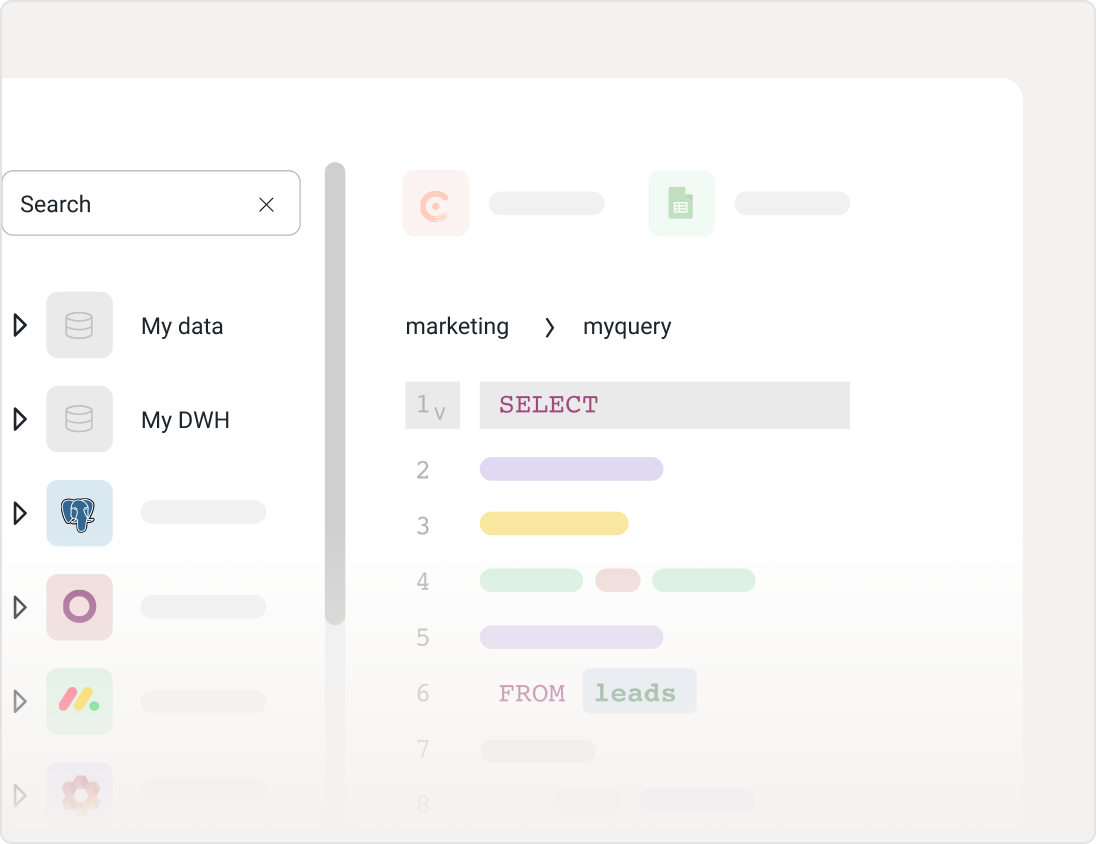
Sync Lightyear into a data warehouse with a few clicks, and start exploring your data in an easy spreadsheet. 

Use SQL on Lightyear to combine data, build custom reports and prepare data for your favorite BI tool such as Microsoft Power BI, Tableau, Qlik Sense, Looker or Metabase. ETL data pipelines are automatically created.

Peliqan Fav Icon
Peliqan DW

Snowflake data warehouse
Snowflake

redshift
Redshift

Clickhouse
Clickhouse

Instant data warehouse

Spreadsheet UI and magical SQL for Lightyear

Explore data in a rich spreadsheet UI. Use Magical SQL to combine and transform data. SQL queries become new tables that can be shared with business users and used in any BI tool.

Use Peliqan’s built-in distributed query engine to combine data between sources, e.g. write JOIN queries between tables in the Peliqan DW and external databases.

Peliqan Fav Icon
Peliqan DW

MongoDB
MongoDB

postgres
Postgres

microsoft-sql-server
SQL Server

Spreadsheet UI

Visualize your Lightyear data

Use your preferred BI tool (Power BI, Tableau, Metabase etc.) to visualize your Lightyear data.

Deploy Metabase with a single click from the Peliqan Market Place and use Lightyear in Metabase.

Sync with Google Sheets for easy data analysis from any source.

Connect your data to Microsoft Power BI
Power BI

Sync data to Metabase
Metabase

Tableau

Superset
Superset

Visualize

SaaS Data Cockpit

Connect your apps, then work with the data in a spreadsheet, in SQL, or in plain English. No pipelines to maintain.

Do more with Peliqan

Four more things teams do with Lightyear data once it is in the warehouse.

Build AI Agents on Lightyear

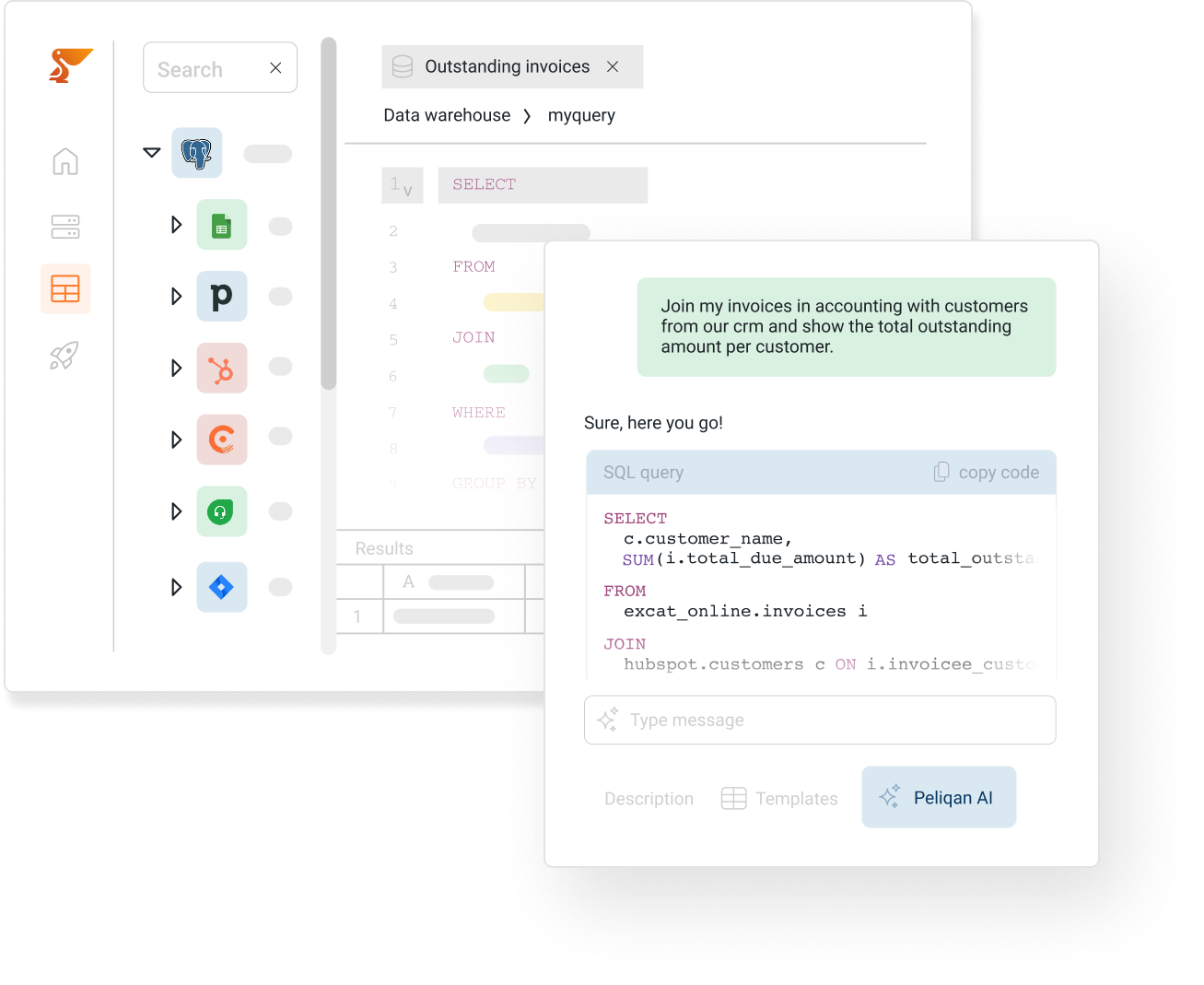
Build intelligent AI Agents on top of Lightyear, with Peliqan’s AI data foundation: Lightyear MCP Server, Lightyear in n8n AI Agents & Make, “Text to SQL” on Lightyear data, Lightyear RAG with out-of-the-box embeddings (vectors) and Lightyear Graph RAG.

More info

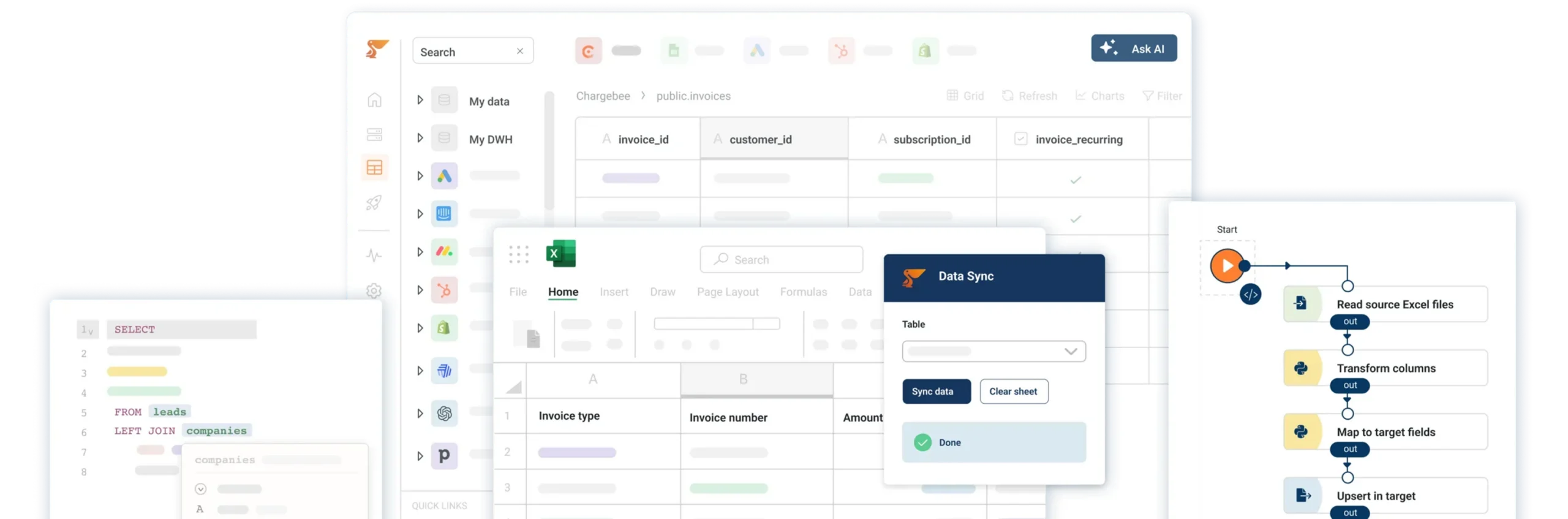
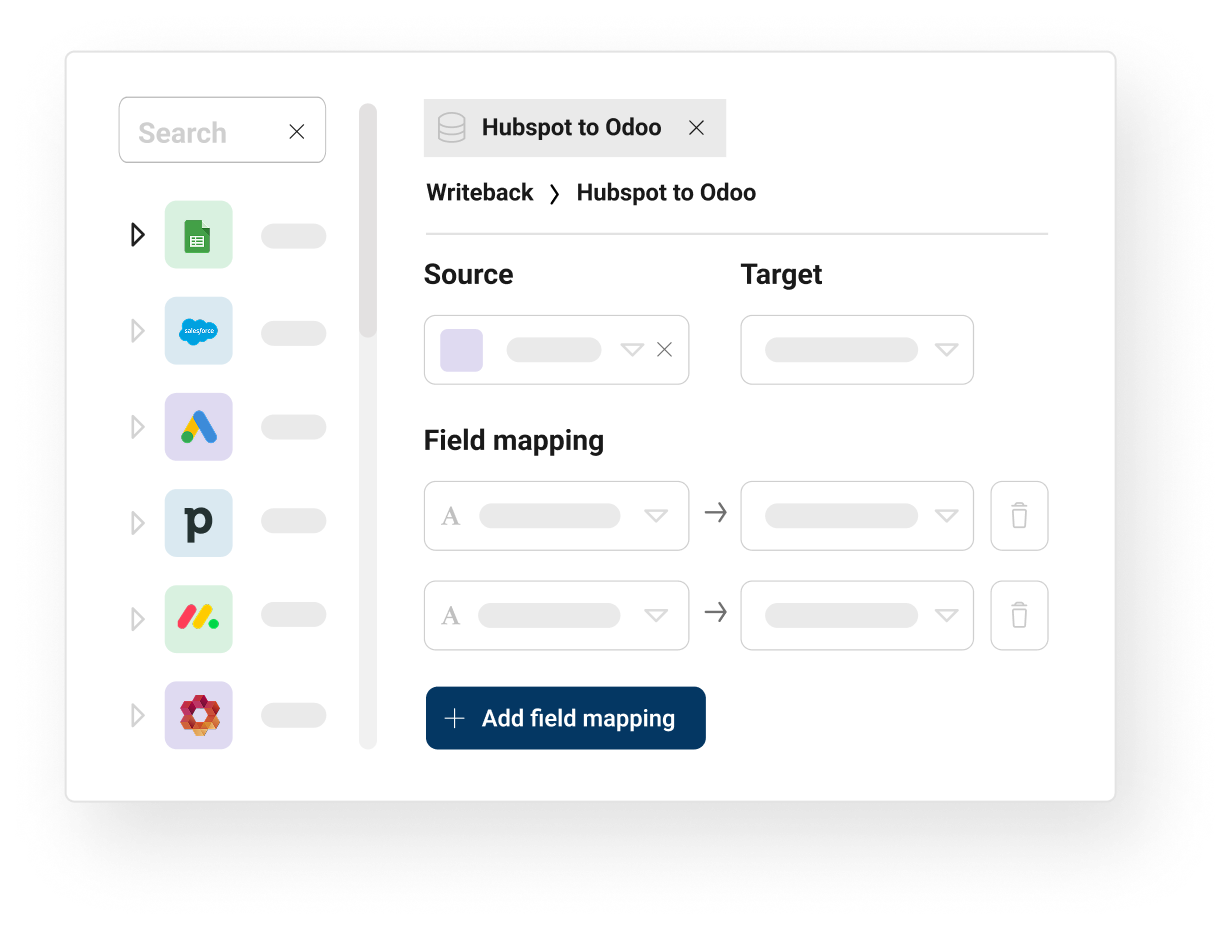
Export data from multiple SaaS applications and databases into Lightyear. Set up automated data syncs to keep your business applications in sync. Use Reverse ETL to sync Lightyear data to any business application.

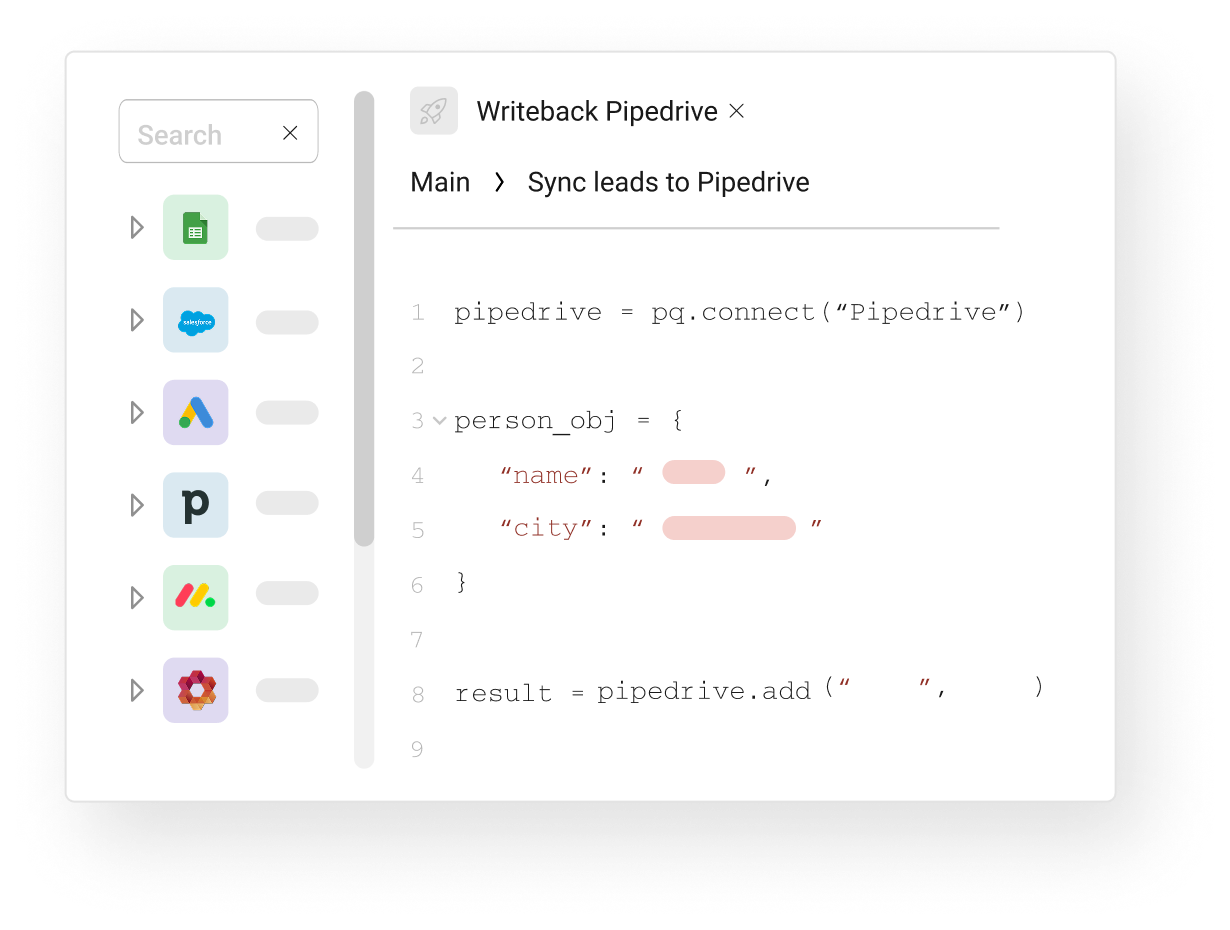
Developers can write, test, execute and schedule low-code Python scripts to work with their data. Implement reverse ETL with 3 lines of code. Run ML models, build interactive UIs, publish APIs.

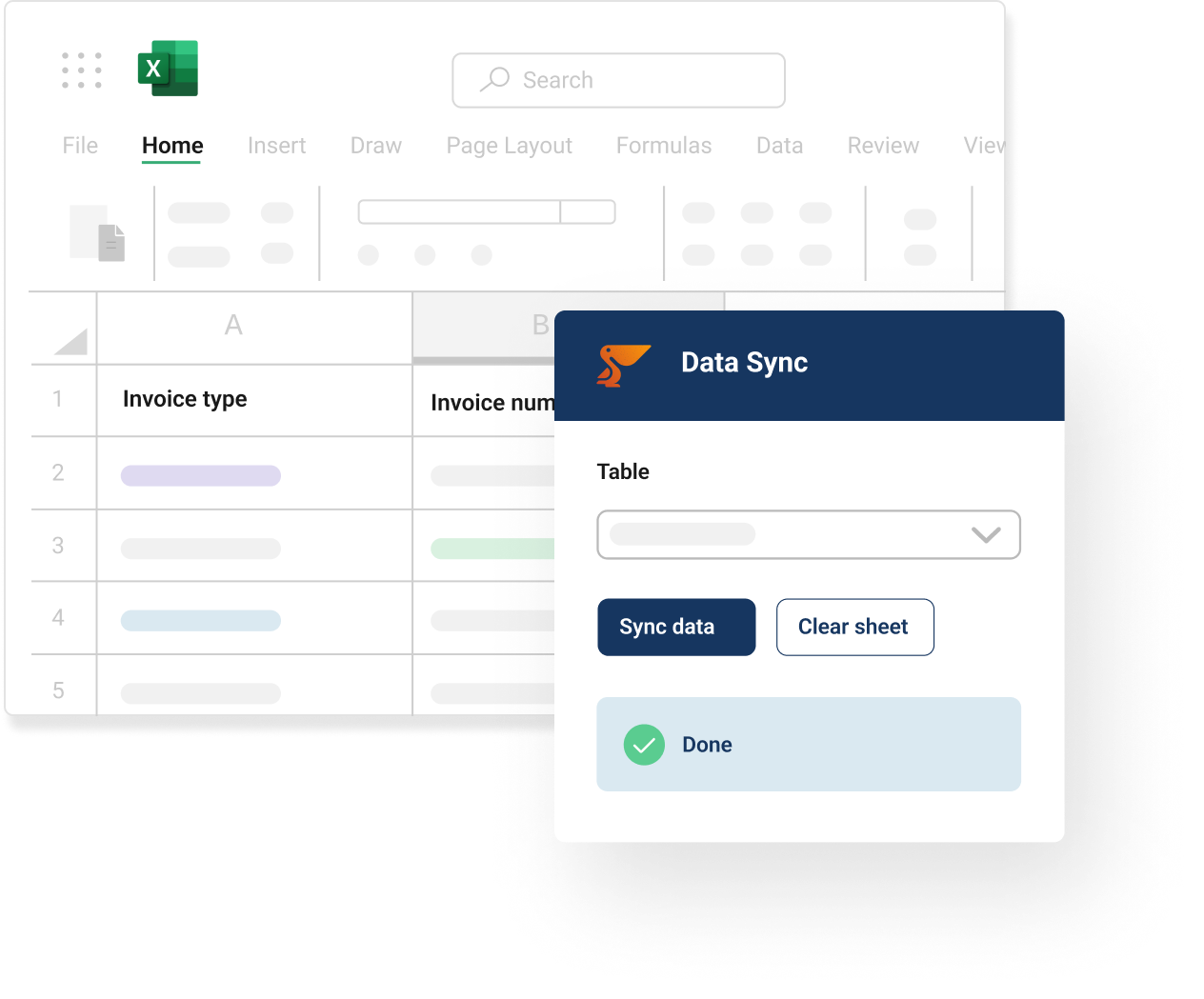
CFOs, CEOs and other business users can work with Peliqan data in Excel thanks to the Peliqan Excel add-in. Easily switch between data sources and work with your data in real-time in Excel.

Do more with Peliqan 2

Do more with Peliqan 3

Do more with Peliqan 4

Popular SQL queries for Lightyear

Ready-to-use queries once your Lightyear data is in a warehouse. Run them as-is or adapt them in Peliqan’s SQL editor.

Queries coming soon

We are currently compiling the most popular SQL queries for Lightyear. Check back soon!

Beyond Simple Sync

A cloud data platform for everything you want to do with Lightyear data after the sync.

Ad hoc analysis

Analyze your Lightyear data with SQL or in a spreadsheet.

Self-service access

Enable business users with controlled self-service data access to Lightyear.

Spreadsheet BI

Work with your Lightyear data in a spreadsheet that is always up-to-date.

Dashboards

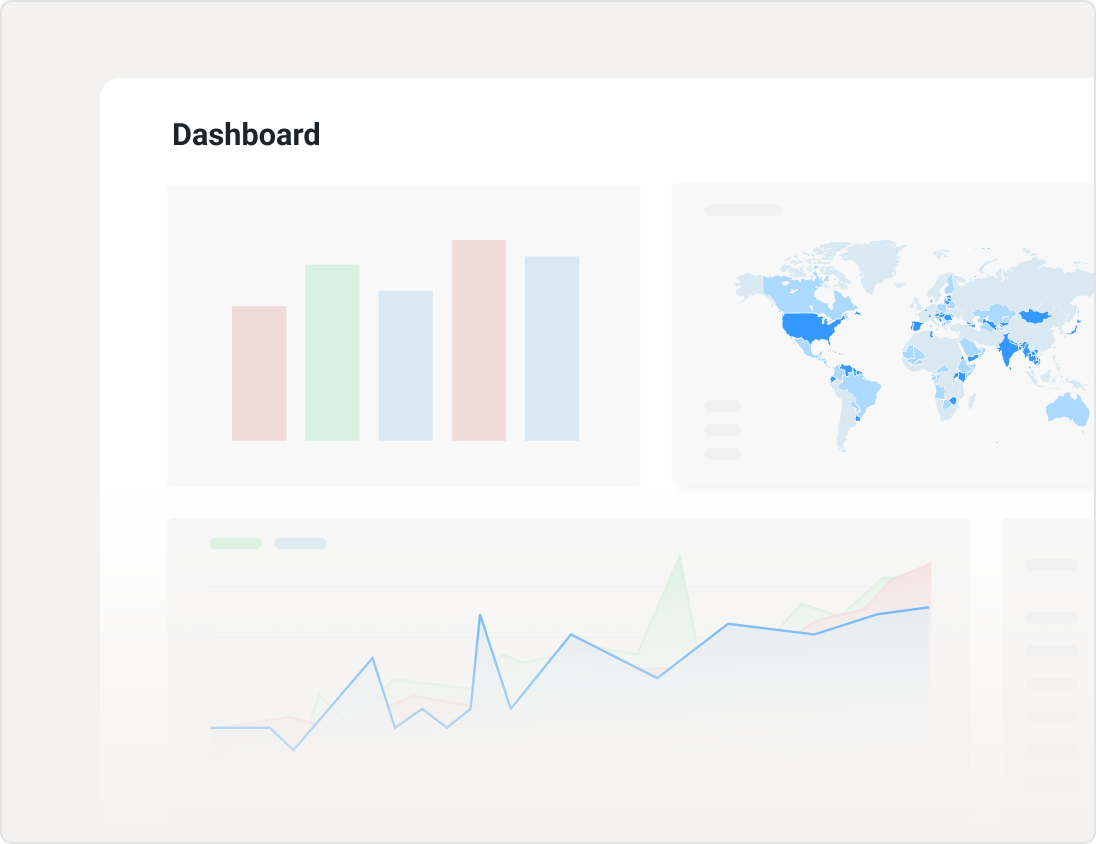
Create charts and visualize your Lightyear data in dashboards.

Data verification

Create views for “human in the loop” processes when working with Lightyear data.

Reporting

Build custom reports from Lightyear in HTML, PDF…

Frequently asked questions

How does Peliqan connect to Lightyear?

Peliqan connects to your SaaS business applications such as Lightyear through APIs, using for example OAuth 2.0 or an API key for authentication. The connection is typically added in a few clicks. For OAuth connectors, you authorize Peliqan to access your data. You can choose which objects to sync, and the connector handles incremental updates from there (if available in this specific connector). No code, no middleware, and no IT tickets to file.

Which Lightyear objects can I sync to my warehouse?

Peliqan typically syncs all standard objects from your business applications such as Lightyear. Peliqan usually also syncs custom objects and custom fields. The connector adapts to schema changes without manual reconfiguration. Browse the full connector catalog to see related connectors and integrations.

How often is Lightyear data updated in my warehouse?

Syncs can run up to every 15 minutes on the Pro plan, with custom schedules available on higher tiers. Sync mode is incremental where available, so only new and changed records are pulled, which keeps API call usage low and respects Lightyear rate limits.

Can I write data back to Lightyear from my warehouse?

Yes. Peliqan's reverse ETL pushes data from your data warehouse back into selected business applications. Please check Peliqan's documentation for details on "writeback" availability for specific connectors such as Lightyear, not all Peliqan connectors support reverse ETL/writeback. Reverse ETL is useful for syncing enriched scores, customer health metrics, billing data, or product usage signals into native Lightyear fields. Reverse ETL flows can run on a schedule, on demand, or be triggered by SQL conditions. Read the reverse ETL documentation for setup details.

What can I do with Lightyear data once it's in Peliqan?

Once Lightyear data lands in your data warehouse (such as Peliqan's built-in data warehouse or Fabric, Snowflake, BigQuery, Redshift or PostgreSQL), you can run SQL queries, build dashboards in Power BI, Tableau, Metabase, or Looker, combine it with data from other sources, feed it into AI agents through MCP servers, build Text-to-SQL and RAG workflows, or activate it through reverse ETL.

Peliqan also includes a built-in spreadsheet UI for ad hoc analysis without writing SQL.

Is the Lightyear connector secure and GDPR compliant?

Peliqan is SOC 2 Type II certified, GDPR compliant, and ISO 27001 certified. Lightyear credentials are stored encrypted at rest, all data transfers happen encrypted over TLS, and EU-resident data stays on EU infrastructure in the eu.peliqan.io region.

3 ways to get Lightyear data into a warehouse

Native Lightyear exports

  • Manual CSV exports from Lightyear reports
  • Row limits per export and no scheduled sync
  • No incremental updates, no schema management
  • Breaks when admins change schema
  • No two-way writeback

Custom code with the Lightyear API

  • Full control, but engineering-heavy to build
  • Must handle OAuth refresh and rate limits
  • Schema changes break pipelines silently
  • Ongoing maintenance burden on your team
  • Reverse ETL requires separate code

Lightyear on Peliqan

  • Managed connector, no code required
  • Incremental syncs, automatic schema evolution
  • Bidirectional writeback for reverse ETL
  • Built-in warehouse, BI, and AI in one platform
  • SOC 2 Type II, GDPR compliant, EU hosted

Request a Lightyear demo →

Ready to see all your company data in one place?

Connect Lightyear to the rest of your stack and build the reports, dashboards and AI workflows your team needs.