Peliqan

Activate your Stripe data for BI & AI

Instantly connect Stripe, use any BI tool. Combine magical SQL and low-code Python to integrate, automate and activate your data.

Stripe

1 connector Hero Image

Stripe

Stripe data, ready for analytics and AI

About this connector

What is Stripe?

Stripe is a SaaS application used in modern business operations, holding valuable data on customers, transactions, or workflows. Getting Stripe data out for cross-source analytics typically requires custom scripts or one-off integration tools. Peliqan provides a managed Stripe connector that syncs data into your warehouse automatically, unlocking cross-source reporting, AI use cases, and reverse ETL workflows.

Why sync to a warehouse

Get more from Stripe data

  • Centralize Stripe data alongside CRM, ERP, and product systems
  • Cross-source analytics and dashboards in one warehouse
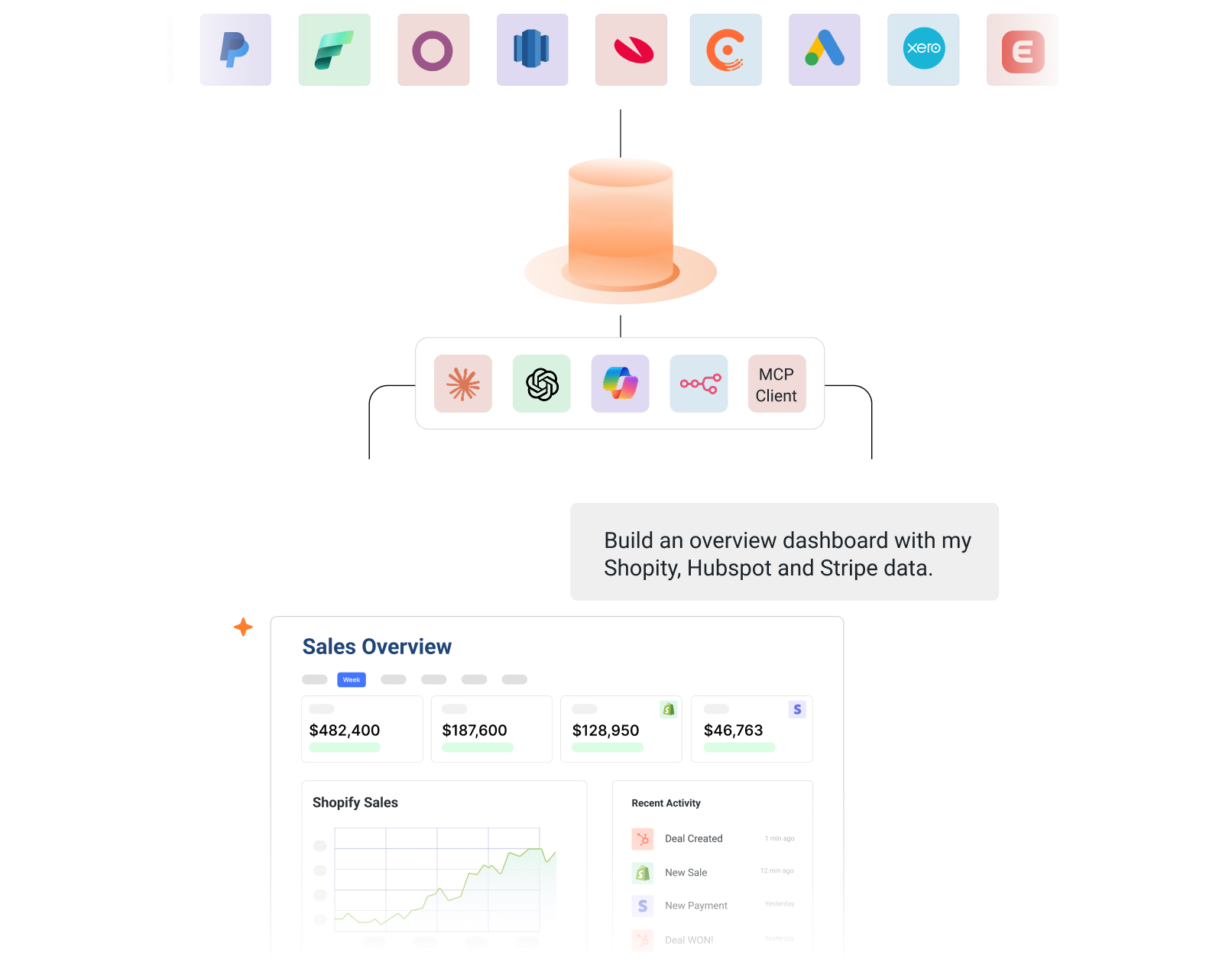
  • AI agents and Text-to-SQL on live Stripe data via MCP
  • Reverse ETL of enriched data back into Stripe
  • Real-time sync with no manual exports or scripts

From raw data to actionable insights in minutes

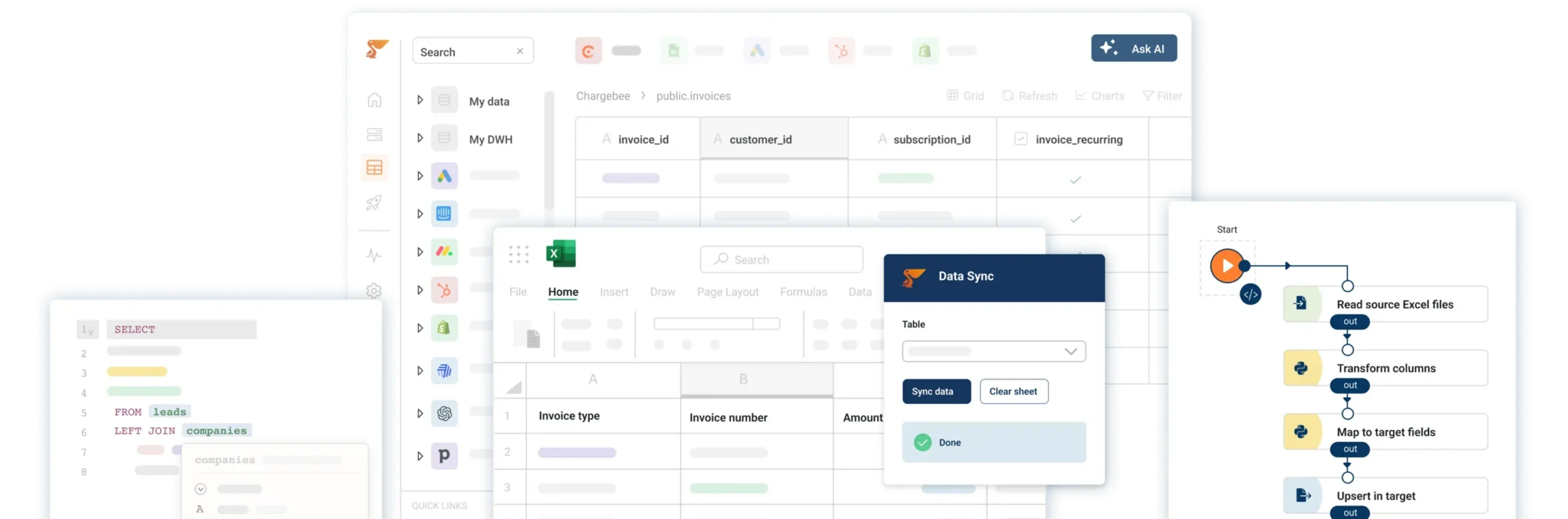
Peliqan brings ETL pipelines, data transformations and reverse ETL together in one integrated platform. Connect your favorite BI tool and activate your data with SQL and low-code Python.

Stripe

From raw data AI

Stripe

From raw data BI

Instant data warehouse for Stripe

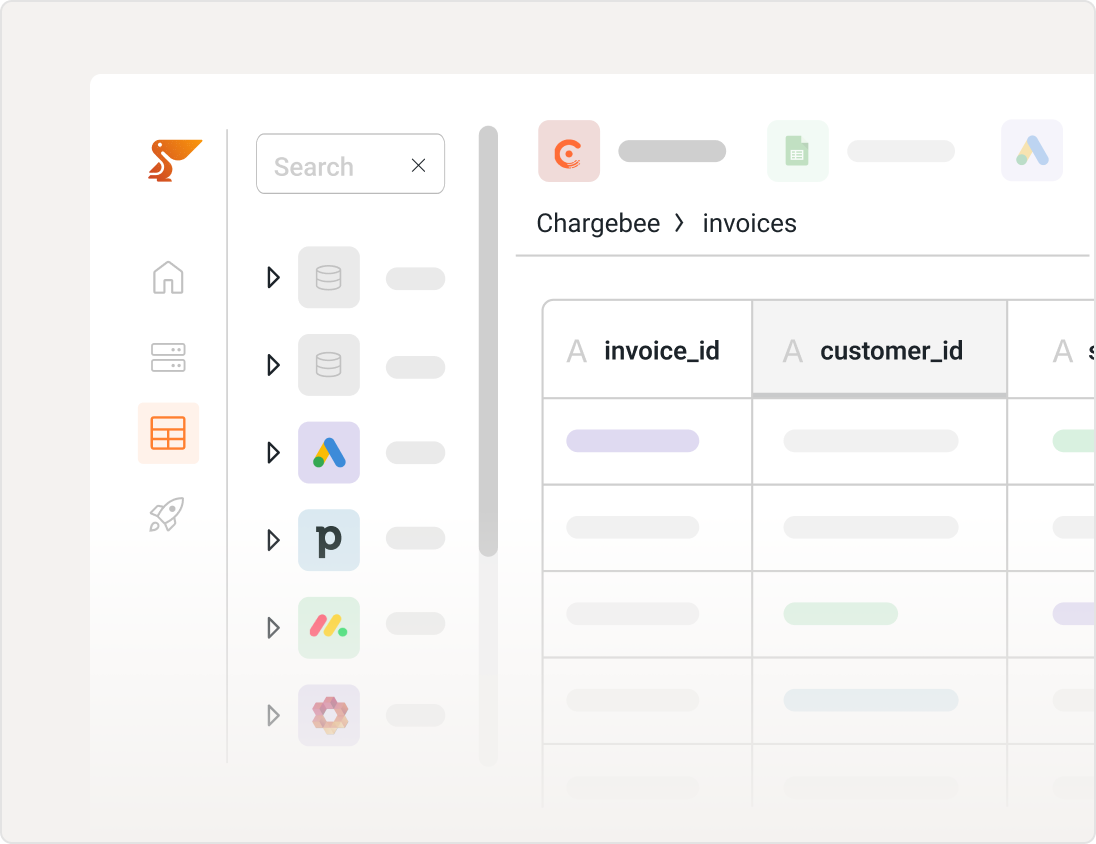
Sync Stripe into a data warehouse with a few clicks, and start exploring your data in an easy spreadsheet. 

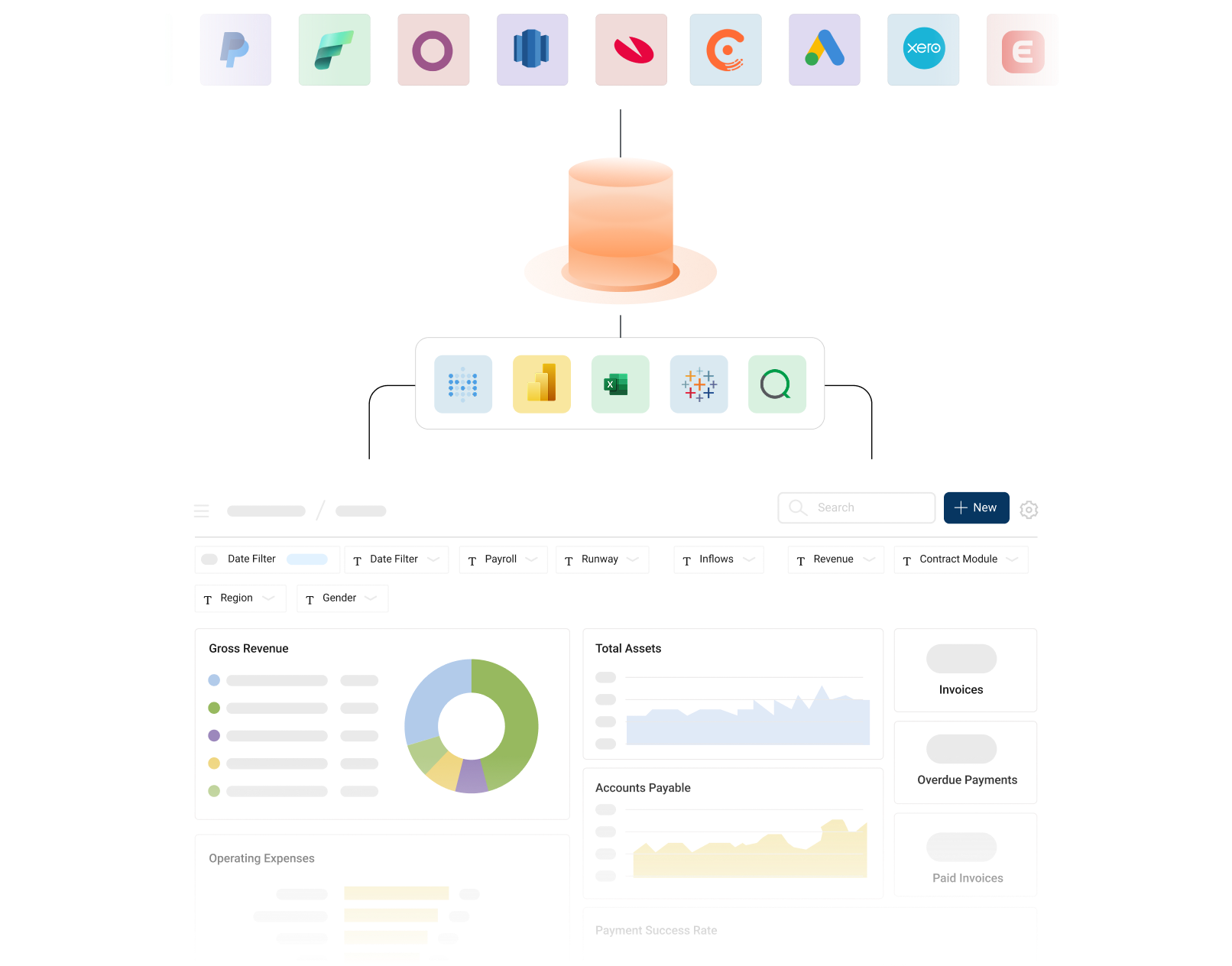
Use SQL on Stripe to combine data, build custom reports and prepare data for your favorite BI tool such as Microsoft Power BI, Tableau, Qlik Sense, Looker or Metabase. ETL data pipelines are automatically created.

Peliqan Fav Icon
Peliqan DW

Snowflake data warehouse
Snowflake

redshift
Redshift

Clickhouse
Clickhouse

Instant data warehouse

Spreadsheet UI and magical SQL

Spreadsheet UI and magical SQL for Stripe

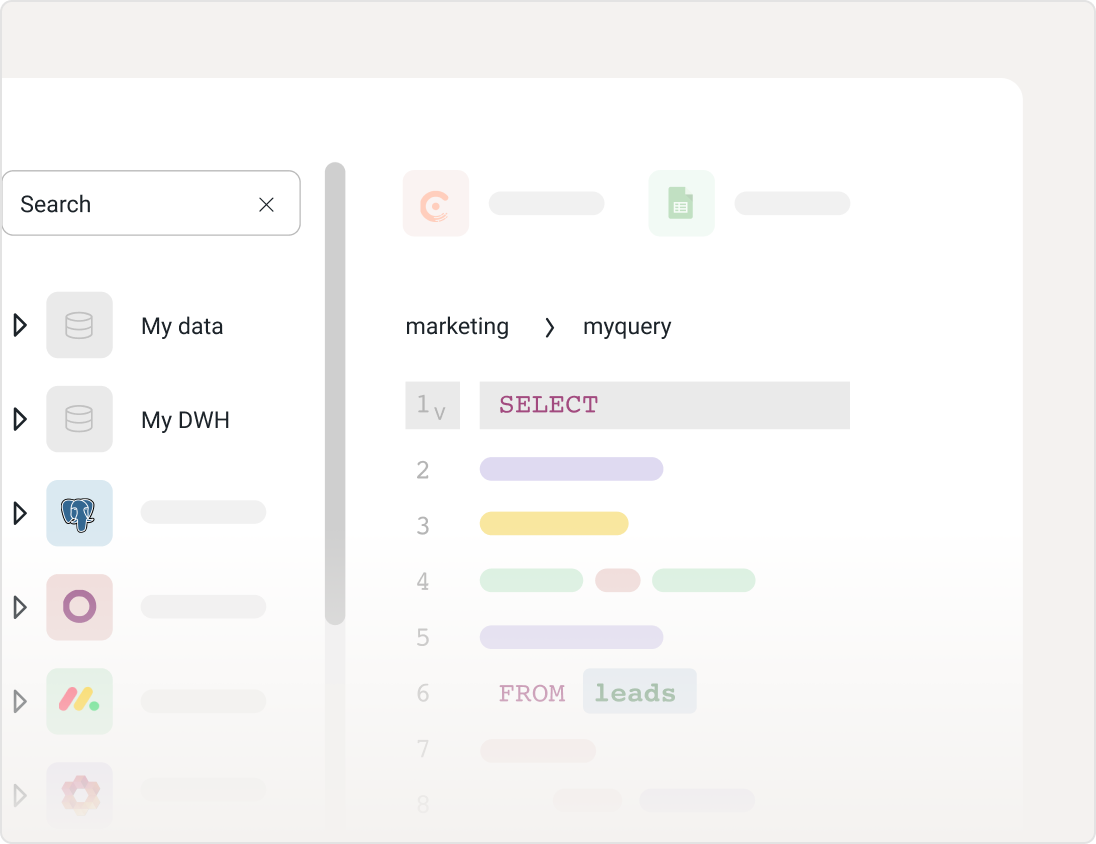
Explore data in a rich spreadsheet UI. Use Magical SQL to combine and transform data. SQL queries become new tables that can be shared with business users and used in any BI tool.

Use Peliqan’s built-in distributed query engine to combine data between sources, e.g. write JOIN queries between tables in the Peliqan DW and external databases.

Peliqan Fav Icon
Peliqan DW

MongoDB
MongoDB

postgres
Postgres

microsoft-sql-server
SQL Server

Visualize your Stripe data

Use your preferred BI tool (Power BI, Tableau, Metabase etc.) to visualize your Stripe data.

Deploy Metabase with a single click from the Peliqan Market Place and use Stripe in Metabase.

Sync with Google Sheets for easy data analysis from any source.

Connect your data to Microsoft Power BI
Power BI

Sync data to Metabase
Metabase

Tableau

Superset
Superset

Visualize data

SaaS Data Cockpit

Access, combine, and report on data from Stripe and all your SaaS apps instantly.
Gain valuable insights by bringing all your business data together in one place within minutes.

SaaS Data Cockpit

Do more with Peliqan

Build AI Agents on Stripe

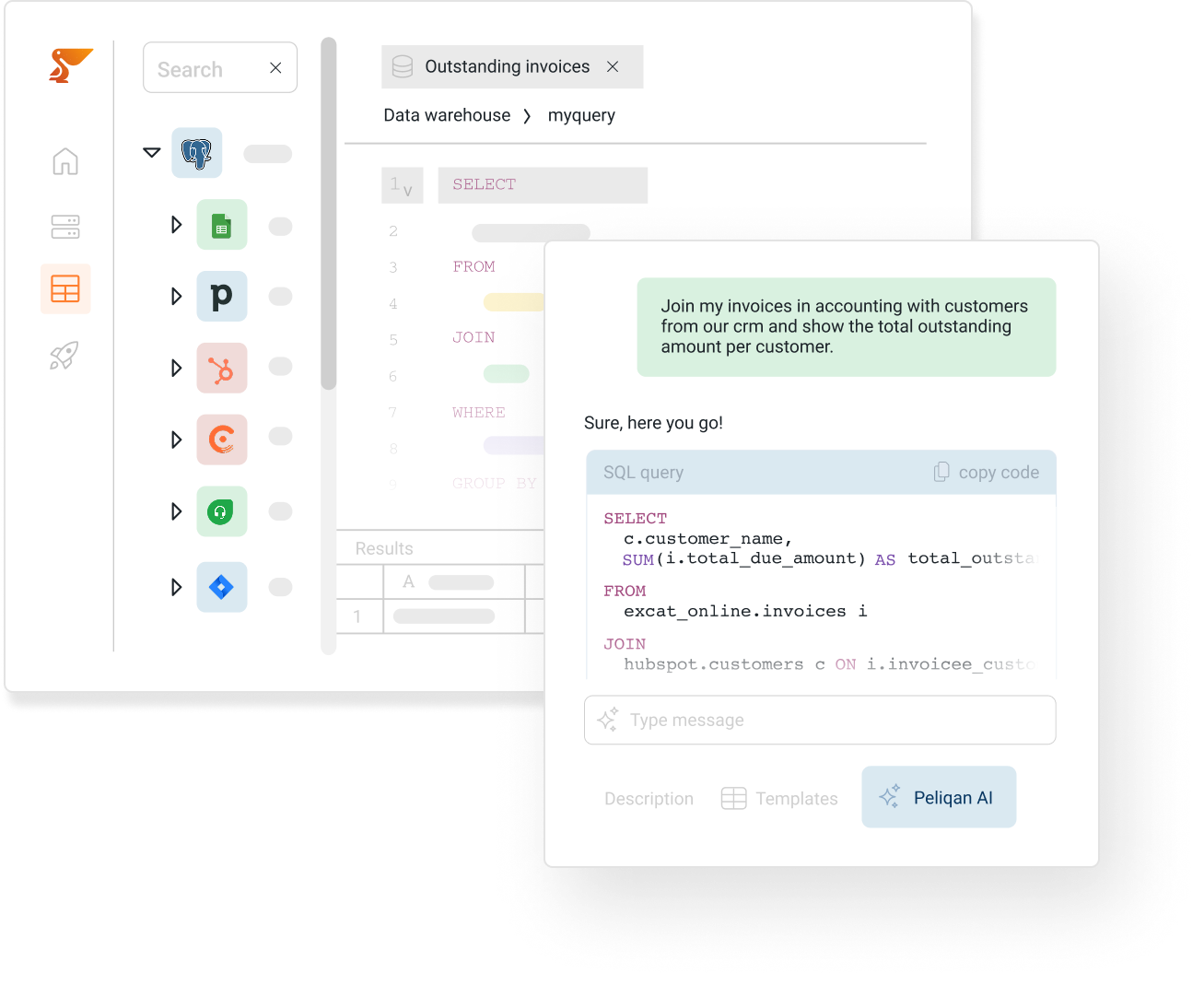
Build intelligent AI Agents on top of Stripe, with Peliqan’s AI data foundation: Stripe MCP Server, Stripe in n8n AI Agents & Make, “Text to SQL” on Stripe data, Stripe RAG with out-of-the-box embeddings (vectors) and Stripe Graph RAG.

More info

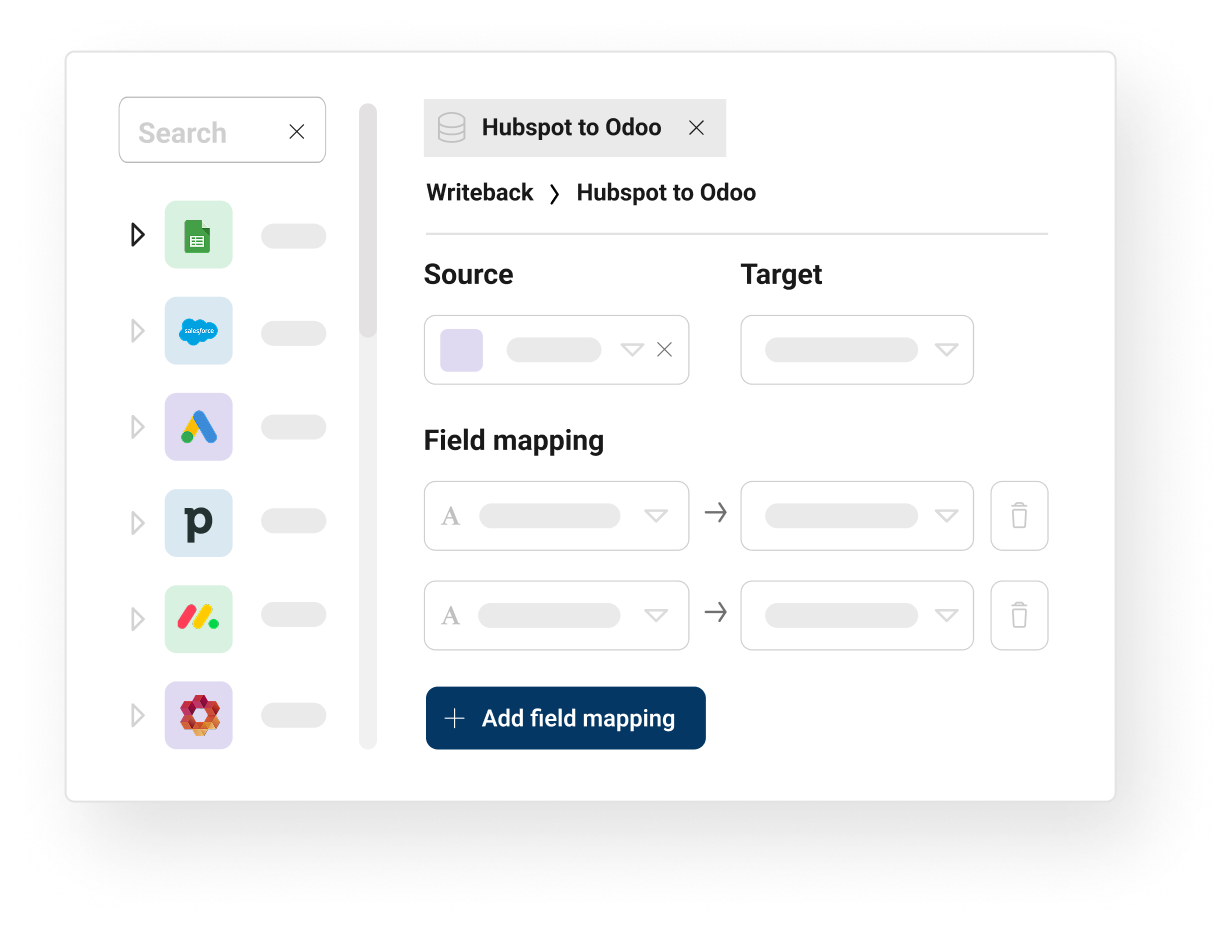
Export data from multiple SaaS applications and databases into Stripe. Set up automated data syncs to keep your business applications in sync. Use Reverse ETL to sync Stripe data to any business application.

Sync data

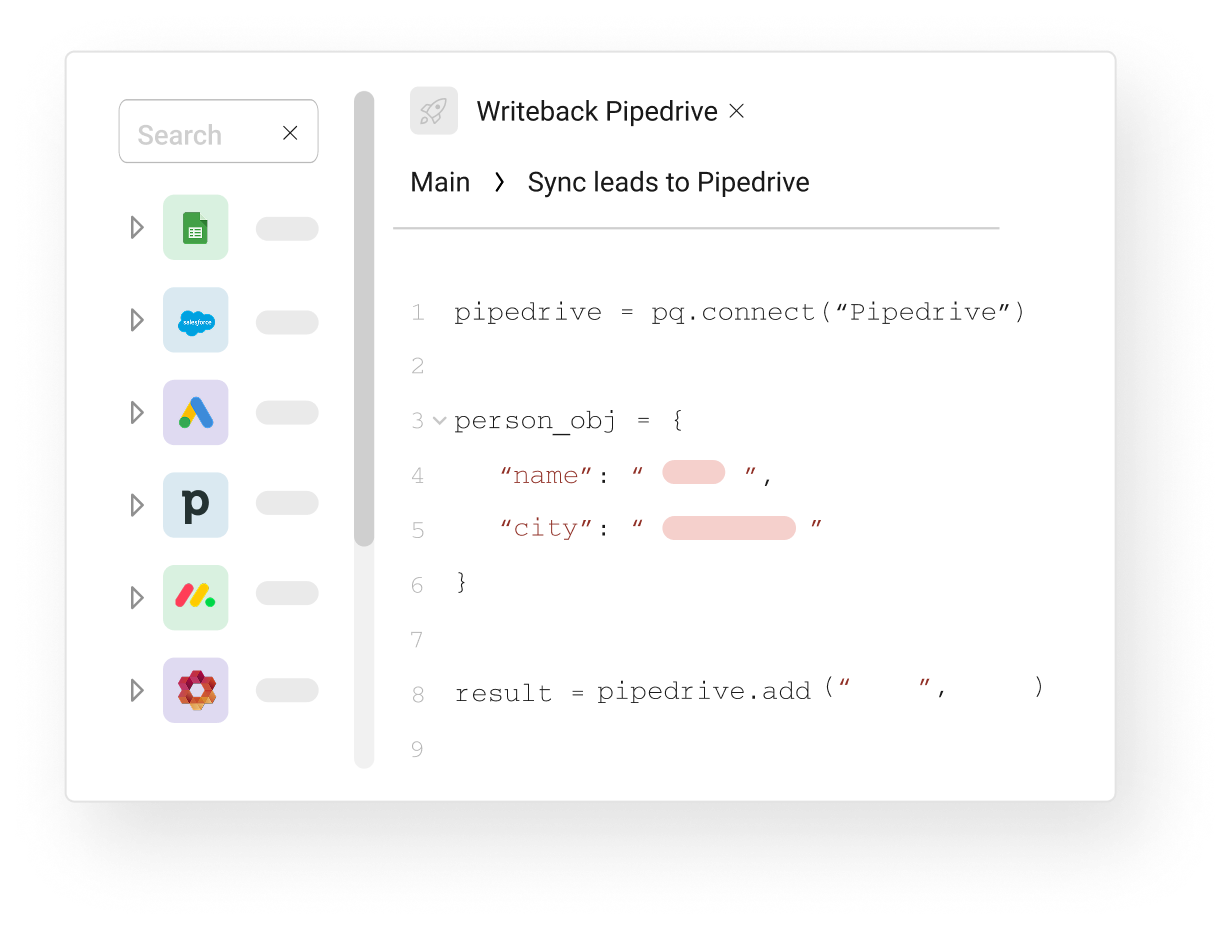
Developers can write, test, execute and schedule low-code Python scripts to work with their data. Implement reverse ETL with 3 lines of code. Run ML models, build interactive UIs, publish APIs.

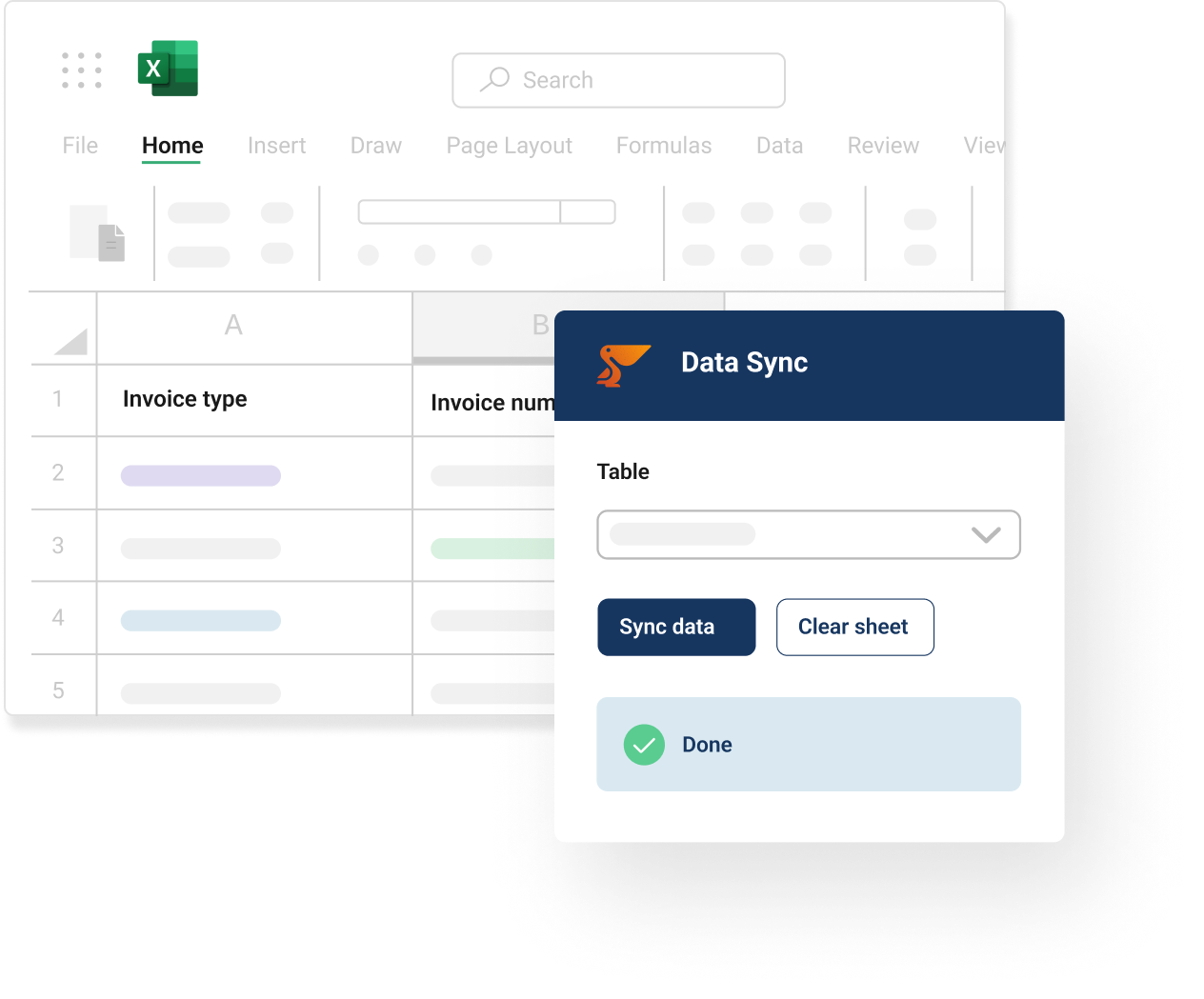
CFOs, CEOs and other business users can work with Peliqan data in Excel thanks to the Peliqan Excel add-in. Easily switch between data sources and work with your data in real-time in Excel.

Sync data

Apache Superset

Metabase

Power BI

Qlik

Tableau

Looker

Amazon QuickSight

BigQuery

Redshift

Trino

Microsoft Fabric DWH

Snowflake

AWS S3

ClickHouse

MongoDB

Elastic Search

MS SQL Server

Postgres

MySQL

Qdrant

DynamoDB (AWS)

SAP SQL Anywhere (Sybase)

Supabase

Convex

Oracle

Azure blob storage

PlanetScale

Google Cloud Storage

Popular SQL queries for Stripe

Stripe
Get the count of failed payouts.

Stripe
Get the total number of payouts made.

Stripe
Get the count of pending payment intents.

Stripe
Get total revenue by payment method.

Stripe
Get the number of successful and failed transactions from the payment_intents table..

Stripe
Calculate the Subscription churn rate by counting the number of canceled subscriptions and dividing it by the total number of active subscriptions..

Stripe
Calculate the customer acquisition cost by dividing the sum of payouts and payment_intents by the total number of products..

Opportunities by stage

Get opportunities by stage from Salesforce data.

Closed deals by owner

Get closed deals by owner from Salesforce data.

Number of leads by source

Get the number of leads by source from Salesforce data.

Customer churn rate

Calculate churn by dividing lost customers by total customers.

Total revenue by payment method

Calculate the total revenue for each payment method used.

Number of cases by status

Count the number of cases for each status.

Average invoice amount

Calculate the average amount for each invoice.

Total number of opportunities by campaign

Count the total number of opportunities for each campaign.

Total refund amount by refund reason

Calculate the total refund amount for each refund reason.

Opportunities by stage

Get opportunities by stage from Salesforce data.

Stripe

Closed deals by owner

Get closed deals by owner from Salesforce data.

Stripe

Number of leads by source

Get the number of leads by source from Salesforce data.

Stripe

Customer churn rate

Calculate churn by dividing lost customers by total customers.

Stripe

Total revenue by payment method

Calculate the total revenue for each payment method used.

Stripe

Number of cases by status

Count the number of cases for each status.

Stripe

Average invoice amount

Calculate the average amount for each invoice.

Stripe

Total number of opportunities by campaign

Count the total number of opportunities for each campaign.

Stripe

Total refund amount by refund reason

Calculate the total refund amount for each refund reason.

Stripe

Opportunities by stage

Get opportunities by stage from Salesforce data.

Stripe

Ad hoc analysis

Analyze your Salesforce data with SQL or in a spreadsheet.

Self-service access

Enable business users with controlled self-service data access to Salesforce.

Spreadsheet BI

Work with your Salesforce data in a spreadsheet that is always up-to-date.

Dashboards

Create charts and visualize your Salesforce data in dashboards.

Data verification

Create views for “human in the loop” processes when working with Salesforce data.

Reporting

Build custom reports from Salesforce in HTML, PDF…

Reconciliation

Reconcile your Salesforce data with other sources.

Machine learning

Apply machine learning models on your Salesforce data with low-code python.

Low-code data apps

Build internal apps  to make data from Salesforce interactive.

Data front-ends

Replace complex user interfaces with a targeted UI for knowledge workers using Salesforce.

Reverse ETL

Implement reverse ETL flows to send data from Salesforce to any SaaS.

Direct data access

Get real-time access to your raw Salesforce data.

Migrations

Implement data migrations to or from Salesforce using SQL and low-code Python.

All-in-one data stack

Peliqan is an all-in-one data stack on top Salesforce, SaaS apps and DBs.

Data warehouse

Get your Salesforce data in a data warehouse instantly, with a few clicks.

SQL on anything

Use SQL on your Salesforce data to view, share and transform data.

Stripe connector FAQs

How does Peliqan connect to Stripe?

Peliqan connects to Stripe through OAuth 2.0 or API key authentication in a few clicks. You authorize Peliqan from your Stripe account, choose which objects to sync, and the connector handles incremental updates from there. No code, no middleware, and no IT tickets to file.

Which Stripe objects can I sync to my warehouse?

Peliqan syncs all standard Stripe objects plus custom objects and custom fields. The connector adapts to schema changes without manual reconfiguration. Browse the full connector catalog to see related connectors and integrations.

How often is Stripe data updated in my warehouse?

Syncs run every 15 minutes by default on the Pro plan, with custom schedules available on higher tiers. Sync mode is incremental, so only new or changed records are pulled, which keeps API call usage low and respects Stripe rate limits.

Can I write data back to Stripe from my warehouse?

Yes. Peliqan’s reverse ETL pushes data from your warehouse back into Stripe, useful for syncing enriched scores, customer health metrics, billing data, or product usage signals into native Stripe fields. Reverse ETL flows can run on a schedule, on demand, or be triggered by SQL conditions. Read the reverse ETL documentation for setup details.

What can I do with Stripe data once it's in Peliqan?

Once Stripe data lands in your warehouse (such as Snowflake, BigQuery, Redshift, or PostgreSQL), you can run SQL queries, build dashboards in Power BI, Tableau, Metabase, or Looker, combine it with data from other sources, feed it into AI agents through MCP servers, build Text-to-SQL workflows, or activate it through reverse ETL.

Peliqan also includes a built-in spreadsheet UI for ad hoc analysis without writing SQL.

Is the Stripe connector secure and GDPR compliant?

Peliqan is SOC 2 Type II certified, GDPR compliant, and ISO 27001 in progress. Stripe credentials are stored encrypted at rest, all data transfers happen over TLS, and EU-resident data stays in EU infrastructure on the eu.peliqan.io region.

3 ways to get Stripe data into a warehouse

Native Stripe exports

  • Manual CSV exports from Stripe reports
  • Row limits per export and no scheduled sync
  • No incremental updates, no schema management
  • Breaks when admins change schema
  • No two-way writeback

Custom code with the Stripe API

  • Full control, but engineering-heavy to build
  • Must handle OAuth refresh and rate limits
  • Schema changes break pipelines silently
  • Ongoing maintenance burden on your team
  • Reverse ETL requires separate code

Stripe on Peliqan

  • Managed connector, no code required
  • Incremental syncs, automatic schema evolution
  • Bidirectional writeback for reverse ETL
  • Built-in warehouse, BI, and AI in one platform
  • SOC 2 Type II, GDPR compliant, EU hosted

Request a Stripe demo →

Peliqan trust center

Security, compliance, trust, privacy and availability are our highest priority. If you want more details, if you require a certificate or a copy of Peliqan’s operating procedures, contact us now.

SOC-2-Type-2

SOC 2 Type 2

SOC 2 Type 2 validates our security controls, ensuring your data is protected by independently audited security measures.

ISO 27001

ISO 27001

ISO 27001 certification ensures enterprise-grade information security, protecting your business with globally recognized standards.

GDPR-compliant

GDPR

GDPR compliance guarantees EU data protection compliance, keeping PII data secure within EU boundaries.

Ready to get instant access to all your company data ?