Build AI Agents on Winbooks
Build intelligent AI Agents on top of Winbooks with Peliqan. Query your data in plain English, automate workflows with AI, and write changes back – all through a single platform with 300+ connectors and a built-in data warehouse.
- No credit card required
- 5-minute setup
- SOC 2 Type II certified

Build AI Agents on top of Winbooks
Build intelligent AI Agents on top of Winbooks, with Peliqan’s AI data foundation:
-
- Winbooks MCP Server – let Claude, ChatGPT, or any AI client query and update your Winbooks data
- Winbooks in n8n AI Agents – build automated workflows that reason on your data
- Winbooks in Make – trigger AI-powered actions from your Winbooks events
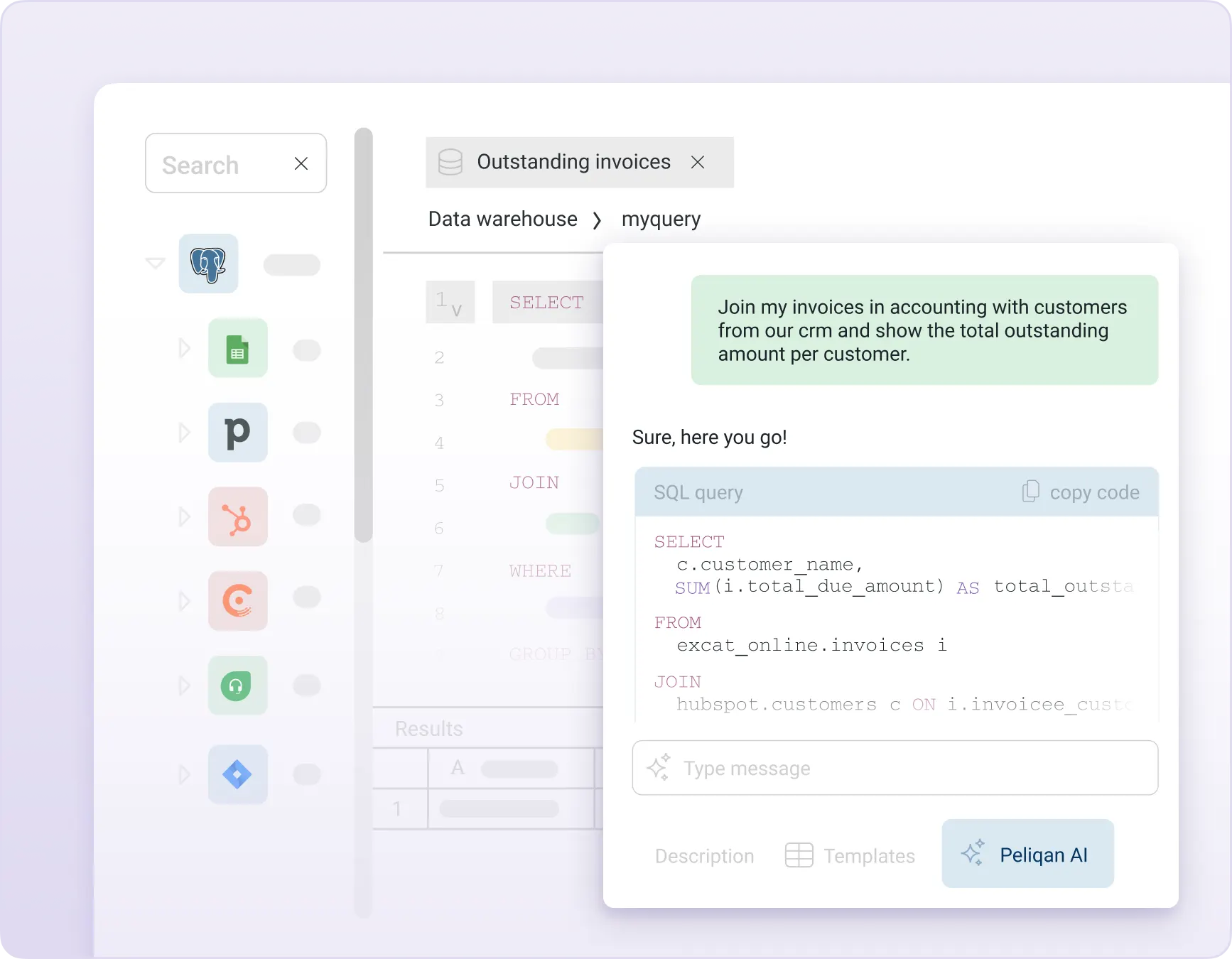
- Text-to-SQL on Winbooks – ask questions in plain English, get SQL-powered answers
- Winbooks RAG – semantic search with out-of-the-box embeddings (vectors)
- Winbooks Graph RAG – traverse relationships across your data entities
- Unified 360° data – combine Winbooks with 250+ other sources in one warehouse
Winbooks MCP Server
Publish a Winbooks MCP Server with full read and write capabilities.
Peliqan syncs a read-only copy of your Winbooks data into its built-in warehouse – your AI agents query the cache, your live Winbooks is never touched. Connect Claude, ChatGPT, or any MCP client and start querying Winbooks in plain English.
Winbooks in n8n
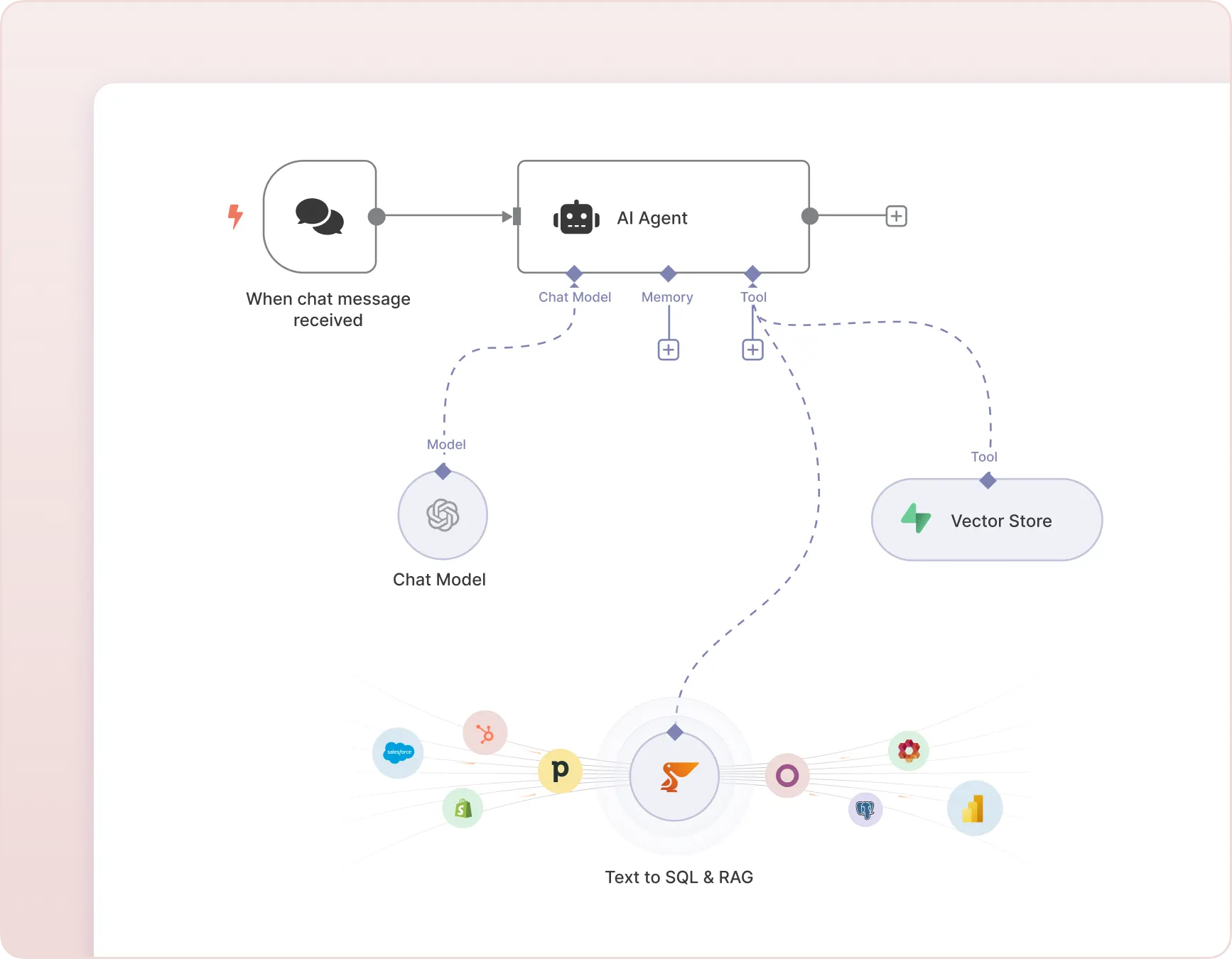
Build AI Chatbots and AI Agents in n8n that query your Winbooks data using Text-to-SQL and perform RAG on Winbooks documents and records.
Peliqan acts as the data layer – syncing your Winbooks data, converting natural language to SQL, and returning results your n8n agent can act on.
Implement a “Text to SQL” chatbot on Winbooks
Implement an AI Chatbot that answers analytical questions on Winbooks data using Text-to-SQL.
Ask “what were my top 10 customers last quarter?” or “which deals are stalled?” and get instant, accurate answers.
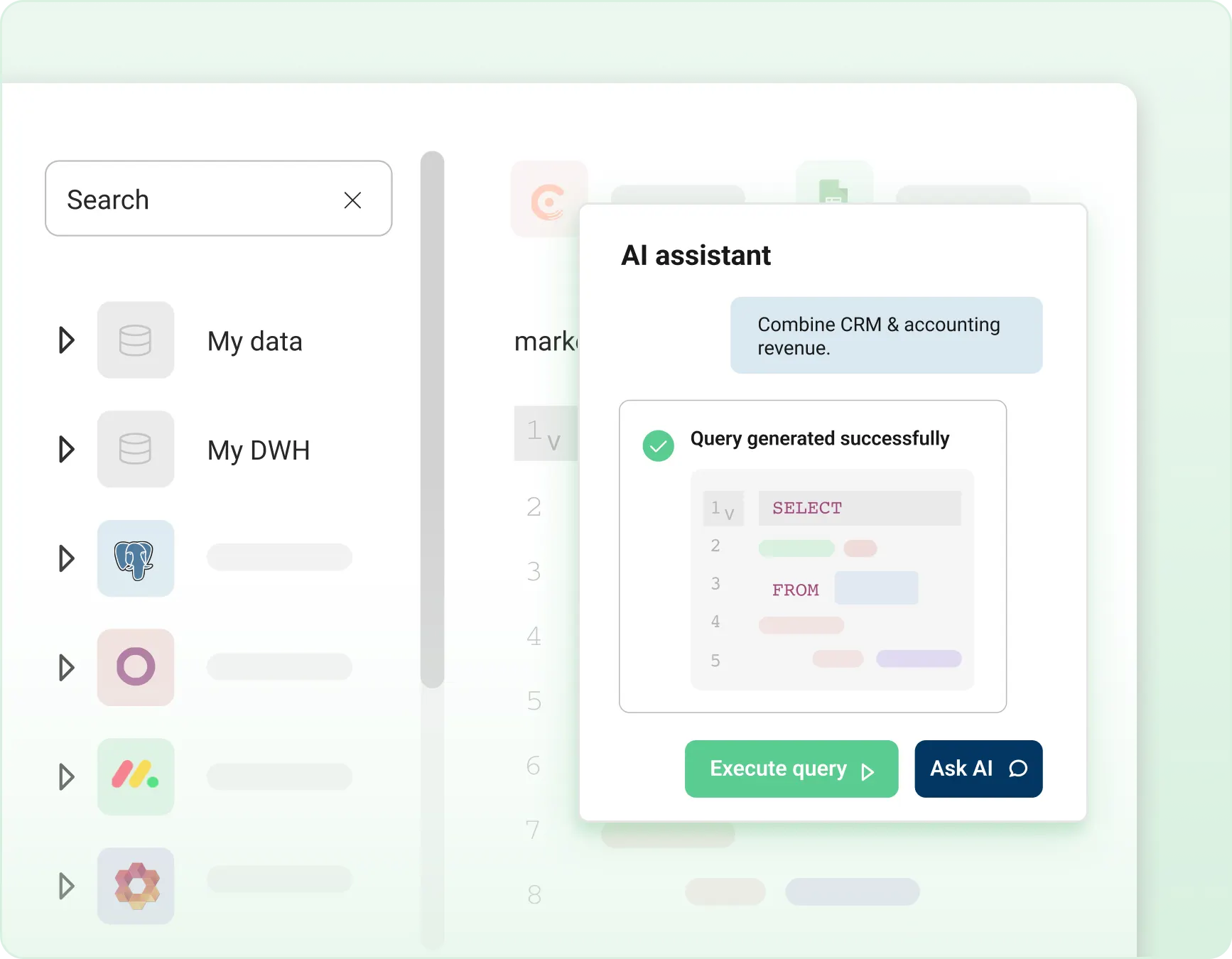
Peliqan converts your question to SQL, runs it against your Winbooks warehouse, and returns structured results – no SQL knowledge required.
Implement a chatbot with RAG on Winbooks
Implement RAG (retrieval-augmented generation) on Winbooks data with Peliqan’s out-of-the-box vector store.
Peliqan automatically creates embeddings of your Winbooks records, notes, and documents – so your AI agents can search semantically, not just by keywords.
Combine RAG with Text-to-SQL for AI that can both reason on numbers and understand context.
Combine Winbooks data with 300+ sources
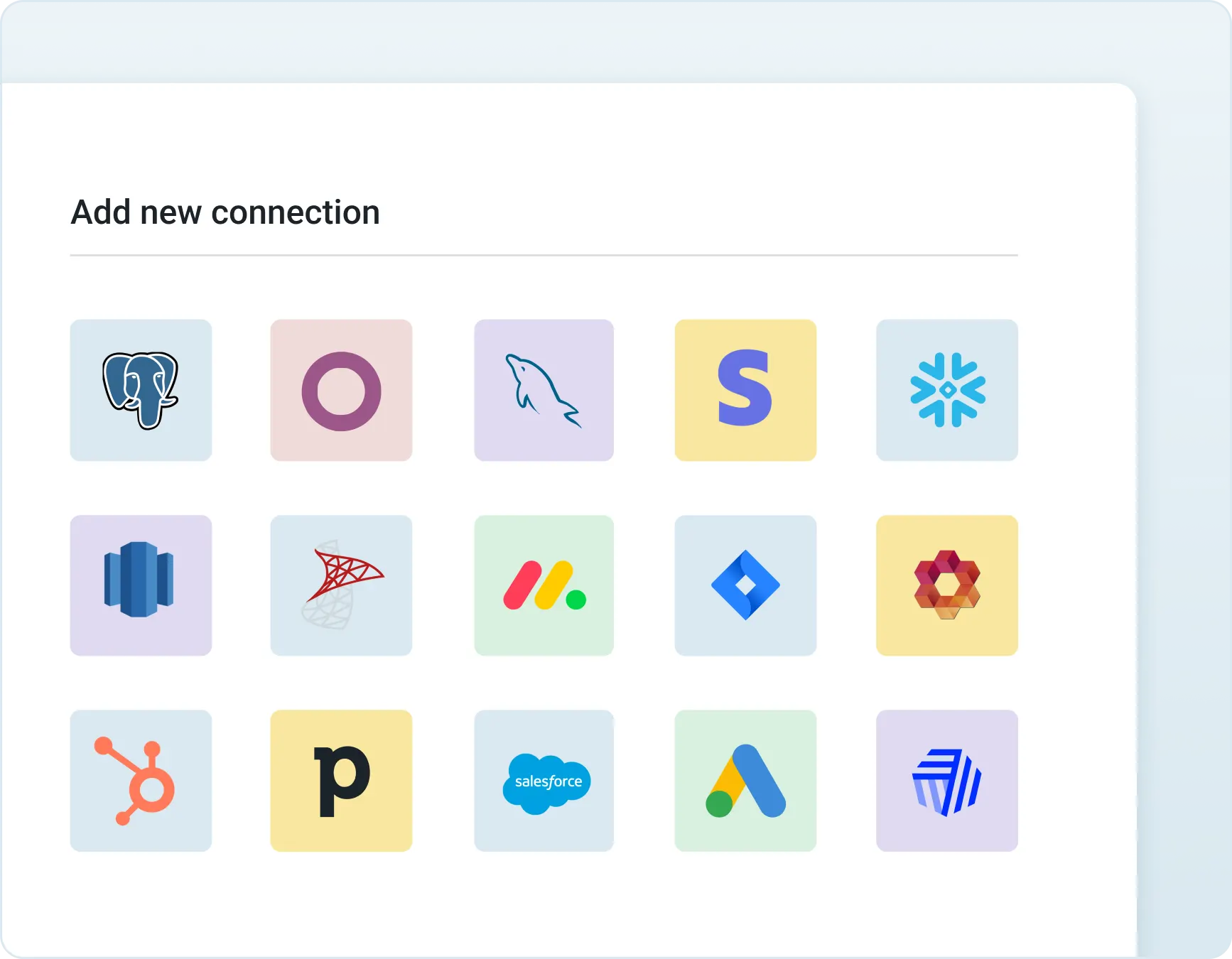
Combine data from Winbooks with 300+ other connectors in Peliqan’s built-in warehouse.
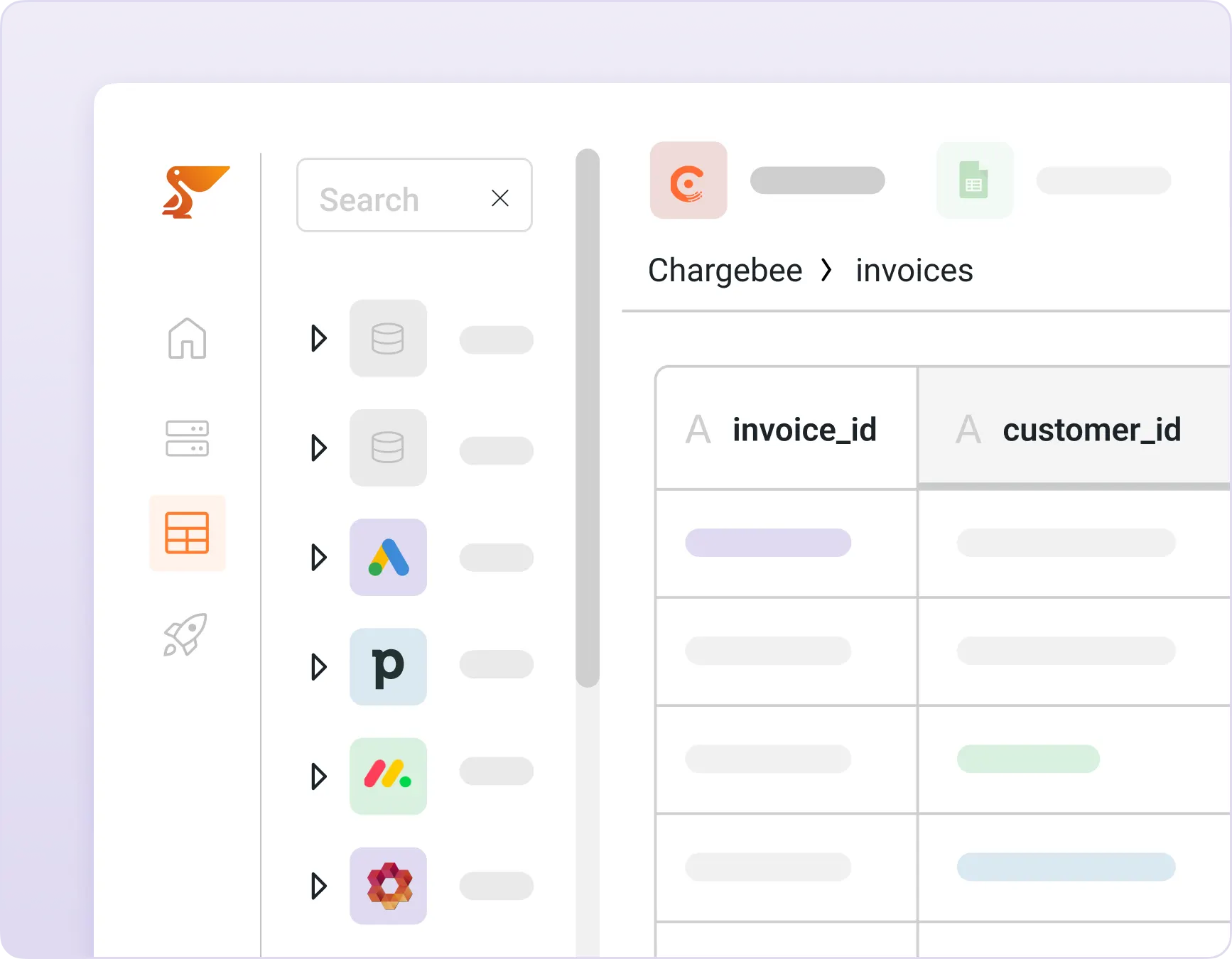
Build unified 360° views of customers, deals, products, or employees – pulling from Winbooks, your CRM, ERP, HR systems, and more.
Feed these unified data models to your AI Agents so they can answer cross-functional questions in a single query.
Prepare your Winbooks data for AI
Access, combine, and report on data from Winbooks and all your SaaS apps instantly. Gain valuable insights by bringing all your business data together in one place within minutes.
Unify, Automate & Activate Your Data
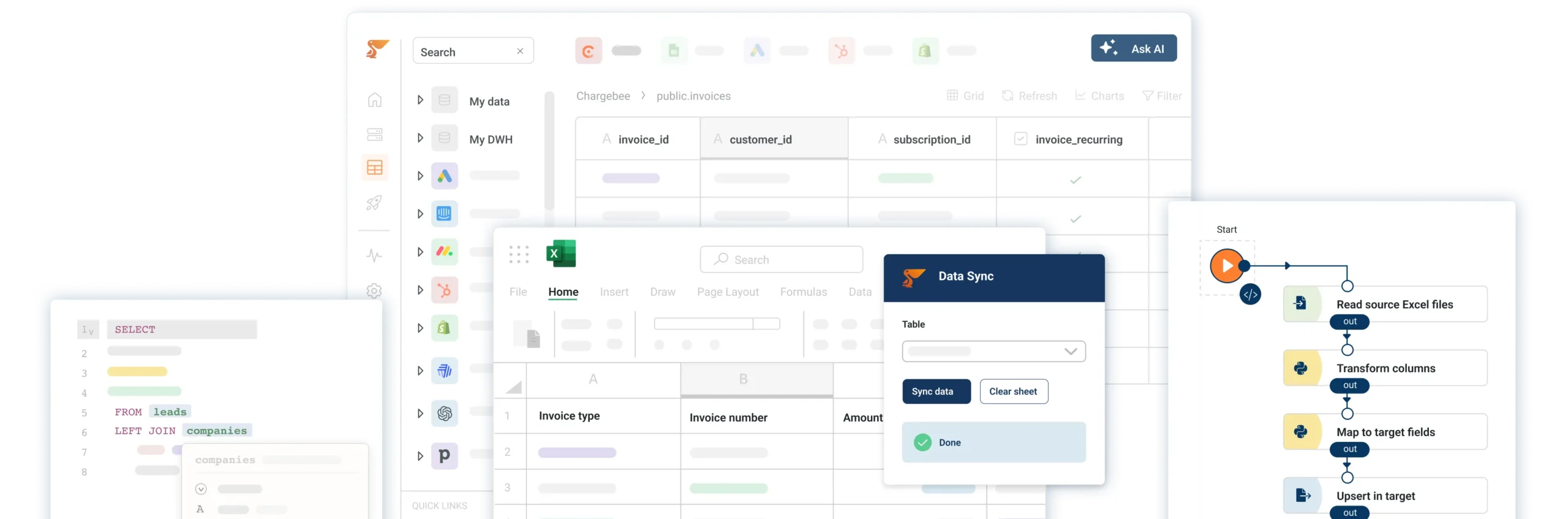
Connect all your SaaS apps, databases, and spreadsheets into one workspace. Build automations, analytics pipelines, and data apps — all in one place.

Frequently Asked Questions
Why do I need Peliqan for my AI ?
Most AI tools can’t access your Winbooks data directly. Peliqan solves this by syncing Winbooks into a built-in data warehouse and exposing it through MCP, Text-to-SQL, and RAG.
Your AI agents get governed, real-time access to Winbooks data combined with 250+ other sources – without building custom integrations.
Peliqan is the only platform that lets AI agents combine structured SQL queries with semantic RAG search on Winbooks data in a single context.
How to build an AI agent for Winbooks ?
There are different ways to build an AI agent that can query data in Winbooks and take actions in Winbooks. For example you can build an AI agent in n8n and use Peliqan as the data foundation. Peliqan will sync your Winbooks data to its built-in data warehouse and allow the AI Agent to perform “Text to SQL” and RAG to answer questions and to perform reasoning on Winbooks data, combined with data from 250+ other sources.
How can I use Winbooks in n8n ?
First sign up for a free trial on Peliqan.io, next connect Winbooks in Peliqan. Once that is done, create an AI agent in n8n and use the Peliqan n8n node in your worflow. Add Peliqan as a “tool” to your AI Agent node, so that the AI agent can query your Winbooks data using Text to SQL.
How to use RAG with Winbooks ?
There are different options to use RAG (retrieval augmented generation) in your AI Agent with Winbooks data. One option is to create a workflow in n8n that fetches all Winbooks data from Peliqan and stores it in Supabase as a vector store, with embeddings created using e.g. OpenAI.
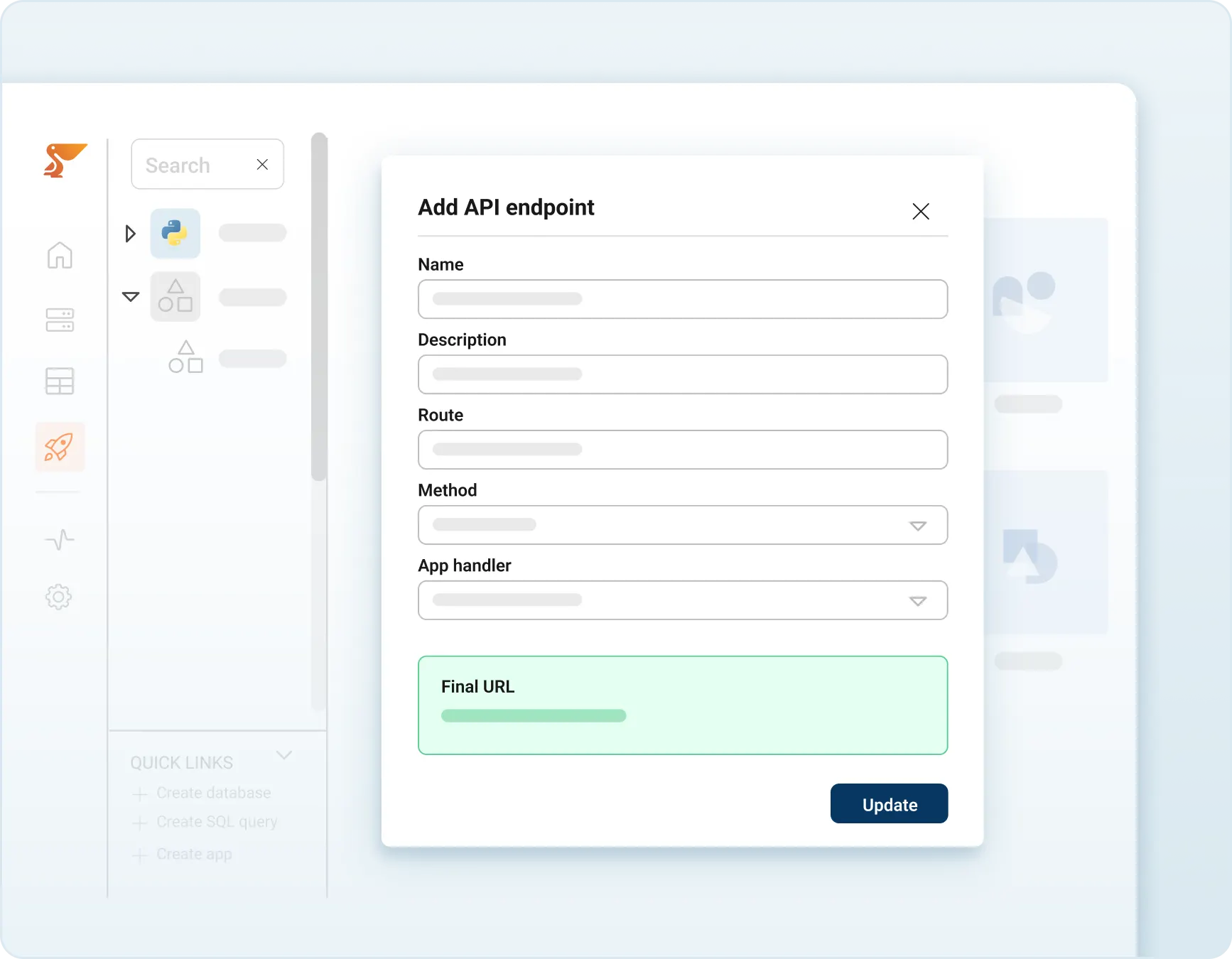
How to build an MCP Server for Winbooks ?
Connect Winbooks in Peliqan, then create an API handler using the built-in MCP template. Expose the Winbooks tables and actions your AI needs, set role-based permissions, and run pip install mcp-server-peliqan to connect Claude or ChatGPT. Your AI agents query a cached copy of your data – your live Winbooks is never touched. The full setup takes under 10 minutes.
How do I build an AI chatbot with “Text to SQL” for Winbooks ?
n8n is a great tool to build AI chatbots that use Text to SQL, to answer any analytical question on your Winbooks data. Any question will be converted by the AI agent into an SQL query, which is executed by Peliqan on the Winbooks data in the data warehouse.
How to create embeddings in a vector store for Winbooks data ?
In order to prepare your Winbooks data for RAG, you need to create embeddings and store them in a vector store. This can be done by creating a workflow in n8n that fetches all Winbooks data from Peliqan and stores it in Supabase as a vector store, with embeddings created using e.g. OpenAI.

All-in-one Data Platform
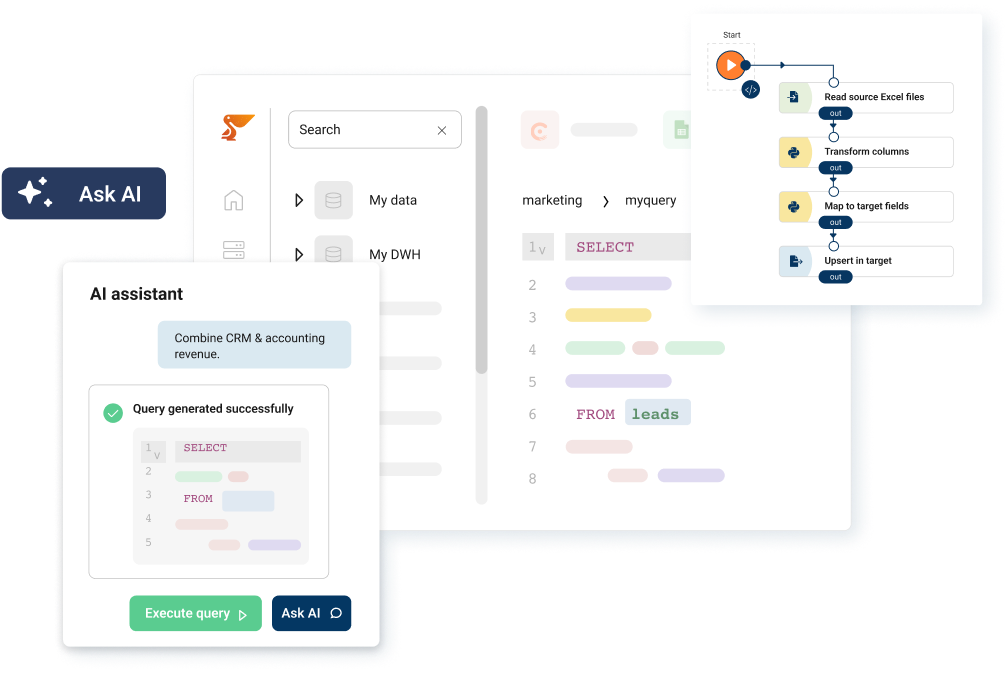
Built-in data warehouse, superior data activation capabilities, and AI-powered development assistance.