
Build AI Agents on Commerce Layer
- No credit card required
- 5-minute setup
- SOC 2 Type II certified

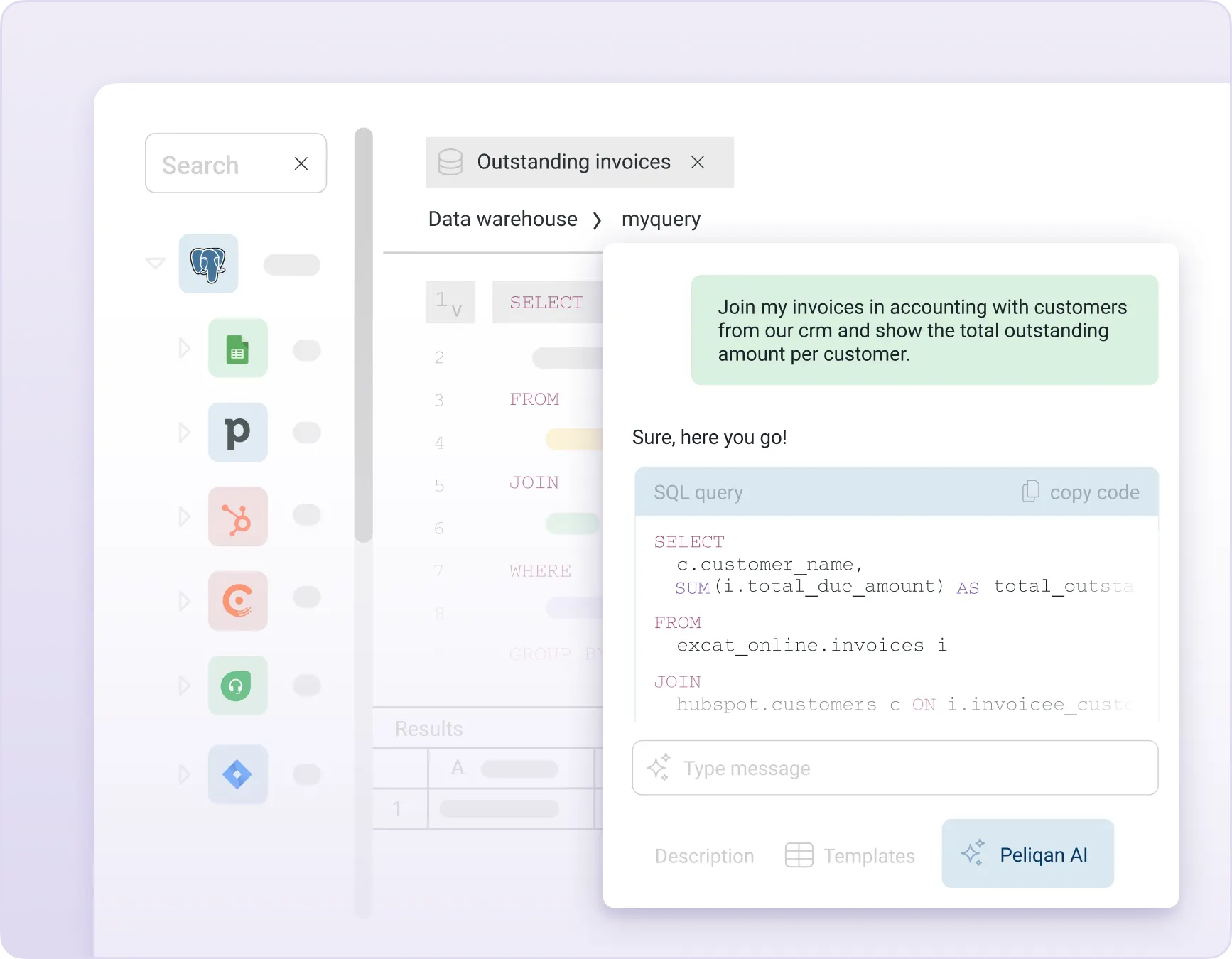
Build AI Agents on top of Commerce Layer
Build intelligent AI Agents on top of Commerce Layer, with Peliqan’s AI data foundation:
-
- Commerce Layer MCP Server – let Claude, ChatGPT, or any AI client query and update your Commerce Layer data
- Commerce Layer in n8n AI Agents – build automated workflows that reason on your data
- Commerce Layer in Make – trigger AI-powered actions from your Commerce Layer events
- Text-to-SQL on Commerce Layer – ask questions in plain English, get SQL-powered answers
- Commerce Layer RAG – semantic search with out-of-the-box embeddings (vectors)
- Commerce Layer Graph RAG – traverse relationships across your data entities
- Unified 360° data – combine Commerce Layer with 250+ other sources in one warehouse
Commerce Layer MCP Server
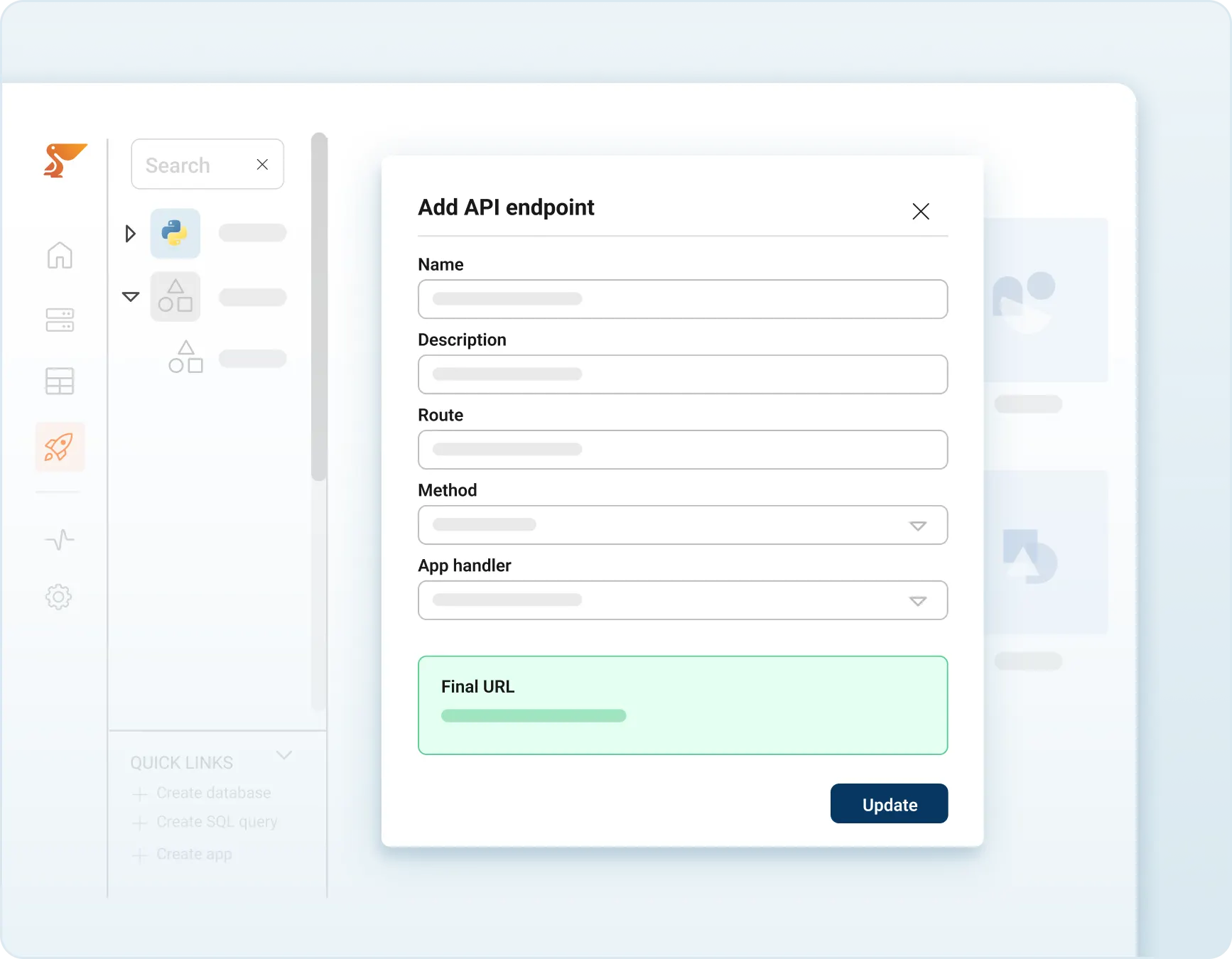
Publish a Commerce Layer MCP Server with full read and write capabilities.
Peliqan syncs a read-only copy of your Commerce Layer data into its built-in warehouse – your AI agents query the cache, your live Commerce Layer is never touched. Connect Claude, ChatGPT, or any MCP client and start querying Commerce Layer in plain English.
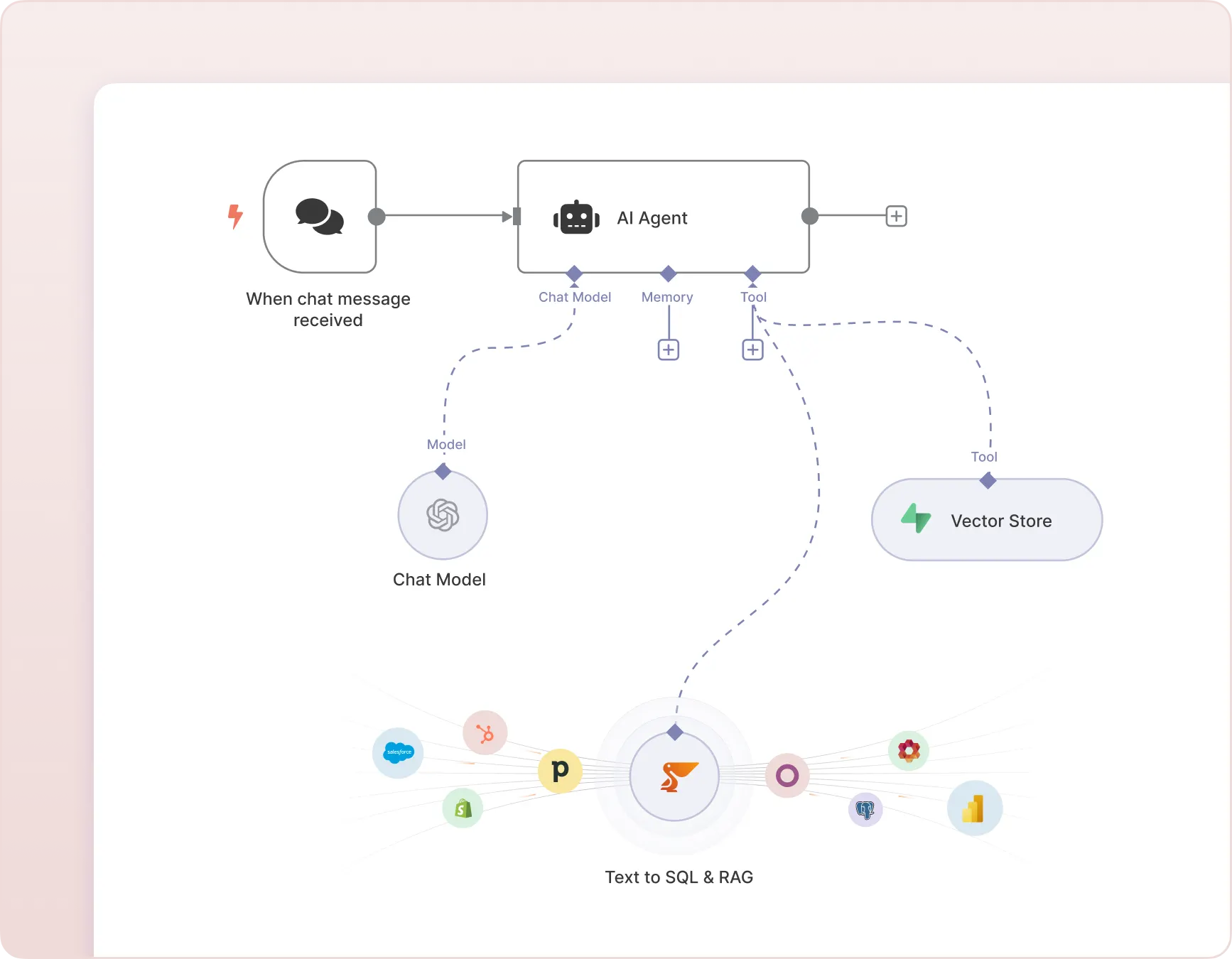
Commerce Layer in n8n
Build AI Chatbots and AI Agents in n8n that query your Commerce Layer data using Text-to-SQL and perform RAG on Commerce Layer documents and records.
Peliqan acts as the data layer – syncing your Commerce Layer data, converting natural language to SQL, and returning results your n8n agent can act on.
Implement a “Text to SQL” chatbot on Commerce Layer
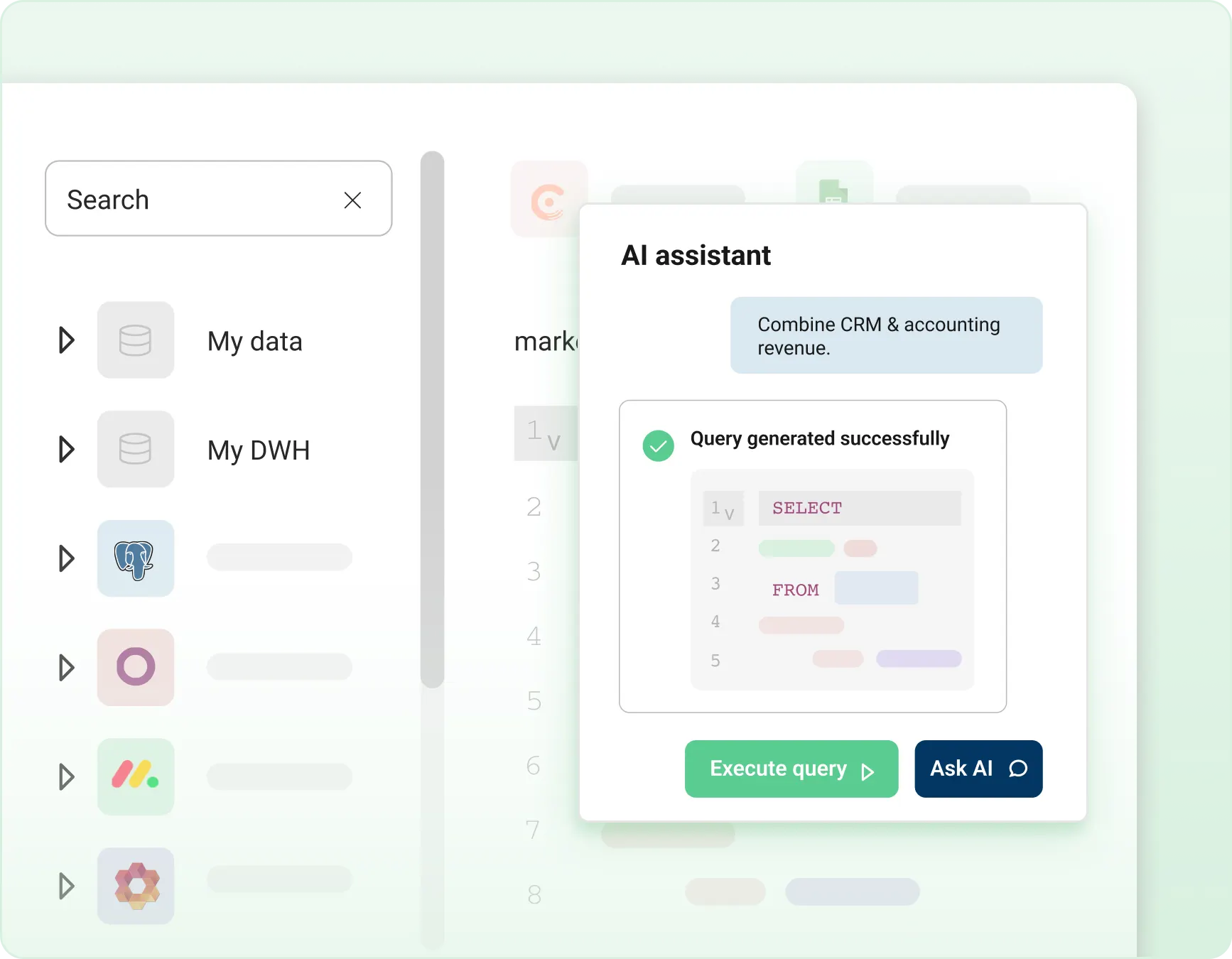
Implement an AI Chatbot that answers analytical questions on Commerce Layer data using Text-to-SQL.
Ask “what were my top 10 customers last quarter?” or “which deals are stalled?” and get instant, accurate answers.
Peliqan converts your question to SQL, runs it against your Commerce Layer warehouse, and returns structured results – no SQL knowledge required.
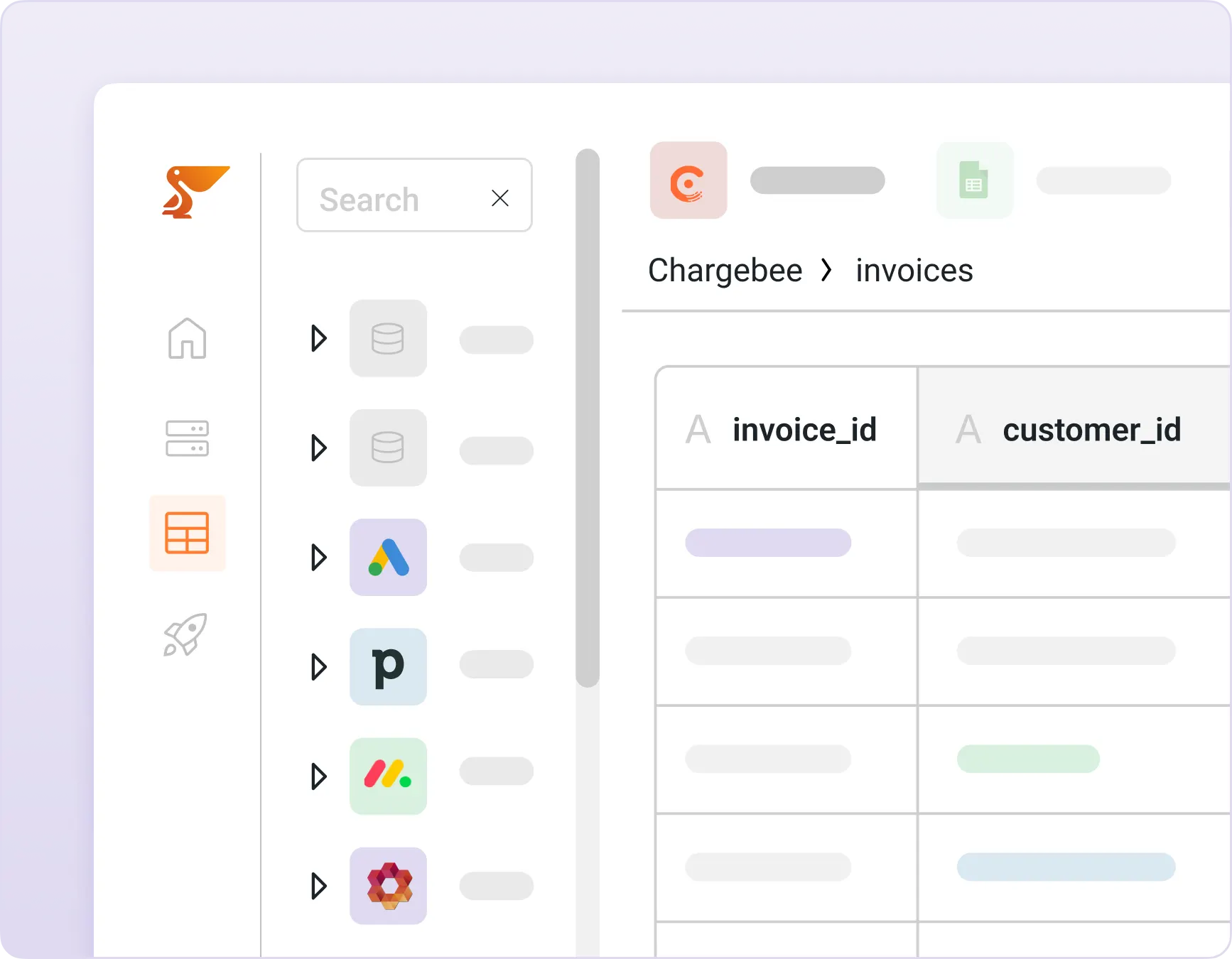
Implement a chatbot with RAG on Commerce Layer
Implement RAG (retrieval-augmented generation) on Commerce Layer data with Peliqan’s out-of-the-box vector store.
Peliqan automatically creates embeddings of your Commerce Layer records, notes, and documents – so your AI agents can search semantically, not just by keywords.
Combine RAG with Text-to-SQL for AI that can both reason on numbers and understand context.
Combine Commerce Layer data with 250+ sources
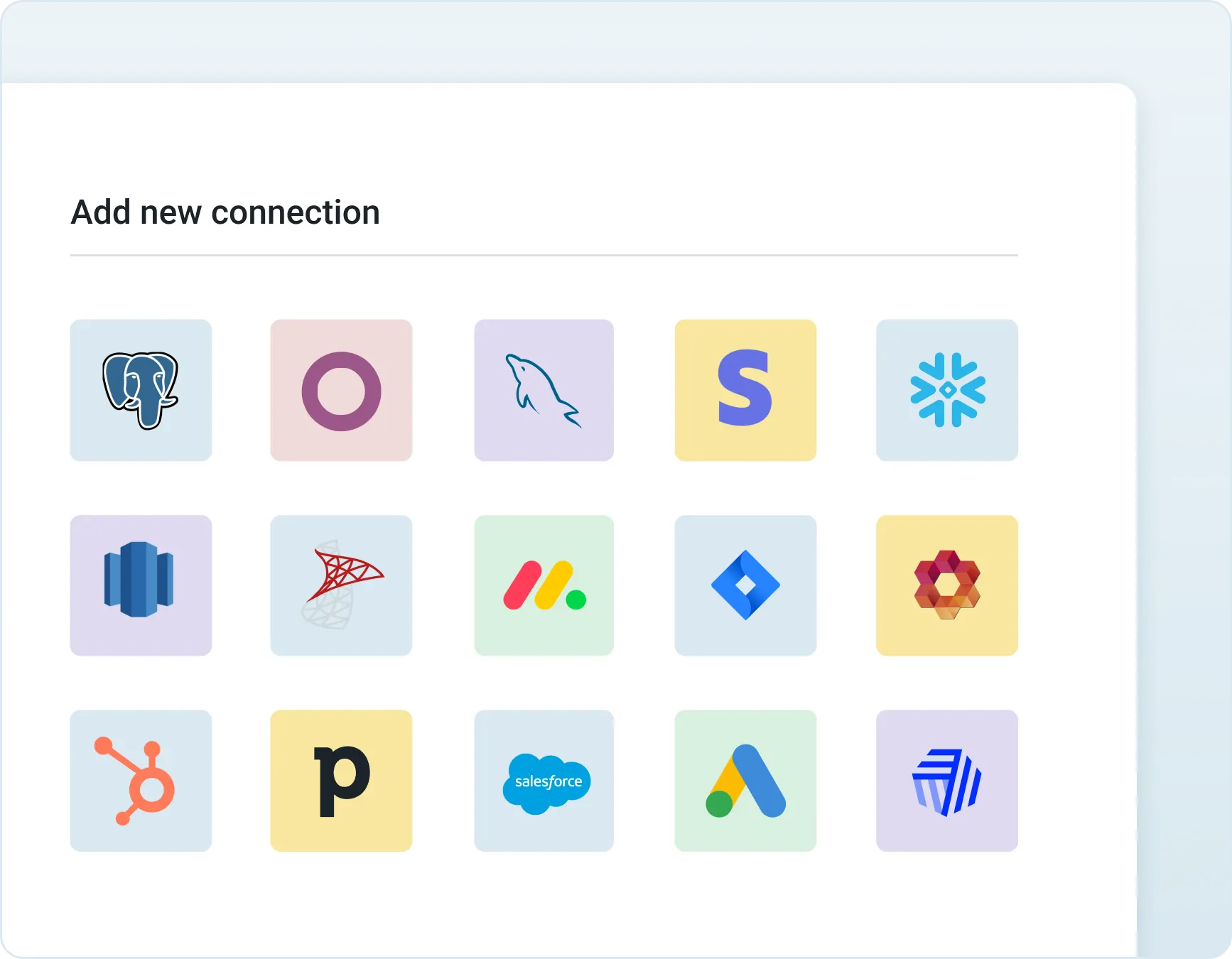
Combine data from Commerce Layer with 250+ other connectors in Peliqan’s built-in warehouse.
Build unified 360° views of customers, deals, products, or employees – pulling from Commerce Layer, your CRM, ERP, HR systems, and more.
Feed these unified data models to your AI Agents so they can answer cross-functional questions in a single query.
Prepare your Commerce Layer data for AI
Access, combine, and report on data from Commerce Layer and all your SaaS apps instantly. Gain valuable insights by bringing all your business data together in one place within minutes.
Unify, Automate & Activate Your Data
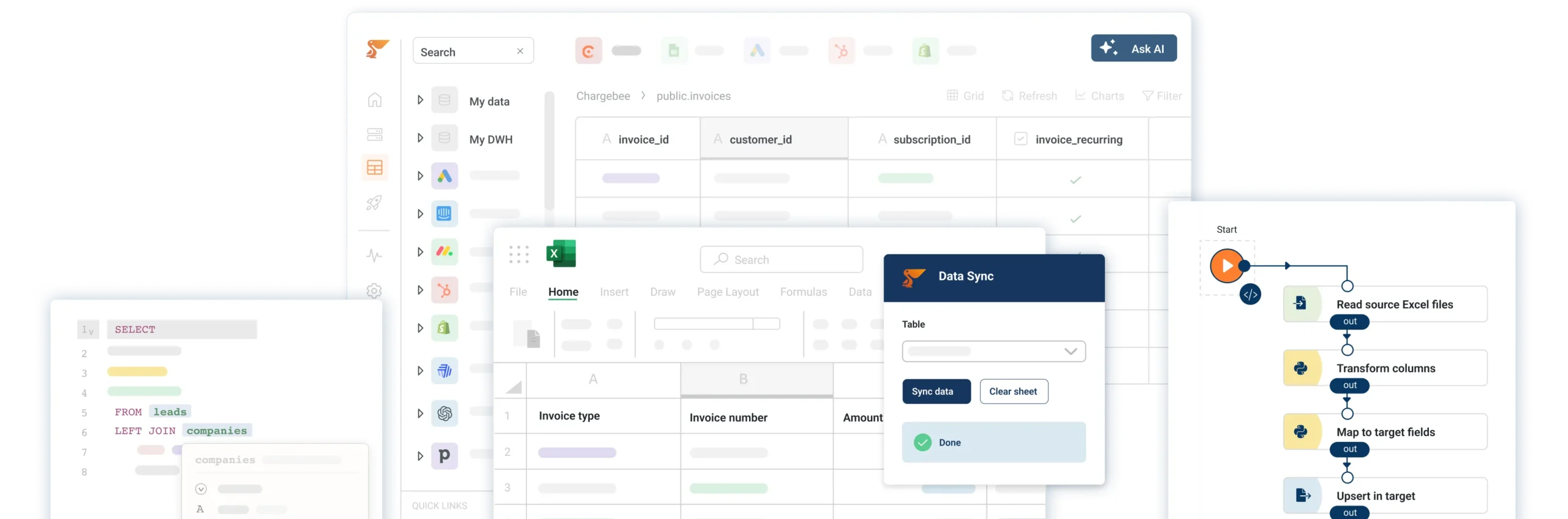
Connect all your SaaS apps, databases, and spreadsheets into one workspace. Build automations, analytics pipelines, and data apps — all in one place.

Frequently Asked Questions
Why do I need Peliqan for my AI ?
Most AI tools can’t access your Commerce Layer data directly. Peliqan solves this by syncing Commerce Layer into a built-in data warehouse and exposing it through MCP, Text-to-SQL, and RAG.
Your AI agents get governed, real-time access to Commerce Layer data combined with 250+ other sources – without building custom integrations.
Peliqan is the only platform that lets AI agents combine structured SQL queries with semantic RAG search on Commerce Layer data in a single context.
How to build an AI agent for Commerce Layer ?
There are different ways to build an AI agent that can query data in Commerce Layer and take actions in Commerce Layer. For example you can build an AI agent in n8n and use Peliqan as the data foundation. Peliqan will sync your Commerce Layer data to its built-in data warehouse and allow the AI Agent to perform “Text to SQL” and RAG to answer questions and to perform reasoning on Commerce Layer data, combined with data from 250+ other sources.
How can I use Commerce Layer in n8n ?
First sign up for a free trial on Peliqan.io, next connect Commerce Layer in Peliqan. Once that is done, create an AI agent in n8n and use the Peliqan n8n node in your worflow. Add Peliqan as a “tool” to your AI Agent node, so that the AI agent can query your Commerce Layer data using Text to SQL.
How to use RAG with Commerce Layer ?
There are different options to use RAG (retrieval augmented generation) in your AI Agent with Commerce Layer data. One option is to create a workflow in n8n that fetches all Commerce Layer data from Peliqan and stores it in Supabase as a vector store, with embeddings created using e.g. OpenAI.
How to build an MCP Server for Commerce Layer ?
Connect Commerce Layer in Peliqan, then create an API handler using the built-in MCP template. Expose the Commerce Layer tables and actions your AI needs, set role-based permissions, and run pip install mcp-server-peliqan to connect Claude or ChatGPT. Your AI agents query a cached copy of your data – your live Commerce Layer is never touched. The full setup takes under 10 minutes.
How do I build an AI chatbot with “Text to SQL” for Commerce Layer ?
n8n is a great tool to build AI chatbots that use Text to SQL, to answer any analytical question on your Commerce Layer data. Any question will be converted by the AI agent into an SQL query, which is executed by Peliqan on the Commerce Layer data in the data warehouse.
How to create embeddings in a vector store for Commerce Layer data ?
In order to prepare your Commerce Layer data for RAG, you need to create embeddings and store them in a vector store. This can be done by creating a workflow in n8n that fetches all Commerce Layer data from Peliqan and stores it in Supabase as a vector store, with embeddings created using e.g. OpenAI.


All-in-one Data Platform
Built-in data warehouse, superior data activation capabilities, and AI-powered development assistance.
Peliqan trust center
Security, compliance, trust, privacy and availability are our highest priority. If you want more details, if you require a certificate or a copy of Peliqan’s operating procedures, contact us now.
SOC 2 Type 2
SOC 2 Type 2 validates our security controls, ensuring your data is protected by independently audited security measures.
ISO 27001
ISO 27001 certification ensures enterprise-grade information security, protecting your business with globally recognized standards.

GDPR
GDPR compliance guarantees EU data protection compliance, keeping PII data secure within EU boundaries.