
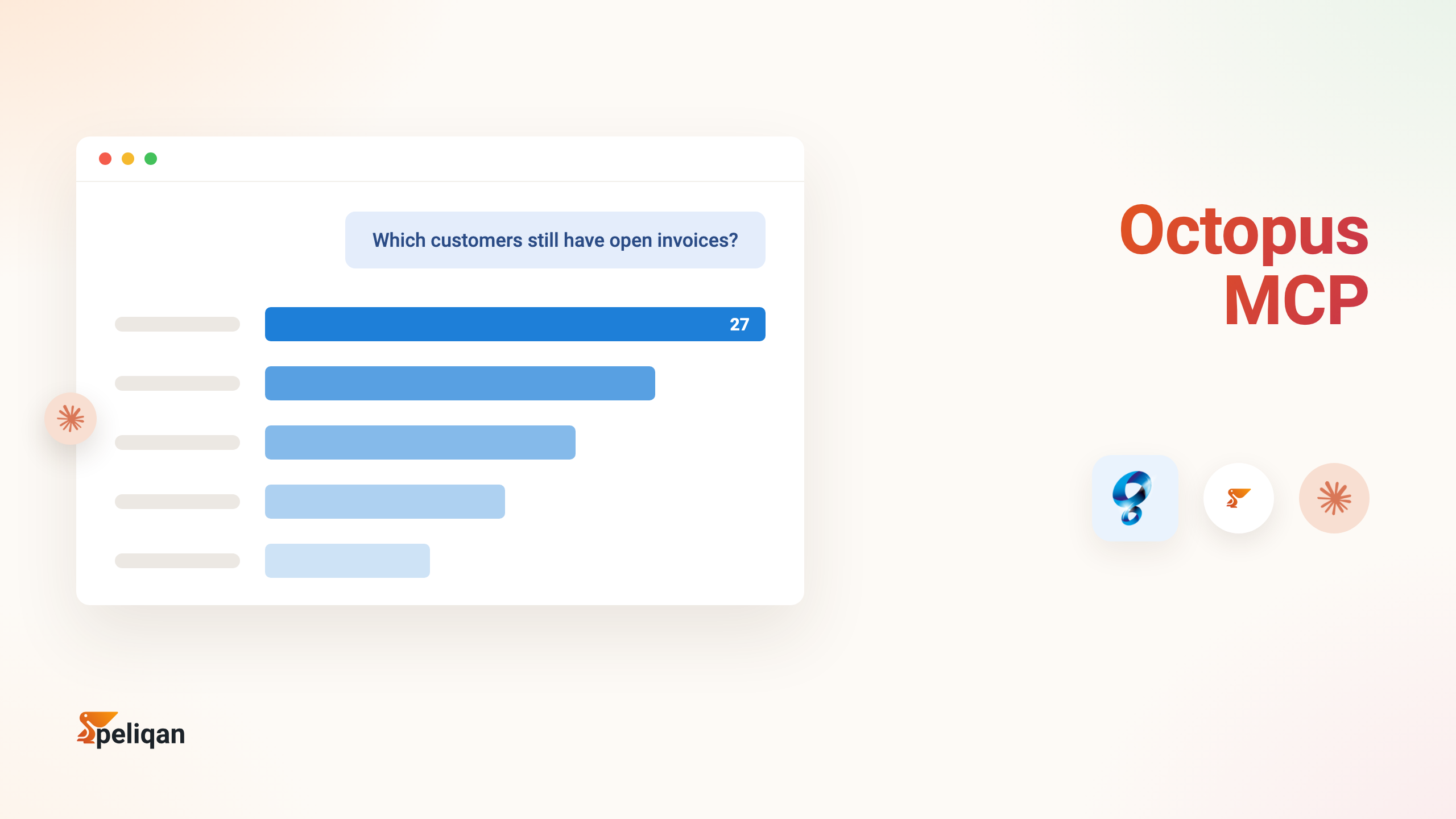

You already ask Claude about your own business numbers. Then your account manager sees it and wants the same: which of his customers are buying less than last year? You can ask for him and forward the answer, send him an export every month, or give him your access, and then he sees your margins too. In this webinar, Augustin Vanstaen of Peliqan shows a fourth way: every colleague gets their own Claude, with exactly the numbers they are allowed to see. The recording is in English and runs for about 17 minutes.
What the webinar covers
- 1One source, two views. First, Augustin sets the scene. The demo company runs invoicing in Odoo and keeps deals and tickets in HubSpot. Both sync into one Peliqan account. From there, management gets everything, while account manager Chris gets a separate set of tables with only his own customers and his revenue.
- 2The same question, asked as Chris. Then he logs in to Claude as Chris. Claude answers which customers are buying less than last year. However, when Chris asks for his margin on a customer, or how a colleague is doing, Claude cannot answer, because that data is simply not in his tables.
- 3The same question, asked as management. Next, he asks as the owner. Now Claude compares all account managers across two years, shows the margin for each, and finds the products that sell below cost.
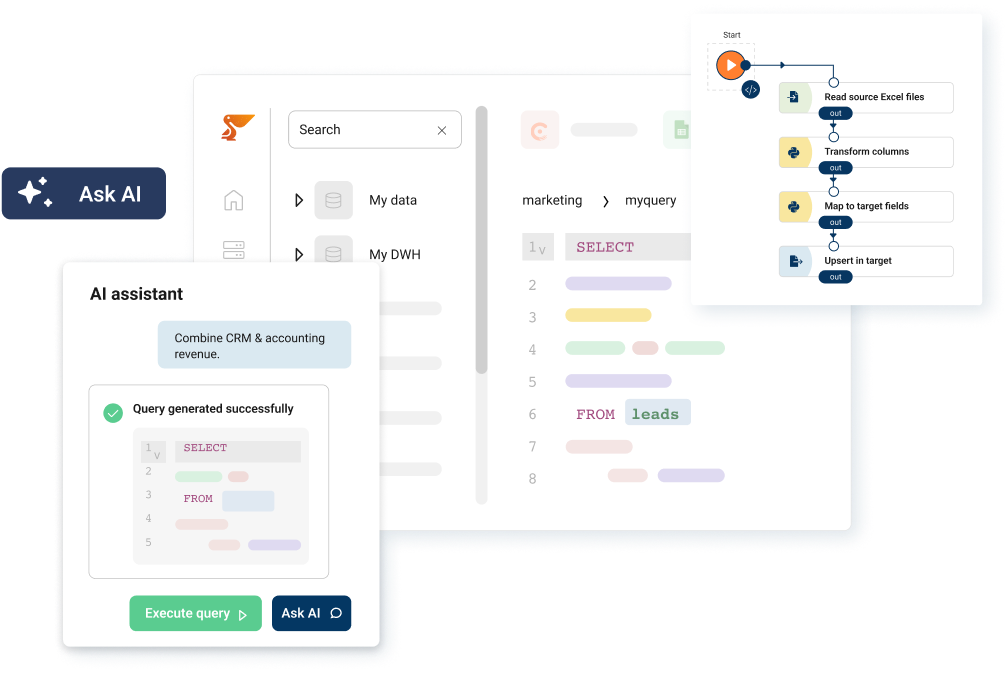
- 4Setting it up with Claude. Finally, he adds a second account manager live. He describes in plain language what Peter may see, and Claude builds the tables in Peliqan. After that, Peter only needs an invitation to his group.
What each colleague gets to see
- Customers, contacts, deals and tickets: management sees all of them, Chris sees his own.
- Revenue per customer, month and product category: the same split, so Chris can follow his own accounts.
- Open invoices: management only.
- Cost prices and margins: management only.
- Other account managers’ customers: management only.
One definition of margin
Ask sales for the margin and you may hear 58 percent, because they divide by cost. Ask accounting and you hear 37 percent, because they divide by revenue. In the webinar, the margin is therefore calculated once, in the Peliqan data warehouse, and every group reads from that same result. As a result, two people who ask Claude the same question get the same number.
You decide who sees what
Claude does not choose what a colleague may see. Instead, you describe it, and Peliqan enforces it on the data: each group gets its own set of tables, and each person connects Claude with their own login through the Peliqan MCP. So every row in the overview above is a choice you make as the owner, and you can change it without asking IT to build something.
Part of a series
This is the second webinar in the series. The first one, Exact Online x Claude, shows how to ask your accounting data questions in the first place. The next one covers building dashboards with Claude on Peliqan. Meanwhile, the same approach works for every source on the connectors page.
Want to give one colleague access to exactly what they need? Get started with Peliqan.