

A vibe coded front end still needs somewhere to keep its data and a way to let people in. Peliqan handles both. Take Peliqan Data Scout, the app in this video: you vibe code the interface, and Peliqan runs everything behind it.
What the app does
- 1Sign in. First you log in with your Peliqan account and approve the permissions once. So you write no auth flow, store no passwords and handle no sessions.
- 2Ask a question. Then you get an answer from the data you have already connected, inside the app rather than in a separate BI tool.
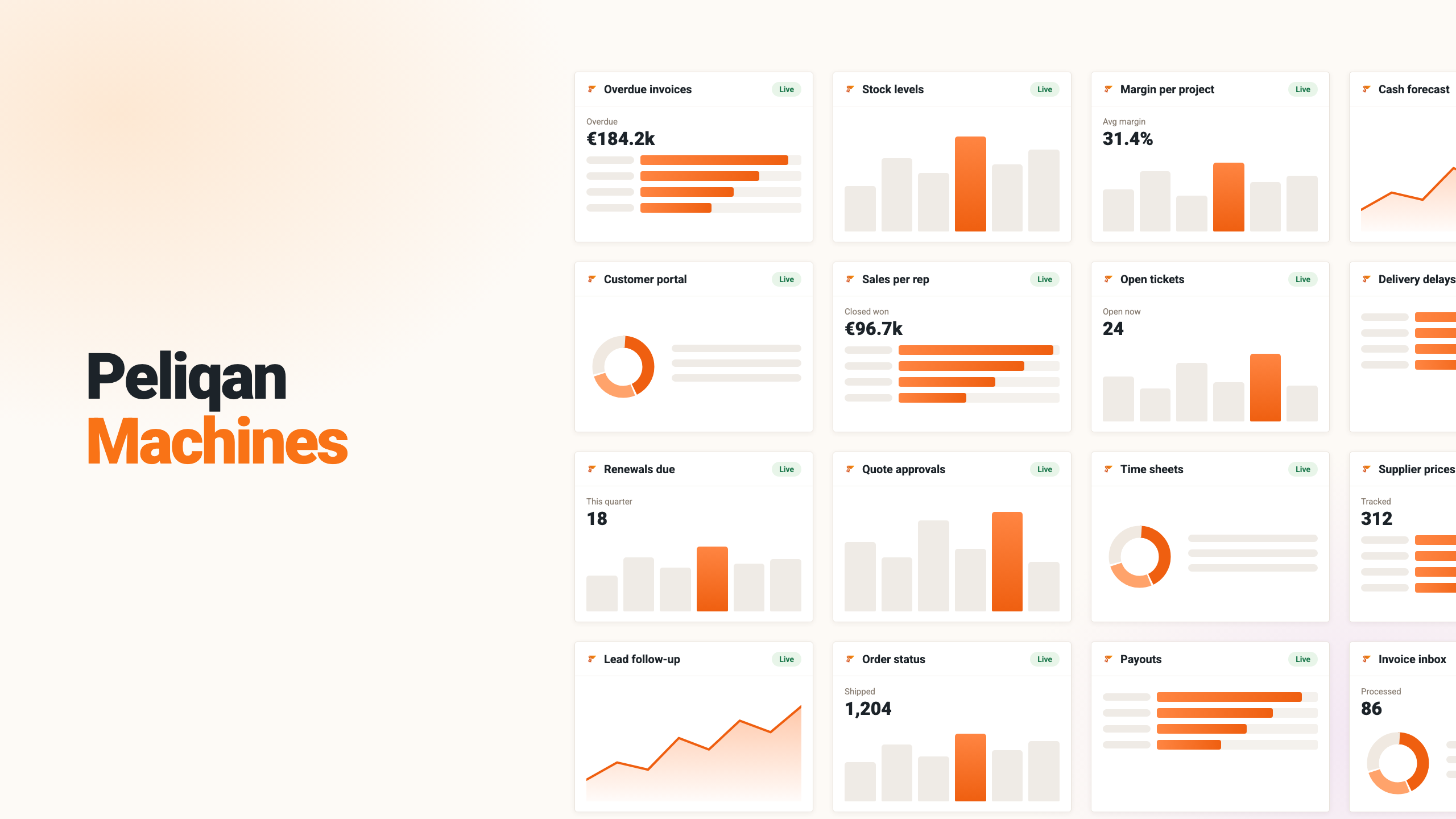
- 3Pin a chart. Keep the answer on a dashboard, so the next person never has to ask it again.
- 4Browse the tables. Finally, see exactly what the app can reach, which matches what your permissions allow.
None of that lives in the app
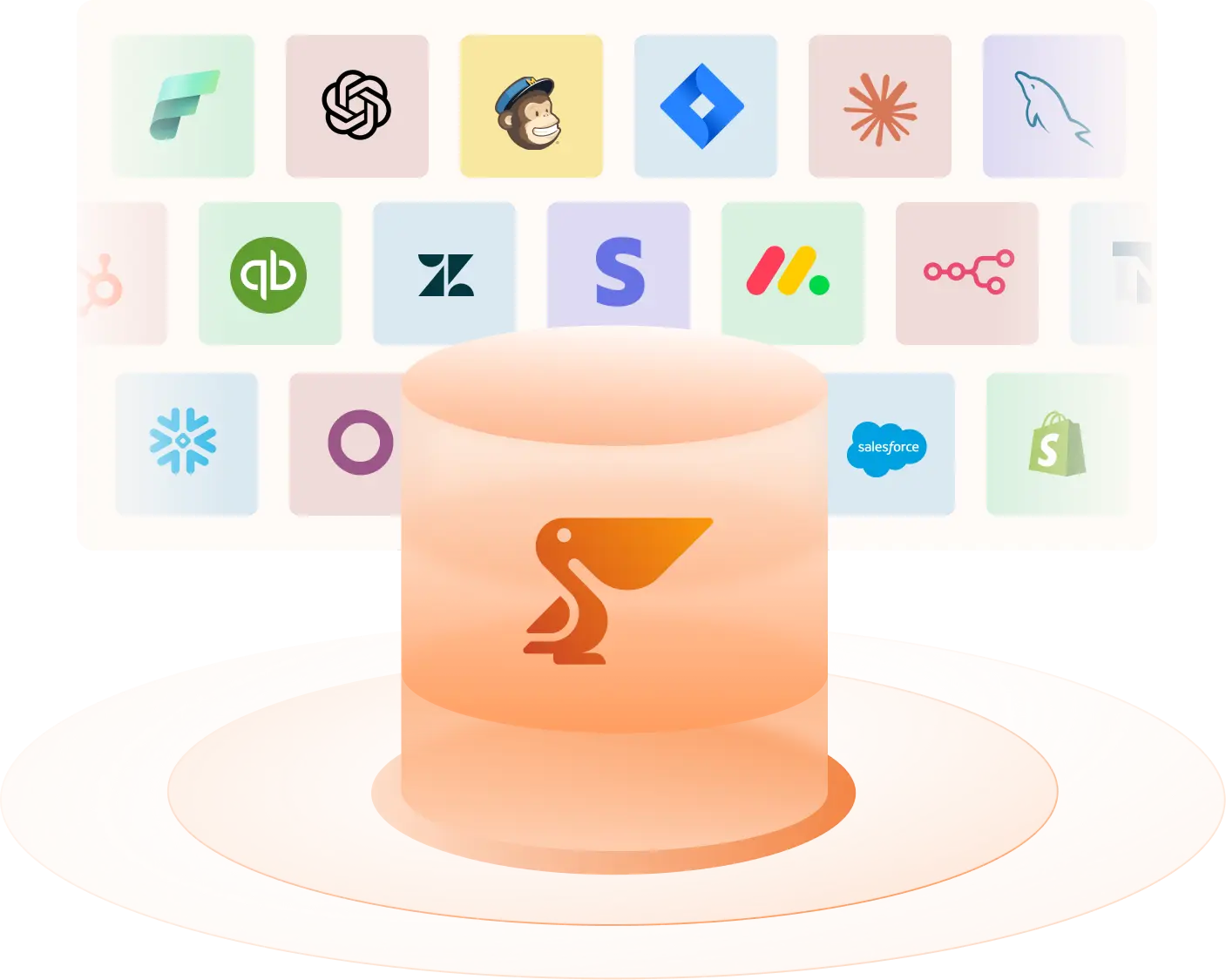
Every conversation, every dashboard tile and every setting sits in a table in Peliqan. Your vibe coded apps read and write through the Peliqan API, against the sources you have already connected. In other words, you vibe code the interface, while Peliqan covers the database, the login and the API.
- No database to run: the tables live in your Peliqan account.
- No auth service: sign-in and permissions arrive with that account.
- Client isolation: each client’s data sits in its own Peliqan sub-account, instead of behind a filter in the app.
- A replaceable front end: regenerate or redesign the interface without touching the data.
The same data serves everything else
Because the data sits in your Peliqan account, the same connections also serve your reporting and your MCP server. So an AI assistant reads exactly the numbers your app shows.
Ready to build this on your own data? Get started with Peliqan.