
Build AI Agents on MS Business Central Custom API
- No credit card required
- 5-minute setup
- SOC 2 Type II certified

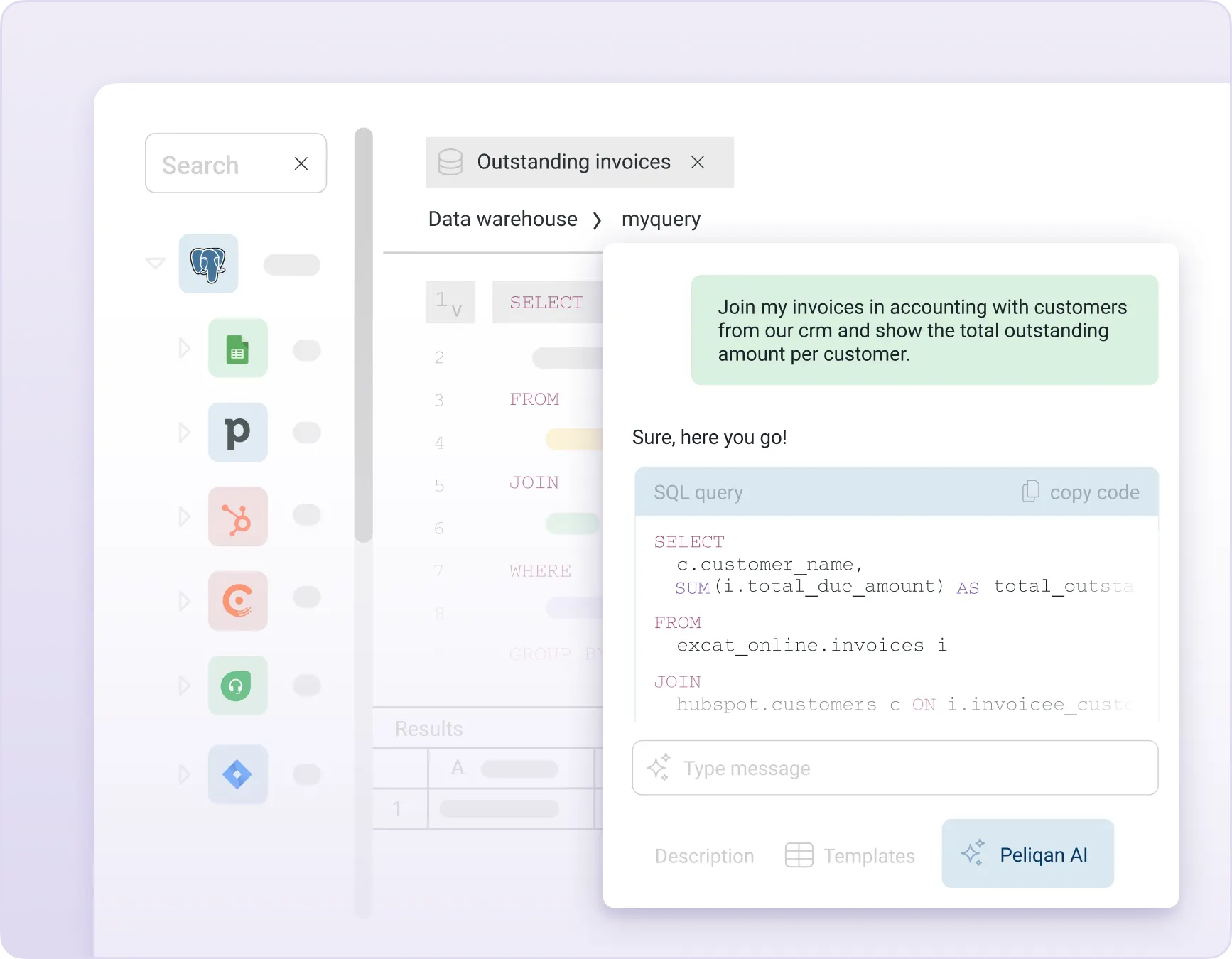
Build AI Agents on top of MS Business Central Custom API
Build intelligent AI Agents on top of MS Business Central Custom API, with Peliqan’s AI data foundation:
-
- MS Business Central Custom API MCP Server – let Claude, ChatGPT, or any AI client query and update your MS Business Central Custom API data
- MS Business Central Custom API in n8n AI Agents – build automated workflows that reason on your data
- MS Business Central Custom API in Make – trigger AI-powered actions from your MS Business Central Custom API events
- Text-to-SQL on MS Business Central Custom API – ask questions in plain English, get SQL-powered answers
- MS Business Central Custom API RAG – semantic search with out-of-the-box embeddings (vectors)
- MS Business Central Custom API Graph RAG – traverse relationships across your data entities
- Unified 360° data – combine MS Business Central Custom API with 250+ other sources in one warehouse
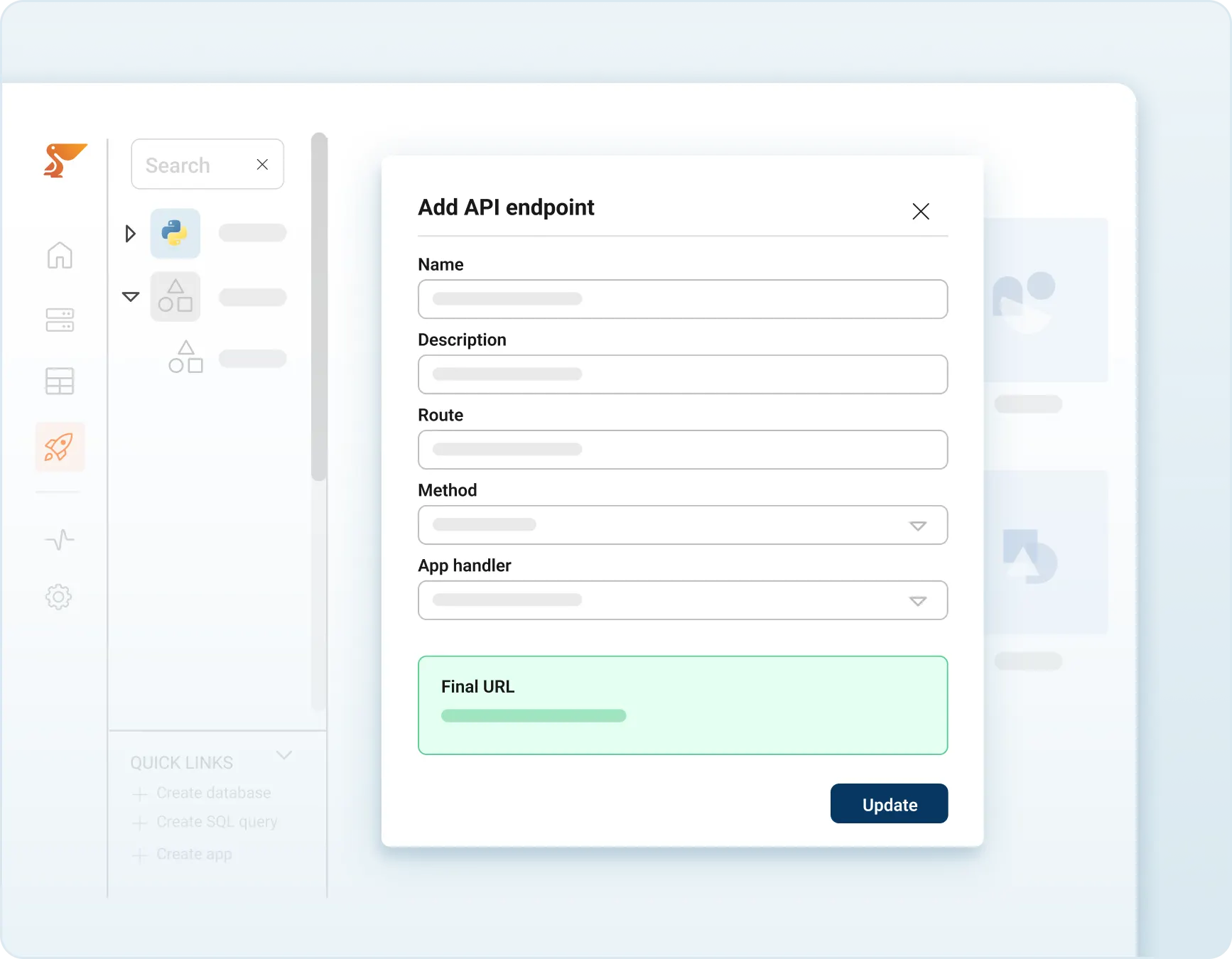
MS Business Central Custom API MCP Server
Publish a MS Business Central Custom API MCP Server with full read and write capabilities.
Peliqan syncs a read-only copy of your MS Business Central Custom API data into its built-in warehouse – your AI agents query the cache, your live MS Business Central Custom API is never touched. Connect Claude, ChatGPT, or any MCP client and start querying MS Business Central Custom API in plain English.
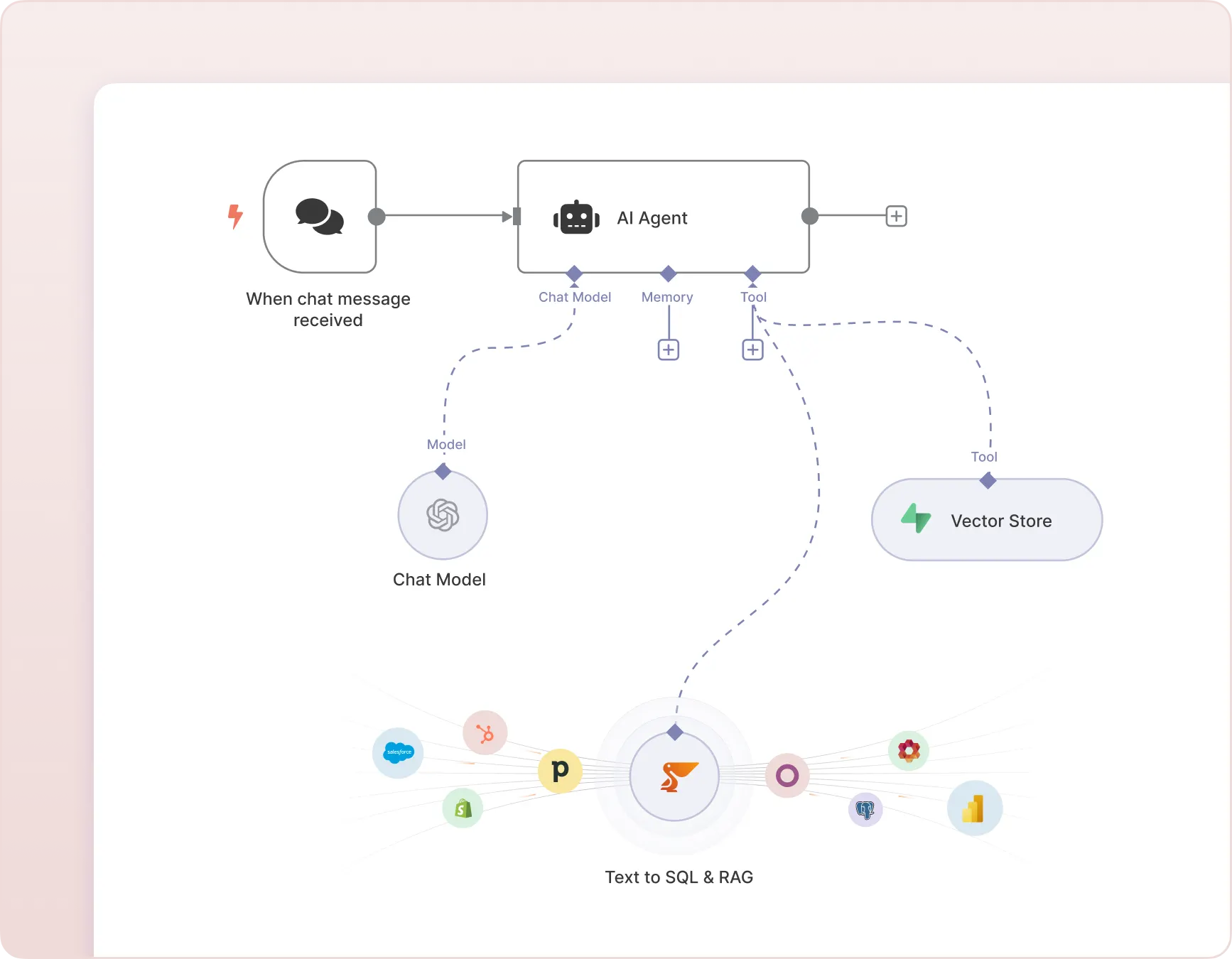
MS Business Central Custom API in n8n
Build AI Chatbots and AI Agents in n8n that query your MS Business Central Custom API data using Text-to-SQL and perform RAG on MS Business Central Custom API documents and records.
Peliqan acts as the data layer – syncing your MS Business Central Custom API data, converting natural language to SQL, and returning results your n8n agent can act on.
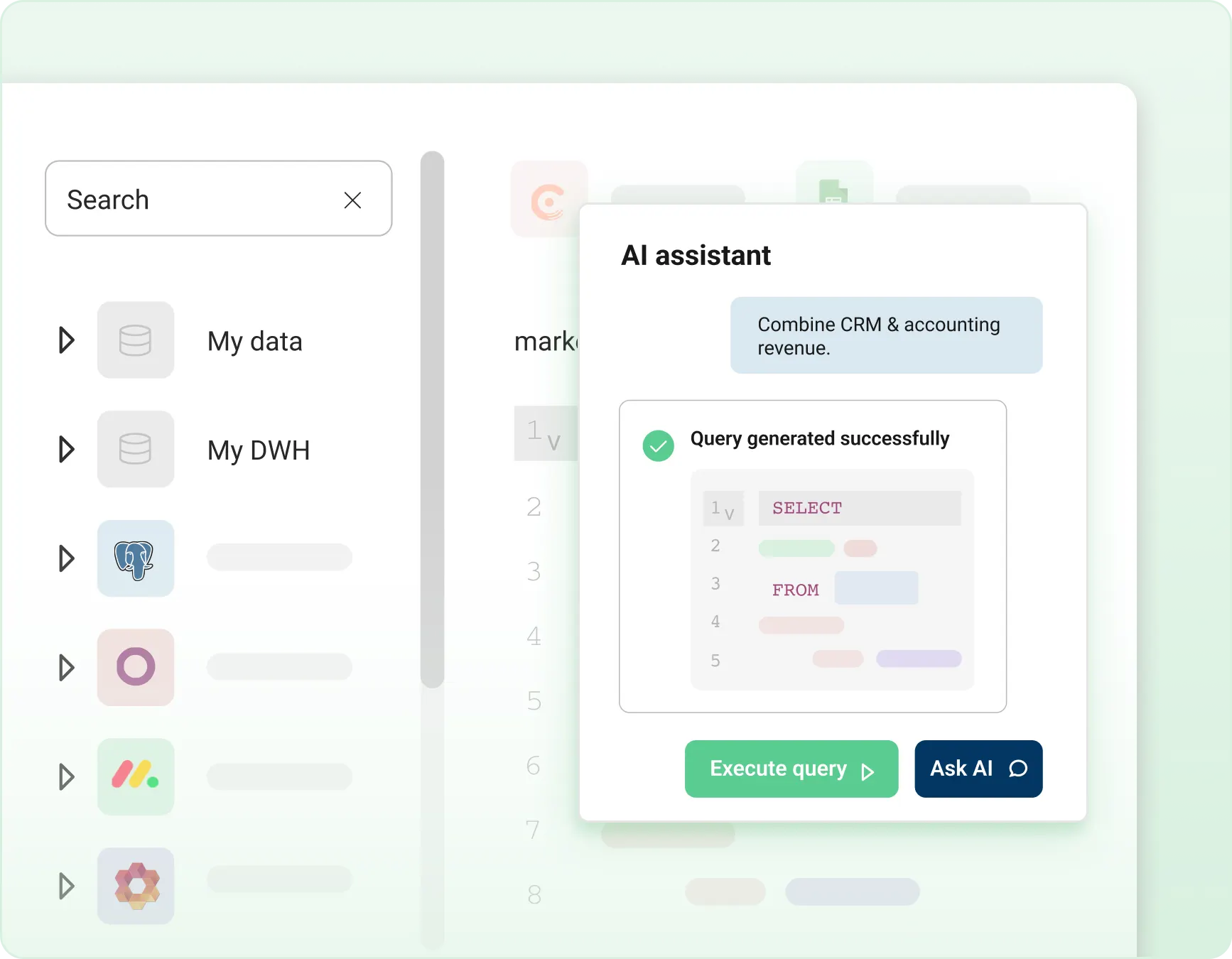
Implement a “Text to SQL” chatbot on MS Business Central Custom API
Implement an AI Chatbot that answers analytical questions on MS Business Central Custom API data using Text-to-SQL.
Ask “what were my top 10 customers last quarter?” or “which deals are stalled?” and get instant, accurate answers.
Peliqan converts your question to SQL, runs it against your MS Business Central Custom API warehouse, and returns structured results – no SQL knowledge required.
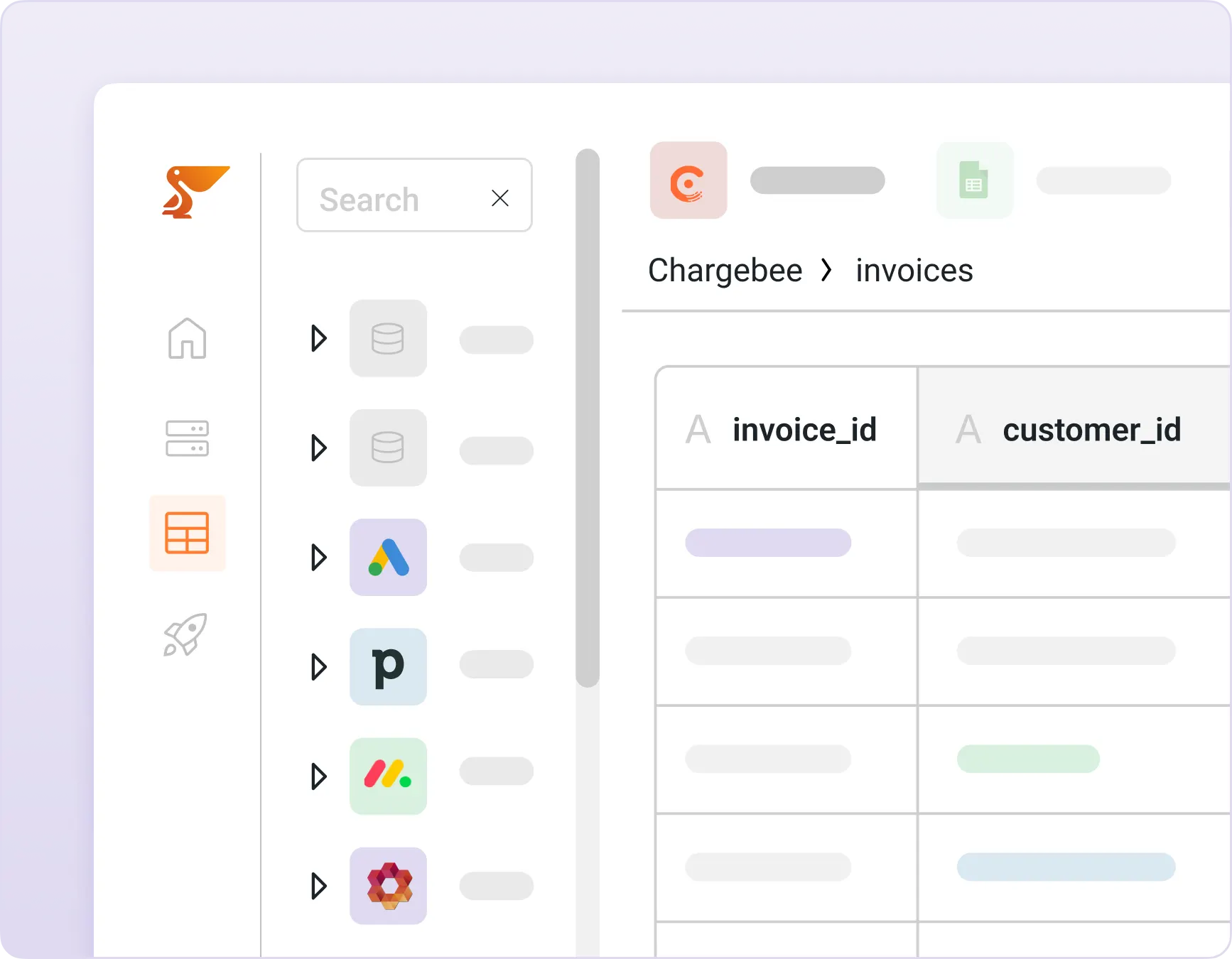
Implement a chatbot with RAG on MS Business Central Custom API
Implement RAG (retrieval-augmented generation) on MS Business Central Custom API data with Peliqan’s out-of-the-box vector store.
Peliqan automatically creates embeddings of your MS Business Central Custom API records, notes, and documents – so your AI agents can search semantically, not just by keywords.
Combine RAG with Text-to-SQL for AI that can both reason on numbers and understand context.
Combine MS Business Central Custom API data with 250+ sources
Combine data from MS Business Central Custom API with 250+ other connectors in Peliqan’s built-in warehouse.
Build unified 360° views of customers, deals, products, or employees – pulling from MS Business Central Custom API, your CRM, ERP, HR systems, and more.
Feed these unified data models to your AI Agents so they can answer cross-functional questions in a single query.
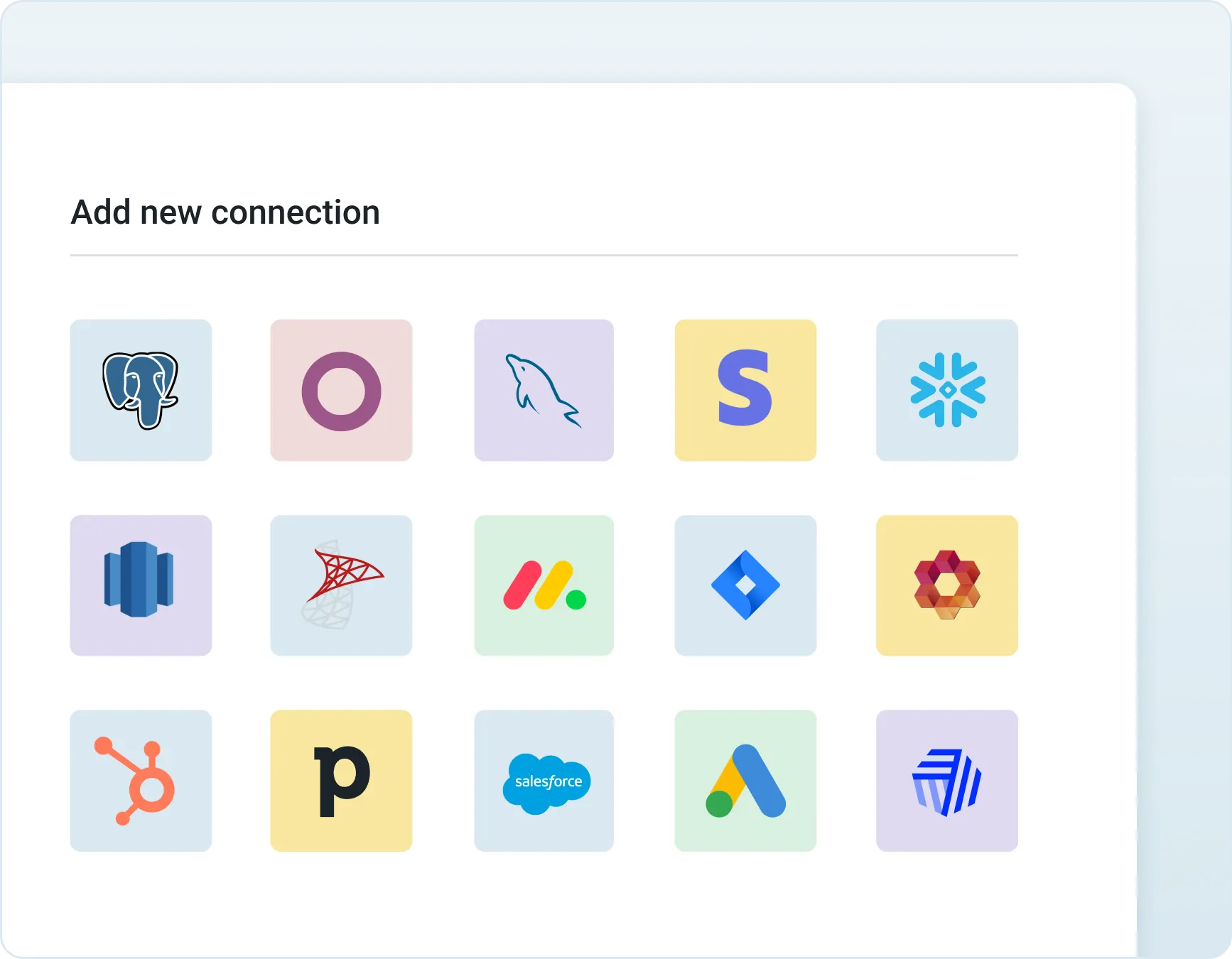
Prepare your MS Business Central Custom API data for AI
Access, combine, and report on data from MS Business Central Custom API and all your SaaS apps instantly. Gain valuable insights by bringing all your business data together in one place within minutes.
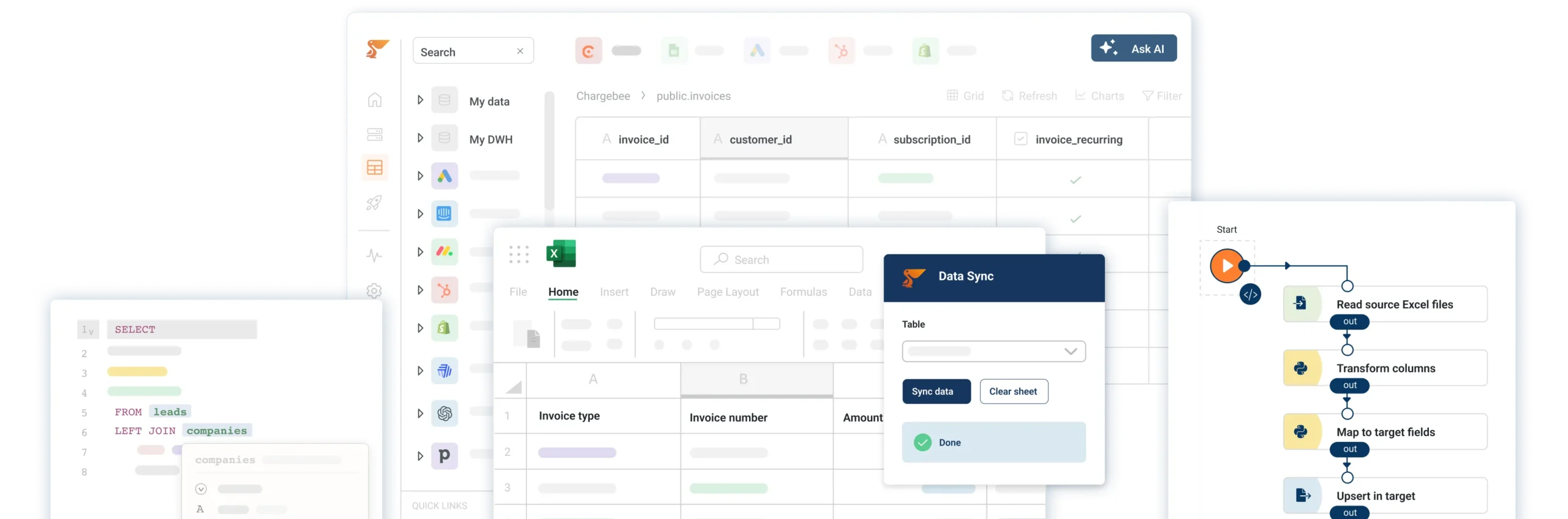
Unify, Automate & Activate Your Data
Connect all your SaaS apps, databases, and spreadsheets into one workspace. Build automations, analytics pipelines, and data apps — all in one place.

Frequently Asked Questions
Why do I need Peliqan for my AI ?
Most AI tools can’t access your MS Business Central Custom API data directly. Peliqan solves this by syncing MS Business Central Custom API into a built-in data warehouse and exposing it through MCP, Text-to-SQL, and RAG.
Your AI agents get governed, real-time access to MS Business Central Custom API data combined with 250+ other sources – without building custom integrations.
Peliqan is the only platform that lets AI agents combine structured SQL queries with semantic RAG search on MS Business Central Custom API data in a single context.
How to build an AI agent for MS Business Central Custom API ?
There are different ways to build an AI agent that can query data in MS Business Central Custom API and take actions in MS Business Central Custom API. For example you can build an AI agent in n8n and use Peliqan as the data foundation. Peliqan will sync your MS Business Central Custom API data to its built-in data warehouse and allow the AI Agent to perform “Text to SQL” and RAG to answer questions and to perform reasoning on MS Business Central Custom API data, combined with data from 250+ other sources.
How can I use MS Business Central Custom API in n8n ?
First sign up for a free trial on Peliqan.io, next connect MS Business Central Custom API in Peliqan. Once that is done, create an AI agent in n8n and use the Peliqan n8n node in your worflow. Add Peliqan as a “tool” to your AI Agent node, so that the AI agent can query your MS Business Central Custom API data using Text to SQL.
How to use RAG with MS Business Central Custom API ?
There are different options to use RAG (retrieval augmented generation) in your AI Agent with MS Business Central Custom API data. One option is to create a workflow in n8n that fetches all MS Business Central Custom API data from Peliqan and stores it in Supabase as a vector store, with embeddings created using e.g. OpenAI.
How to build an MCP Server for MS Business Central Custom API ?
Connect MS Business Central Custom API in Peliqan, then create an API handler using the built-in MCP template. Expose the MS Business Central Custom API tables and actions your AI needs, set role-based permissions, and run pip install mcp-server-peliqan to connect Claude or ChatGPT. Your AI agents query a cached copy of your data – your live MS Business Central Custom API is never touched. The full setup takes under 10 minutes.
How do I build an AI chatbot with “Text to SQL” for MS Business Central Custom API ?
n8n is a great tool to build AI chatbots that use Text to SQL, to answer any analytical question on your MS Business Central Custom API data. Any question will be converted by the AI agent into an SQL query, which is executed by Peliqan on the MS Business Central Custom API data in the data warehouse.
How to create embeddings in a vector store for MS Business Central Custom API data ?
In order to prepare your MS Business Central Custom API data for RAG, you need to create embeddings and store them in a vector store. This can be done by creating a workflow in n8n that fetches all MS Business Central Custom API data from Peliqan and stores it in Supabase as a vector store, with embeddings created using e.g. OpenAI.


All-in-one Data Platform
Built-in data warehouse, superior data activation capabilities, and AI-powered development assistance.
Peliqan trust center
Security, compliance, trust, privacy and availability are our highest priority. If you want more details, if you require a certificate or a copy of Peliqan’s operating procedures, contact us now.
SOC 2 Type 2
SOC 2 Type 2 validates our security controls, ensuring your data is protected by independently audited security measures.
ISO 27001
ISO 27001 certification ensures enterprise-grade information security, protecting your business with globally recognized standards.

GDPR
GDPR compliance guarantees EU data protection compliance, keeping PII data secure within EU boundaries.