





Automation is no longer a “nice to have” but a necessity for small and medium-sized enterprises (SMEs) trying to scale efficiently. With repetitive tasks eating into valuable time, choosing the right automation platform can make a real difference.
Two of the top contenders in this space are Make (formerly Integromat) and Zapier. Each has its strengths and trade-offs, depending on workflow complexity, budget, team skills, and data needs. This comprehensive comparison of Make vs Zapier examines features, usability, cost, limitations, and how adding a platform like Peliqan can help you build stronger, more maintainable automation pipelines.
What Are Make & Zapier?
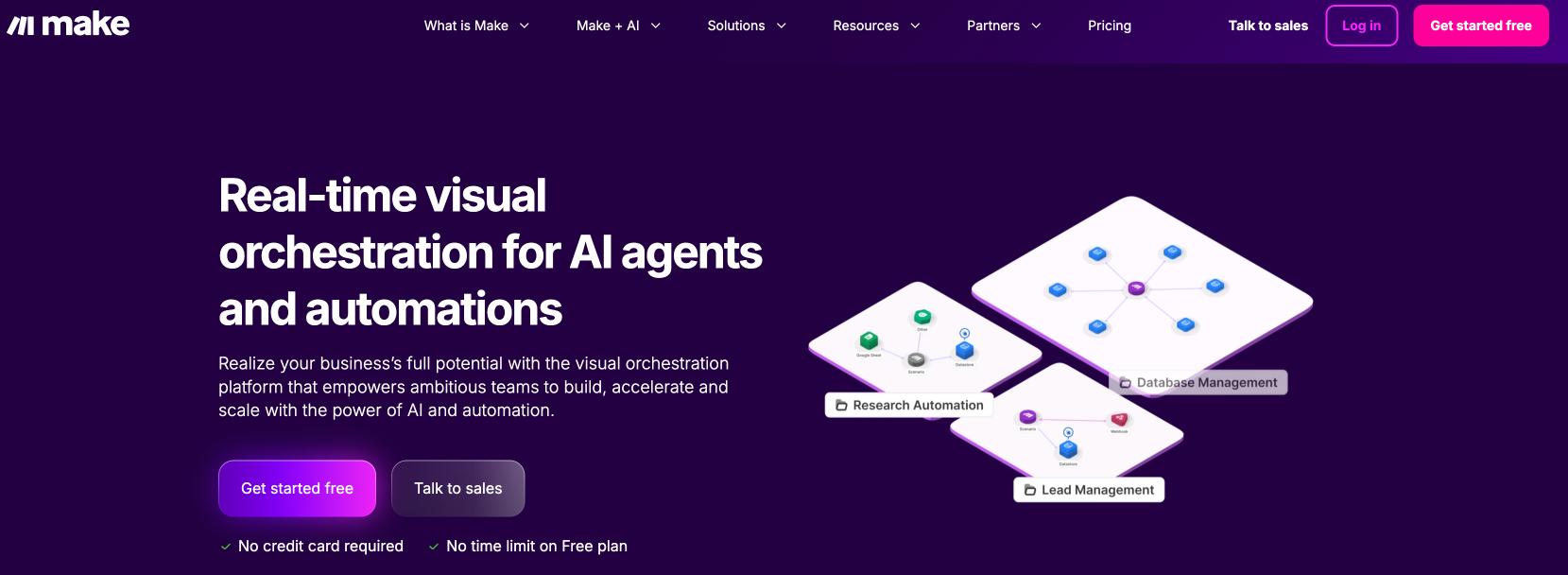
Make (formerly Integromat) offers a visual, scenario-based environment. You build workflows (“scenarios”) by dragging modules onto a canvas, connecting them, and defining logic. It supports branching, loops, iterators, and detailed data operations, making it powerful for complex multi-step workflows. The platform takes a flowchart approach that many find intuitive once mastered, especially for visualizing data flows and complex processes.
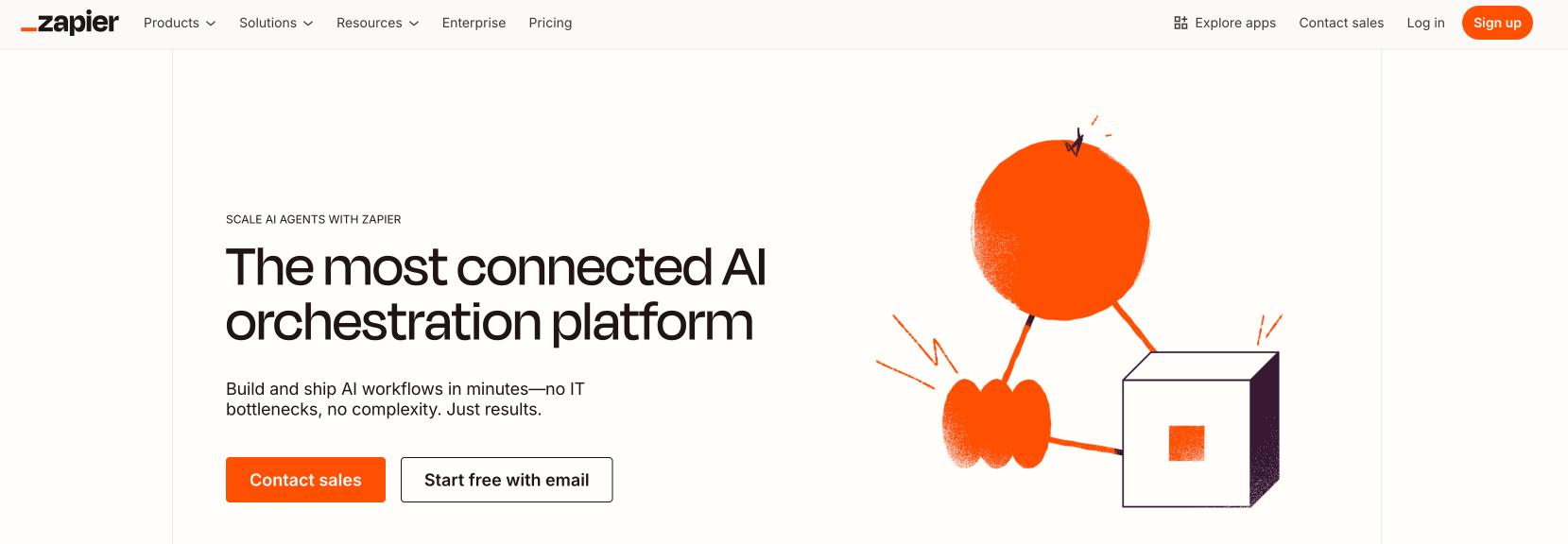
Zapier provides a simpler, linear approach. You define a trigger and a series of actions that follow. It’s designed for quick setup, with a guided UI and templates. Zapier is ideal for standard automations like “new customer → send email” or “new sale → notify team.” With its recent addition of AI-powered Copilot, users can describe their automation needs in plain language, and Zapier will build the workflow automatically.
The Core Difference: Visual vs Linear
The fundamental distinction between Make vs Zapier lies in their design philosophy. Make’s visual approach displays your automation as a flowchart where you can see data paths, conditional branches, and parallel processes at a glance. This makes complex workflows easier to understand and debug, though it requires more initial learning.
Zapier follows an “if this, then that” model with a step-by-step interface. While this linear approach is immediately intuitive for beginners, it can become limiting when you need complex branching logic or want to visualize how data flows through multiple paths. However, Zapier’s new Canvas feature now offers a visual builder option for those who prefer that approach.
Feature-by-Feature Comparison
| Feature | Make | Zapier |
|---|---|---|
| Visual Builder & Logic | Canvas-based scenarios, routers, iterators, extensive data transformations | Step-by-step linear flows, limited branching, basic data tools (plus Canvas option) |
| Integrations | ~2,000+ connectors, strong HTTP/webhook module for custom APIs | ~8,000+ integrations, one-click setup, very broad coverage |
| API Endpoints Per App | More comprehensive – e.g., 84 actions for Xero | Basic coverage – e.g., 25 actions for Xero |
| Data Handling | Advanced parsing, iterators over arrays, powerful mapping, custom functions | Limited transformation tools, relies on pre-formatted data, Formatter step |
| Templates | Good library but fewer than Zapier | Extensive template ecosystem (thousands) for fast adoption |
| User Experience | Powerful but steeper learning curve | Beginner-friendly, streamlined setup, AI assistance |
| Team Features | Shared scenarios, version history on higher plans | Strong collaboration tools, audit trails, enterprise controls |
| Error Handling | Advanced error modules (Rollback, Break, Resume, Commit, Ignore), custom error routes | Basic error handling, custom error handler (beta), limited options |
| Reliability | Detailed logs, strong error handling, can be slower for very large workflows | Polished monitoring, reliable for simpler tasks, automatic retries |
| Scalability | Per-operation billing, cost-effective for high-volume automation | Task-based billing, costs grow faster at scale |
AI and Advanced Features
The automation landscape is rapidly evolving with AI capabilities. Here’s how Make vs Zapier compare in 2025:
Zapier’s AI Capabilities
- Zapier Copilot: Unlimited AI assistance to build workflows from natural language descriptions
- 250+ AI App Integrations: Direct connections to ChatGPT, Claude, and other AI tools
- AI-Powered Formatter: Use AI to transform and clean data as it passes through workflows
- Custom Actions with AI: Generate custom API connections when pre-built integrations don’t exist
- Code Generation: AI helps write Python or JavaScript code steps
Make’s Technical Strengths
- Visual Debugging: Real-time execution monitoring with input/output visibility
- Data Stores: Built-in database functionality for persisting data between runs
- Advanced Iterators: Process arrays and complex data structures efficiently
- Custom Functions: Write complex data transformations with built-in functions
- Parallel Processing: Run multiple branches simultaneously
Error Handling: A Critical Difference
According to detailed comparisons by automation experts, error handling is where Make vs Zapier diverge significantly:
Make’s Error Handling:
- Comprehensive error modules: Rollback, Break, Resume, Commit, and Ignore
- Custom error routes for each module
- Partial retries and detailed run logs
- Visual error tracking on the canvas
- “Run this module only” testing capability
Zapier’s Error Handling:
- Basic retry mechanisms
- Custom error handlers (beta feature on Professional plans)
- Autoreplay for failed runs
- Limited to two paths (success/error) per handler
- No equivalent to Make’s granular error control
Pricing & Plans (2025 Updates)
| Plan | Make | Zapier |
|---|---|---|
| Free | 1,000 operations/month, multi-step scenarios | 100 tasks/month, single-step Zaps |
| Entry | $9 for 10,000 operations (credits) | $29.99 for 750 tasks |
| Mid | $29 for ~40,000 operations | $73.50 for 2,000 tasks |
| High Usage | $99 for 150,000 operations | $448.50 for 50,000 tasks |
| Enterprise | Custom pricing with enhanced security | Custom pricing with SSO, SCIM, audit logs |
Important Note: Make recently switched to a credit-based system where AI operations may consume multiple credits, making cost calculations more complex. Make’s per-operation billing remains attractive for multi-step, data-heavy workflows, while Zapier’s pricing is predictable for lighter, simpler automation.
Real-World Use Cases: Who Uses What?
Both platforms power thousands of automations, but they shine in different situations depending on complexity and scale.
1. Marketing & Lead Management
Zapier: Ideal for quick, “plug-and-play” connections like sending new Facebook Lead Ads directly to HubSpot or Salesforce CRM, or auto-posting new blog articles to social channels. Small teams appreciate the pre-built templates that make these flows live within minutes.
Make: Favored when marketing data needs deeper conditioning—such as merging multiple ad-platform feeds, cleaning the data, and then pushing enriched leads into a data warehouse or custom dashboard. Its routers and iterators handle complex branching with ease.
2. E-Commerce Operations
Zapier: Perfect for simple store tasks: when an order is created in Shopify, automatically add the buyer to a Mailchimp list or send an SMS confirmation. The extensive Shopify integration covers most common use cases.
Make: Better for large catalogs or multi-store networks. Retailers use Make to sync product inventory across different platforms, transform CSV price lists, and run multi-step order-fulfillment pipelines with conditional logic.
3. IT & Internal Workflows
Zapier: Great for lightweight IT automations—like creating a Slack alert when a new Jira issue is logged. Companies value its enterprise security features including SSO and SCIM provisioning.
Make: Fits enterprise IT scenarios, for example monitoring infrastructure events from multiple APIs, transforming the data, and feeding it into custom monitoring dashboards or internal ticketing systems.
4. Data & Analytics Integrations
Both platforms can trigger analytics updates, but Make is often chosen when companies need to blend and reshape data from many SaaS tools before pushing it into a warehouse or BI tool.
Community experiences echo these patterns. Reddit automation discussions show small teams praising Zapier’s simplicity, while larger operations lean on Make for advanced routing and cost efficiency.
Team Collaboration and Enterprise Features
For organizations scaling automation across departments, governance and collaboration features become crucial:
Zapier Enterprise Features:
- Centralized admin dashboard
- SAML SSO and SCIM provisioning
- Granular role-based permissions
- Detailed audit logs
- Workspace separation by department
- Zapier Tables for shared data storage
- Zapier Interfaces for custom portals
Make Team Features:
- Scenario sharing and blueprints
- Team workspaces
- Version control on higher plans
- Custom user roles
- API access for programmatic control
According to G2 reviews, Zapier scores higher for “ease of admin” and team management, while Make users appreciate the flexibility for technical teams.
Learning Curve and Documentation
Zapier is built for ease of use, with a step-by-step interface and thousands of ready-made templates. Most users can create their first automation in minutes without prior technical knowledge. Its knowledge base includes interactive tutorials, clear setup guides, and a large community forum where beginners quickly find answers. The new AI Copilot feature further reduces the learning curve.
Make’s documentation is thorough and offers deep technical examples, but it assumes some comfort with concepts like JSON, arrays, and API calls. Building advanced scenarios – such as handling nested data or conditional branching – can take time to master. For teams willing to invest that learning effort, the payoff is powerful, highly customized workflows.
For real-world feedback on the learning curve and support quality, see independent user ratings on G2 – Make reviews and Zapier reviews.
Migration Between Platforms
Switching between Make vs Zapier isn’t straightforward. As noted by automation experts, there’s no one-click migration tool. However, both platforms support:
- Webhooks for trigger compatibility
- Similar API connections
- Comparable trigger/action concepts
Migration typically requires rebuilding workflows manually, though the conceptual similarities make the transition manageable for experienced users.
Decision Framework: Which Should You Choose?
Based on analysis from automation agencies and integration specialists, here’s when to choose each platform:
Choose Zapier When:
- You need the fastest path from idea to automation
- Non-technical team members will create workflows
- You require extensive app coverage (8,000+ integrations)
- Enterprise governance and security are priorities
- You prefer predictable, task-based pricing
- AI assistance would accelerate your automation efforts
Choose Make When:
- You need complex branching logic and data transformations
- Technical users will primarily build automations
- You want visual workflow representation
- Advanced error handling is critical
- You’re processing high volumes cost-efficiently
- You need deep API control and custom modules
Trade-Offs and Limitations
While both tools are reliable, each has limitations worth noting. Zapier’s simple pricing can become expensive when you need high-volume, multi-step workflows, and it offers limited options for complex logic or heavy data manipulation.
Make provides much deeper control – such as iterators, routers, and advanced data mapping—but that flexibility comes with a steeper learning curve and occasional performance tuning for very large scenarios. The credit-based pricing can also become confusing when AI operations consume multiple credits.
Users on Reddit’s NoCode forum frequently point out that Zapier is perfect for quick wins and small teams, whereas Make shines when you need intricate automations or cost efficiency at scale.
Alternative Considerations
While Make vs Zapier dominate the automation landscape, alternatives exist:
- n8n: Self-hosted option with strong security and customization
- Activepieces: Open-source alternative with visual builder
- Latenode: Combines visual interface with advanced functionality
- Microsoft Power Automate: Integrated with Microsoft ecosystem
As noted in comprehensive platform comparisons, these alternatives may better suit specific needs like self-hosting or Microsoft integration.
The Peliqan Advantage
As your automation needs grow, challenges like scattered data, repeated API calls, and limited analytics emerge. Peliqan complements Make or Zapier by providing a robust data layer. It consolidates data from SaaS tools, APIs, and databases into a single source of truth.
With built-in Python and SQL transformations, Peliqan reduces redundant API usage, enforces schema consistency, and supports advanced analytics. This combination allows SMEs to automate workflows with Make or Zapier while ensuring clean, analytics-ready data for dashboards, reporting, and AI initiatives.
| Challenge | Make/Zapier Alone | With Peliqan |
|---|---|---|
| Data consolidation | Multiple sources and formats | Centralized warehouse |
| Complex transformations | Limited in-app options | Full Python/SQL processing |
| High API costs | Repeated calls in every workflow | Cached data reduces calls |
| Governance | Limited schema control | Versioning and data lineage |
| Analytics readiness | Raw, unstructured data | Clean, normalized datasets |
Community Insights and Real User Experiences
The Make vs Zapier debate generates extensive discussion in automation communities. Key insights from users include:
- Performance: Users report Make processes scenarios 2-3x faster than equivalent Zapier workflows, though this varies by complexity
- Support Quality: Zapier users praise responsive customer support, while Make users rely more on community forums
- Hidden Costs: Make users frequently discuss unexpected credit consumption, especially with polling triggers
- Flexibility vs Simplicity: The trade-off is consistent—Make offers more power but requires more expertise
Future-Proofing Your Automation Strategy
Both platforms continue evolving rapidly. Recent developments include:
- Zapier’s investment in AI features and visual building tools
- Make’s expansion of native integrations and enterprise features
- Growing emphasis on workflow orchestration beyond simple automation
- Increased focus on data governance and security compliance
Consider not just current needs but where your automation requirements might go in 2-3 years.
Summary: Making the Right Choice
The Make vs Zapier decision ultimately depends on your specific needs, technical resources, and growth trajectory.
If you need speed and simplicity, Zapier is the fastest path to live automations with its intuitive interface, extensive templates, and AI assistance. It excels for teams wanting broad app coverage without technical complexity.
If you need advanced branching, data mapping and better economics at scale, Make is the stronger choice with its visual canvas, sophisticated error handling, and cost-effective operations model.
But both platforms can create data sprawl, repeated API costs, and governance headaches as you grow — which is where Peliqan adds real value.
Peliqan centralizes SaaS and API data, provides Python/SQL transformations, caching, versioning and lineage so workflows built in Zapier or Make run faster, cheaper, and produce clean, analytics-ready datasets.
Start with the tool that fits your team’s immediate needs, then use Peliqan to scale those automations into a reliable data infrastructure. Whether you choose Make, Zapier, or both, the key is building automation that grows with your business rather than limiting it.