Build intelligent AI Agents on top of SharePoint, with Peliqan’s AI data foundation:
SharePoint MCP Server
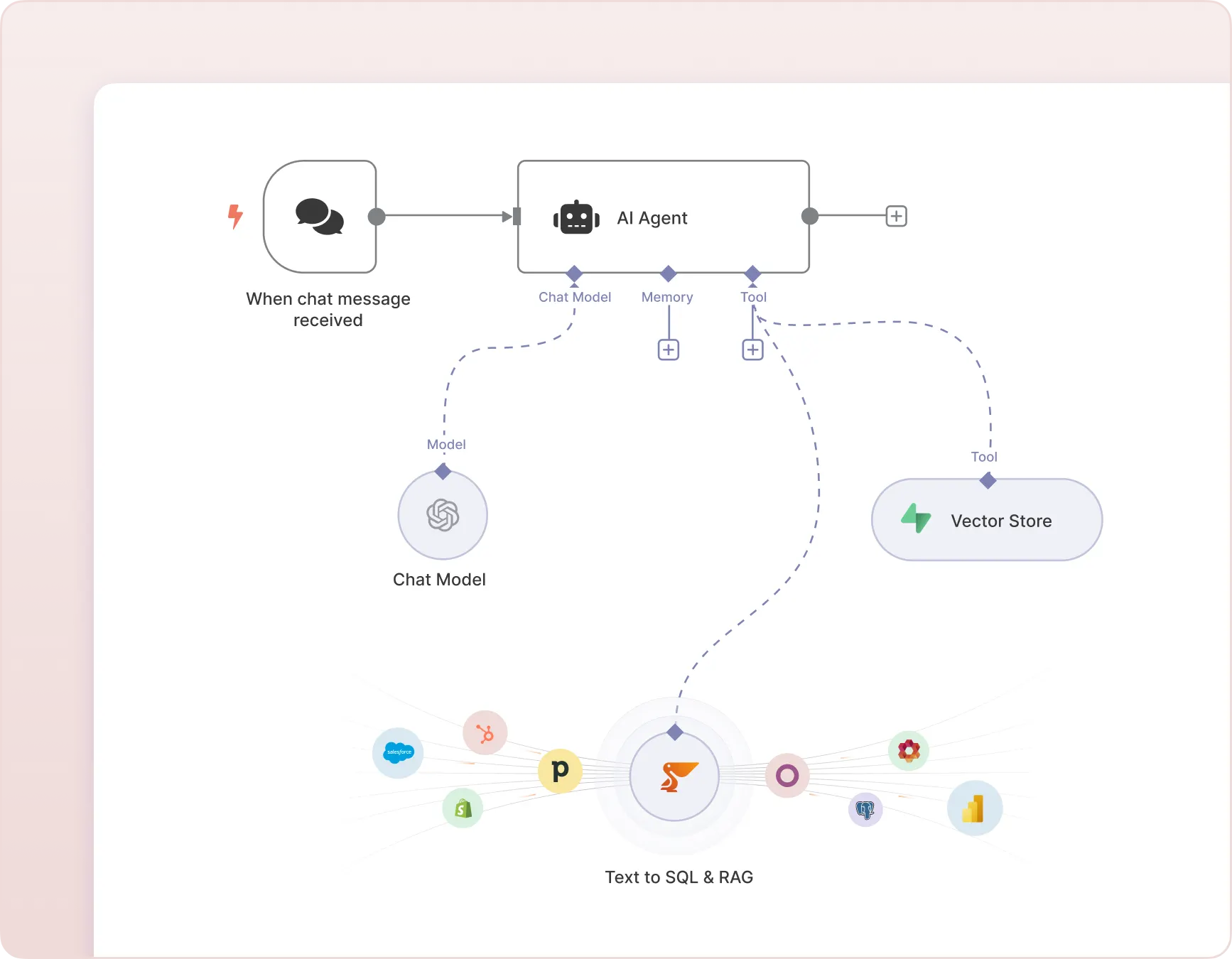
SharePoint in n8n AI Agents
SharePoint in Make
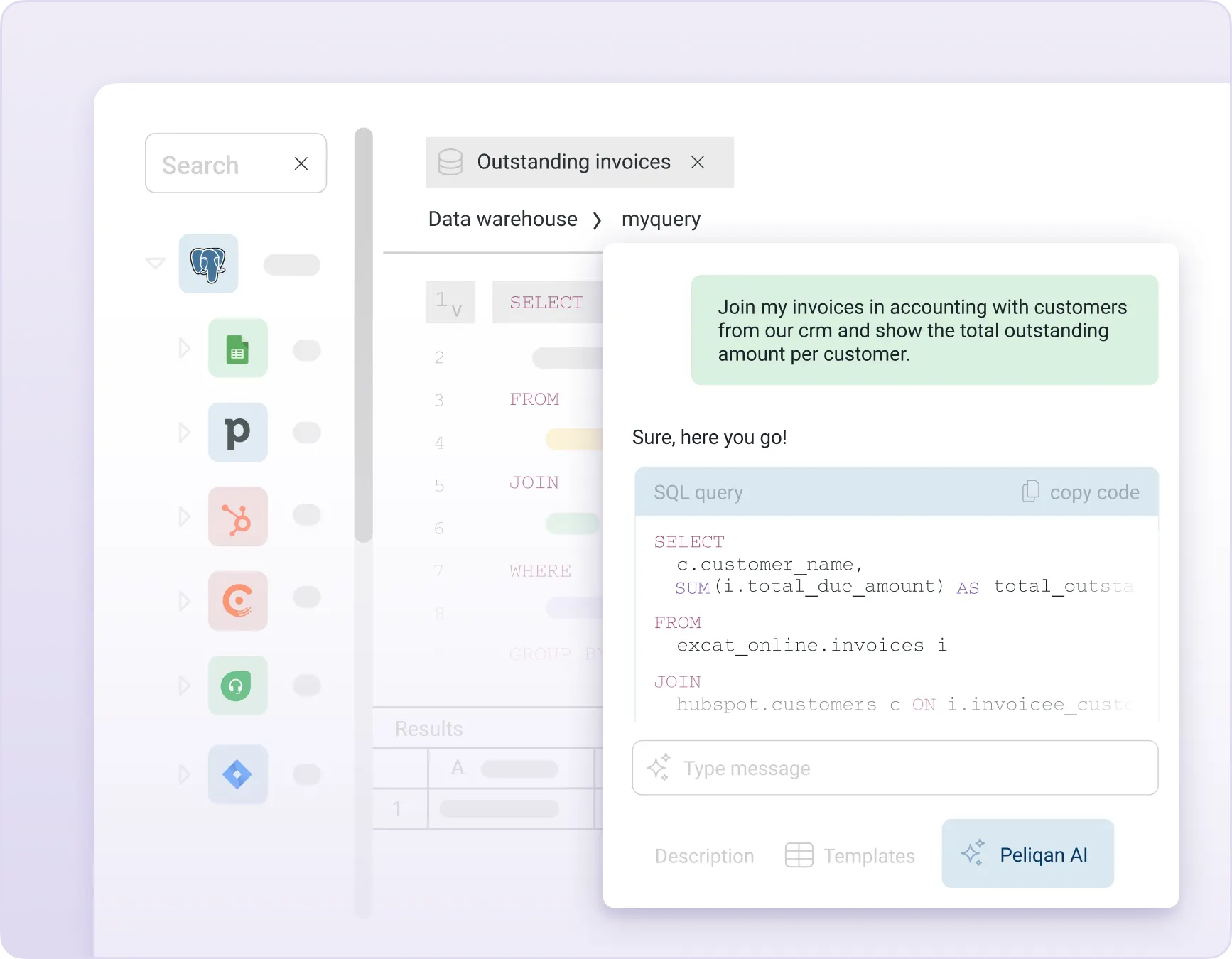
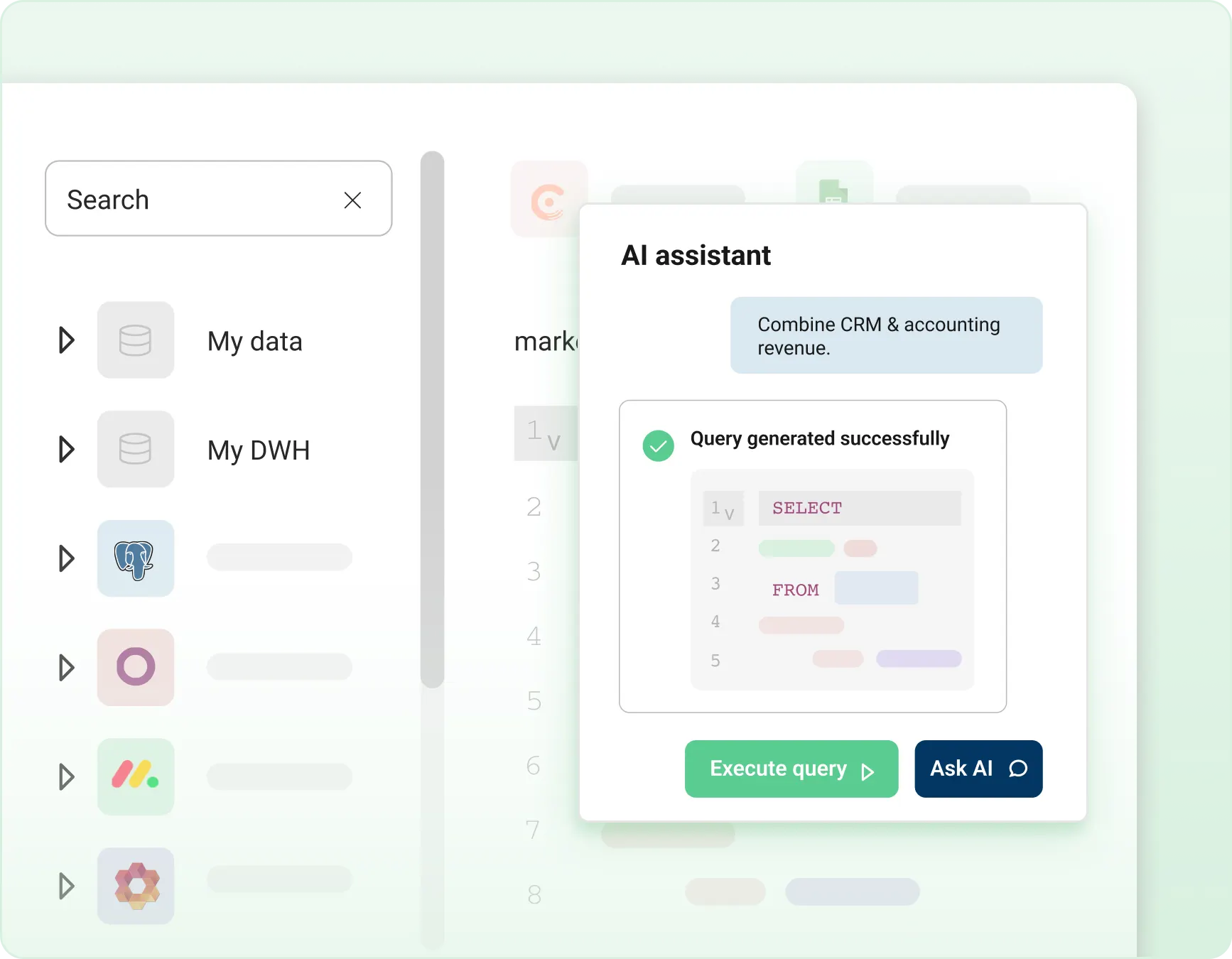
“Text to SQL” on SharePoint data
SharePoint RAG with out-of-the-box embeddings (vectors)
SharePoint Graph RAG
Query unified 360° data combining SharePoint and other data
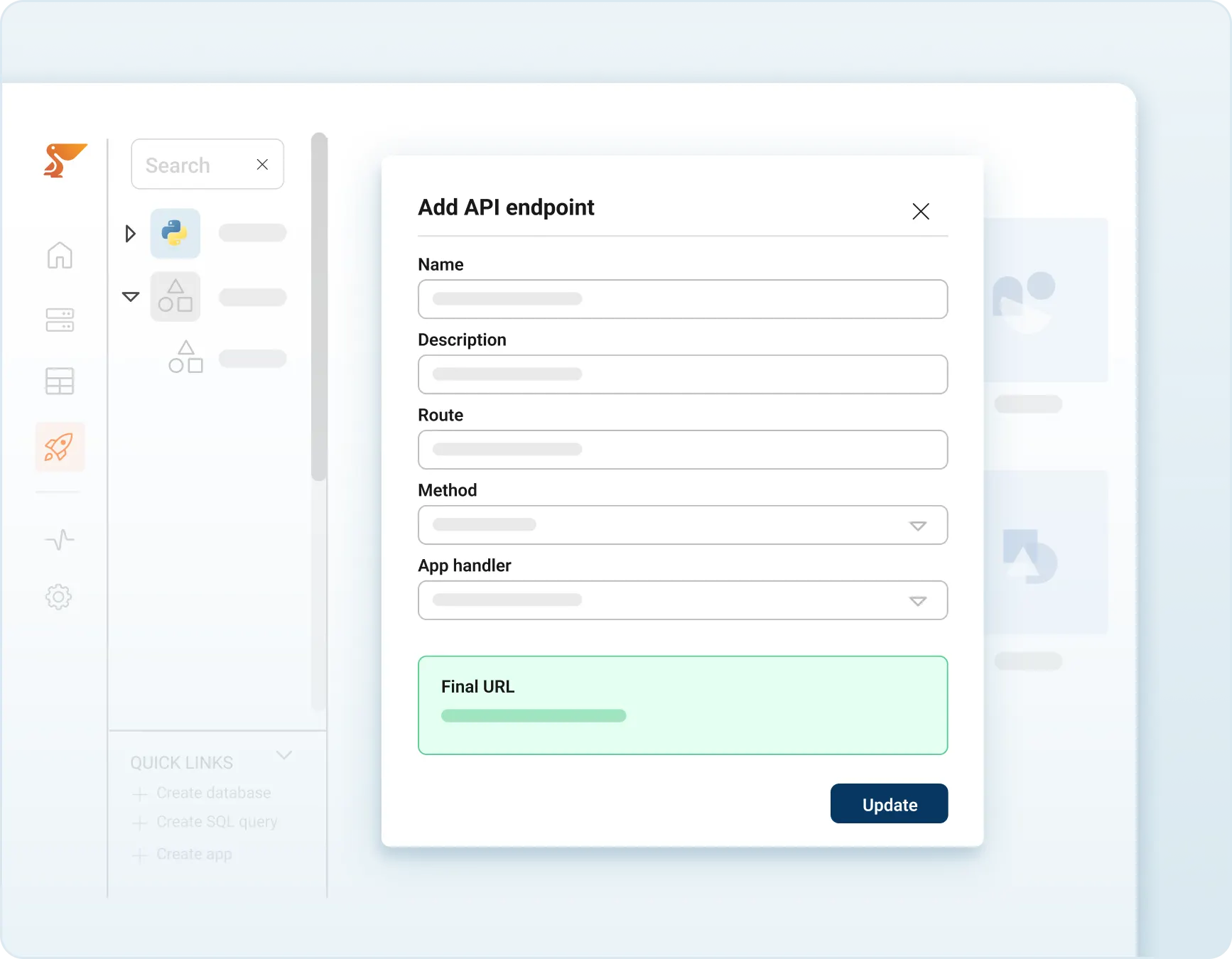
SharePoint MCP Server
Publish a SharePoint MCP Server to query data from SharePoint and to take actions in SharePoint such as doing updates and adding new data in SharePoint.
Build AI Chatbots and AI Agents in n8n that can perform “Text to SQL” to query SharePoint data and perform RAG and Graph RAG on information from SharePoint.
Implement an AI Chatbot that can answer analytical data questions on SharePoint data using “Text to SQL”.
Implement a chatbot with RAG on SharePoint
Implement RAG (retrieval-augmented generation) on SharePoint data with an out-of-the-box vector store (embeddings) of all business entities and other information in SharePoint.
Combine SharePoint data with 250+ sources
Combine data from SharePoint with data from 250+ other connectors, and build 360° views of business entities such as customers, leads, products, employees etc.
Feed unified 360° data models to your AI Agents with RAG and “Text to SQL”. Allow your AI Agents to access all business data in one uniform data model.
Prepare your SharePoint data for AI
Access, combine, and report on data from SharePoint and all your SaaS apps instantly. Gain valuable insights by bringing all your business data together in one place within minutes.
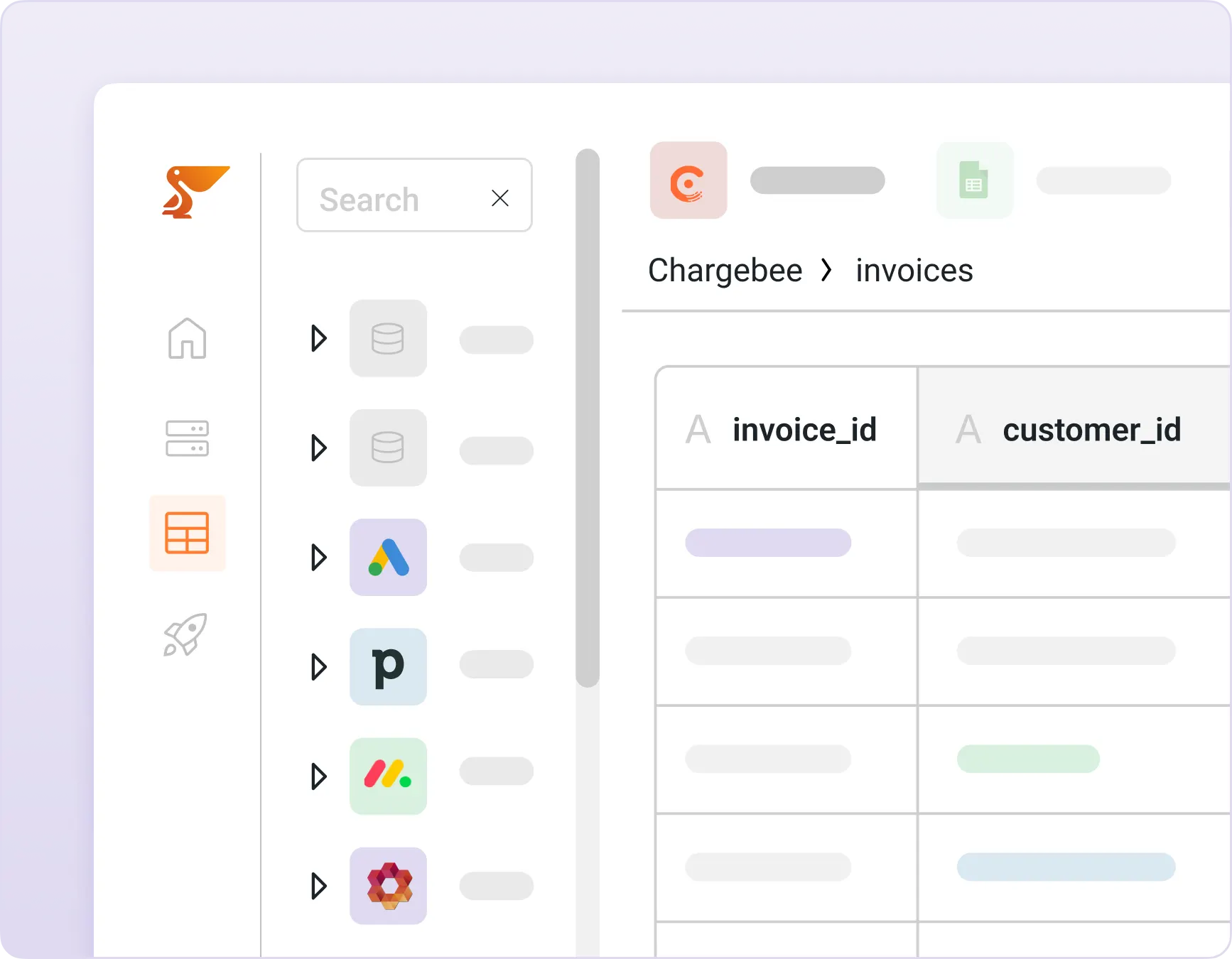
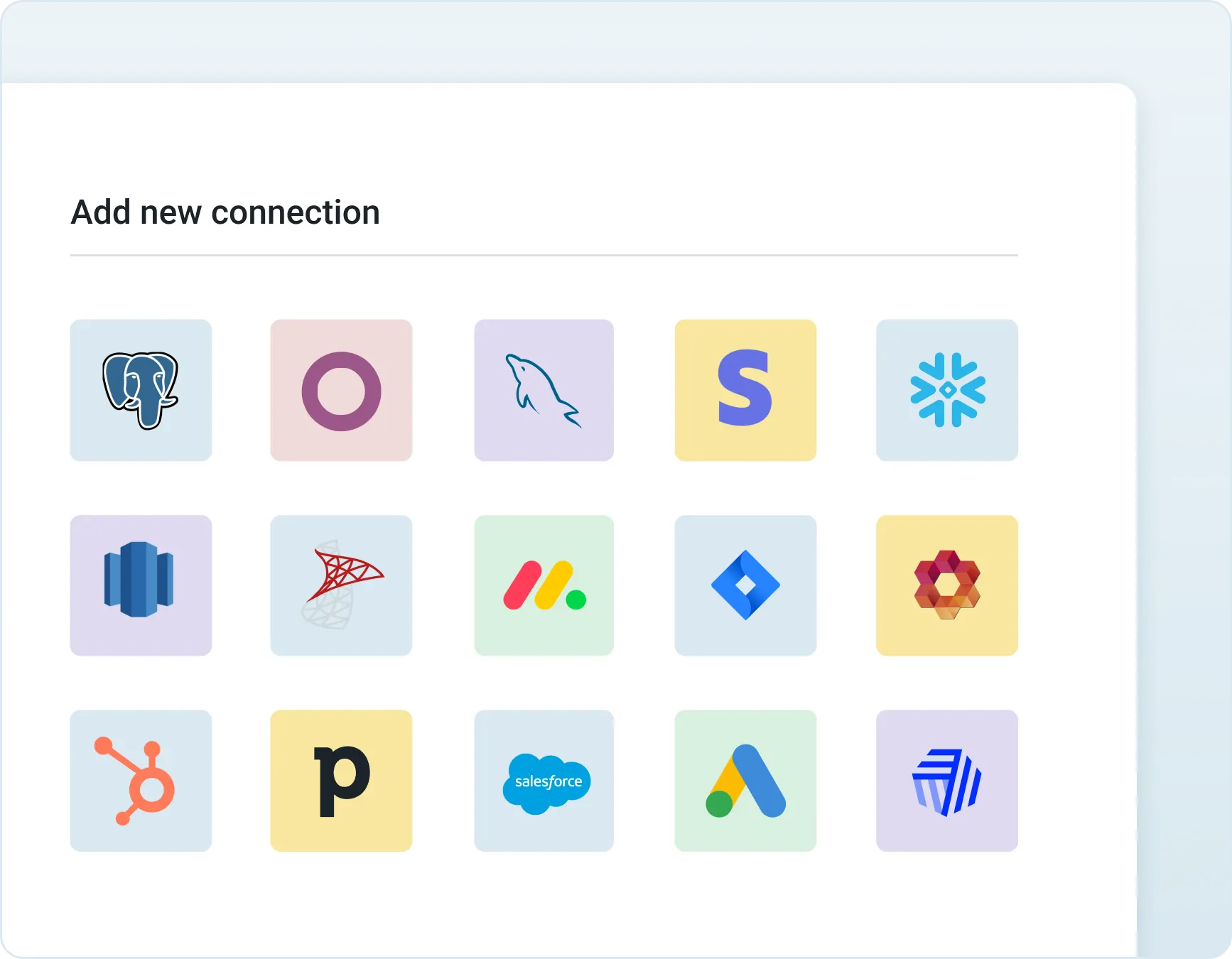
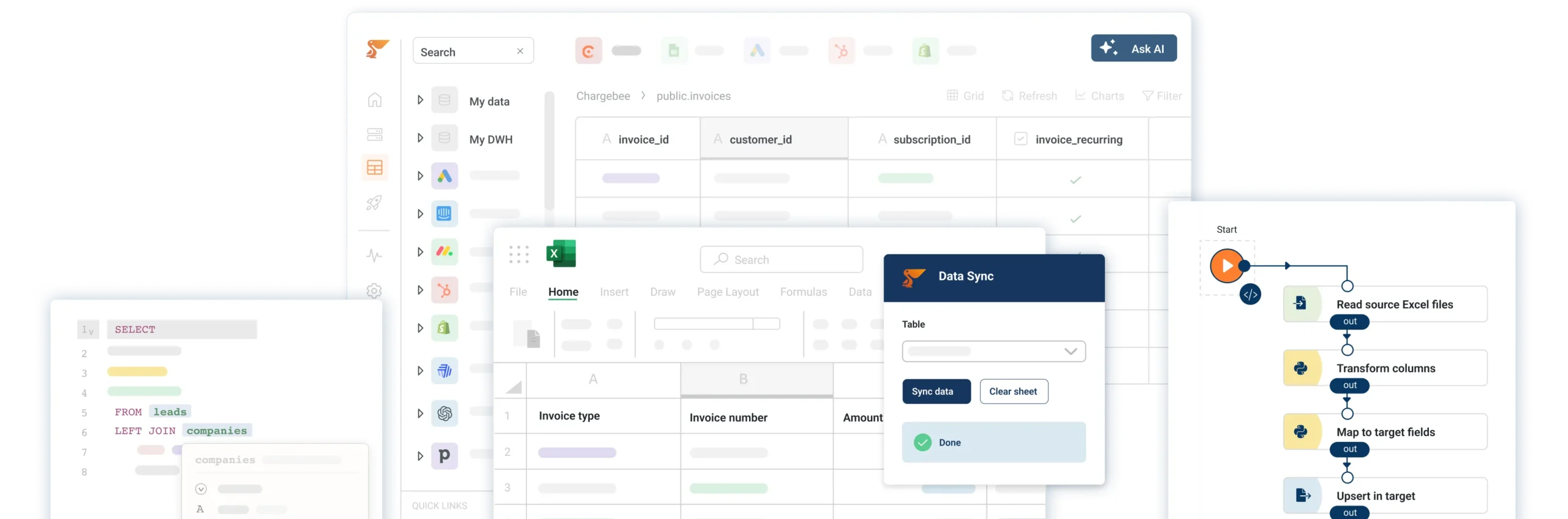
Peliqan is an all-in-one data platform with 250+ data connectors (ERP, CRM, Accounting, ATS/HRM, cloud storage etc.) – including SharePoint – and a built-in data warehouse. Peliqan allows you to unleash, prepare and combine your SharePoint data for AI, including relational & non-relational data. Peliqan turns your SharePoint data into 360° views that can be used in AI Agents built in n8n, Make, langChain, langGraph or any other framework. Use Peliqan to create embeddings, store them in a vector store so that your AI chatbots can use RAG and Graph RAG, combined with Text-to-SQL for analytical reasoning. Peliqan is the only platform that allows your AI Agents to combine RAG and Text-to-SQL to apply deep reasoning on your SharePoint data. Use Peliqan to expose any SharePoint as an MCP server to query data and to take actions.
How to build an AI agent for SharePoint ?
There are different ways to build an AI agent that can query data in SharePoint and take actions in SharePoint. For example you can build an AI agent in n8n and use Peliqan as the data foundation. Peliqan will sync your SharePoint data to its built-in data warehouse and allow the AI Agent to perform “Text to SQL” and RAG to answer questions and to perform reasoning on SharePoint data, combined with data from 250+ other sources.
How can I use SharePoint in n8n ?
First sign up for a free trial on Peliqan.io, next connect SharePoint in Peliqan. Once that is done, create an AI agent in n8n and use the Peliqan n8n node in your worflow. Add Peliqan as a “tool” to your AI Agent node, so that the AI agent can query your SharePoint data using Text to SQL.
How to use RAG with SharePoint ?
There are different options to use RAG (retrieval augmented generation) in your AI Agent with SharePoint data. One option is to create a workflow in n8n that fetches all SharePoint data from Peliqan and stores it in Supabase as a vector store, with embeddings created using e.g. OpenAI.
How to build an MCP Server for SharePoint ?
In Peliqan, you can set up API endpoints and expose them as MCP Server. In the API endpoint handler script, you can configure actions to be taken in SharePoint such as querying data, doing lookups, adding new items or performing updates.
How do I build an AI chatbot with “Text to SQL” for SharePoint ?
n8n is a great tool to build AI chatbots that use Text to SQL, to answer any analytical question on your SharePoint data. Any question will be converted by the AI agent into an SQL query, which is executed by Peliqan on the SharePoint data in the data warehouse.
How to create embeddings in a vector store for SharePoint data ?
In order to prepare your SharePoint data for RAG, you need to create embeddings and store them in a vector store. This can be done by creating a workflow in n8n that fetches all SharePoint data from Peliqan and stores it in Supabase as a vector store, with embeddings created using e.g. OpenAI.
All-in-one Data Platform
Built-in data warehouse, superior data activation capabilities, and AI-powered development assistance.
Peliqan is secure
Here’s why founders, CIOs, and their IT teams trust us with their data.
SOC 2 Type 2 validates our security controls, ensuring your data is protected by independently audited security measures.
ISO 27001 certification (in progress) ensures enterprise-grade information security, protecting your business with globally recognized standards.
GDPR compliance guarantees EU data protection compliance, keeping PII data secure within EU boundaries.
Ready to get instant access to all your company data ?
We use cookies to ensure that we give you the best experience on our website. If you continue to use this site we will assume that you are happy with it.
We use cookies to ensure that we give you the best experience on our website. If you continue to use this site we will assume that you are happy with it.