Peliqan

Activate your NetSuite data for BI & AI

Instantly connect NetSuite, use any BI tool. Combine SQL and low-code Python to integrate, automate and activate your data.

Netsuite logo
BI
Metabase
Excel
Tableau
Power BI
Qlik
AI
Claude
ChatGPT
n8n
MCP
Client

Copilot

NetSuite data, ready for analytics and AI

What this connector does, and why teams sync it to a warehouse

About this connector

What is Netsuite?


NetSuite is Oracle's cloud ERP platform, dominant among growing mid-market companies for finance, inventory, CRM, and ecommerce. Its native reporting struggles with cross-subsidiary consolidation and external data joins. Peliqan provides a managed NetSuite connector that syncs financial records, transactions, and customers into your warehouse for consolidated reporting and finance + ops dashboards.

Why sync to a warehouse

Get more from Netsuite data


  • Centralize Netsuite data alongside CRM, ERP, and product systems
  • Cross-source analytics and dashboards in one warehouse
  • AI agents and Text-to-SQL on live Netsuite data via MCP
  • Automated incremental syncs, no manual exports or scripts
  • Real-time sync with no manual exports or scripts

From raw data to actionable insights in minutes

Peliqan brings ETL pipelines, data transformations and reverse ETL together in one integrated platform. Connect your favorite BI tool and activate your data with SQL and low-code Python.

Trusted by data-driven companies

Logo 1
Logo 2
Logo 3
Logo 4
Logo 4
Logo 4
Logo 4
Logo 4
Logo 4
Logo 4
Logo 4
Logo 4

AI

BI

Instant data warehouse for NetSuite

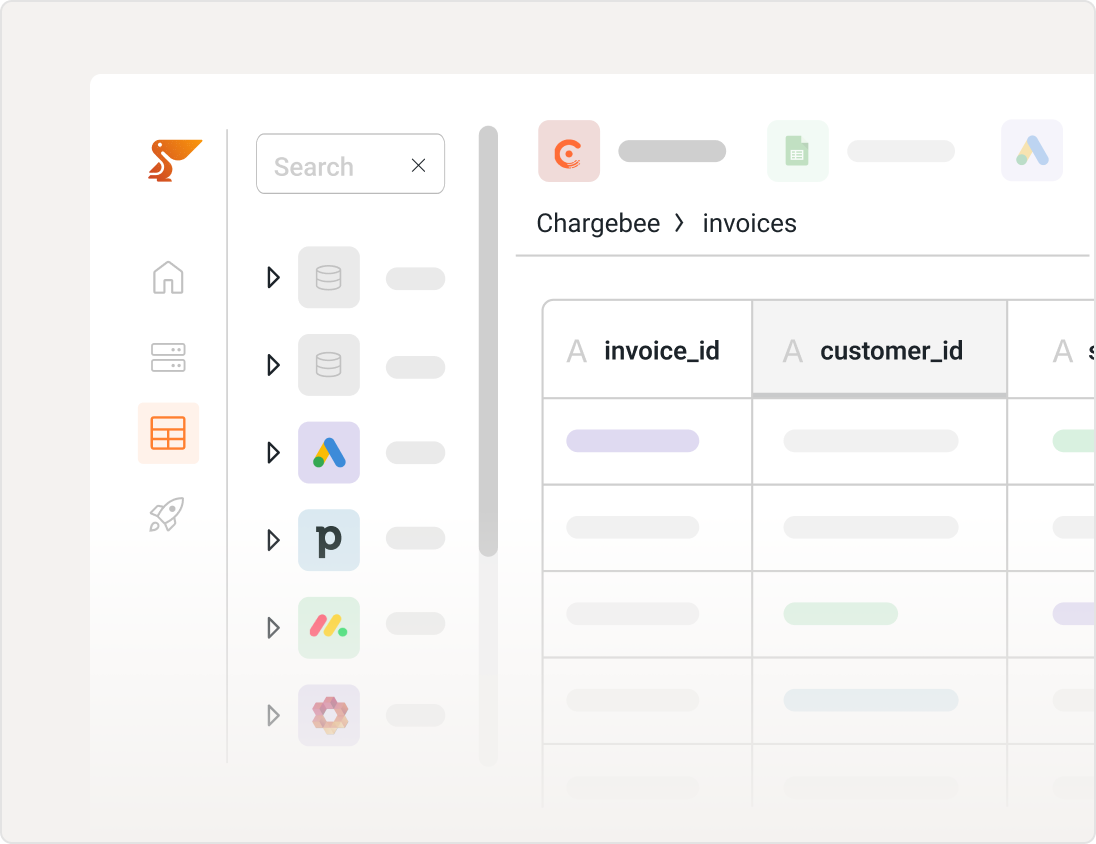
Sync NetSuite into a data warehouse with a few clicks, and start exploring your data in an easy spreadsheet. 

Use SQL on NetSuite to combine data, build custom reports and prepare data for your favorite BI tool such as Microsoft Power BI, Tableau, Qlik Sense, Looker or Metabase. ETL data pipelines are automatically created.

Peliqan Fav Icon
Peliqan DW

Snowflake data warehouse
Snowflake

redshift
Redshift

Clickhouse
Clickhouse

Instant data warehouse

Spreadsheet UI and magical SQL for NetSuite

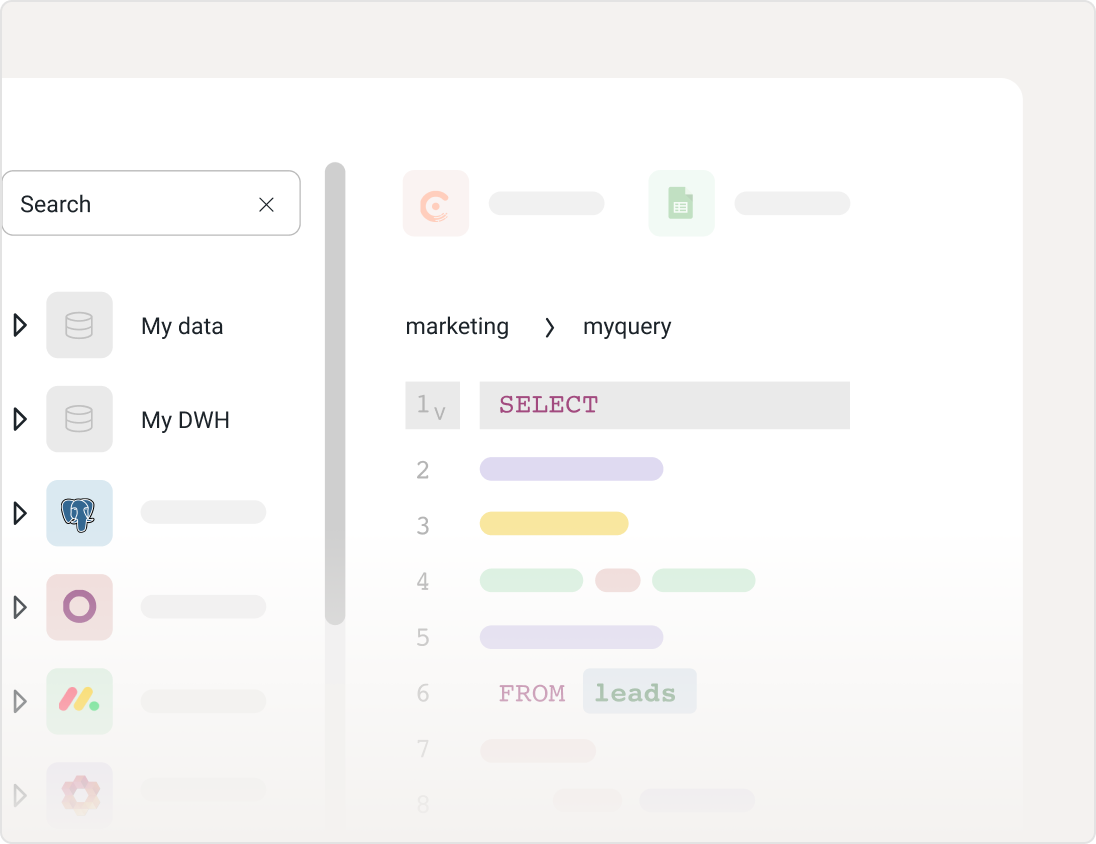
Explore data in a rich spreadsheet UI. Use Magical SQL to combine and transform data. SQL queries become new tables that can be shared with business users and used in any BI tool.

Use Peliqan’s built-in distributed query engine to combine data between sources, e.g. write JOIN queries between tables in the Peliqan DW and external databases.

Peliqan Fav Icon
Peliqan DW

MongoDB
MongoDB

postgres
Postgres

microsoft-sql-server
SQL Server

Spreadsheet UI

Visualize your NetSuite data

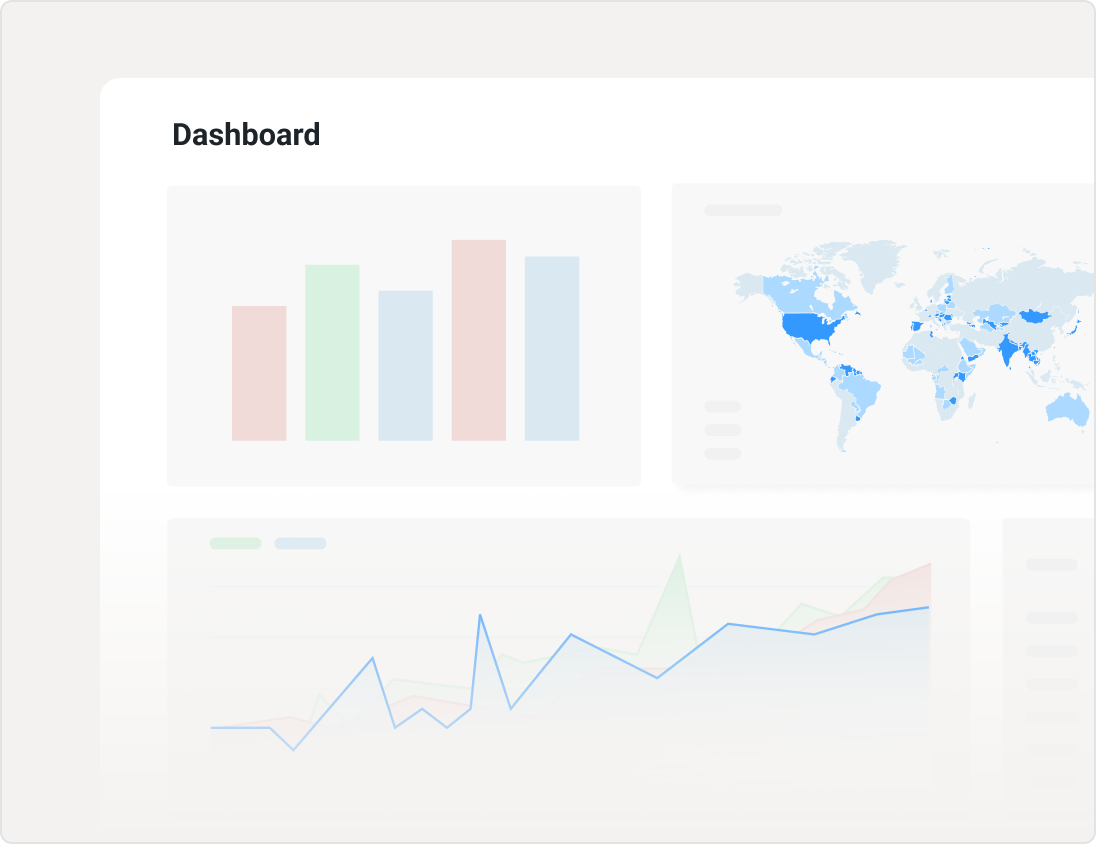
Use your preferred BI tool (Power BI, Tableau, Metabase etc.) to visualize your NetSuite data.

Deploy Metabase with a single click from the Peliqan Market Place and use NetSuite in Metabase.

Sync with Google Sheets for easy data analysis from any source.

Connect your data to Microsoft Power BI
Power BI

Sync data to Metabase
Metabase

Tableau

Superset
Superset

Visualize

SaaS Data Cockpit

Connect your apps, then work with the data in a spreadsheet, in SQL, or in plain English. No pipelines to maintain.

Do more with Peliqan

Four more things teams do with NetSuite data once it is in the warehouse.

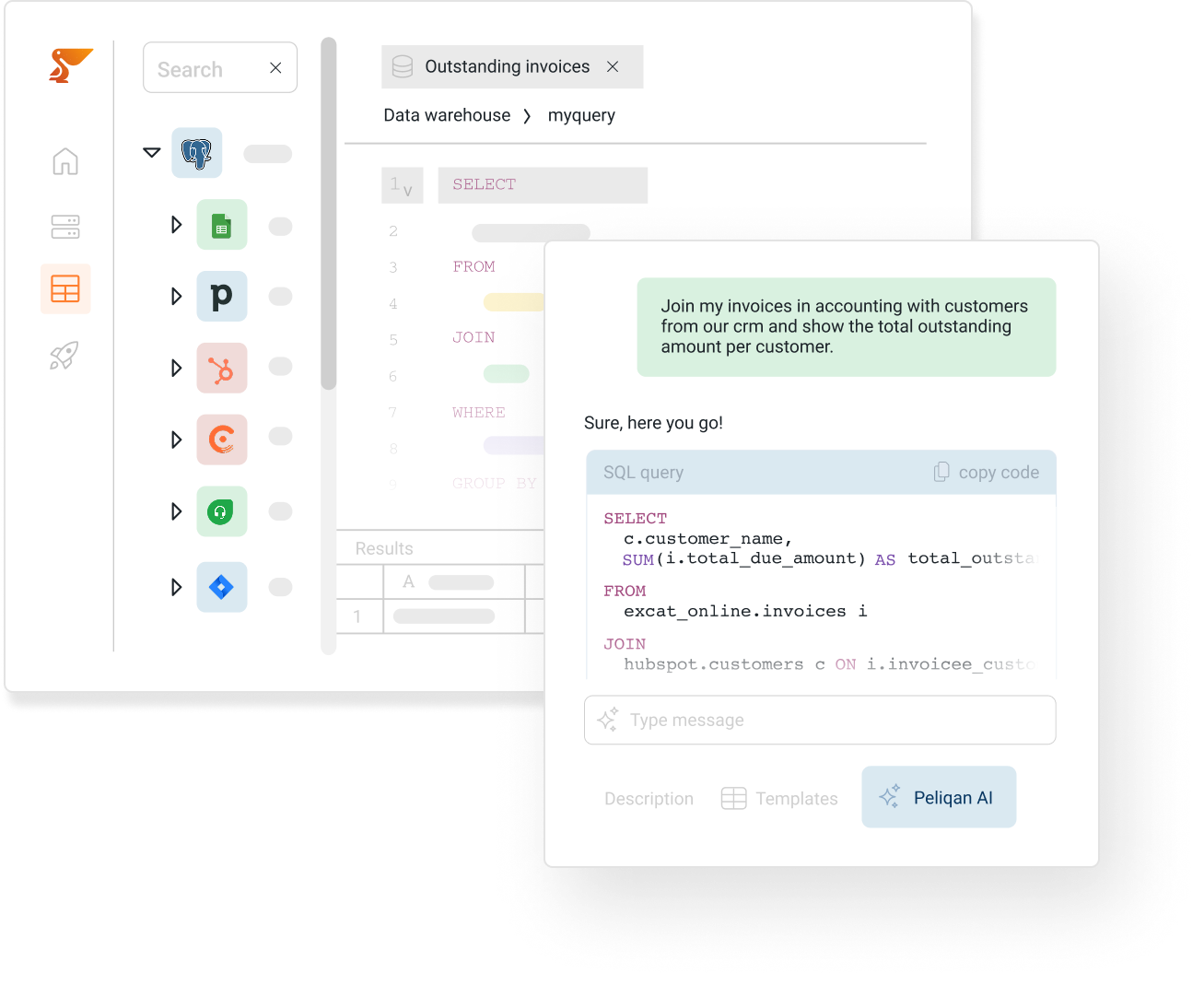
Build AI Agents on NetSuite

Build intelligent AI Agents on top of NetSuite, with Peliqan’s AI data foundation: NetSuite MCP Server, NetSuite in n8n AI Agents & Make, “Text to SQL” on NetSuite data, NetSuite RAG with out-of-the-box embeddings (vectors) and NetSuite Graph RAG.

More info

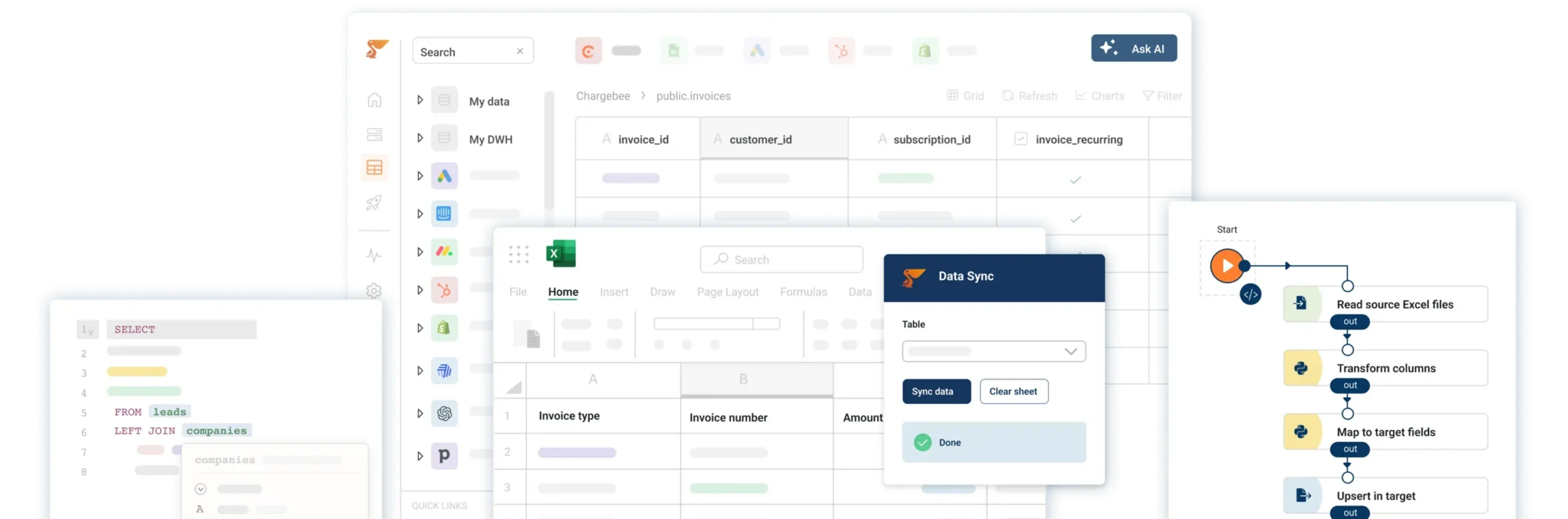
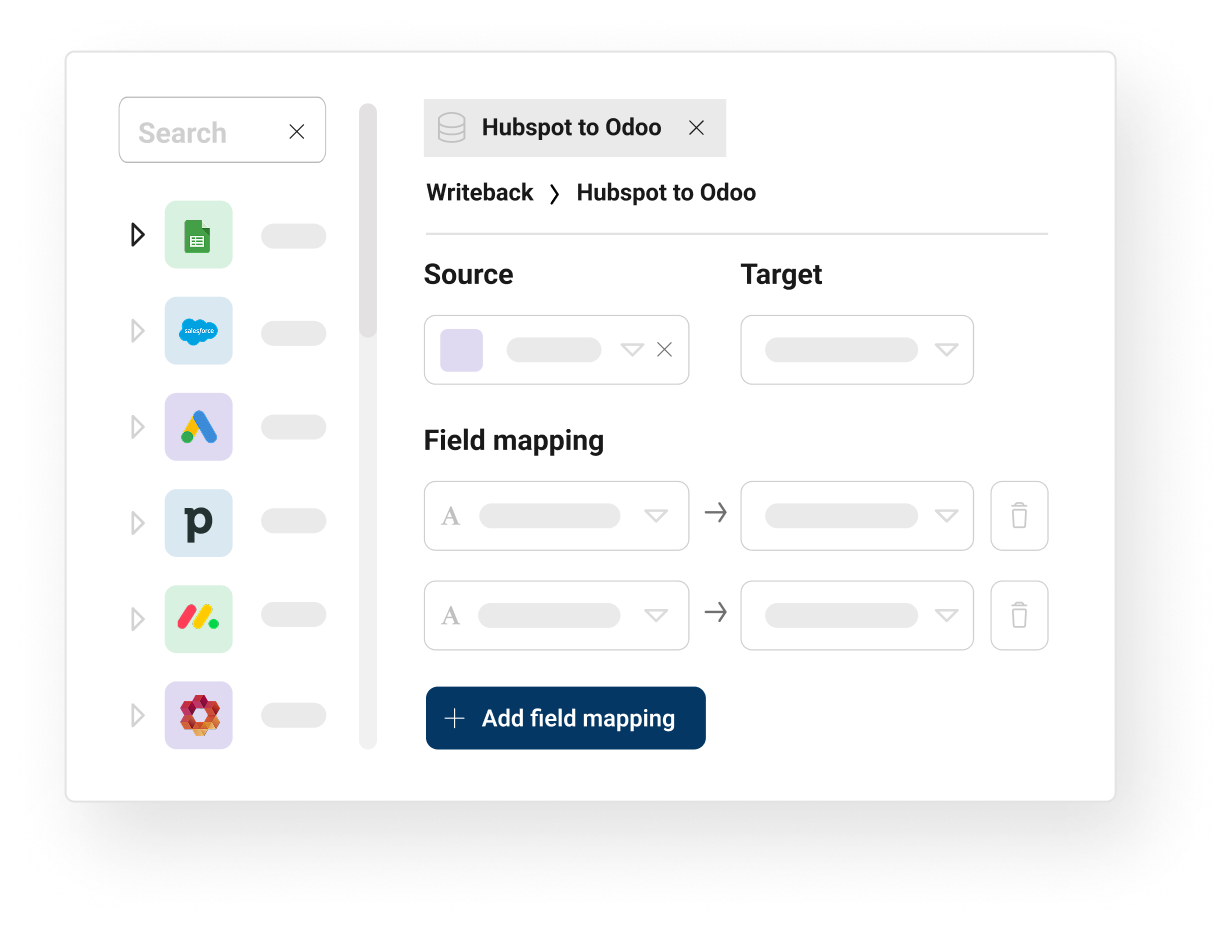
Export data from multiple SaaS applications and databases into NetSuite. Set up automated data syncs to keep your business applications in sync. Use Reverse ETL to sync NetSuite data to any business application.

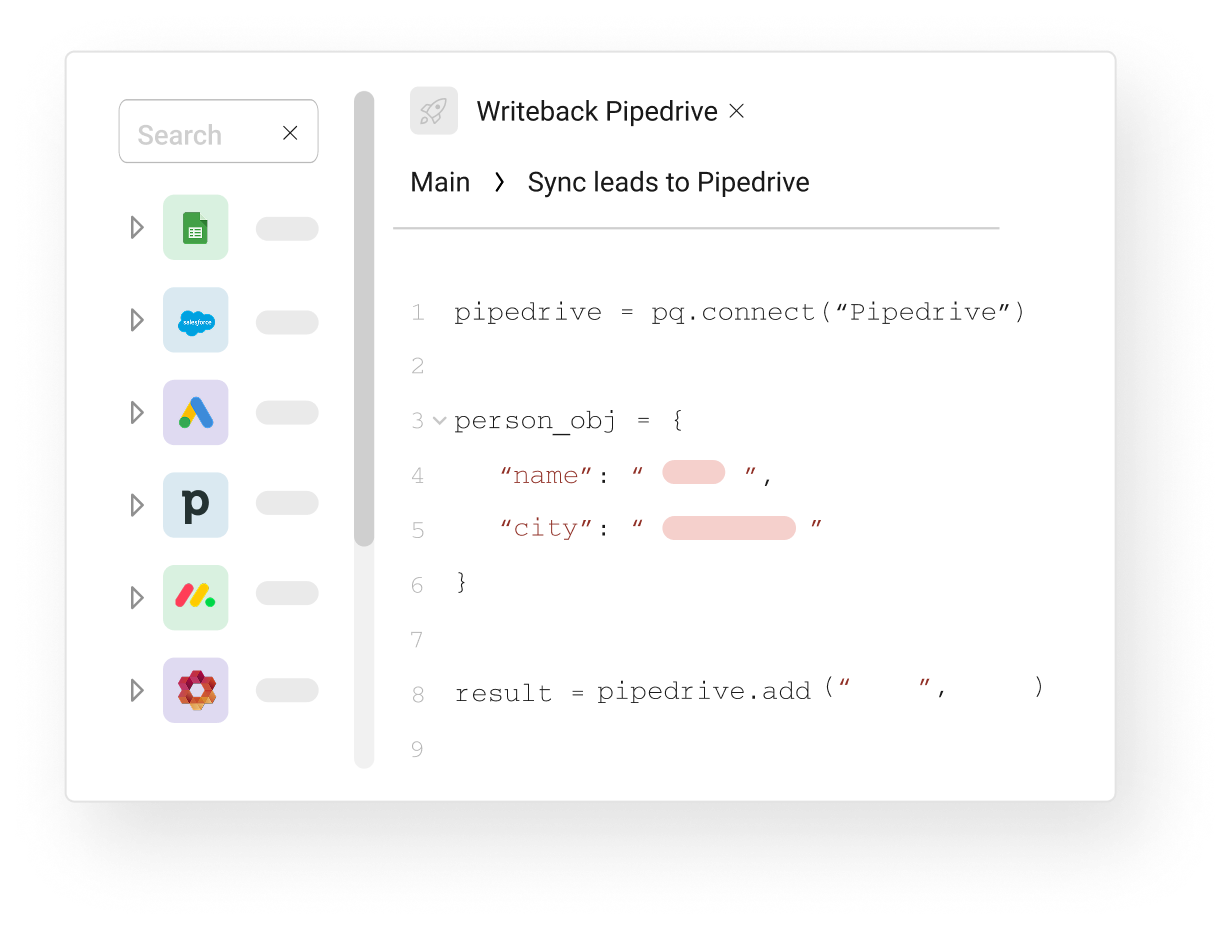
Developers can write, test, execute and schedule low-code Python scripts to work with their data. Implement reverse ETL with 3 lines of code. Run ML models, build interactive UIs, publish APIs.

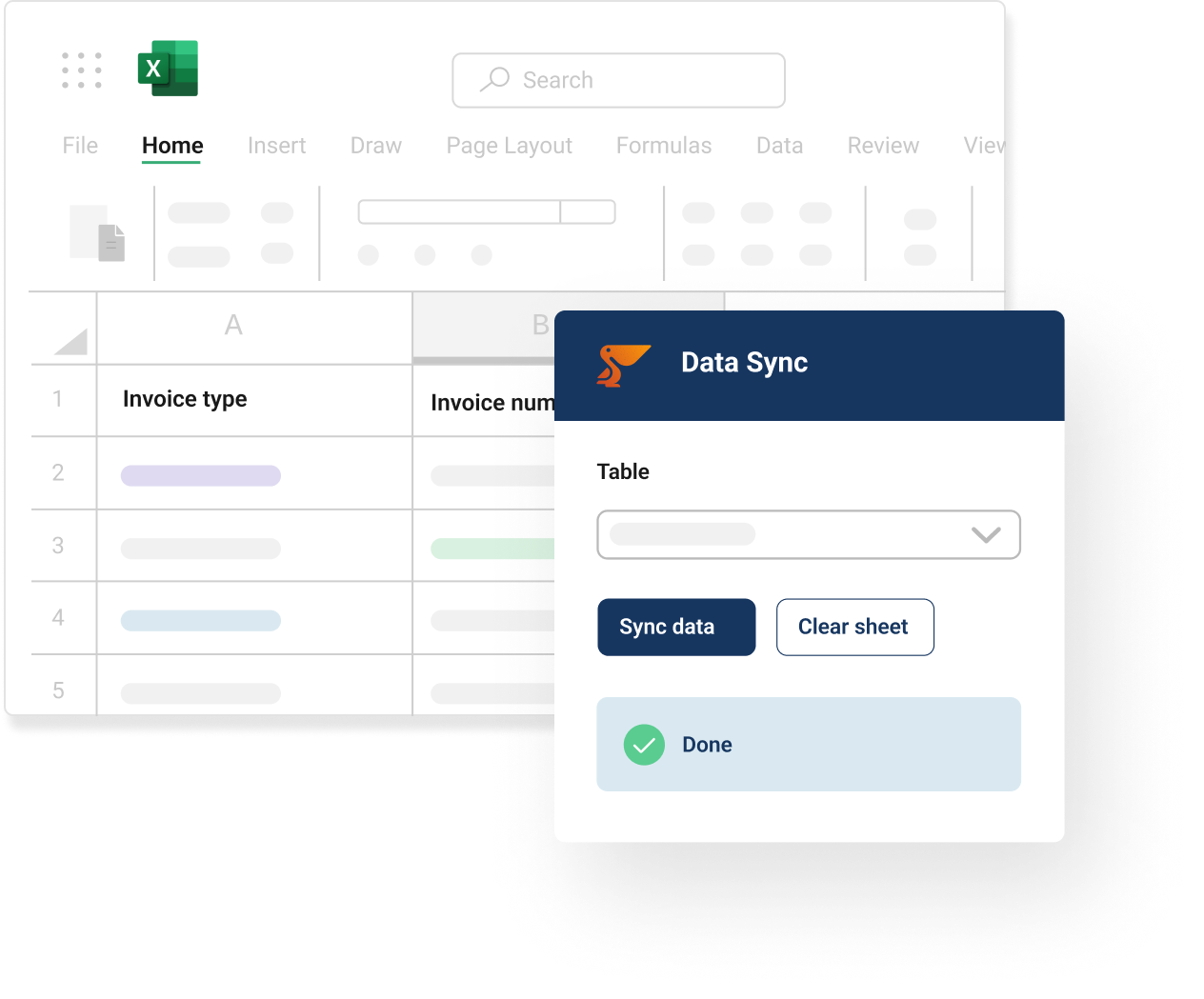
CFOs, CEOs and other business users can work with Peliqan data in Excel thanks to the Peliqan Excel add-in. Easily switch between data sources and work with your data in real-time in Excel.

Do more with Peliqan 2

Do more with Peliqan 3

Do more with Peliqan 4

Popular SQL queries for NetSuite

Ready-to-use queries once your NetSuite data is in a warehouse. Run them as-is or adapt them in Peliqan’s SQL editor.

Calculate the total revenue generated by each customer.

Calculate the average value of each order.

Identify the top selling products based on quantity sold.

Calculate the rate at which new customers are acquired.

Calculate the average lifetime value of a customer.

Get sales data by customer and product.

Get inventory levels by warehouse.

Get open purchase orders by vendor.

Get financial performance by quarter.

Beyond Simple Sync

A cloud data platform for everything you want to do with NetSuite data after the sync.

Ad hoc analysis

Analyze your NetSuite data with SQL or in a spreadsheet.

Self-service access

Enable business users with controlled self-service data access to NetSuite.

Spreadsheet BI

Work with your NetSuite data in a spreadsheet that is always up-to-date.

Dashboards

Create charts and visualize your NetSuite data in dashboards.

Data verification

Create views for “human in the loop” processes when working with NetSuite data.

Reporting

Build custom reports from NetSuite in HTML, PDF…

Frequently asked questions

How does Peliqan connect to Netsuite?

Peliqan connects to your SaaS business applications such as Netsuite through APIs, using for example OAuth 2.0 or an API key for authentication. The connection is typically added in a few clicks. For OAuth connectors, you authorize Peliqan to access your data. You can choose which objects to sync, and the connector handles incremental updates from there (if available in this specific connector). No code, no middleware, and no IT tickets to file.

Which Netsuite objects can I sync to my warehouse?

Peliqan typically syncs all standard objects from your business applications such as Netsuite. Peliqan usually also syncs custom objects and custom fields. The connector adapts to schema changes without manual reconfiguration. Browse the full connector catalog to see related connectors and integrations.

How often is Netsuite data updated in my warehouse?

Syncs can run up to every 15 minutes on the Pro plan, with custom schedules available on higher tiers. Sync mode is incremental where available, so only new and changed records are pulled, which keeps API call usage low and respects Netsuite rate limits.

Can I write data back to Netsuite from my warehouse?

Yes. Peliqan's reverse ETL pushes data from your data warehouse back into selected business applications. Please check Peliqan's documentation for details on "writeback" availability for specific connectors such as Netsuite, not all Peliqan connectors support reverse ETL/writeback. Reverse ETL is useful for syncing enriched scores, customer health metrics, billing data, or product usage signals into native Netsuite fields. Reverse ETL flows can run on a schedule, on demand, or be triggered by SQL conditions. Read the reverse ETL documentation for setup details.

What can I do with Netsuite data once it's in Peliqan?

Once Netsuite data lands in your data warehouse (such as Peliqan's built-in data warehouse or Fabric, Snowflake, BigQuery, Redshift or PostgreSQL), you can run SQL queries, build dashboards in Power BI, Tableau, Metabase, or Looker, combine it with data from other sources, feed it into AI agents through MCP servers, build Text-to-SQL and RAG workflows, or activate it through reverse ETL.

Peliqan also includes a built-in spreadsheet UI for ad hoc analysis without writing SQL.

Is the Netsuite connector secure and GDPR compliant?

Peliqan is SOC 2 Type II certified, GDPR compliant, and ISO 27001 certified. Netsuite credentials are stored encrypted at rest, all data transfers happen encrypted over TLS, and EU-resident data stays on EU infrastructure in the eu.peliqan.io region.

3 ways to get Netsuite data into a warehouse

Native Netsuite exports

  • Manual CSV exports from Netsuite reports
  • Row limits per export and no scheduled sync
  • No incremental updates, no schema management
  • Breaks when admins change schema
  • No two-way writeback

Custom code with the Netsuite API

  • Full control, but engineering-heavy to build
  • Must handle OAuth refresh and rate limits
  • Schema changes break pipelines silently
  • Ongoing maintenance burden on your team
  • Reverse ETL requires separate code

Netsuite on Peliqan

  • Managed connector, no code required
  • Incremental syncs, automatic schema evolution
  • Bidirectional writeback for reverse ETL
  • Built-in warehouse, BI, and AI in one platform
  • SOC 2 Type II, GDPR compliant, EU hosted

Request a Netsuite demo →

Ready to see all your company data in one place?

Connect NetSuite to the rest of your stack and build the reports, dashboards and AI workflows your team needs.