Peliqan is a low-code data platform that allows developers to combine SQL with low-code Python to implement a wide range of data use cases such as writebacks (reverse ETL), data processing, machine learning, building custom data entry UIs etc.
Built-in IDE and run-time
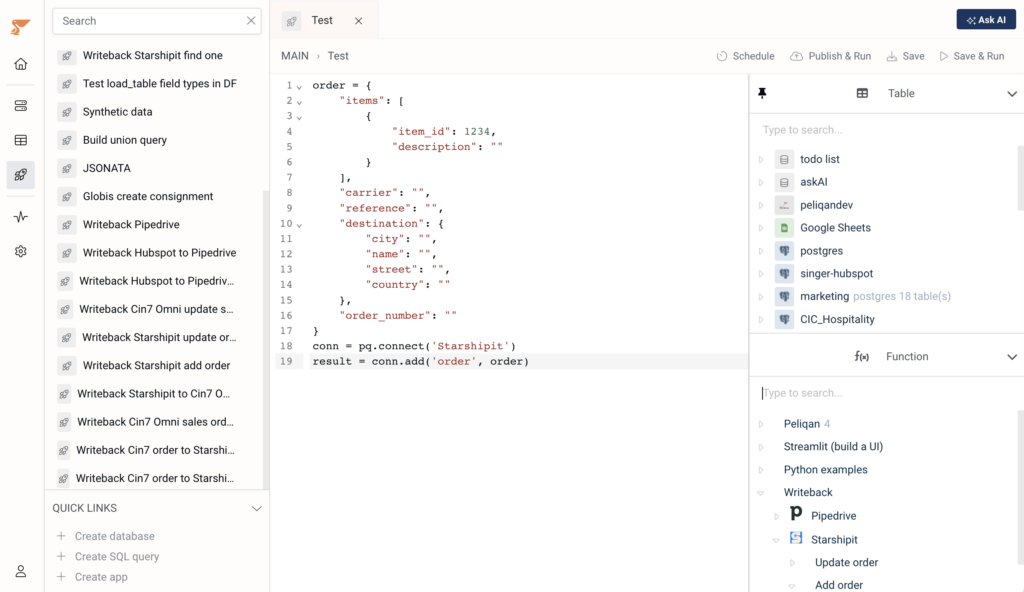
Write, test, run, schedula and share data-driven Python scripts in Peliqan and implement a wide range of use cases.
Low-code Python
Built-in run-time
Unified data access
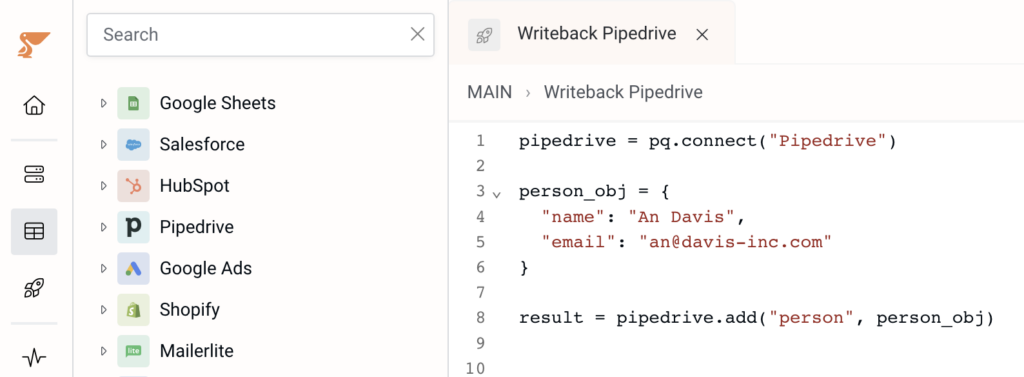
Writeback to SaaS applications
No hassle: code, test and publish
Implement any use case
Data visualisations
Visualize data in notebook-style or build interactive dashboards.
Data enrichment
Enrich data with third party data providers such as Clearbit or Hunter.
Interactive apps
Build UIs for business users to search data, make updates, data entry.
Reporting
Build custom reports and generate PDFs on the fly.
Writeback & Reverse ETL
Write data updates back to any source (SaaS, DB).
Data quality & monitoring
Implement quality checks, monitor data sets and send out alerts.
Predictions & ML
Make predictions, classify data or detect outliers using machine learning models.
Data contracts
Define data contracts and checks your datasets for compliance.
Unified data access in your code
Connect to any data source and immediately access the data from your Python code. Enjoy instant uniform data access to databases, data warehouses and SaaS applications.
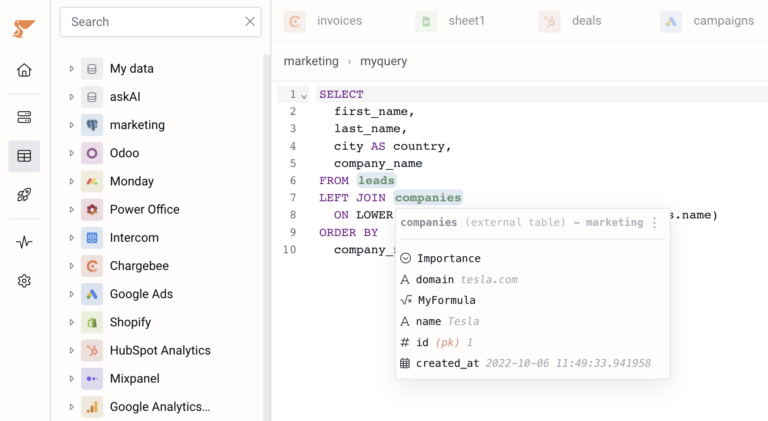
Load tables and SQL queries into a dataframe with one line of code. Run your code in Peliqan or run “pip install peliqan” and run your code anywhere.
Code or SQL ? No need to choose!
You can prepare data using SQL and load it into your Python code as a data frame using one line of code.
Focus on implementing your solution without the overhead of preparing the data, transforming it or joining it.
Build interactive data apps
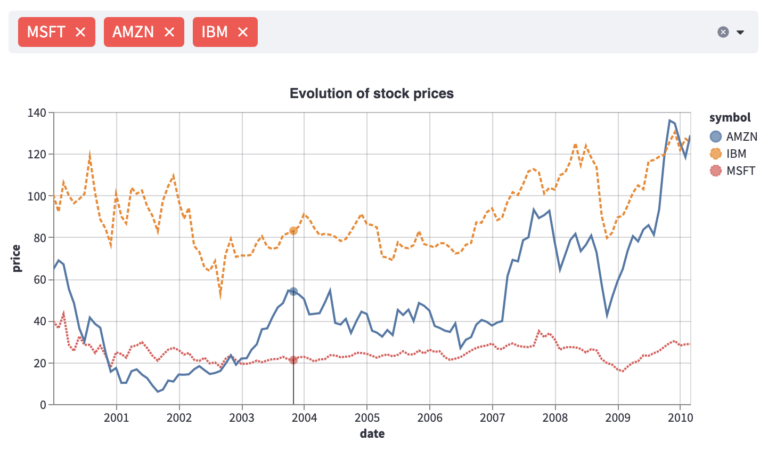
Turn data into charts and dashboards with a few lines of code and share dashboards with business teams.
Go beyond traditional BI visualisations and turn dashboards into interactive data apps.
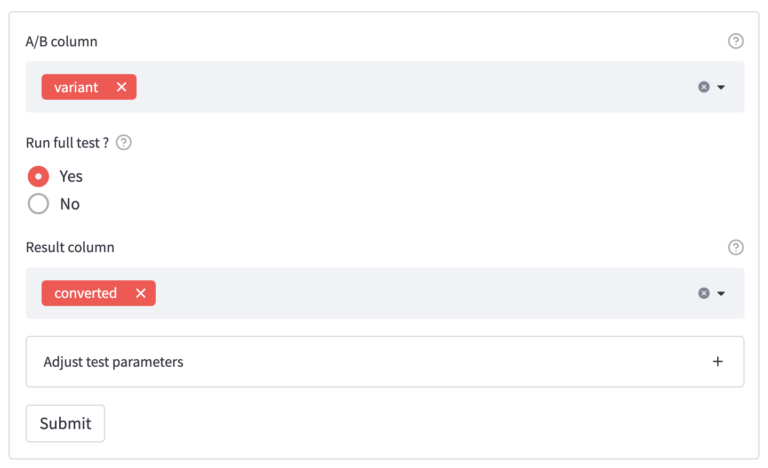
Use Peliqan’s low-code environment to build custom front-ends. Capture user input, get feedback, build apps for what-if analysis and build custom data-entry screens.
Publish API endpoints and consume incoming webhooks
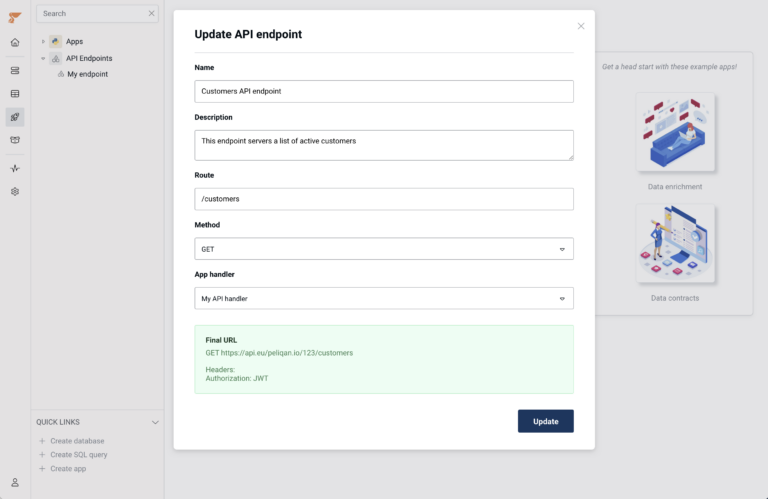
Publish API endpoints and link them to your code. Publish data products, share data and expose ML models through API endpoints.
Consume incoming webhooks from any source. Incoming webhook events are queued in a table and can easily be queried or processed in your Python code.
Technologies we love and use or integrate with
Supporting the modern data stack
… and many other databases, data warehouses, data catalogs and SaaS business applications.
We use cookies to ensure that we give you the best experience on our website. If you continue to use this site we will assume that you are happy with it.