Easily sync data from Snowflake into Google Sheets with real-time updates, and sync data inputs from sheets back into Snowflake.
Request more info
Spreadsheet BI & reports
Google Sheets is a great way to provide selected data from Snowflake to business teams, allowing users to perform the analysis they need in the tool they know best.
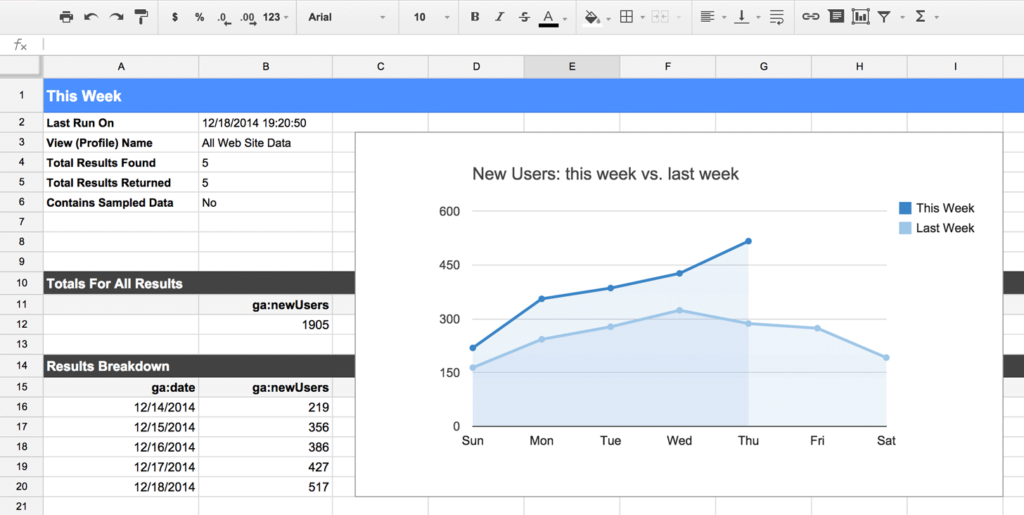
Sync data into Google Sheets at scale and build comprehensive reports.
You can even sync data entry back from Google sheets into Snowflake.
Quickly build & distribute Google Sheet reports
BUILD
Snowflake to Google Sheets
Sync data into Google Sheets and back
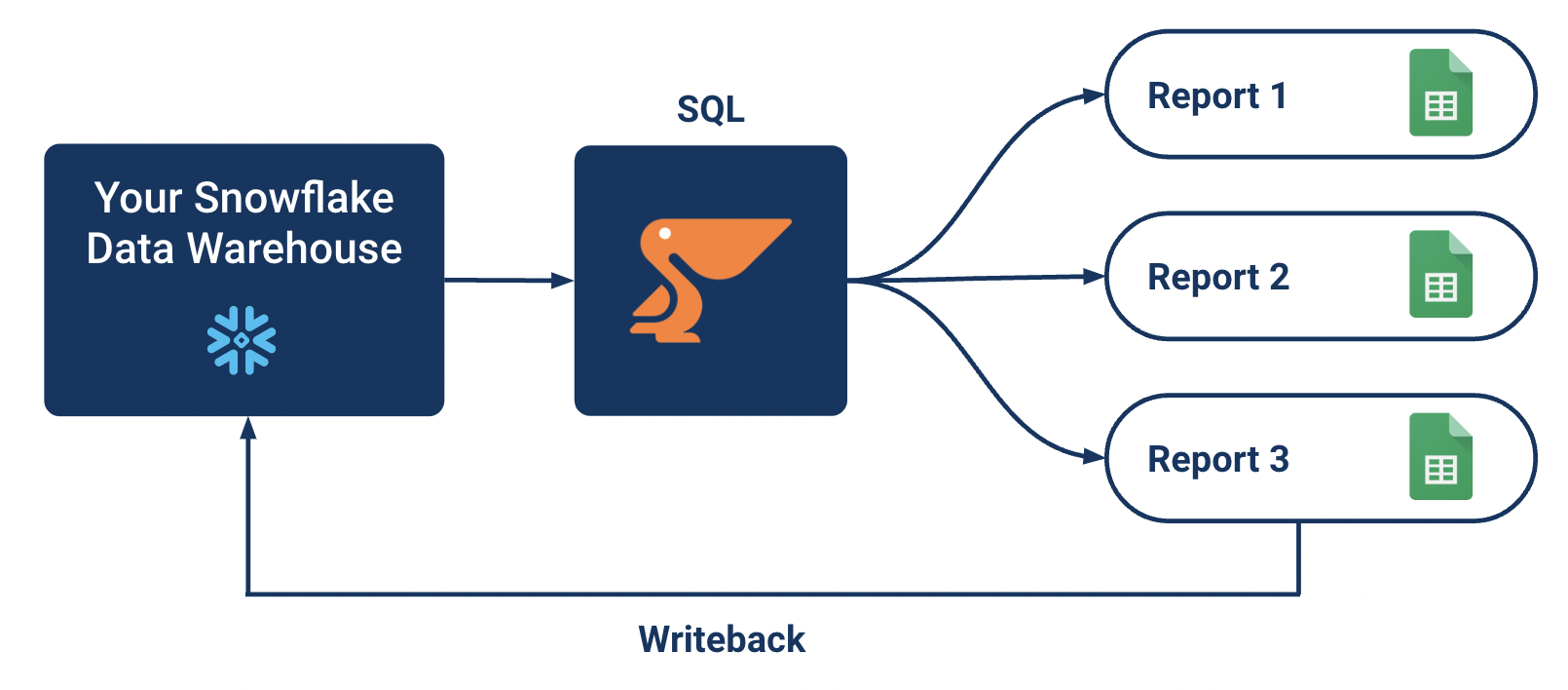
Start syncing data from Snowflake into Google Sheets in minutes with scheduled updates. You can even sync data back from Google Sheets into Snowflake.
SQL
Write SQL queries to prepare the data for reporting in Google Sheets. Easily filter data for personalized reports based on department, role etc.
Low code scripting
Apply any custom logic using simple scripts. Interact with Google Sheets using low-code functions.
DISTRIBUTE
Share reports at scale
Google Drive
Google Sheet reports can be shared through Google Drive, shared links etc.
Email distribution
Send out emails at scale to inform recipients of new reports, using shared links in the email or by attaching an Excel export or PDF export of the report.
Slack & MS Teams alerting
Send out messages using Slack and MS Teams to individuals or teams to announce new reports.
How does it work ?
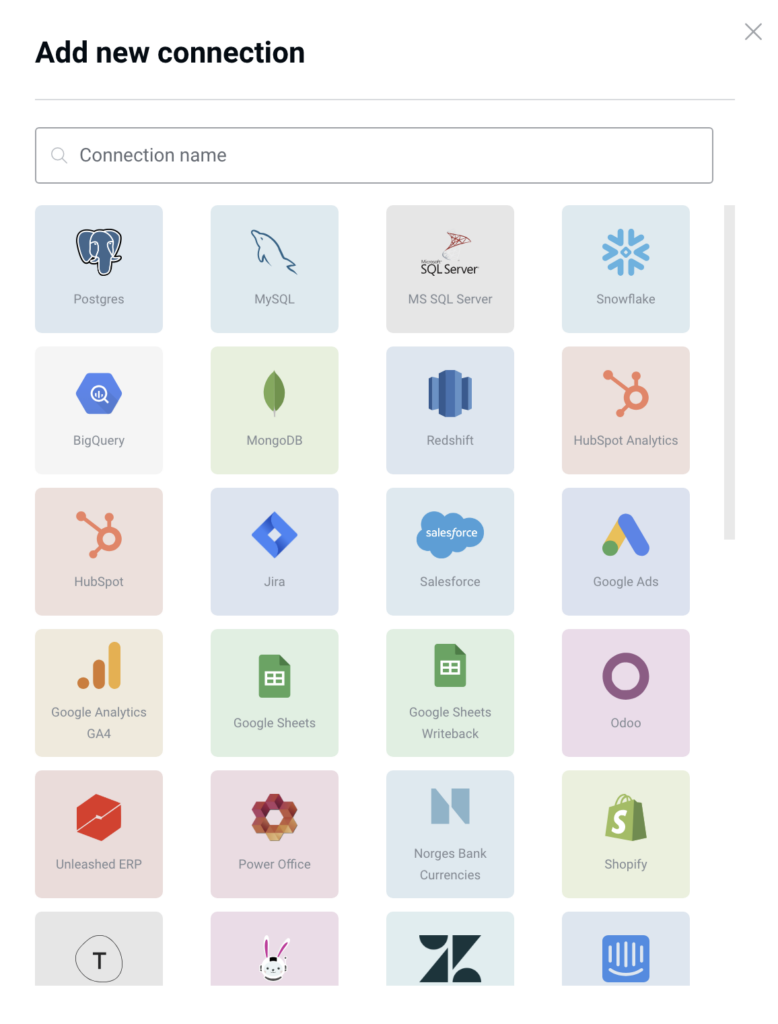
Connect Google Sheets with a few clicks, and start syncing data from Snowflake into Google Sheets.
Choose how to distribute your reports, inform users using email, Slack, Teams etc.
Allow data entry in Google Sheets, for example setting sales targets based on the actuals in the report, and write back these targets into Snowflake.
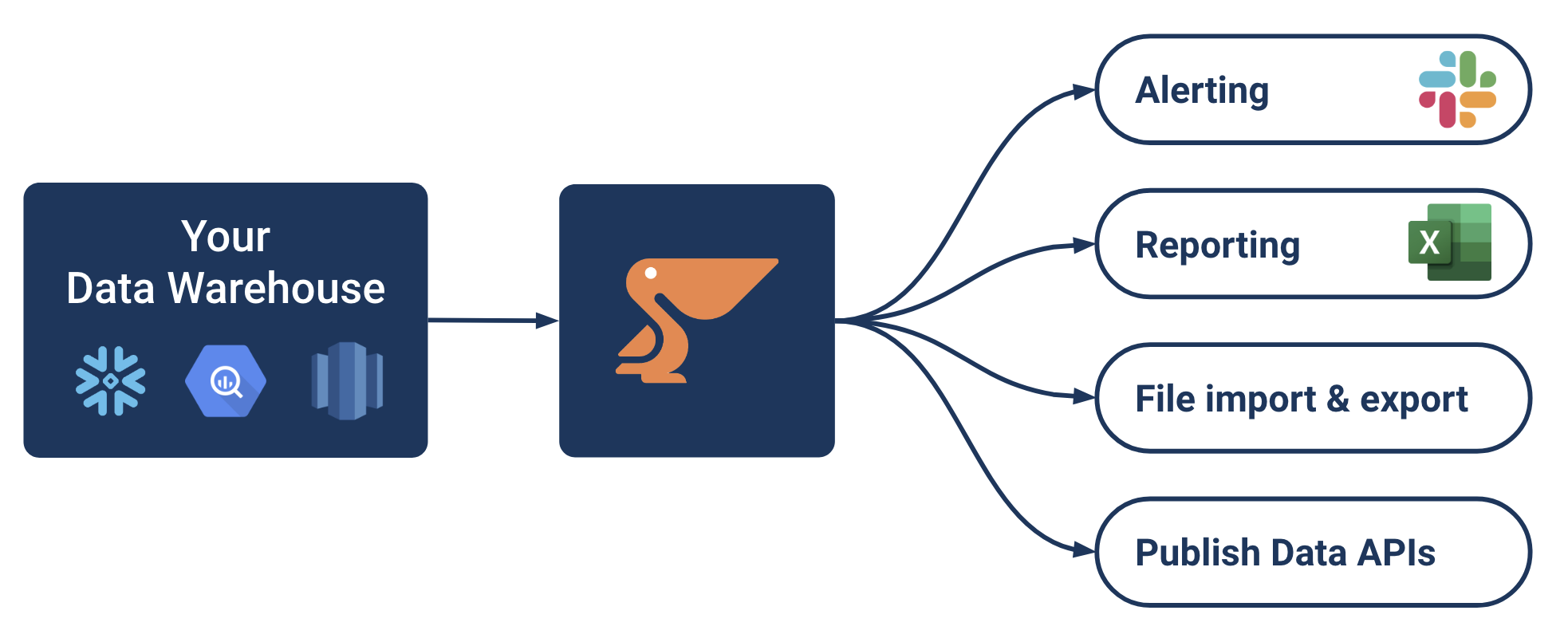
Data activation is all the things you can do besides traditional BI, to make your business more data-driven, automate data-related processes and increase productivity.
Send out business alerts based on data changes in your data warehouse. Alert individuals and teams on Slack and MS Teams.
Reporting & distribution
Generate personalized reports in Excel, Google Sheets and PDF. Distribute reports by email, SFTP or cloud storage (Google Drive, OneDrive, Sharepoint).
Data apps
Set up web-based forms and interfaces for data entry or for data access. Writeback updates into your database. Send real-time query results to the UI.
LLM Chatbots
Implement a Chatbot similar to ChatGPT (LLM) based on your internal company data and enable language-based data interaction.
Excel
Google Sheets
PDF
File import & export
Handle files at scale, both for data import into your data warehouse, as well as exporting data and distribution of files.
Easily handle cloud storage (OneDrive, Google Drive, Dropbox, Sharepoint), files on SFTP, and file attachments in emails. Work with any type of files: CSV, JSON, text files, Excel etc.
REST
Publish Data APIs
Easily publish Data APIs with selected datasets, for data sharing with partners, customers and suppliers. Handle custom logic in API endpoints with low-code Python.
Convert a custom query in an API endpoint instantly. Serve data using REST and JSON or any other data format.
SaaS connectors
Two-way
Data syncs
Sync data between business applications or between your data warehouse and business applications (Reverse ETL).
Use the 100+ Peliqan connectors for both reading data and writing to business applications, databases, files and other APIs.
Python
Low code automations
Use low-code Python, combined with SQL, to implement any type of automation or integration. Writeback to business applications with easy function wrappers. Access data as data frames, use Streamlit for interactive UIs.
Code in your favourite IDE or in Peliqan directly. Schedule runs and view logs.
Start syncing data into Google Sheets now!
Sync data to sheets and get user input from sheets back into Snowflake
We use cookies to ensure that we give you the best experience on our website. If you continue to use this site we will assume that you are happy with it.